✓ Practical Windows troubleshooting
Fix Windows errors without the guesswork.
Clear, step-by-step solutions for Windows 10 and Windows 11—organized by the problem you are seeing right now.
✓ Cause-first diagnosis✓ Safe steps before advanced fixes✓ Windows 10 & 11 coverage
Choose the problem you need to fix
Start with the closest match. Each hub leads to focused guides with checks in the right order.
Windows Update
Update failures, stuck downloads, service errors and conflict codes.
Blue Screen Errors
BSOD stop codes, crash causes and recovery steps.
Drivers & Devices
Device Manager codes, missing drivers and hardware checks.
Network & Wi-Fi
Connection drops, adapter errors and internet access problems.
Activation
License, product key and activation troubleshooting.
Slow Windows
Startup delays, freezes and performance bottlenecks.
Fixes arranged in a safer order
Our guides begin with the least disruptive checks, explain why each step matters, and clearly mark advanced actions.
Latest Windows fixes
Recently published and updated troubleshooting guides.
- How to Connect Windows to Proxy
 Choose one of 3 proxy layers in Windows: system proxy, WinHTTP, or app-level SOCKS5. This guide covers Windows 10 and 11 setup steps, plus a troubleshooting checklist.
 - Cannot Connect to Proxy: Fix the Source First
 Check who changed the proxy settings first: Windows, Chrome, an extension, a policy, or a local app. Then trace the source and fix the right layer.
 - Unable to Connect to the Proxy Server
 “Unable to connect to the proxy server” usually points to a browser proxy setting, a Windows-wide proxy, or a policy setting. Start with the source that matches the error.
 - The Configured Proxy Server Is Not Responding
 Windows, the browser, or a VPN is sending traffic through a dead proxy; check the failing layer first, then fix proxy settings, DNS, VPN, or Windows networking.
 - Win 11 Default Gateway: How to Find It on Windows 11
 Find the active adapter’s IPv4 default gateway in Windows 11, then verify whether it is your router, VPN gateway, or a bad static entry.
 - Windows 11 Enable DHCP: Step-by-Step Fix and Checks
 Set Windows 11 to obtain an IP address automatically, renew the lease if needed, and check the DHCP Client service when connectivity fails.
 - Windows Bsod System Service Exception
 Start with the named .sys driver if Windows shows one. If it does not, check updates, system files, memory, and disk health next.
 - Event 1000 Application Error
 Event ID 1000 means an application crashed, and the fastest first step is to sort the crash by faulting module and exception code before changing anything.
 - Hal_Error in Windows Event Viewer: What It Means
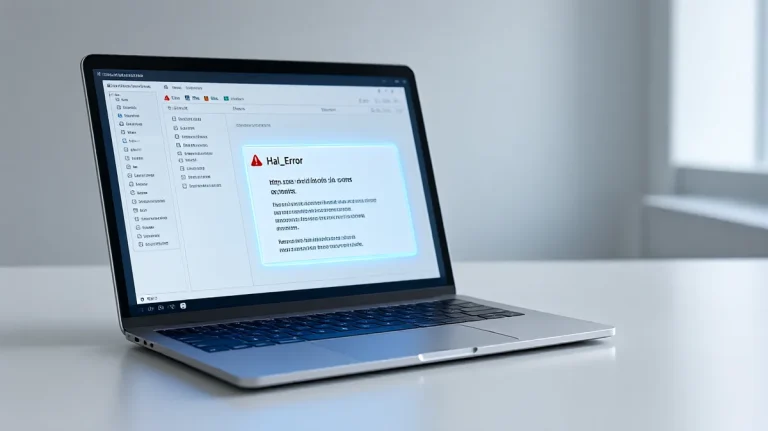 Treat hal_error in Event Viewer as a triage signal: one-off ACPI or RTC entries are often noise, but repeats usually point to BIOS, RAM, storage, or power faults.