0x0000005A: What It Means and How to Fix It in Windows
Stop code 0x0000005A means CRITICAL_SERVICE_FAILED. Microsoft’s debugger documentation lists the bug check value as 0x0000005A, says it appears very infrequently, and notes that !analyze can help determine the root cause. Guessing at the cause can waste time, so start with the last system change and work from there. neosmart.net
This guide is part of our Windows BSOD stop codes: full list and fixes series.
What 0x0000005A means on Windows
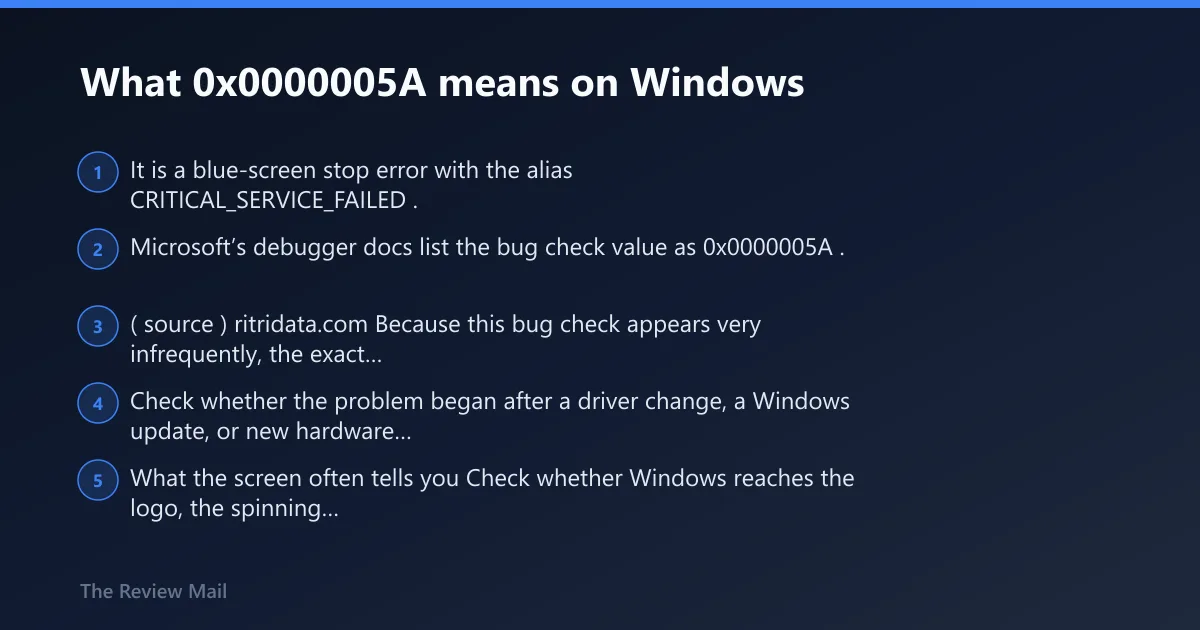
It is a blue-screen stop error with the alias CRITICAL_SERVICE_FAILED. Microsoft’s debugger docs list the bug check value as 0x0000005A. (source) ritridata.com
Because this bug check appears very infrequently, the exact sequence of events around the crash matters more than the screen color or any single symptom. Check whether the problem began after a driver change, a Windows update, or new hardware was installed.
What the screen often tells you
Check whether Windows reaches the logo, the spinning dots, or the sign-in screen before the crash. A failure before sign-in often points to a recent driver or device change, or to a startup component that Windows needs very early.
If the machine restarts too fast to read the stop screen, take a photo. The exact timing matters more than the color of the screen.
According to Bug Check 0x5A CRITICAL_SERVICE_FAILED – Windows drivers — The bug check value for CRITICAL_SERVICE_FAILED is 0x0000005A. (source)
What is most likely causing 0x0000005A?
The provided Microsoft documentation confirms the bug check value and that !analyze can help determine the root cause, but it does not rank one cause above the others. In practice, the next step is to look for the most recent change that lines up with the first crash.
Recent driver changes, Windows updates, new hardware, or damaged startup files are all possibilities to check. The safest approach is to test one branch at a time instead of assuming the cause up front.
Use this decision table before changing anything
| Trigger pattern | Likely root cause | Safest first action | When to stop DIY and escalate |
|---|---|---|---|
| Startup-only crash before sign-in | Recently changed driver, startup component, or damaged system files | Boot Safe Mode and remove the last changed driver or device | If Safe Mode also crashes or the PC cannot reach recovery options |
| Crash began right after a Windows update | Driver incompatibility or a corrupted update path | Roll back or uninstall the newest device driver first | If the same stop code returns after driver rollback |
| Crash began after new hardware was added | Driver, device, or firmware issue related to the new hardware | Leave the new hardware unplugged or removed, then boot again | If removal does not change the behavior or the machine will not stay up |
| Crash follows a power loss or disk error | Missing or corrupt system files, or storage damage | Run sfc /scannow, then chkdsk if needed | If file repair reports repeat damage or the disk checks fail |
Is 0x0000005A a driver problem or hardware problem?
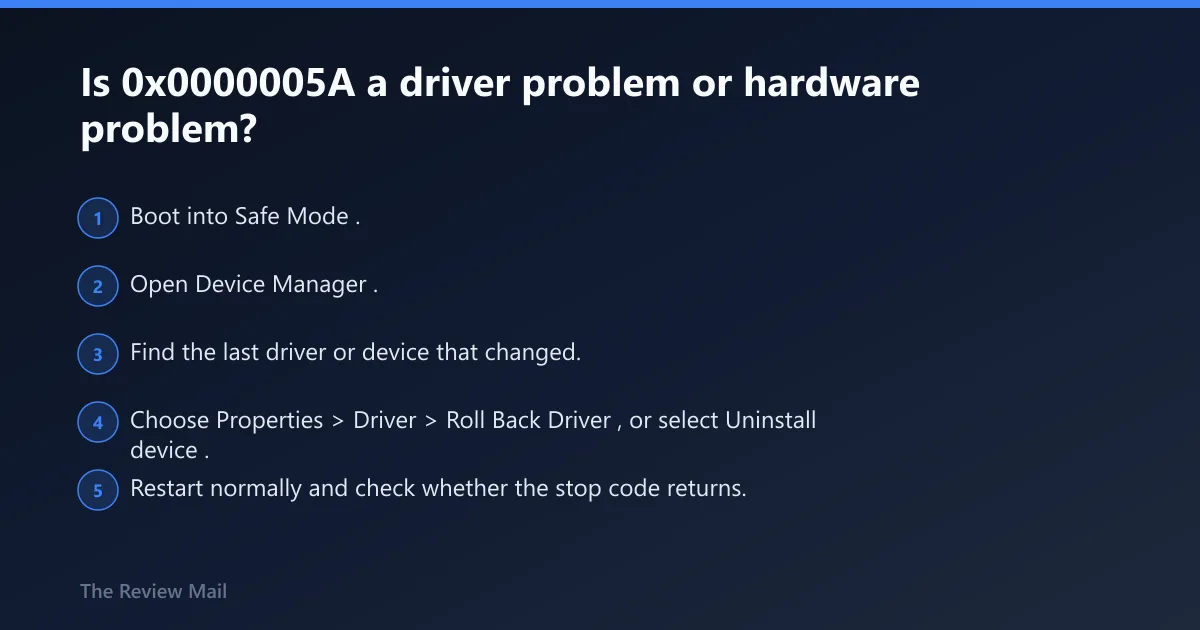
It can be either, so start with whatever changed most recently. If the crash began after a driver install, Windows update, or device change, treat it as a software or driver branch first. If it appears after a power outage, disk error, or hardware swap, check storage and hardware next.
Hardware should not be the default guess. Bad RAM, storage, or an unstable add-in device can trigger the same symptom, but the quickest clue is whether one recent change lines up with the first crash.
What points to a bad driver
- Boot into Safe Mode.
- Open Device Manager.
- Find the last driver or device that changed.
- Choose Properties > Driver > Roll Back Driver, or select Uninstall device.
- Restart normally and check whether the stop code returns.
If the crash began after a Windows update, this is often the first branch to try. Driver rollback is usually easier to reverse than storage repair.
What points to disk or hardware trouble
- Leave the new hardware unplugged or removed.
- Open recovery and run Startup Repair if Windows will not boot.
- From a working desktop or Safe Mode, run
sfc /scannow. - If the issue keeps returning, run
chkdskon the system drive.
If the machine throws the same stop code with the new device removed, or if disk checks report repeated errors, stop treating it like a simple driver issue.
How do I fix STOP 0x0000005A after startup?
Start with the most recent change, then work inward. A startup crash after sign-in usually means Windows loads far enough to trip on a driver, component, or file that it needs very early. Safe Mode is the cleanest place to remove that change before deeper repair.
Driver-first repair sequence
- Restart into Safe Mode.
- Open Device Manager.
- Right-click the newest or suspicious device and choose Uninstall device.
- Restart the PC.
- If the machine stays up, reinstall the driver from the device maker or Windows Update later.
If files are involved
- Open an elevated Command Prompt.
- Run
sfc /scannow. - If the crash returns or SFC reports unresolved damage, run
chkdskon the system drive. - Restart and test again.
That order keeps the repair flow simple: remove a recent change first, then verify the files boot depends on, then inspect the disk if the file check does not hold.
Can Safe Mode help with 0x0000005a?
Yes. Safe Mode is where you can remove or disable recently changed drivers and components without loading the full set of startup items. On older Windows versions, F8 reaches Advanced Startup Options before Windows begins loading.
What to do in Safe Mode
- Boot to Safe Mode.
- Open Device Manager and remove the last driver you added.
- Open Programs and Features and uninstall recent software tied to the crash if needed.
- Restart normally.
If Safe Mode will not load
- Use the Windows recovery environment.
- Try Startup Repair.
- If that fails, use recovery command prompt to run
sfc /scannowand thenchkdsk.
If neither normal boot nor Safe Mode works, stop treating this like a simple bad driver. At that point, the boot files or disk structure deserve closer scrutiny.
Should I run chkdsk or sfc for CRITICAL_SERVICE_FAILED?
Run sfc first when the pattern suggests missing or corrupt system files. Run chkdsk next when SFC does not clear the fault, when you see disk read/write trouble, or when the crash follows a power outage.
Repair order that keeps the diagnosis clean
- Run
sfc /scannow. - Restart and test.
- If the crash remains, run
chkdskon the Windows drive. - If both checks fail to stabilize boot, move to escalation rather than repeating the same scan.
Why file damage belongs on the list
Missing or corrupt system files can trigger boot problems, and disk read/write errors can leave the same footprint. That is why file repair belongs before reinstalling Windows.
Does 0x0000005a happen on Windows 11?
Yes. The same stop code can appear on Windows 10 and Windows 11. The recovery path and Safe Mode route are relevant on many systems, but the triage logic is the same: decide whether the crash tracks a driver change, damaged files, or storage trouble. (systemfilehub.com)
What changed between 0x0000005A and other BSOD codes?
The main difference is the clue it gives. Some stop codes point straight at a class of problem; this one is most useful as an indicator that narrows the search to drivers, critical files, or storage. The code itself is not enough. The timing is the evidence.
When should you treat it as a Windows 11-specific issue?
When the crash starts right after a feature update, a new device install, or a driver package meant for Windows 11. In that case, check Device Manager first, then use the Windows update rollback path if the driver uninstall does not help.
Still not working?
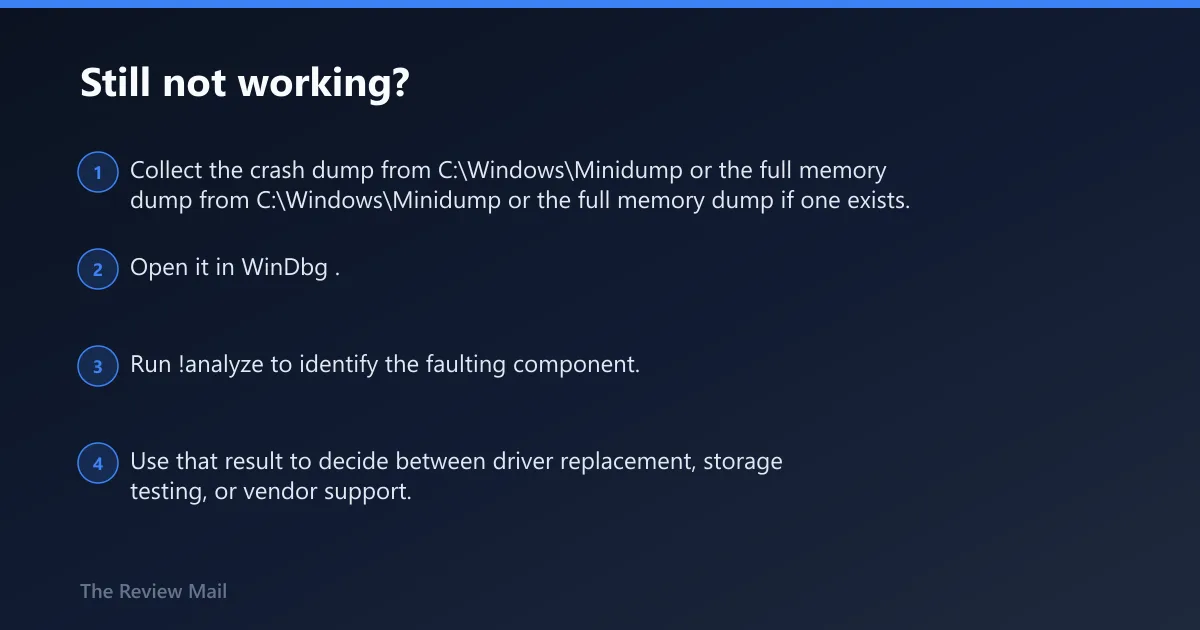
If Safe Mode, driver removal, sfc, and chkdsk do not change the behavior, move to debugger-grade evidence or hardware isolation. Microsoft’s documentation notes that !analyze can help determine the root cause.
When to use WinDbg or!analyze for bug check 0x5A
- Collect the crash dump from
C:\Windows\Minidumpor the full memory dump if one exists. - Open it in WinDbg.
- Run !analyze to identify the faulting component.
- Use that result to decide between driver replacement, storage testing, or vendor support.
When repair stops making sense
If the same stop code survives driver rollback, file repair, and disk checking, stop cycling fixes. At that point, use vendor diagnostics for the drive or motherboard, or back up data and plan a reinstall only after the hardware path is ruled out.
Prevention: keep a working driver copy before major updates, and let Windows restart cleanly after firmware or storage changes. That makes the next failure easier to tie to one cause instead of three.