0x000001d3 Windows BSOD: what it means and how to fix
0x000001d3 is the WFP_INVALID_OPERATION bug check, with a value of 0x000001D3. It indicates that a Windows Filtering Platform callout performed an invalid operation. Start by checking the most recent networking changes and the crash dump before making broader system changes. The !analyze debug extension can be very helpful in determining the root cause. (Microsoft Learn)
What does stop code 0x000001d3 mean in Windows?
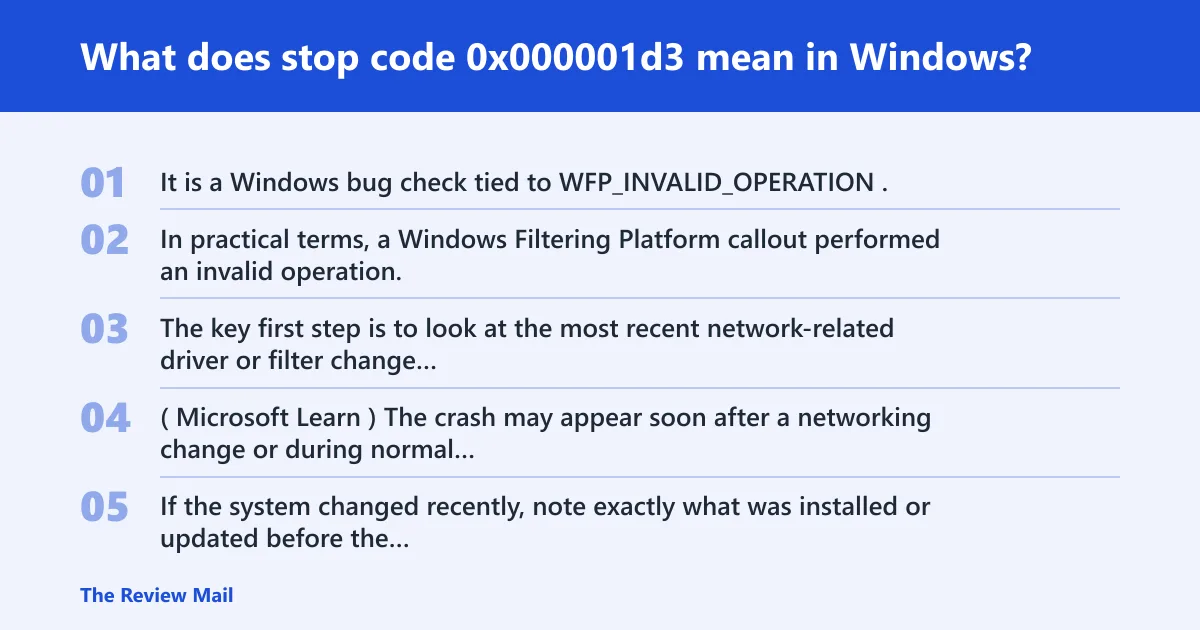
It is a Windows bug check tied to WFP_INVALID_OPERATION. In practical terms, a Windows Filtering Platform callout performed an invalid operation. The key first step is to look at the most recent network-related driver or filter change and then review the crash dump with !analyze. (Microsoft Learn)
What you usually notice before the crash
The crash may appear soon after a networking change or during normal network use. If the system changed recently, note exactly what was installed or updated before the blue screen.
📊 The bug check value is 0x000001D3. Source: Bug Check 0x1D3 WFP_Invalid_Operation.
Is 0x000001d3 a driver problem or a hardware problem?
Start with the networking driver path. Because this stop is tied to a Windows Filtering Platform callout, the first things to review are recent network-filter or adapter-driver changes. Hardware is not the first place to look unless the dump data and recent changes do not point to a software component.
Fast clues from recent changes
Check what changed before the crash: a new networking filter, an adapter driver update, or another network-related change. Write down the timing so you can compare it with the first blue screen.
Likely causes, ranked from most to least common
Rank the recent network changes first, then use the dump to confirm which callout was involved. The most useful clues come from the bug check parameters and the stack trace, not from assumptions about the exact product name.
Recent network filter install
If a new network filter was added shortly before the crash, review that change first. Remove the most recent network filter component that can be identified, then test again.
Security suite or endpoint update
If a security agent added or changed a network inspection component, review that change next. If the product has a documented way to turn off its network inspection feature, test with that setting off and reconnect the same network path that triggered the crash.
NIC driver change or network-stack corruption
If the adapter driver changed immediately before the blue screen, return to the previous driver version and retest. If the dump still does not identify a specific filter or callout, collect the crash data for further analysis.
How do I fix 0x000001d3 after installing a VPN or firewall driver?
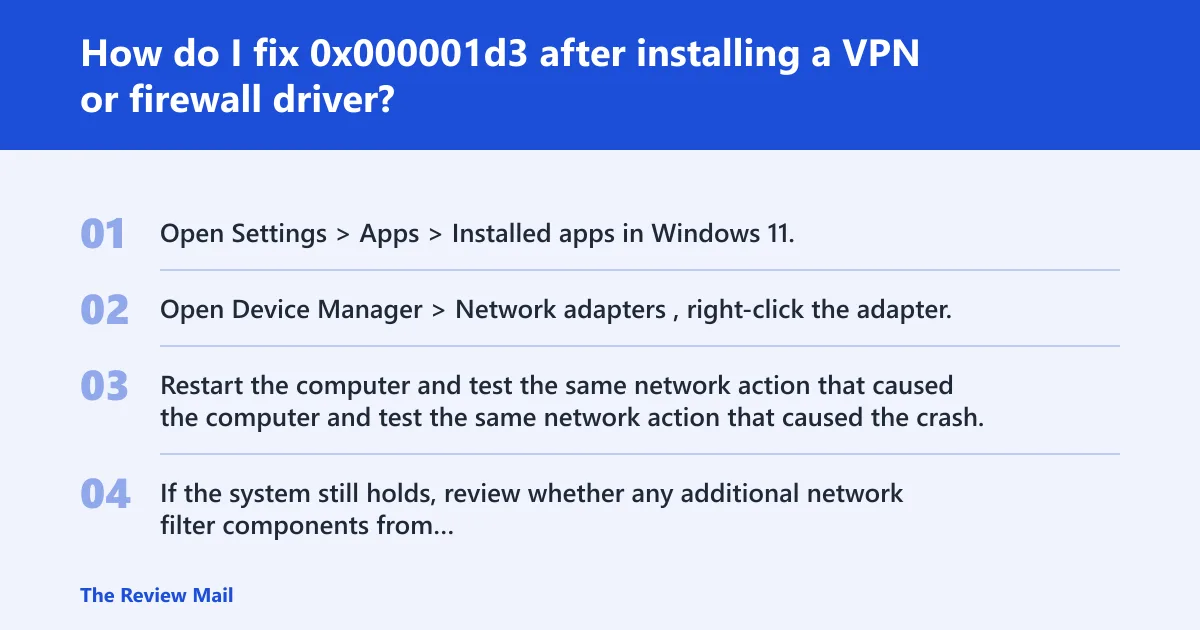
If the crash began after a recent network filter change, remove the most recently added filter component first and then retest the same network action. If the blue screen stops, the removed component is a strong suspect. If it continues, inspect the dump and the remaining network filters.
- Open Settings > Apps > Installed apps in Windows 11, or Settings > Apps > Apps & features in Windows 10, and remove the most recent networking package that was added before the crash.
- Open Device Manager > Network adapters, right-click the adapter, and choose Properties > Driver > Roll Back Driver if the adapter driver was recently changed and the option is available.
- Restart the computer and test the same network action that caused the crash.
- If the system still holds, review whether any additional network filter components from that package remain installed and remove the leftover component if you can identify it.
How Safe Mode helps here
Safe Mode loads fewer drivers, so if the crash does not happen there, that points back to a software driver or filter. If it still crashes, collect the dump and the recent networking changes for analysis.
How do I fix 0x000001d3 after a security suite update?
If the crash started after a security product update, review that product’s network inspection settings and its installed components. The useful test is whether the system stays stable after changing the network-related setting or removing the changed component.
- Open the security suite console and look for settings named Web protection, Network inspection, or Packet inspection.
- Temporarily disable the network inspection feature if the product provides that option, then reconnect the same network path that caused the blue screen.
- Open Apps > Installed apps and use the product’s repair option if one is available.
- If the crash continues, uninstall the product and test with only the built-in Windows networking components active.
When to replace the security agent
If the crash stops when the network inspection setting is off or the product is removed, reinstalling the same product is not the first step. Instead, keep the change minimal and compare the result after one modification at a time.
What do the bug check parameters for 0x000001d3 mean?
Parameter 1 is the subtype of the bug check; parameters 2, 3, and 4 are reserved. For the values documented by Microsoft, 0x1 means a callout injected an NBL with multiple NET_BUFFERS inbound, and 0x3 means Pointer to NBL. Use that information with !analyze to understand what kind of invalid operation occurred. (Microsoft Learn)
| Parameter 1 value | Meaning | What to do next | What to export from WinDbg |
|---|---|---|---|
| 0x1 | Callout injected an NBL with multiple NET_BUFFERS inbound | Check the most recent network filter or driver change | !analyze output plus Parameter 1 value |
| 0x3 | Pointer to NBL | Use !analyze and the stack to identify the callout involved | !analyze output plus Parameter 1 value |
| Other subtype | Another WFP callout invalid operation | Collect the dump and review the last networking change first | !analyze output plus all four bugcheck parameters |
What NET_BUFFERS and NBL mean in practice
An NBL is a network buffer list, and NET_BUFFERS are the packet data pieces attached to it. If the bug check says the callout injected an NBL with multiple NET_BUFFERS inbound, the next step is to inspect the dump and the networking change that preceded it.
What should I check in WinDbg for bug check 0x000001d3?
Open the crash dump, run !analyze, and record the bugcheck parameters before making other changes. The Microsoft debugger page says !analyze displays information about the bug check and can be very helpful in determining the root cause. (Microsoft Learn)
- Open the dump in WinDbg.
- Run
!analyze. - Copy the stop code, the four parameters, and any module or callout names in the stack.
- Note whether Parameter 1 is
0x1or0x3. - Send that bundle with the exact version of the networking product or driver that was installed last.
What to export for escalation
Keep the !analyze output, the bugcheck parameters, the date of the last networking change, and whether Safe Mode still crashes. That bundle helps map the crash to the relevant callout or driver.
Troubleshooting matrix for 0x000001d3
This matrix turns the crash into a short decision path. Start with the newest network-related change, then review the dump, then compare the behavior in Safe Mode. If the system stabilizes after one step, stop there and document the change.
| Likely trigger | Next action | WinDbg export | What success looks like |
|---|---|---|---|
| Recent network filter install | Remove the recently added component | !analyze output + Parameter 1 value | Crash stops after removal |
| Security product update | Disable the network inspection feature, then retest | !analyze output + filter module name | System stays up with inspection off |
| NIC driver change | Revert to the previous driver version | !analyze output + adapter driver version | Network reconnects without a blue screen |
| Safe Mode still crashes | Collect dump data and escalate | Full !analyze text + all bugcheck parameters | Support can trace the callout path |
If that did not work, try this next
If removal and rollback do not stop the crash, collect the dump, review the remaining network filters, and compare the stack traces from each crash. Use the debugger output to narrow down the callout involved before making larger system changes.
Still not working?
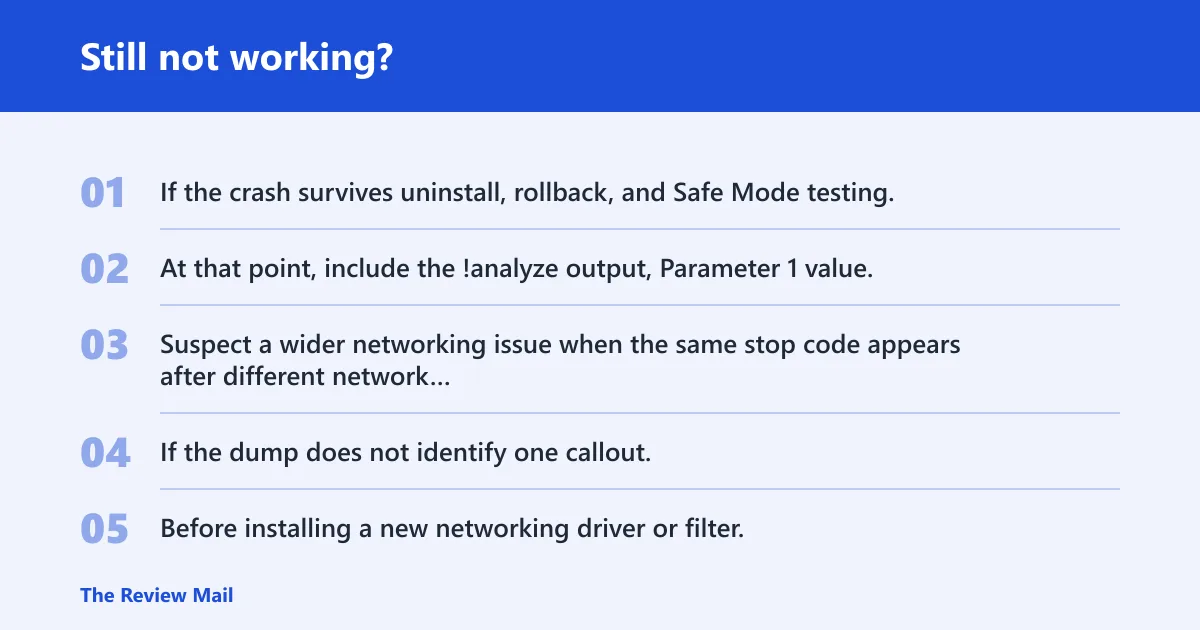
If the crash survives uninstall, rollback, and Safe Mode testing, the next step is deeper dump review and escalation to the product or driver vendor. At that point, include the !analyze output, Parameter 1 value, the exact version of the networking product or driver that was installed last, and whether the machine crashes only on one network.
When to suspect a wider stack issue
Suspect a wider networking issue when the same stop code appears after different network changes or when Safe Mode still fails. If the dump does not identify one callout, continue with standard Windows repair and recovery steps as needed.
Prevention
Before installing a new networking driver or filter, create a restore point and keep a copy of the previous adapter driver. That makes rollback faster if the next reboot exposes the same invalid operation.
Frequently asked questions
What does stop code 0x000001d3 mean in Windows?
It is the WFP_INVALID_OPERATION bug check, and it means a Windows Filtering Platform callout performed an invalid operation.
Is 0x000001d3 the same as WFP_INVALID_OPERATION?
Yes. The bug check value is 0x000001D3, and the name is WFP_INVALID_OPERATION.
What causes 0x000001d3 blue screen errors?
A Windows Filtering Platform callout doing an invalid operation is the cause indicated by this bug check. Use the dump and the recent networking changes to identify which callout or driver was involved.
How do I fix 0x000001d3 after installing a VPN or firewall driver?
Review the most recent networking driver or filter change, remove the recently added component if you can identify it, and run !analyze in WinDbg.
Can a bad network filter driver trigger 0x000001d3?
Yes. If the dump points to a filter or callout, use the stack trace and the Parameter 1 value to narrow down the component.
What should I check in WinDbg for bug check 0x000001d3?
Run !analyze, copy the bugcheck parameters, and note whether Parameter 1 is 0x1 or 0x3.