
SCSI Driver Windows 11: What to Install for Devices
On Windows 11, you usually need a controller, device, or virtual SCSI driver, not a generic “SCSI driver”; choose the driver that matches your adapter, scanner, disk, or VM storage, and many old PCI SCSI cards need 64-bit Windows 11 support or they will not work. I have seen the wrong file make a device vanish, block storage access, or push people toward ugly workarounds. This guide shows how to identify the right driver type and fix each setup.
Do you actually need a SCSI driver on Windows 11?
Usually, yes, only if you have a real SCSI host adapter, a SCSI-based device behind another controller, or a virtual machine using SCSI emulation. Windows 11 may include a SCSI Port driver as a standard component, but that does not mean your hardware-specific driver is present or signed.
What SCSI means on modern Windows 11
SCSI is older storage and device communication technology from the era of shared buses and dedicated controller cards. I mostly saw it on hard disk drives, but it also connects scanners and optical disc drives. The history matters less than the install path: on Windows 11, the question is whether the device needs a controller driver, a device package, or VM storage integration.
When the problem is a controller driver, not a device driver
If Device Manager shows an unknown SCSI controller, the missing piece is usually the host adapter driver. If a scanner or external enclosure is involved, the issue may instead be a vendor app, USB bridge, or imaging package. A generic SCSI download rarely fixes the real fault.
How to tell if your hardware is real SCSI or just SCSI-branded
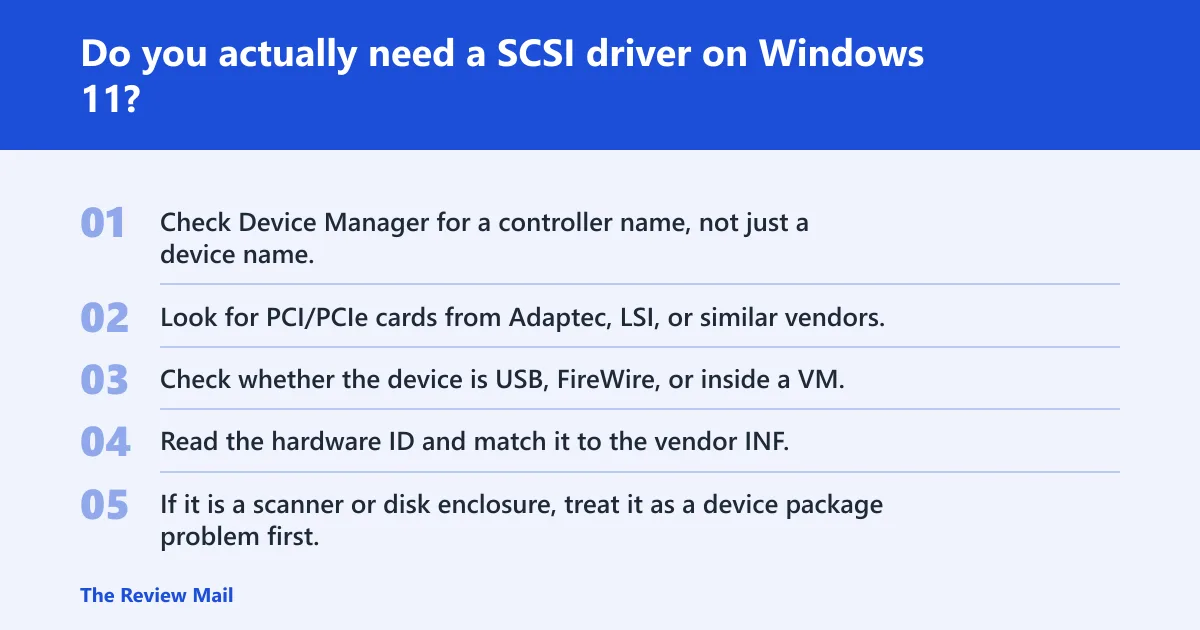
- Check Device Manager for a controller name, not just a device name.
- Look for PCI/PCIe cards from Adaptec, LSI, or similar vendors.
- Check whether the device is USB, FireWire, or inside a VM.
- Read the hardware ID and match it to the vendor INF.
- If it is a scanner or disk enclosure, treat it as a device package problem first.
📊 The Wikipedia page says SCSI was introduced in the 1980s. Source: SCSI.
SCSI Port vs Storport: which one matters here?
SCSI Port is the older Windows storage stack component, and Storport is generally the preferred alternative for higher-performance devices. SCSI Port emulates a simplified SCSI adapter and storage class drivers load on top of it. On Windows 11, that legacy path still exists, but newer controllers should use Storport when the vendor supports it.
What the SCSI Port driver does in Windows storage
Windows uses SCSI Port as a compatibility layer for older storage hardware. It is there so legacy controllers can still load class drivers and present disks to the OS. That does not mean every old card gets a free pass on Windows 11; driver signing and 64-bit support still matter.
Why Storport is the better fit for newer controllers
Storport is the recommended alternative for newer, faster adapters. If a vendor offers both styles, Storport is usually the safer pick on modern Windows. It is the route for hardware built around newer Windows storage expectations, especially where performance and queue handling matter.
Where legacy miniport drivers still show up
Legacy miniport drivers still appear with older Adaptec and LSI cards. That is where compatibility gets narrow. The driver may exist, but Secure Boot, missing 64-bit packages, or an unsigned INF can stop installation before the device ever initializes.
Where can you download a SCSI driver for Windows 11?
Start with the Microsoft Update Catalog, the OEM support page, or the device maker’s own package. The Catalog search for sci driver windows 11 shows 474 results, and the page itself includes a result titled “Microsoft Update Catalog.” That makes it useful, but not a guarantee of success. (catalog.update.microsoft.com)
Microsoft Update Catalog: when it is worth checking
The Catalog is useful when you have a hardware ID and want a signed package that Windows can install cleanly. Search by controller name, chipset, or INF name. If the result is only for older Windows versions, check whether the package includes a 64-bit build and whether the vendor still supports it.
OEM support pages and vendor packages
For legacy Adaptec, LSI, scanner, or enclosure hardware, the OEM page is often the best first stop. Vendor packages may include a matching INF, firmware notes, or a device-specific utility that the catalog does not provide. That matters when the device is not a plain disk controller.
Why mirror sites are a bad first stop
Mirror sites often bundle the wrong INF, repackaged files, or unsigned archives. That creates two problems: the package may fail signature checks, and it may install the wrong controller profile. For storage hardware, the wrong file can make a system fail to boot or hide the device completely.
Use this Windows 11 SCSI decision table
The table below separates true controller installs from scanners, disks, and virtual setups. That is the part many pages miss. If the device is real hardware, the signing and Secure Boot row matters. If it is a VM, the answer is usually a virtio SCSI package, not a vintage adapter driver.
| Device type | Likely driver source | Signing status | Secure Boot impact | Recommended next step |
|---|---|---|---|---|
| Legacy PCI SCSI card | OEM package or Microsoft Update Catalog | Often unsigned or older signed package | Can block install if unsigned | Confirm 64-bit Windows 11 support before trying the INF |
| Adaptec AHA-2940 / AHA-29xx / AIC-78xx | Adaptec legacy support or catalog match | Varies by package age | Unsigned legacy drivers may fail | Use only a matching 64-bit driver; otherwise expect dead-end installs |
| LSI 20320IE / 29320LPE | LSI or OEM package, sometimes catalog | May be signed, may be legacy | Secure Boot can still block older packages | Check whether Windows 11 support is documented for that exact model |
| SCSI scanner | Scanner vendor package, sometimes imaging software | Usually signed for newer packages | Usually less of a problem than with old cards | Install the scanner driver, not a storage controller package |
| SCSI disk or enclosure | Controller driver plus enclosure or RAID vendor tools | Depends on controller age | Legacy controllers may fail | Identify the host adapter first, then match the storage stack |
| Proxmox or virtio SCSI | Virtio SCSI package from the VM platform | Usually signed for current guest support | Normally compatible when the guest package is current | Install the VM-specific virtio SCSI driver, not a physical card driver |
Legacy cards: Adaptec AHA-2940, AHA-29xx, and AIC-78xx
These families still come up because people want old disks or tape gear running again. The hard part is not finding any driver; it is finding a 64-bit Windows 11 package that passes signature checks. If the vendor only supplied older 32-bit files, the card may be a dead end.
Legacy cards: LSI 20320IE and 29320LPE
Compatibility reports for the 29320LPE Ultra 320 card and the 29160 driver suggest some older LSI hardware can work on Windows 11. A Windows 7 64-bit driver exists for the 29320LPE Ultra 320 cards, but that does not automatically make it installable on every Windows 11 build. Secure Boot Policy can block unsigned driver installation.
Scanners, disks, adapters, and VM virtio SCSI setups
A scanner is not a storage card. A disk enclosure is not the same as a host adapter. And a Proxmox guest using virtio SCSI needs a VM driver, not a vintage PCI miniport. Separate those paths first and the download search gets much easier.
Can Windows 11 install unsigned SCSI drivers?
Sometimes, but this is where modern Windows gets strict. Secure Boot and driver signing checks can block unsigned legacy packages, especially for old controller drivers. A test-signing or legacy workaround may get the file loaded, but it is risky and should be treated as a last resort, not the default plan.
Why Secure Boot blocks many old drivers
Secure Boot checks the boot chain and the trust status of drivers involved with storage. An unsigned SCSI driver can fail before the device is usable. That is common with old controller packages built long before current Windows hardware rules.
What signing means for Windows hardware support
Windows hardware support expects drivers that meet the Windows hardware compatibility program rules. For SCSI miniport drivers, that often decides whether the package installs cleanly or is refused. A file can be real, legitimate, and still rejected because it is too old for current policy.
When a test-signing or legacy workaround is risky
If the system holds important data, do not gamble with a random unsigned archive. Disabling checks may let a legacy driver load, but it can also leave storage unstable. For disks and host adapters, a failed experiment can mean no boot device or corrupted access.
How do you fix common SCSI driver errors in Device Manager?
Most Device Manager failures come down to a wrong INF, missing controller support, or hardware that Windows 11 no longer accepts. Start with the exact hardware ID, not the marketing name. If the package matches the wrong chip family, Windows may report the driver as installed and still never attach the device.
Wrong INF or wrong package
A lot of “driver not found” cases are really package mismatch cases. The INF may target another chipset revision or another Windows version. Re-check the model number, then verify whether the package is for the host adapter, the scanner, or the enclosure controller.
Missing controller support
If the vendor never published a Windows 11-capable build, there may be no clean fix. The card may still work on another system, but not on this client OS. In that case, the practical answer is a newer adapter or a supported VM driver path.
Unsupported hardware and dead-end installs
Some old PCI SCSI cards simply stop at older Windows generations. If the adapter relies on an unsigned 32-bit package, a current 64-bit Windows 11 install is likely a dead end. At that point, replace the controller, move the device to another machine, or run it in a supported virtual setup.
Are USB SCSI scanners or disks supported on Windows 11?
Often yes, but the support is usually for the USB bridge or the device vendor package, not for a classic SCSI host adapter driver. That distinction matters. A USB scanner labeled with SCSI-style language may need imaging software, while a USB disk enclosure may just use standard storage support.
Scanner path
For scanners, start with the vendor’s driver and scanning utility. If the device is old, Windows may need an imaging package rather than a low-level SCSI file. If the vendor never published a current build, the scanner can show up but still refuse to scan.
Disk and enclosure path
For disk enclosures, Windows usually cares about the bridge chipset and storage class support. If the enclosure is old and odd, the controller or bridge driver may be the real bottleneck. Check whether the enclosure expects a separate vendor package before you chase a SCSI card driver.
Why does Windows 11 show a SCSI driver error?
The usual causes are driver mismatch, blocked signing, or hardware that is too old for the current Windows 11 policy. The error may also appear when a virtual machine is set to the wrong storage controller type. The fastest fix is to identify whether the issue is physical, virtual, or simply the wrong package.
Hardware age
Older cards like Adaptec AHA-2940-class hardware may not have a working 64-bit path. If the package predates current signing rules, Windows 11 can reject it even when the card itself is healthy.
Wrong storage model in a VM
If the machine is virtual, the error can come from the guest storage model, not the host hardware. A Proxmox or virtio SCSI guest needs the matching virtio package. Installing a physical controller driver inside the guest will not help.
Fast triage checklist
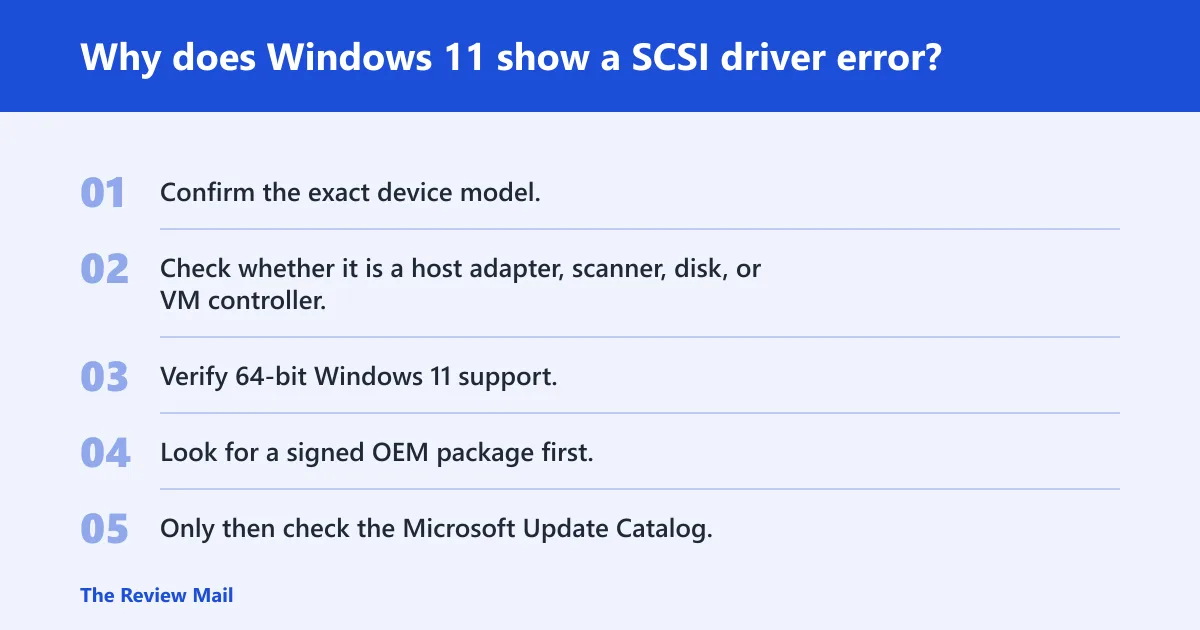
- Confirm the exact device model.
- Check whether it is a host adapter, scanner, disk, or VM controller.
- Verify 64-bit Windows 11 support.
- Look for a signed OEM package first.
- Only then check the Microsoft Update Catalog.
- If Secure Boot blocks the file, treat that as a compatibility warning, not a nuisance.
Frequently asked questions
are scsi drives still used
Yes, but mostly in older systems, specialist storage setups, and legacy equipment. SCSI is obsolete technology in the broad consumer sense, yet it still appears in labs, archives, industrial gear, and virtualized environments where older hardware or emulation must be kept alive.
Do I need a SCSI driver for Windows 11?
Only if your hardware or VM storage actually uses SCSI. Windows 11 includes a SCSI Port driver as a standard feature, but the device-specific controller, scanner, or virtio package may still be missing. Match the driver to the exact device type before you install anything.
Is virtio SCSI driver Windows 11 compatible?
Usually yes, when the VM platform provides the current guest package and the guest configuration matches it. In Proxmox or similar setups, the virtio SCSI driver is the right path for virtual disks. It is not the same as a legacy physical SCSI card driver.
Does Windows 11 support old Adaptec or LSI SCSI cards?
Some models may work, but support is uneven. Blog reports note Windows 11 working for the Adaptec 29320LPE Ultra 320 card and say the Adaptec 29160 driver was tested on Windows 11. Older unsigned packages, Secure Boot, and missing 64-bit support can still stop installation.
Can I install an unsigned SCSI driver on Windows 11?
Sometimes, but it is risky. Secure Boot Policy can block unsigned driver installation, and storage drivers are not a good place to improvise. If the device matters, seek a signed OEM package or a Microsoft Update Catalog result before trying legacy workarounds.
What is the difference between SCSI Port and Storport on Windows 11?
SCSI Port is the legacy Windows storage path that emulates a simplified SCSI adapter and loads class drivers on top. Storport is the recommended alternative for high-performance devices. If the vendor offers a Storport driver, it is usually the better modern fit.