✓ Practical Windows troubleshooting
Fix Windows errors without the guesswork.
Clear, step-by-step solutions for Windows 10 and Windows 11—organized by the problem you are seeing right now.
✓ Cause-first diagnosis✓ Safe steps before advanced fixes✓ Windows 10 & 11 coverage
Choose the problem you need to fix
Start with the closest match. Each hub leads to focused guides with checks in the right order.
Windows Update
Update failures, stuck downloads, service errors and conflict codes.
Blue Screen Errors
BSOD stop codes, crash causes and recovery steps.
Drivers & Devices
Device Manager codes, missing drivers and hardware checks.
Network & Wi-Fi
Connection drops, adapter errors and internet access problems.
Activation
License, product key and activation troubleshooting.
Slow Windows
Startup delays, freezes and performance bottlenecks.
Fixes arranged in a safer order
Our guides begin with the least disruptive checks, explain why each step matters, and clearly mark advanced actions.
Latest Windows fixes
Recently published and updated troubleshooting guides.
- Update Driver Wifi Win 11
 Match the Wi‑Fi chip model in Device Manager, then install the newest Windows 11 driver from your PC maker or chip maker if needed.
- Kernel_Data_Inpage_Error Windows 11
 On Windows 11, KERNEL_DATA_INPAGE_ERROR often points to storage or paging-file trouble; parameter 1 = 0xC0000185 usually means disk, cable, or SSD.
- Hal_Initialization_Failed
 Use the VM path for install-time crashes, first-boot path for early reboots, and repeat-BSOD path for loaded Windows.
- BAD_POOL_HEADER: What It Means and How to Fix It
 BAD_POOL_HEADER usually means Windows found corrupted pool memory after a recent driver, antivirus, or hardware change. Start by reversing the newest change, then check RAM and storage if the crash re
- 0xc0000e9 Win11: Fix the Boot Error
 Start with cable, port, and external-device checks, then confirm the drive in BIOS/UEFI, then move to WinRE repairs.
- Unable to Scan in Windows 11: Fixes That Work
 Fix Windows 11 scan failures by checking the app, device discovery, and system repair steps in the right order.
- Device Manager on This Computer Windows 11
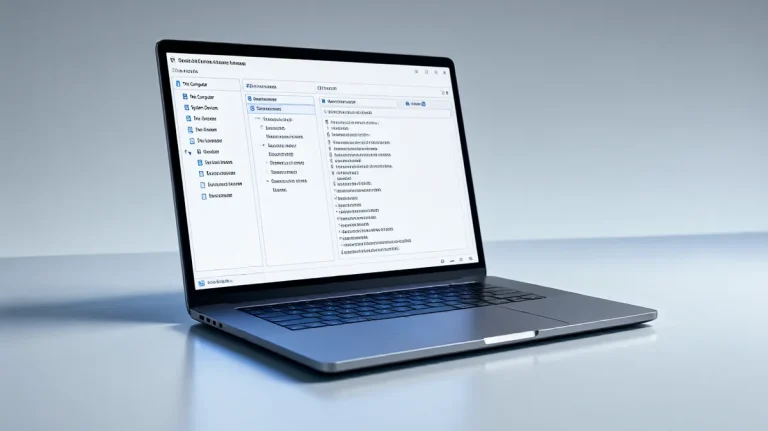 Press Win+X or Win+R, type devmgmt.msc, and open Device Manager in Windows 11. This guide lists the fastest paths and when each one fits.
- Device Manager Windows 11 Update
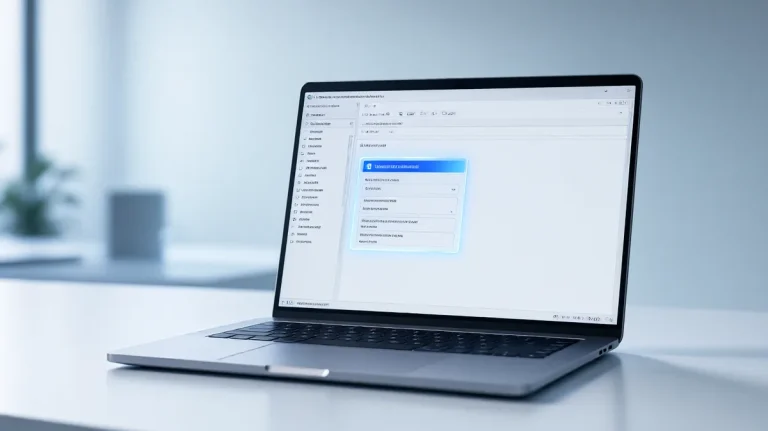 Use Update driver first, then Uninstall device and restart, or Roll Back Driver after a bad update.
- Device Manager Unknown Device Windows 11
 An unknown device in Device Manager means Windows 11 sees hardware but needs the right driver or class match; check Hardware Ids and the error code first.