System Thread Exception Not Handled BSOD Fix for Windows 11
For a System Thread Exception Not Handled BSOD on Windows 11, use the stop file name to identify the driver involved, then roll back or remove that driver in Safe Mode. If you ignore it, the PC can loop at boot and turn one driver fault into lost work and a long recovery.
This guide is part of our Windows BSOD stop codes: full list and fixes series.
What the stop code is telling you
The bug check has a value of 0x0000007E. It indicates that a system thread generated an exception that the error handler didn’t catch. The exception code 0xC0000005 indicates a memory access violation occurred.
The named .sys file matters because it can point to the driver that failed first. If the screen shows a driver name, use that name to guide the next repair instead of guessing.
According to How to Fix the "System Thread Exception Not Handled" BSOD — wikiHow lists 9 ways to fix the error. (source)
Which cause is most likely in your case?
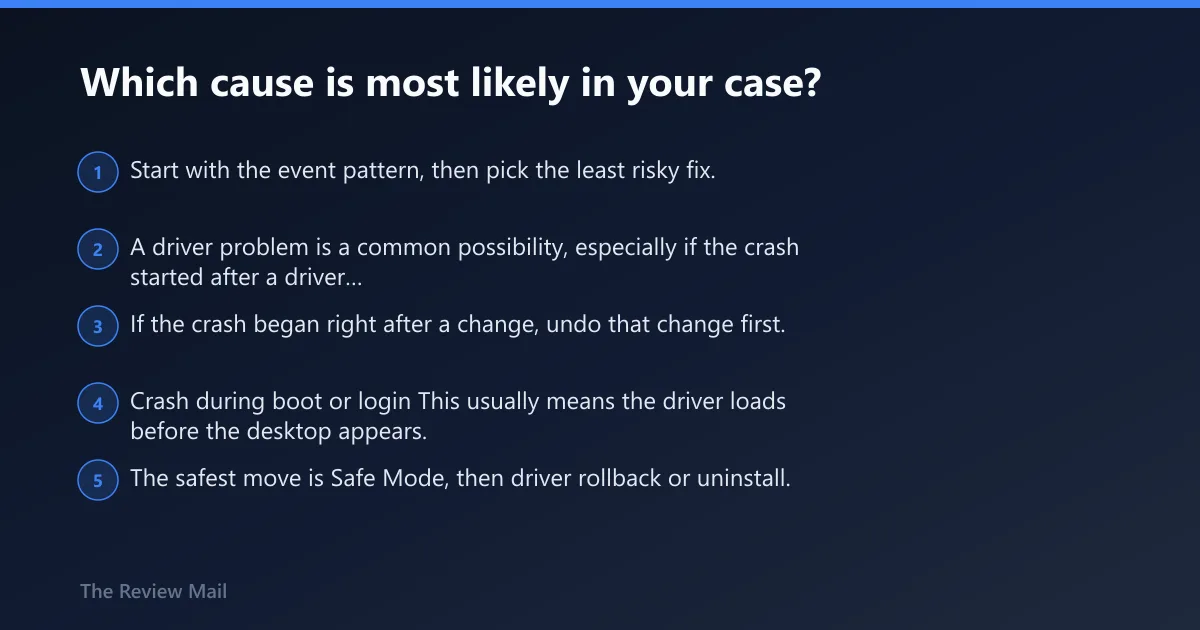
Start with the event pattern, then pick the least risky fix. A driver problem is a common possibility, especially if the crash started after a driver change or the blue screen names a specific file. If the crash began right after a change, undo that change first.
Crash during boot or login
This usually means the driver loads before the desktop appears. The safest move is Safe Mode, then driver rollback or uninstall. If Windows will not stay up long enough to open Settings, use WinRE first.
Crash after Windows Update
If the timing lines up with a recent Windows change, try System Restore before chasing unrelated drivers. If the named file is a graphics driver, roll it back first.
Crash after a new driver, GPU install, or hardware change
Undo the last change. Remove the new driver in Device Manager, or return the system to a restore point from before the install. If the crash started after adding a device, focus on that device first.
Crash only in a heavy app or game
That pattern often points to the display stack or another driver that is stressed by the app. Start with the named driver, then move to system file checks if the crash persists.
How do I fix System Thread Exception Not Handled on Windows 11?
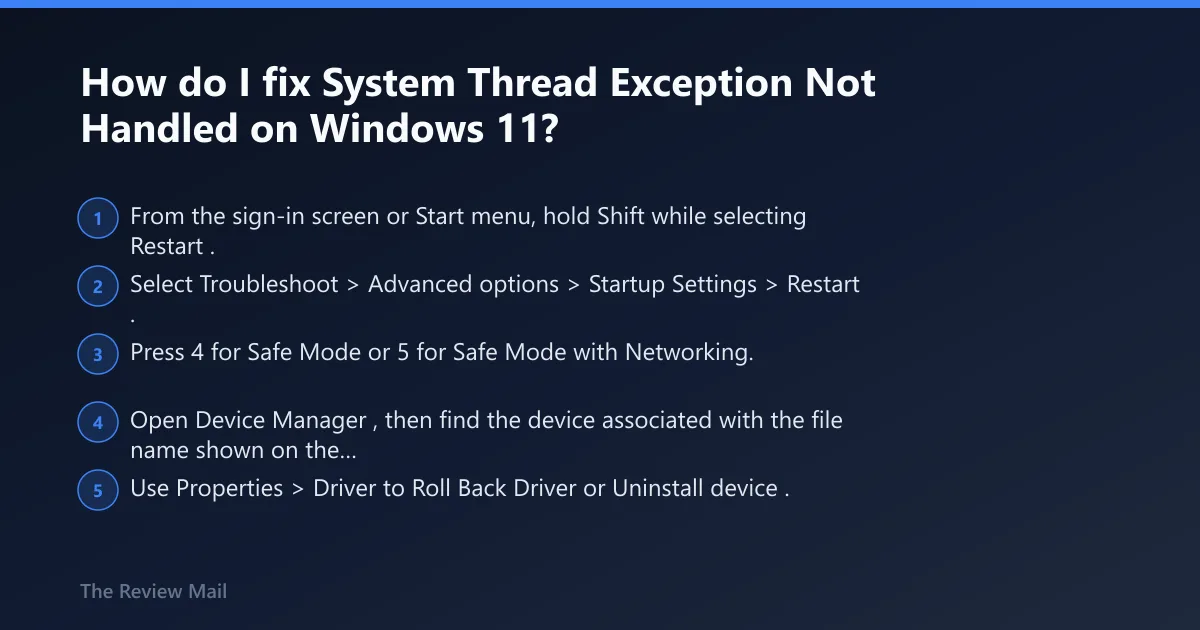
The fastest safe first move is Safe Mode, then a driver rollback or uninstall for the file named on the blue screen. If Windows will not boot normally, use WinRE to reach Startup Settings. Safe Mode gives you room to repair the bad package without loading the full driver stack.
Microsoft’s debugger tools can also help confirm the root cause. !analyze displays information about the bug check, and further analysis can be done with !thread plus the dds, dps, and dqs commands. If the issue is narrowed down to a single driver, you can set breakpoints and single-step forward in code.