Windows Activation Error 0x8004fe94
Windows does not publish a code-specific meaning for 0x8004fe94, so start in Settings > System > Activation and sort the failure by edition, license path, or hardware reactivation before you try anything more invasive.
Likely causes
Most often, the fix path depends on which activation route you are on, not on the code alone. Check the installed edition first, then the licensing method, then whether recent hardware changes broke the license tie.
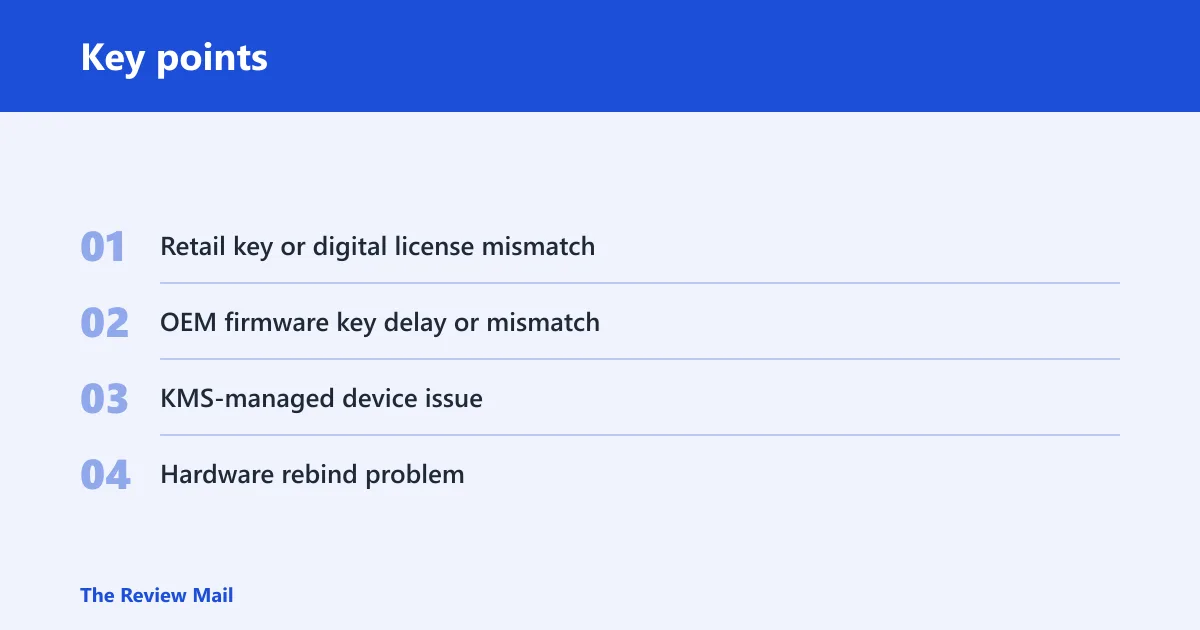
- Retail key or digital license mismatch — the installed edition does not line up with the product key or license path.
- OEM firmware key delay or mismatch — a built-in key may exist, but Windows has not activated automatically yet, or the edition does not match.
- KMS-managed device issue, enterprise activation depends on a working KMS connection and the right client state.
- Hardware rebind problem, a major change, especially a motherboard replacement, can block activation until you reattach the license.
📊 Microsoft recommends checking that the device is up to date and running Windows 11. Source: Get help with Windows activation errors.
0x8004fe94 triage map
| Symptom | Likely cause | Fastest check | Exact Windows path | Escalation trigger |
|---|---|---|---|---|
| Retail key accepted, but activation fails | Edition mismatch or wrong key type | Compare the installed edition with the key’s edition | Settings > System > Activation | The edition and key family still do not match after one retry |
| Preinstalled PC fails activation after setup | OEM firmware key not applied, or edition mismatch | Check whether activation starts automatically on the Activation page | Settings > System > Activation | The device still shows a nonactivated status after a restart and sync |
| Enterprise device fails after moving networks or rebuilding the image | KMS server reachability or client state issue | Confirm the device is supposed to use KMS, not retail or OEM | Settings > System > Activation plus IT tools | IT cannot reach the KMS host or the client still reports a bad state |
| Activation broke after a motherboard swap or similar repair | Hardware change blocked the license rebind | Sign in with the Microsoft account tied to the digital license | Settings > System > Activation | The reactivation path does not find a matching device license |
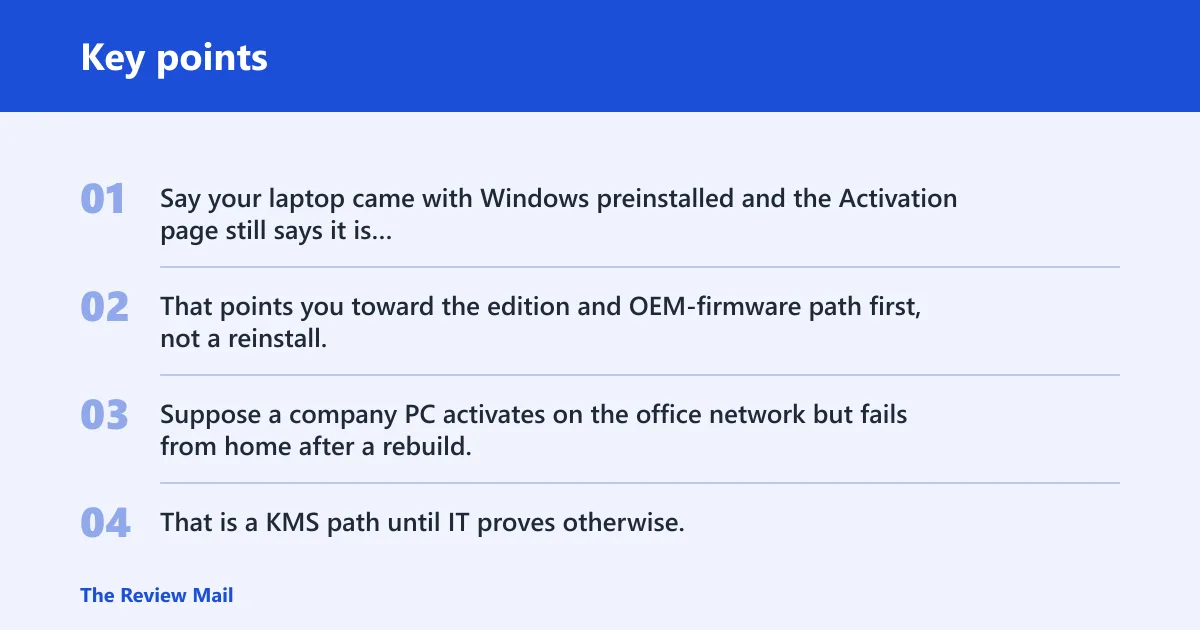
Say your laptop came with Windows preinstalled and the Activation page still says it is not activated after startup. That points you toward the edition and OEM-firmware path first, not a reinstall.
Suppose a company PC activates on the office network but fails from home after a rebuild. That is a KMS path until IT proves otherwise.
What should you check first?
Check the version state before you touch licensing. Keep the device updated, then open Settings > System > Activation and note the exact status text, not only the code. Retry activation from the same page once. If the error code changes, use the new code as the next search target.
- Open Settings > Windows Update and install pending updates.
- Open Settings > System > Activation and note the exact status text, not only the code.
- Select the activation option on that page and try activation once.
- If the error code changes, use the new code as the next search target.
Settings > System > Activation
slmgr /xpr
slmgr /ato
Is the edition or key mismatch the issue?
Windows edition compatibility is a common reason activation stops. A product key must match the installed edition, and a valid digital license may point to a different Windows edition than the one installed. Do not enter a new key until you verify the edition first. (Microsoft Support)
- Open Settings > System > Activation and read the edition shown on the page.
- Compare that edition with the key or license you own.
- If you have the right key, select Change product key on the Activation page and enter only a key that matches the installed edition.
- If the device came with Windows preinstalled, restart it and then check whether activation completes automatically.
- If the key was embedded in firmware, restart and give Windows a chance to use that key before you replace anything.
A common mistake is trying to activate a refurbished laptop with a retail key while the device is still tied to a different digital license. That usually creates a new failure, not a fix.
Can the activation troubleshooter fix it?
Yes, for simple activation errors it is the shortest next step. Open the Activation troubleshooter from Settings > System > Activation. On Windows 11, if the system opens Get Help, let the Windows Activation troubleshooter complete its automated diagnostics and repair attempt. When the repair finishes, return to the Activation page and try activation again.
- Open Settings > System > Activation.
- Select Troubleshoot.
- If Windows 11 sends you to Get Help, open it and let the Windows Activation troubleshooter run.
- After the repair attempt, return to Settings > System > Activation and try activation again.
- If the code changes, stop chasing
0x8004fe94and follow the new code.
Does a hardware change block activation?
Yes. A major hardware change can prevent Windows from finding a matching license, and motherboard replacement is a common example. If the digital license was tied to this device before the change, sign in with the same Microsoft account and use the reactivation flow from the Activation page.
- Confirm whether the recent change was major enough to matter, especially a motherboard replacement.
- Open Settings > System > Activation.
- Select Troubleshoot and follow the reactivation flow.
- Sign in with the same Microsoft account linked to the digital license.
- Try activation again after the device is matched back to the license.
If the account you sign in with is different from the one tied to the license, the rebind step may fail even though the hardware is correct.
Is this a KMS licensing problem?
If the device belongs to an enterprise activation setup, treat KMS as the leading suspect. KMS activation typically depends on a working KMS server connection, and the device usually needs to be a volume-licensed client rather than a retail or OEM install. IT may need to verify both the host and the client state.
- Open Settings > System > Activation and confirm the device is managed under volume licensing.
- Check that the machine is on the expected corporate network or VPN.
- Ask IT to verify the KMS host and the client activation state.
- Retry activation only after the KMS server reachability issue is cleared.
slmgr /xpr
slmgr /ato
What if the activation error code changes after troubleshooting?
Stop treating 0x8004fe94 as the target once the code changes. Look up the new code instead of repeating the same path. That usually means one branch has been ruled out.
- Return to Settings > System > Activation.
- Write down the new code and the new status text.
- Match the new code to the branch that fits it: edition, hardware rebind, or KMS.
- Do not reinstall Windows until the new code points to a problem that requires it.
Do you need to reinstall Windows or change edition?
Usually not at first. Reinstallation comes after you have ruled out edition mismatch, key mismatch, troubleshooter repair, and hardware reactivation. If the installed edition cannot match the license you own, changing edition may be faster than reinstalling the entire system.
- Check the installed edition in Settings > System > Activation.
- Compare it with the product key or digital license path you have.
- If the edition is wrong, use the edition path that matches your license.
- If Windows still will not activate, then consider reinstalling only after the license path is confirmed.
Still not working?
If the page still shows a failure after the edition check, the troubleshooter, and the correct license path, contact Microsoft support or your organization’s IT team. If the current license cannot be matched, you may need a new Windows license from the Microsoft Store, and enterprise devices should be checked against the KMS host before anything else changes.
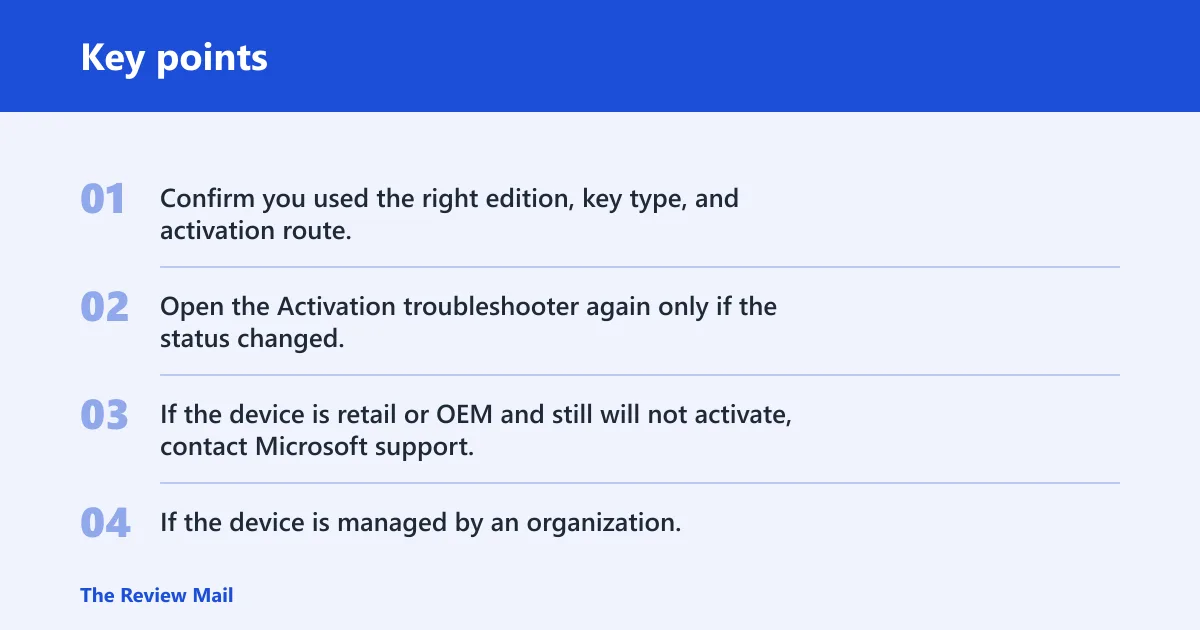
- Confirm you used the right edition, key type, and activation route.
- Open the Activation troubleshooter again only if the status changed.
- If the device is retail or OEM and still will not activate, contact Microsoft support.
- If the device is managed by an organization, ask IT to verify KMS connectivity and client state.
Prevention: keep the installed edition aligned with the license you own before a reset, image rebuild, or hardware repair, especially on devices with embedded OEM keys or volume licensing.
Frequently asked questions
What does Windows activation error 0x8004fe94 mean?
Windows does not publish a code-specific meaning for 0x8004fe94, so treat it as an activation fork, not a single diagnosis. The practical next step is to check the edition, the license path, and any recent hardware change from Settings > System > Activation.
How do I fix error 0x8004fe94 on Windows 10?
On Windows 10, start at Settings > Update & Security > Activation if that is where your build places activation controls, then compare the installed edition with your key or license. If the edition matches, run the activation troubleshooter and try activation once.
How do I fix error 0x8004fe94 on Windows 11?
Open Settings > System > Activation, then run Troubleshoot. If Windows routes you to the Get Help app, let the Windows Activation troubleshooter finish its automatic diagnostics and repair attempt, then try activation again from the same page.
Why does Windows say activated but not activated?
That usually means the status text and the stored license state do not agree. Check whether the edition changed, whether the device had a major hardware change, or whether a KMS-managed device lost contact with its server. The next useful step is still Settings > System > Activation.
Can the Windows activation troubleshooter fix this error?
Yes, if the issue is simple and the license path is otherwise valid. Open the Activation troubleshooter from Settings > System > Activation; on Windows 11, follow the Get Help route when prompted. If the code changes after the attempt, work from the new code instead.
Should I contact Microsoft if the error code is not listed?
Yes. If Microsoft does not list the code and the edition, key, and reactivation checks do not clear it, contact Microsoft support or your IT team. Bring the exact code, the edition shown on the Activation page, and whether the device uses retail, OEM, digital license, or KMS activation.