
Code 161: Meaning and How to Check It
Code 161 does not have one fixed meaning. Start with the source system, because a Windows error, a legal or regulatory citation, a highway rule, and an area code all use the same number for different things. Misreading the context can send you to the wrong fix, rule, or contact number. This guide shows how to tell which code family you have, then explains the most common 161 meanings and what to do next.
In Windows, code 161 can point to LIVE_SYSTEM_DUMP (0x00000161), which means the system administrator requested collection of a live system memory dump; the quickest first check is whether the message is actually a Windows bug check or a different 161 reference entirely. (Microsoft Learn)
What code 161 usually means
Start with the surrounding text, screen, or page title. If you only have “161,” you do not yet have enough to diagnose anything safely. The number may be a Windows bug check, a legal section, a road rule, or a numbering code from another system.
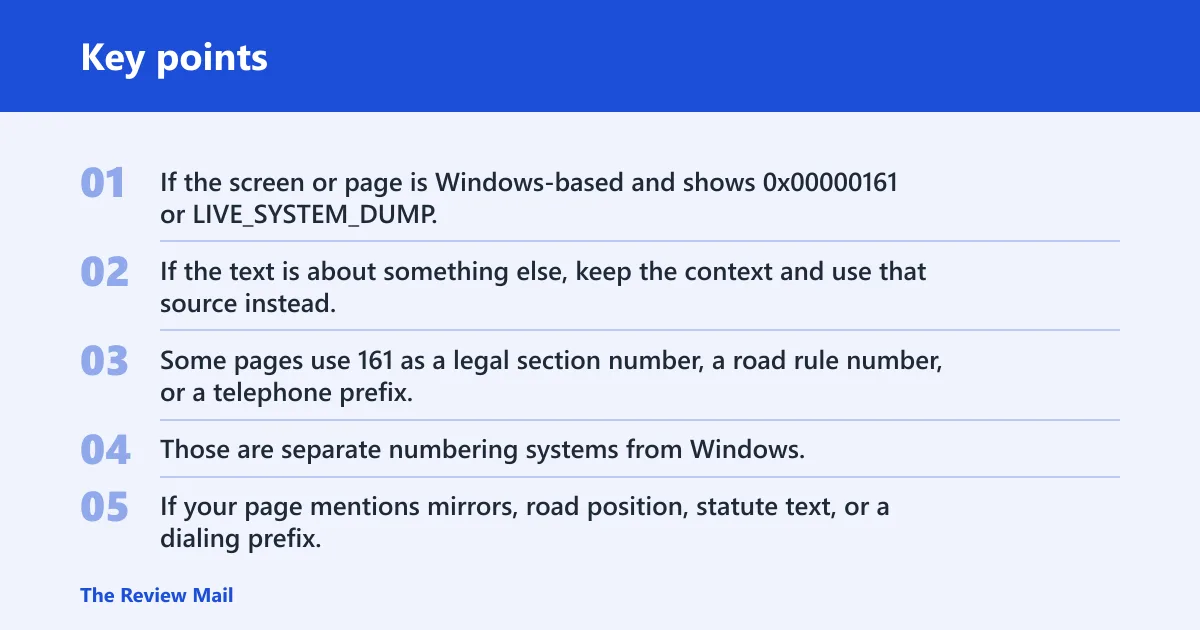
If the screen or page is Windows-based and shows 0x00000161 or LIVE_SYSTEM_DUMP, that is a live system memory dump that was requested by an administrator, not a driver failure. If the text is about something else, keep the context and use that source instead.
Which code 161 did you mean?
| Context clues | Likely meaning | Where to check next | First action to take |
|---|---|---|---|
| Windows bug check, live dump, blue screen, Task Manager dump wording | Windows live system memory dump | Windows event details, bug check text, Task Manager | Read the full Windows message and note the exact code |
| “Section 161,” statute text, tax or company-law wording | Legal or regulatory reference | Statute title, code section, archive or official text | Open the exact section heading and jurisdiction |
| Road rules, driving guidance, mirrors, signage | Highway rule 161 | Road code or driving rules page | Check the rule title and nearby rules 159 to 161 |
| Country, area code, dialling, prefix, phone lookup | Telephone or numbering search | Country-code or area-code directory | Confirm the country and numbering plan |
Legal, highway, and country-code clues
Some pages use 161 as a legal section number, a road rule number, or a telephone prefix. Those are separate numbering systems from Windows, so the right next step is to stay with the source that shows the number and read the surrounding heading and jurisdiction, route, or country context.
If your page mentions mirrors, road position, statute text, or a dialing prefix, you are not looking at a Windows dump message. Use the exact page title and section heading to avoid mixing unrelated 161 references.
📊 The tax code entry cites an effective-date note for the 1977 amendment. Source: Cornell.
Likely causes
Wrong code family or search intent
The most common problem is a search mismatch. You may have a Windows message, but landed on tax law, road rules, or telephone numbering. Match the code to the screen, app, document, or search result before you try any repair.
- Read the full line that contains 161.
- Look for a device name, driver name, statute title, road-rule heading, or country name.
- If the page is about Windows, open Device Manager or the screen that showed the live dump message.
- If it is not Windows, return to the exact document or official page that contains the number.
Windows live dump or related system reporting
In Windows, 0x00000161 indicates that the system administrator requested a live system memory dump. If that is the message you see, it is a capture event rather than a device-install or driver-failure code.
- Open the screen, event, or dialog that displayed the message.
- Read the full line that contains 161 and note the exact wording around
0x00000161. - Check whether the text mentions LIVE_SYSTEM_DUMP or a live memory dump request.
- If it is not a Windows message, return to the exact document or official page that contains the number.
A nearby lookalike code such as 1618 or 1612
People often chase the wrong number. That can matter here because 161, 1618, and 1612 may lead to different pages, different fixes, and different departments. If the extra digit is part of the code, do not trim it away.
If a screen shows “1618” in a setup log, that is not the same thing as a Windows 161 bug check, and changing the first digit can send you to the wrong search results.
How do you check it in Windows?
If the code appears inside Windows, the quickest path is to confirm whether it is the live dump message or a different Windows event. That sequence helps you separate a live system dump request from an unrelated reference number or message text.
- Open the screen, dialog, or event that showed the message.
- Read the full line that contains 161 and note the exact wording.
- Look for
0x00000161, LIVE_SYSTEM_DUMP, or any mention of a live memory dump request. - If the message is not from Windows, return to the original page or document that contains the number.
Why you may see code 161 without a clear device name: some Windows messages are short or shown in a system dialog that does not include device details. In that case, the next useful clue is the exact message text and the window or page title.
If it is a driver problem, try this next
For 0x00000161, do not treat the message as a driver rollback or reinstall target. The official meaning is a live system memory dump requested by an administrator, so driver rollback is not the right first response to this code.
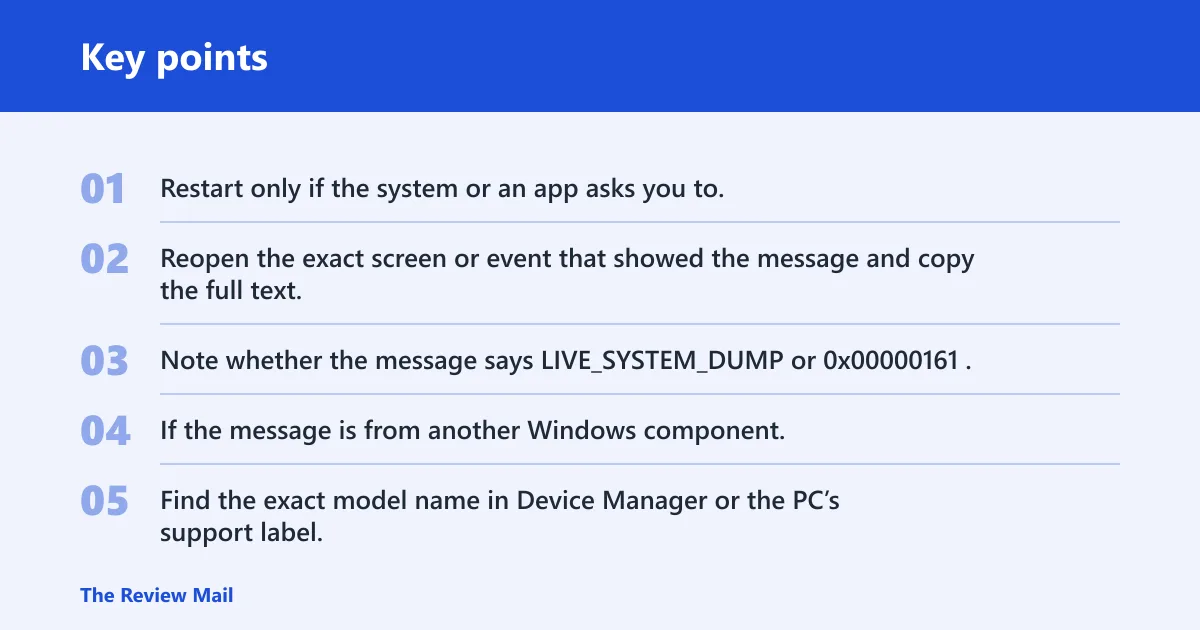
- Restart only if the system or an app asks you to.
- Reopen the exact screen or event that showed the message and copy the full text.
- Note whether the message says LIVE_SYSTEM_DUMP or
0x00000161. - If the message is from another Windows component, keep that component’s full title and wording for the next search.
If Windows displayed the dump message during a diagnostic or administrative action, the next step is usually to keep the exact wording and review the event or screen that produced it. That is more useful than trying generic driver repair steps.
Use the manufacturer driver if the generic fix fails
If the message is not actually 0x00000161 and you later confirm a real device problem, go to the device manufacturer’s support page for the exact model. Model-specific driver packages usually beat a generic repair when the device needs a matched version or firmware combination.
- Find the exact model name in Device Manager or the PC’s support label.
- Open the manufacturer’s support page for that model.
- Download the current driver package for your Windows version.
- Install it, then reboot and recheck Device Manager.
A common first-timer mistake is to install the first driver that looks close enough. For a Wi-Fi adapter, audio device, or chipset component, “close enough” can keep the same warning alive. Use the exact model and the exact Windows version.
Code 161 or code 1618?
They are not the same thing. If your search result keeps surfacing installer problems, setup failures, or package-lock messages, you may actually be looking for 1618 rather than 161. Treat the extra digit as part of the code, not decoration.
What to check if you were actually looking for code 1618
If 1618 is the real number, search the full string exactly as shown and keep the context intact. Check whether the message came from an installer, a setup log, or a package-management screen, then use that app’s own error text before you apply Windows driver steps.
What is code 1618? It is a different code from 161, so do not mix the two when you search. Is code 164 related to code 161? Only in the sense that both are nearby numbers; they are not interchangeable, and a 164 search result does not diagnose a 161 message.
Still not working?
If the code still cannot be tied to a specific context, widen the search from symptoms to source. Check whether the number came from Windows, a document, a road rule page, or a phone directory before you try any deeper repair.
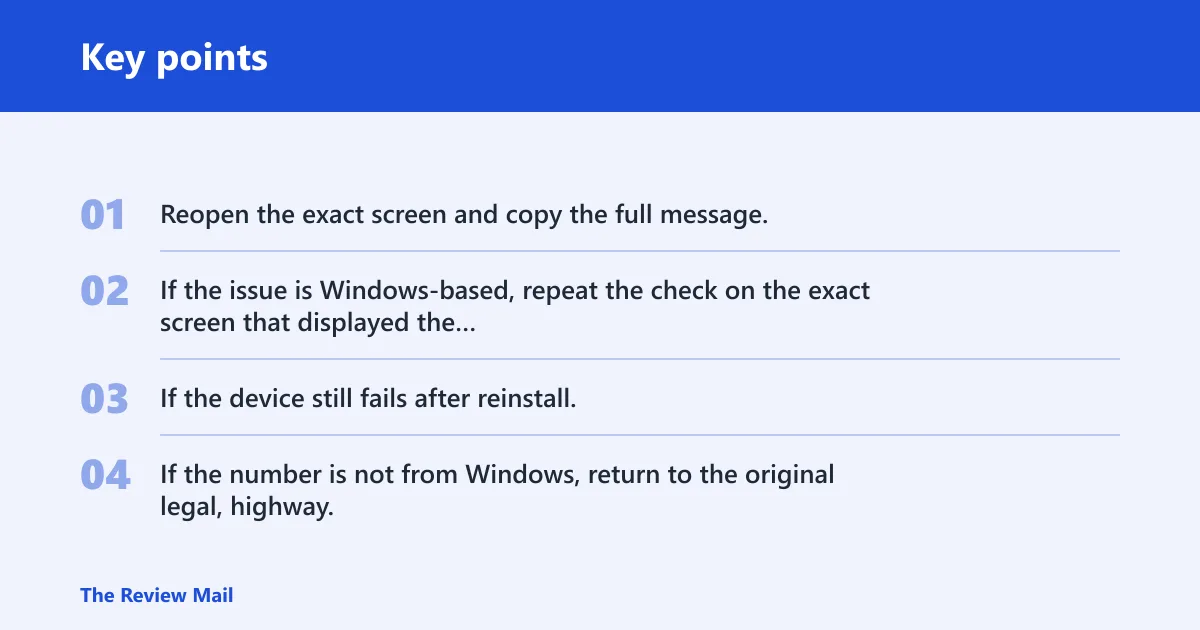
- Reopen the exact screen and copy the full message, including the device name or section title.
- If the issue is Windows-based, repeat the check on the exact screen that displayed the dump message.
- If the device still fails after reinstall, use the manufacturer’s support page for that model.
- If the number is not from Windows, return to the original legal, highway, or numbering source.
Keep the surrounding text with the number. That one habit stops most wrong-code searches before they start.
Frequently asked questions
What does code 161 mean?
In Windows, 0x00000161 is LIVE_SYSTEM_DUMP, which indicates that the system administrator requested the collection of a live system memory dump. In other contexts, 161 may be a legal, road, or numbering reference. Check the screen title and surrounding wording before you act.
Is code 161 an error or a reference number?
It can be either. In a Windows dump message, it is a live system dump code. In law, highway rules, or directory searches, it is usually a reference. The surrounding label is the deciding clue, not the number by itself.
How do I check code 161 on Windows?
Open the exact screen or event that showed the message, then read the full line that contains 161. If it says 0x00000161 or LIVE_SYSTEM_DUMP, that is a live memory dump request and not a driver rollback problem. Keep the full wording for further review.
Why am I seeing code 161 instead of a normal message?
Some Windows messages show a numeric code before the full explanation appears, and some pages only show the code at all. If the device name is missing, the next clue is usually the app or menu that displayed it. The exact message text is the first thing to capture.
What is code 1618?
It is a different code from 161. If your result mentions setup or installer behavior, keep the full number intact and search 1618 directly. Do not drop the final digit, because that can send you to the wrong troubleshooting path.
Is code 164 related to code 161?
Only as a nearby number. A 164 result may belong to a different page, rule, or error family. If the code in front of you is 161, stay with 161-specific context clues and do not assume a 164 explanation applies.