0x000000ca: What It Means and How to Fix It in Windows
0x000000ca is the bug check value for PNP_DETECTED_FATAL_ERROR. It indicates that the Plug and Play Manager encountered a severe error, probably as a result of a problematic Plug and Play driver. If you ignore it or troubleshoot in the wrong order, you can end up in reboot loops or repeated crashes that hide the actual device problem.
This guide is part of our Windows BSOD stop codes: full list and fixes series.
What 0x000000ca means in Windows
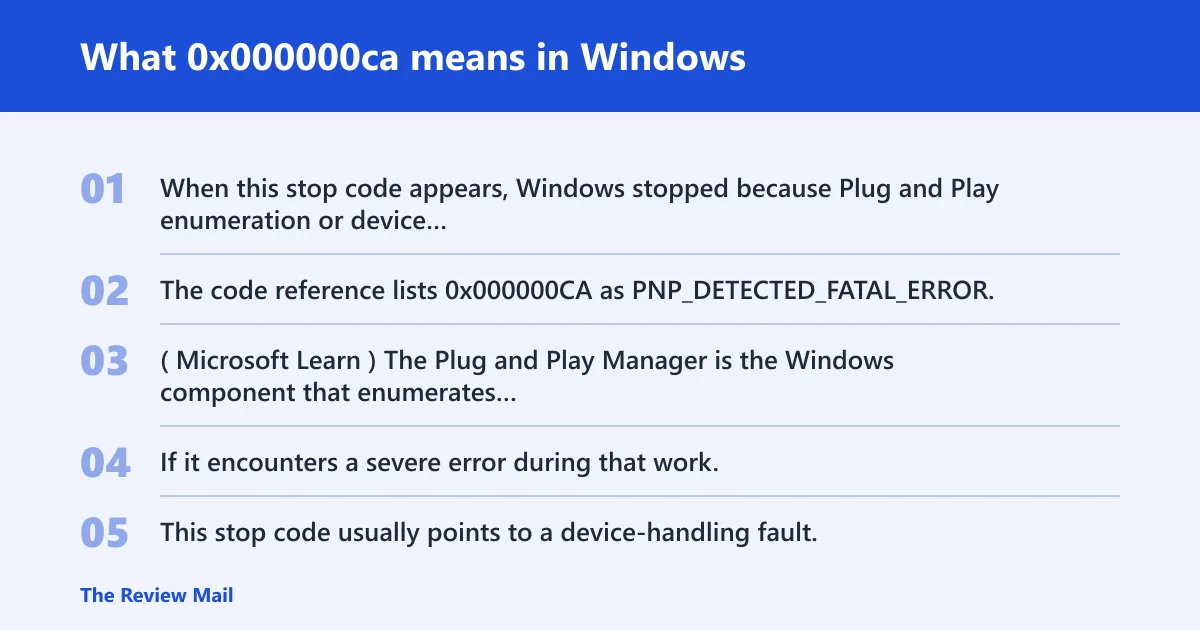
When this stop code appears, Windows stopped because Plug and Play enumeration or device relation tracking failed. The code reference lists 0x000000CA as PNP_DETECTED_FATAL_ERROR. (Microsoft Learn)
Why the Plug and Play Manager is involved
The Plug and Play Manager is the Windows component that enumerates hardware and tracks device relations. If it encounters a severe error during that work, Windows may stop the system to prevent further corruption.
Why this is usually a device-handling problem
This stop code usually points to a device-handling fault, not a generic operating system crash. The trigger may be a bad driver or a device enumeration problem during startup or reconnection.
📊 Microsoft maps PNP_DETECTED_FATAL_ERROR to value 0x000000CA. Source: Bug Check 0xCA PNP_Detected_Fatal_Error.
What usually causes bug check 0xCA?
The most common cause is a problematic Plug and Play driver. The issue can also happen when a device is enumerated incorrectly or when the Plug and Play Manager receives invalid device information during startup.
Recent driver changes and bad Plug and Play drivers
If the crash began after a driver change, start there. Roll back the newest driver for the affected device before you try broader repairs.
External devices and hot-plug hardware
External devices can expose the issue if one of them is presenting bad device information. Remove nonessential peripherals and see whether the system starts normally without them attached.
How do you triage 0x000000ca safely?
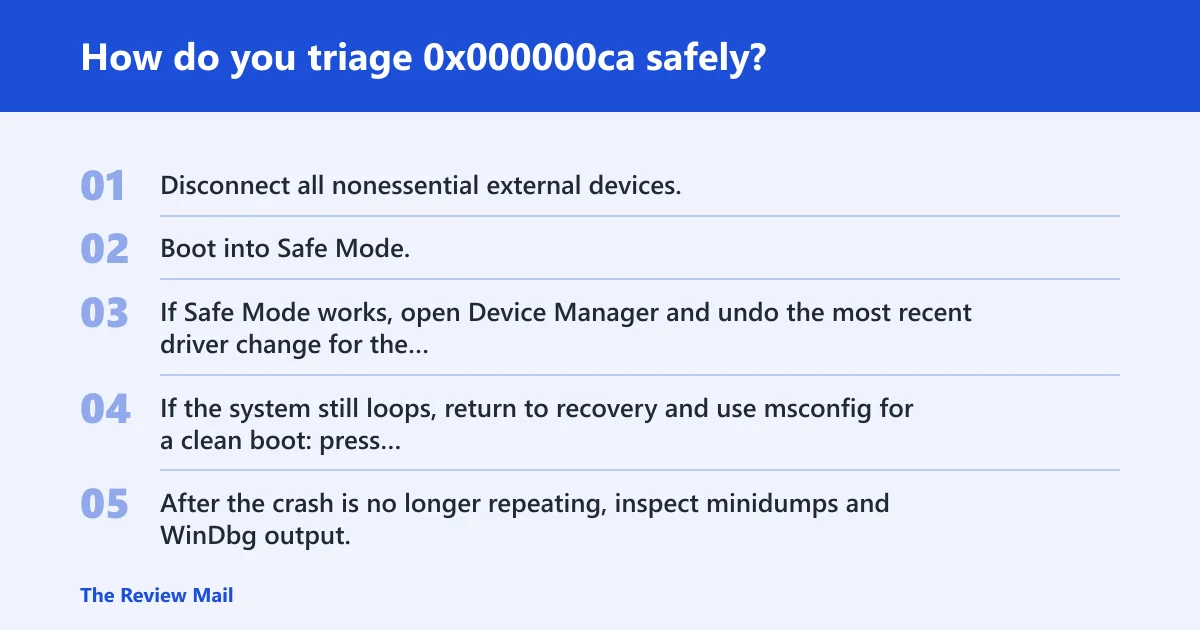
Start with the least risky checks: remove recent peripherals, undo recent driver changes, and boot in Safe Mode if needed. If Windows will not boot normally, use recovery options before advanced tools.
- Disconnect all nonessential external devices.
- Boot into Safe Mode. On Windows 10 and Windows 11, hold Shift while selecting Restart, then choose Troubleshoot > Advanced options > Startup Settings > Restart.
- If Safe Mode works, open Device Manager and undo the most recent driver change for the affected device.
- If the system still loops, return to recovery and use msconfig for a clean boot: press Win+R, type msconfig, open the Services tab, select Hide all Microsoft services, choose Disable all, then open the Startup tab and open Task Manager to disable startup items, and restart Windows.
- After the crash is no longer repeating, inspect minidumps and WinDbg output.
| Symptom pattern | Likely device class | Fastest safe test | Next action |
|---|---|---|---|
| Crash begins after a recent driver install | Affected device driver | Device Manager driver rollback | Roll back first; update only if rollback fails |
| Crash happens when an external device is attached | External device or its driver | Disconnect nonessential devices | Reconnect devices one at a time after the system is stable |
| Crash appears during boot before login | Startup-time Plug and Play path | Safe Mode or recovery environment | Use a clean boot and review recent driver changes |
| Crash appears in a virtual machine or VHD scenario | Virtual device path | Review the virtual device stack | See the Hyper-V case below |
What do the 0xCA bug check parameters mean?
The bug check parameters narrow the root cause, and Parameter 1 identifies the violation type. Microsoft documents these Parameter 1 values for this stop code:
| Parameter 1 | Violation type | What it means in practice |
|---|---|---|
| 0x1 | Duplicate PDO | A driver enumerated multiple PDOs with identical device ID and unique IDs. |
| 0x2 | Invalid PDO | An API that requires a PDO received random memory, an FDO, or an uninitialized PDO. |
| 0x3 | Invalid ID | The enumerator returned illegal characters or a device ID that was not properly terminated. |
| 0x4 | Invalid enumeration of deleted PDO | An enumerator returned a PDO that it had previously deleted. |
| 0x5 | PDO freed while linked in devnode tree | The object manager reference count on a PDO dropped to zero while the devnode was still linked in the tree. |
How do you fix a driver-related 0x000000ca?
For a driver-related crash, roll back the newest driver first, then update only if rollback does not help. Reinstalling the affected device can also clean up a damaged device instance.
- Open Device Manager.
- Right-click the suspected device, choose Properties, then open Driver.
- Select Roll Back Driver if the option is available.
- If rollback is unavailable, choose Uninstall device, then restart Windows.
- After restart, let Windows rediscover the device, or install the correct driver package for that exact device from the device vendor.
If the crash began after a recent driver update, rollback is the best first test. If the system becomes stable after rollback, avoid changing other devices until you confirm the problem is gone.
What if hardware or device enumeration is triggering the crash?
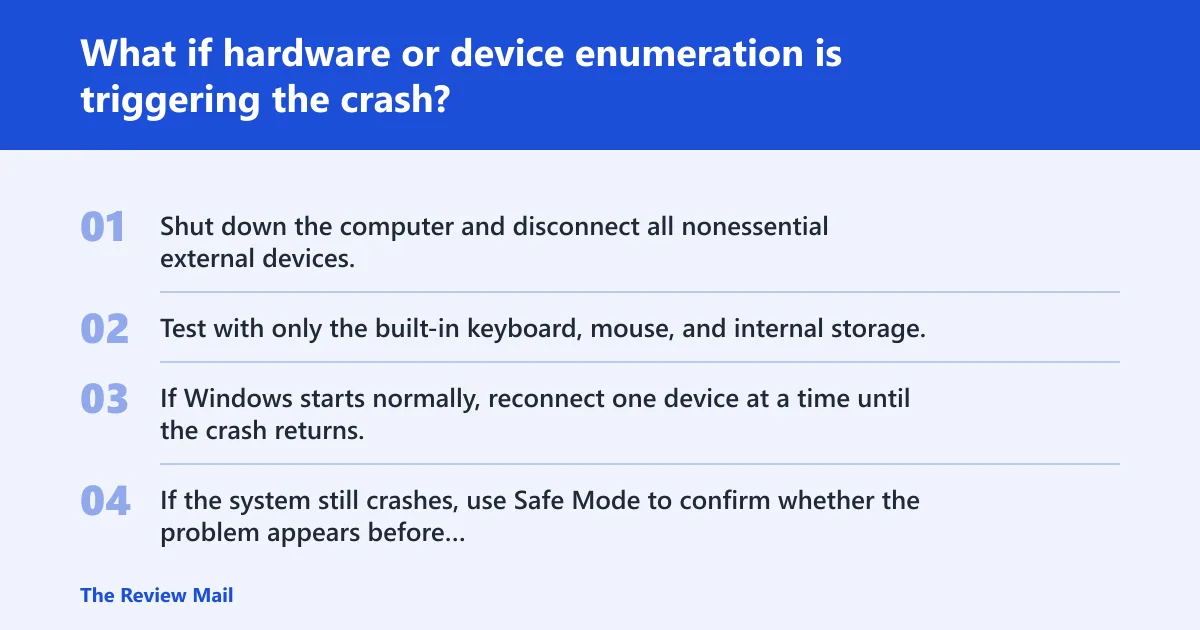
If the crash survives driver rollback, the issue may be tied to the device that is being enumerated. Disconnect nonessential external devices and test the system in a minimal configuration.
- Shut down the computer and disconnect all nonessential external devices.
- Test with only the built-in keyboard, mouse, and internal storage.
- If Windows starts normally, reconnect one device at a time until the crash returns.
- If the system still crashes, use Safe Mode to confirm whether the problem appears before normal desktop startup.
If that did not work, try this next
Move to minidumps and WinDbg only after the crash pattern is stable. If Windows can boot in Safe Mode, copy the latest minidumps from C:\Windows\Minidump and inspect the failing driver name and stack frames.
Can hardware or device enumeration trigger 0x000000ca?
Yes. Device enumeration itself can trigger the stop code when hardware returns bad IDs, duplicate device relations, or a PDO state that the Plug and Play Manager cannot trust.
Common device classes that deserve extra attention
Any device that changed shortly before the crash is worth checking first. Focus on the newest driver, the newest device connection, or the newest hardware change.
Hyper-V and VHD miniport issue on Windows Server 2008 R2
A specific case applies to a Windows Server 2008 R2-based computer that has the Hyper-V role installed, reported by support.microsoft.com. In that scenario, the Plug and Play manager sends a power relation query to the VHD miniport driver, and the VHD miniport driver returns an incorrect physical device object (PDO). A supported hotfix is available from Microsoft. reported by support.microsoft.com
Frequently asked questions
Is 0x000000ca the same as PNP_DETECTED_FATAL_ERROR?
Yes. Microsoft lists 0x000000CA as PNP_DETECTED_FATAL_ERROR in the bug check reference.
What causes bug check 0xCA?
A problematic Plug and Play driver is the main documented cause, and the stop code can also occur when device enumeration or device relations fail.
How do I fix a 0x000000ca blue screen?
Boot into Safe Mode, disconnect nonessential external devices, and use Device Manager to roll back the last driver change. If rollback is not available, uninstall the device and restart.
What do the 0xCA parameters mean?
Parameter 1 identifies the violation type. Microsoft documents the supported values 0x1 through 0x5 for duplicate PDO, invalid PDO, invalid ID, invalid enumeration of a deleted PDO, and PDO freed while linked in the devnode tree.
When should you update or rollback a Plug and Play driver?
Rollback comes first after a recent crash tied to a new driver. Update later only if rollback does not fix it and the device vendor has a newer package for the exact device model.