
0x000000e2: Manually initiated crash explained in Windows
0x000000E2 is the Windows bug check for MANUALLY_INITIATED_CRASH. It means the user deliberately initiated a crash dump from either the kernel debugger or the keyboard. If that was not intended, check for a deliberate trigger before looking for a driver or hardware fault. (Microsoft Learn)
What does 0x000000E2 mean in Windows?
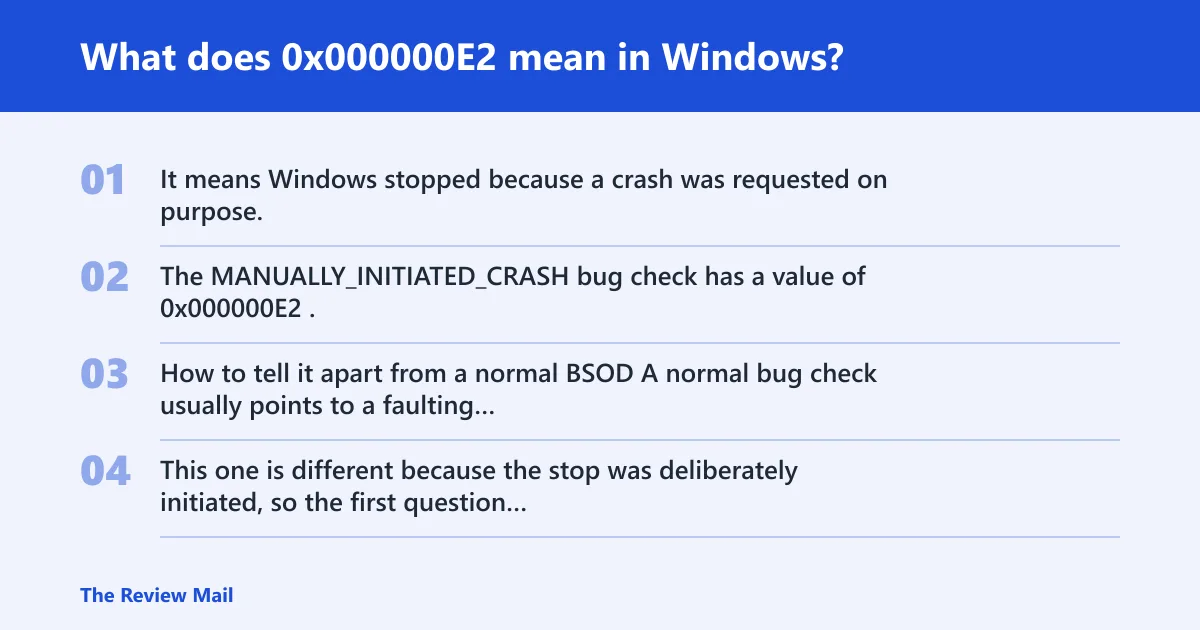
It means Windows stopped because a crash was requested on purpose. The MANUALLY_INITIATED_CRASH bug check has a value of 0x000000E2.
How to tell it apart from a normal BSOD
A normal bug check usually points to a faulting component or driver path. This one is different because the stop was deliberately initiated, so the first question is whether the crash dump was requested on purpose.
What are the most likely reasons you saw 0x000000E2?
Most often, the machine was told to stop on purpose. A keyboard crash trigger may have been enabled, or a support or automation workflow may have requested a dump. Start by separating an intentional diagnostic stop from an accidental one.
Check the support history first
- Ask whether imaging, remote support, or endpoint automation ran shortly before the stop.
- Review recent device management changes, reboots, and maintenance windows.
- Check for recent automation, remote support, and deployment jobs.
Was this crash triggered by a USB keyboard or a PS/2 keyboard?
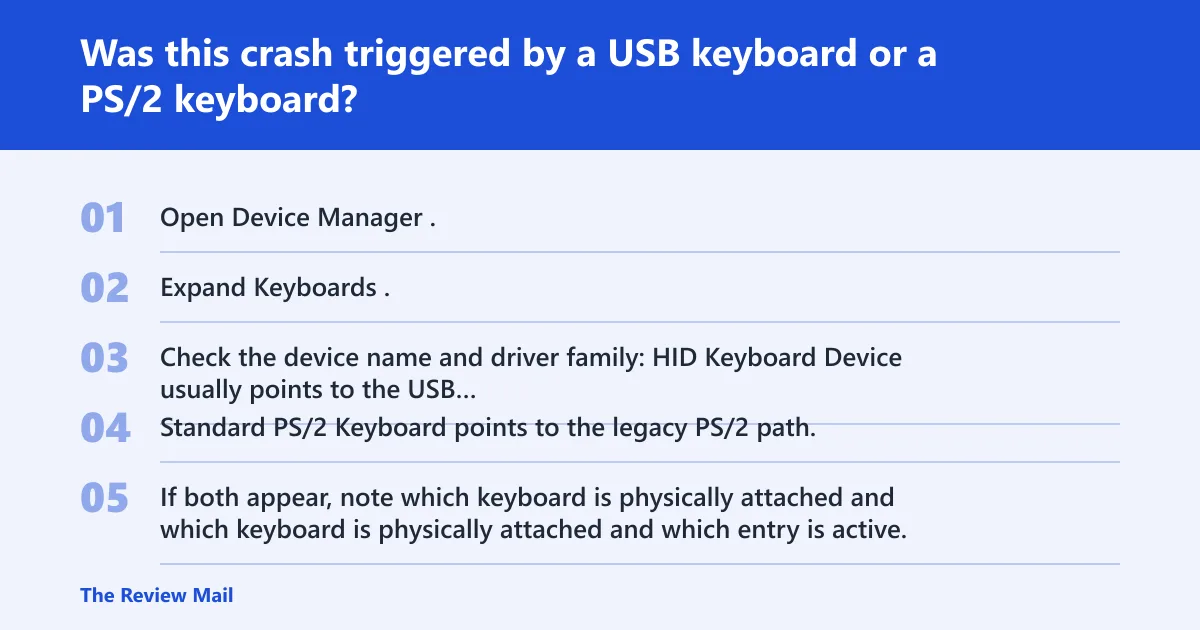
Both keyboard paths can trigger the stop with the Ctrl+Scroll Lock sequence. A USB keyboard uses the kbdhid stack, while a PS/2 keyboard uses i8042prt. Before changing the registry, confirm which path the system is actually using in Device Manager.
Confirm the keyboard path in Device Manager
- Open Device Manager.
- Expand Keyboards.
- Check the device name and driver family:
- HID Keyboard Device usually points to the USB path.
- Standard PS/2 Keyboard points to the legacy PS/2 path.
- If both appear, note which keyboard is physically attached and which entry is active.
USB path: kbdhid
For USB keyboards, use HKEY_LOCAL_MACHINE\SYSTEM\CurrentControlSet\Services\kbdhid\Parameters. Create or edit CrashOnCtrlScroll there as a DWORD (32-bit) value and set it to 1 to enable the keyboard trigger.
PS/2 path: i8042prt
For PS/2 keyboards, use HKEY_LOCAL_MACHINE\SYSTEM\CurrentControlSet\Services\i8042prt\Parameters. Create or edit CrashOnCtrlScroll there as a DWORD (32-bit) value and set it to 1 to enable the keyboard trigger.
How do you enable or disable CrashOnCtrlScroll?
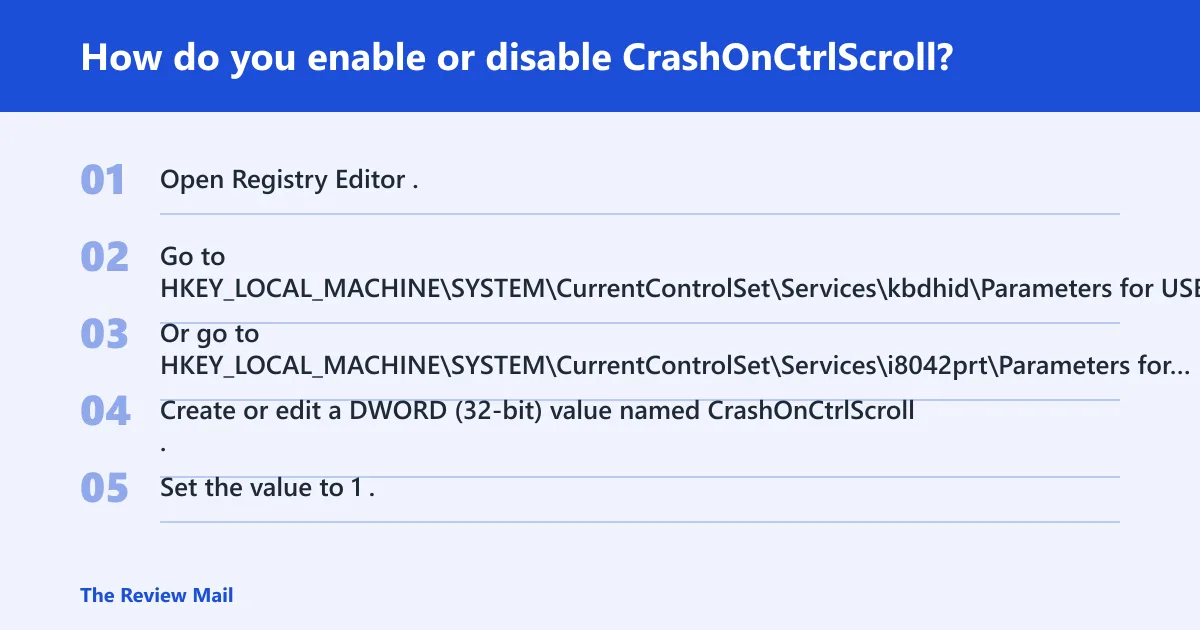
Use the matching registry path for the keyboard stack, then reboot so the driver reads the value. For USB, use kbdhid; for PS/2, use i8042prt. The value name is CrashOnCtrlScroll.
Steps to enable the trigger
- Open Registry Editor.
- Go to
HKEY_LOCAL_MACHINE\SYSTEM\CurrentControlSet\Services\kbdhid\Parametersfor USB keyboards. - Or go to
HKEY_LOCAL_MACHINE\SYSTEM\CurrentControlSet\Services\i8042prt\Parametersfor PS/2 keyboards. - Create or edit a DWORD (32-bit) value named CrashOnCtrlScroll.
- Set the value to 1.
- Restart the computer.
Safe rollback after the dump is collected
- Return to the same registry path.
- Set CrashOnCtrlScroll to 0, or remove the value if policy allows it.
- Restart again.
- Sign back in and confirm the desktop loads normally.
- Test normal typing, scrolling, and shutdown.
Verification table: confirm the setting before you test it
| Keyboard type | Registry path | Value name | Expected DWORD value | What to check after reboot | Rollback step |
|---|---|---|---|---|---|
| USB keyboard | HKEY_LOCAL_MACHINE\SYSTEM\CurrentControlSet\Services\kbdhid\Parameters | CrashOnCtrlScroll | 1 | Press the configured trigger only if a dump is intended, then confirm the system returns to the sign-in screen and desktop after restart. | Set the value to 0, then restart. |
| PS/2 keyboard | HKEY_LOCAL_MACHINE\SYSTEM\CurrentControlSet\Services\i8042prt\Parameters | CrashOnCtrlScroll | 1 | Verify that the legacy keyboard path is active in Device Manager before testing the trigger. | Set the value to 0, then restart. |
How should you read the 0xE2 dump after capture?
Read it as a dump-collection event first, then use the crash state to investigate the hang that prompted it. Microsoft advises looking for blocked IRPs and CPUs stuck at high IRQL. That is where the useful work starts, because the stop code itself does not name the faulting component.
What to inspect in the dump
- Open the dump in WinDbg or the debugger your support team uses.
- Check for threads waiting on blocked IRPs.
- Look for CPUs pinned at high IRQL.
- Trace the stalled device or driver path that was active before the stop.
- Compare the hang pattern with recent driver, firmware, or policy changes.
Still seeing 0x000000E2 when you did not mean to?
If the stop keeps happening, assume the trigger is still enabled before assuming hardware trouble. Review recent automation, remote support, and deployment jobs, then confirm whether CrashOnCtrlScroll is still set in the USB or PS/2 path. If the pattern persists, escalate with the dump and a device inventory.
If that did not work, try this next
- Check both keyboard registry paths again.
- Confirm the active keyboard type in Device Manager.
- Review recent automation, remote support, and deployment jobs.
- Package the newest dump, the keyboard path, and the driver list for escalation.
What about the nearby long-button-hold stop?
Microsoft also documents 0x1C8 MANUALLY_INITIATED_LONG_BUTTON_HOLD. It is related in intent, not in cause analysis. Do not treat it as the same code; use it only as a reminder that Windows has more than one deliberate-stop path.
Prevention: once the dump is collected, turn off CrashOnCtrlScroll on every path that was enabled, then verify the machine can sign in, type, scroll, and shut down normally.
Frequently asked questions
How do I trigger or disable CrashOnCtrlScroll for 0xE2?
Set CrashOnCtrlScroll to 1 under kbdhid\Parameters for USB keyboards or i8042prt\Parameters for PS/2 keyboards, then restart. To disable it, set the same value to 0 or remove it, then reboot again.
Is 0x000000e2 caused by a driver or hardware problem?
Not by default. This stop is usually intentional, so the first task is to confirm whether someone or something deliberately requested the crash. Only after that should you inspect the dump for the underlying hang, blocked IRPs, or a CPU stuck at high IRQL.
How do I read a 0xE2 crash dump?
Open the dump in a kernel debugger and inspect the stalled stack, waiting IRPs, and CPU state around the time of the stop. The useful clue is usually the hang that led to the forced crash, not the 0xE2 code itself.
What is the difference between 0xE2 and other BSOD stop codes?
Most BSOD codes point toward a fault class or component. 0xE2 does not. It is a deliberate stop used to collect a dump, so the troubleshooting path starts with trigger verification and then moves into hang analysis.
Can 0xE2 happen on USB keyboards and PS/2 keyboards?
Yes. The keyboard-triggered crash can use either path. USB uses kbdhid, and PS/2 uses i8042prt. If either path has CrashOnCtrlScroll set, the trigger can work after the next reboot.
What registry keys are needed for Ctrl+Scroll Lock crash dumps?
Use HKEY_LOCAL_MACHINE\SYSTEM\CurrentControlSet\Services\kbdhid\Parameters for USB keyboards and HKEY_LOCAL_MACHINE\SYSTEM\CurrentControlSet\Services\i8042prt\Parameters for PS/2 keyboards. In both places, create or edit CrashOnCtrlScroll as a DWORD (32-bit) with the value 1.
Why would Microsoft call 0xE2 a manually initiated crash?
Because the stop is requested deliberately to collect memory for debugging. Microsoft describes it as being initiated from the keyboard or the kernel debugger, which makes it a tool for support and hang analysis rather than an accidental failure signal.