
0x000000e4: What It Means and How to Fix the Stop Code
STOP 0x000000E4 / WORKER_INVALID has value 0x000000E4 and points to a worker-item problem in Windows. Treat the crash as a driver/work-item issue first: save any dump files, note the last changes, and check whether a recent driver or filter tool lines up with the crash. On laptops, this is often just as important as on desktops, especially when the crash starts after a new dock, storage driver, VPN, or security tool is installed.
What does 0x000000e4 mean in Windows?
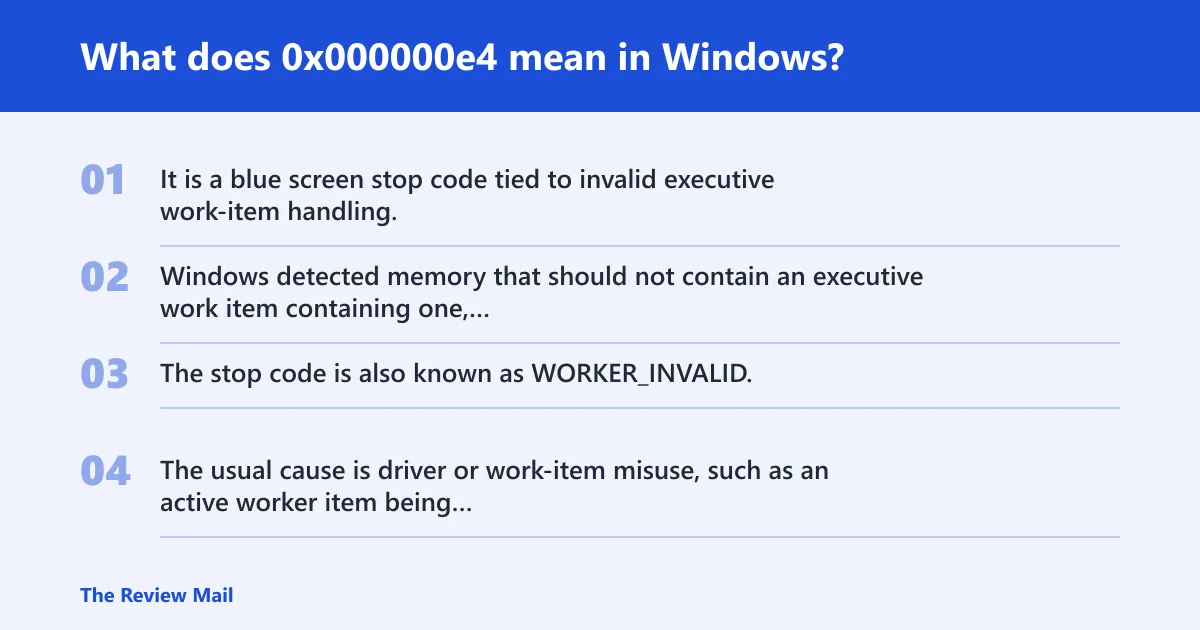
It is a blue screen stop code tied to invalid executive work-item handling. Windows detected memory that should not contain an executive work item containing one, or a work item being queued while it was still in the wrong state. The stop code is also known as WORKER_INVALID.
The usual cause is driver or work-item misuse, such as an active worker item being freed, an active worker item being queued, a queued I/O worker item being freed, an invalid object being used to initialize an I/O worker item, a work item being queued before Worker Queued was initialized, an invalid queue type, or an invalid worker routine address.
What should you check first after the crash?
Write down the stop code, save any dump file before the next reboot if one exists, and record the exact Windows build and install date. Those items often determine whether the next step is rollback or deeper driver review. If the machine still boots, do not keep rebooting blindly.
- Open Settings > System > About and note edition, version, and OS build.
- Check
C:\Windows\Minidumpfor recent files, then copy them to another folder. - Open Event Viewer > Windows Logs > System and note the crash time.
- Record any recent changes: antivirus, VPN, backup software, storage drivers, chipset drivers, or firmware.
If the crash started right after a change, test that change first.
How do you triage 0x000000e4 by evidence?
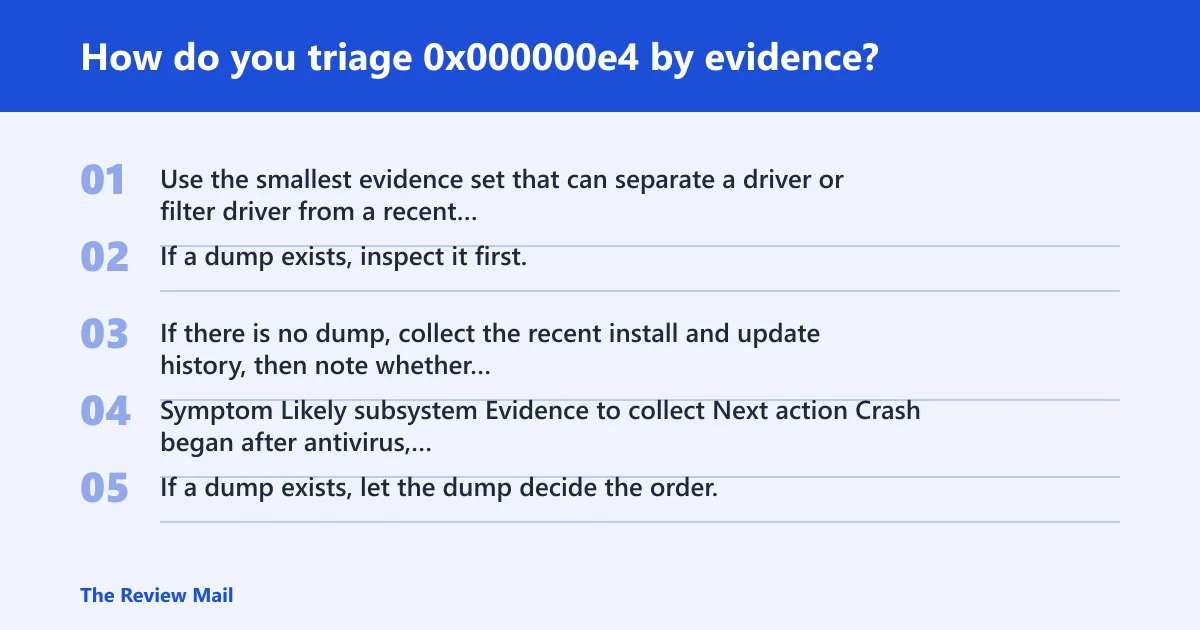
Use the smallest evidence set that can separate a driver or filter driver from a recent software change. If a dump exists, inspect it first. If there is no dump, collect the recent install and update history, then note whether the system fails only at startup, under load, or during idle.
| Symptom | Likely subsystem | Evidence to collect | Next action |
|---|---|---|---|
| Crash began after antivirus, VPN, backup, or disk utility install | Filter driver | Install date, product name, dump file if present | Uninstall or roll back that product first |
| Crash after chipset, storage, or GPU driver update | Driver or kernel path | Driver version, device model, minidump | Roll back the newest driver in Device Manager |
| Repeated crashes with no recent software change | Driver or work-item path | Crash timing, dump file, last update date | Kernel damage usually shows up in the dump and recent device changes |
| Startup loop, no desktop, no dump | Boot path or driver | Safe Mode result, boot timing, last change | Try Safe Mode, then clean boot |
| Dump exists and points to a named driver | Driver or filter driver | Stack, module name | Use WinDbg !analyze, then isolate that component |
If there is no dump, the branch is simpler: isolate recent software first. If a dump exists, let the dump decide the order.
What causes STOP 0x000000e4 blue screen errors?
Most often, the trigger is driver code that freed or mishandled a worker item. Common examples include freeing a worker item too early, queueing it while it is still active, using an invalid object, or passing an invalid routine address. A recent driver install or update is the first thing to check.
Driver and filter-driver failures
Antivirus, VPN, backup, encryption, storage, and printer filter drivers are common first suspects because they sit in the I/O path. A bad update or uninstall can leave the worker-item state broken.
- Open Settings > Apps > Installed apps and remove the newest security, VPN, backup, or storage tool.
- Open Device Manager, right-click the newest suspect device, then choose Properties > Driver > Roll Back Driver if available.
- If rollback is unavailable, choose Uninstall device, then restart.
- Review recent Windows updates and device updates if the change happened around the same time as the crash.
Kernel corruption or blocked work items
When the same crash repeats, inspect the dump stack and the module list for the component that touched the worker path first. A repeatable pattern in the dump is more useful than guessing from the stop screen alone.
- Open an elevated Command Prompt as administrator, then run
sfc /scannow. - Run
DISM /Online /Cleanup-Image /RestoreHealth. - Restart, then rerun the same app, device path, or workload that caused the crash.
How do I find the exact bug check name for 0x000000e4?
Use Microsoft Learn bug check documentation to map the code to WORKER_INVALID, then verify the dump with WinDbg when one exists. The useful part is the module and stack data from the crash, not a broad reference list.
If you have a dump, the interesting parts are the stack and the module list. Use WinDbg when you need the exact failing module or repeated crash confirmation.
Can a memory dump tell me why 0x000000e4 happened?
Yes. Dump files contain additional information about the memory state at the time of the stop, and that can point to the driver or filter driver involved. If a minidump exists, it is often the quickest path to a solid answer.
Start with the simplest pass: open the dump in WinDbg, run !analyze -show <code> for the code lookup, then inspect the failing module and stack. If the same third-party driver appears across multiple crashes, that is a stronger lead than any generic repair step.
If no dump exists, go back to recent changes, then test the highest-risk filter drivers first.
How do I fix 0x000000e4 on Windows 11?
On Windows 11, start with rollback and isolation, then move to repair tools if the crash is still active. The fastest path is to remove the newest filter driver or device driver, test Safe Mode or a clean boot, and only then repair Windows files. If the machine reboots cleanly after rollback, verify stability.
- Open Settings > Windows Update > Update history and note the newest driver or quality update.
- In Device Manager, roll back the newest storage, chipset, network, or display driver.
- Run msconfig, choose Services, check Hide all Microsoft services, then use Disable all for a clean boot test.
- Boot into Safe Mode and repeat the workload that caused the crash.
- If it still fails, run
sfc /scannowandDISM /Online /Cleanup-Image /RestoreHealth.
Is 0x000000e4 a driver problem or hardware problem?
Start with driver or filter-driver changes, because that is the most common path. If the crash started after a new install, update, or cleanup tool, treat it as software until the rollback test says otherwise. If the same crash keeps happening after rollback, the next step is to review the dump and the changed devices again.
Use the split test: remove the newest suspect driver, then retest. If the crash disappears, that points to software. If it persists, keep the focus on the driver path and the worker-item handling seen in the dump.
What should you check first after a BSOD with code 0x000000e4?
Check for the newest driver, VPN, antivirus, backup, or storage utility change first, then save any dump file before another reboot. The next best clue is whether the crash happens only on startup, which often points to a boot-time filter or device driver.
If the system still boots, record the install date and OS build, then copy minidumps out of C:\Windows\Minidump. If it will not boot, get into Safe Mode and look for the last installed driver package, then remove or roll it back.
Does 0x000000e4 need WinDbg to diagnose?
No. WinDbg is useful when a dump exists and the crash keeps repeating, but a first-pass fix often comes from rollback, Safe Mode, clean boot, and basic repair commands. Use WinDbg when you need module-level proof or when the same crash returns after the obvious changes are undone.
If you do use it, the useful path is: open the dump, run !analyze -show <code>, then inspect the stack and loaded modules. If the dump names a filter driver, that is usually the next thing to remove or update.
Still not working?
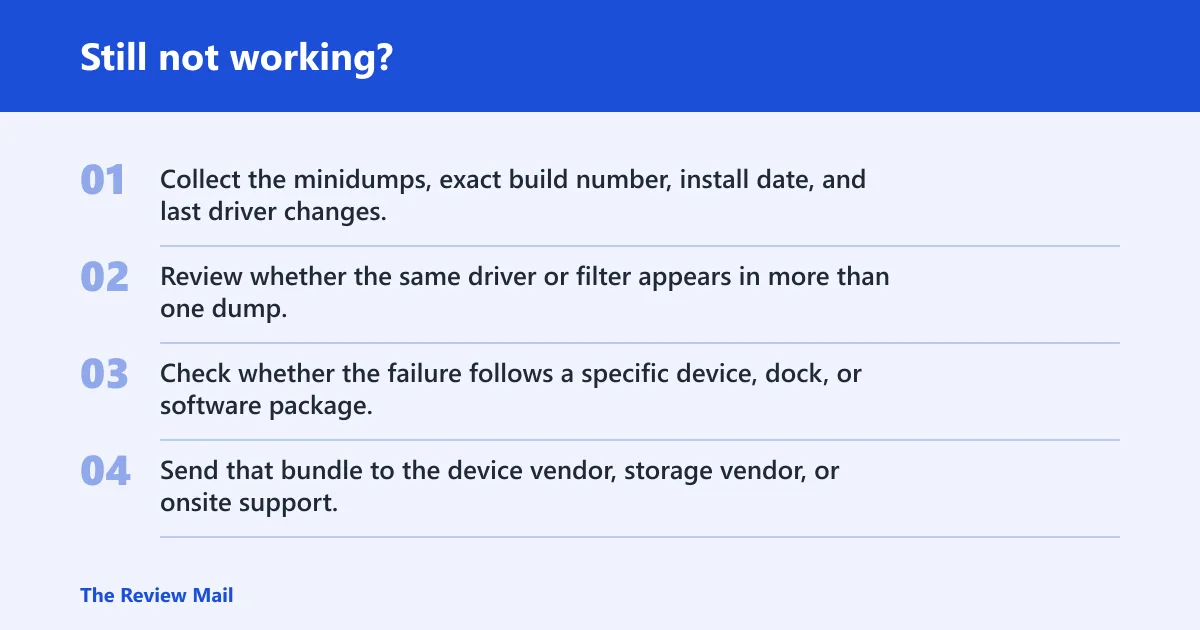
If rollback, Safe Mode, and file repair do not stop the crashes, the next move is to keep collecting dumps and test the newest driver changes one more time. Repeating failures after driver removal point toward a driver issue that needs deeper isolation or vendor help.
- Collect the minidumps, exact build number, install date, and last driver changes.
- Review whether the same driver or filter appears in more than one dump.
- Check whether the failure follows a specific device, dock, or software package.
- Send that bundle to the device vendor, storage vendor, or onsite support.
Keep a note of driver and security-tool install dates. That makes the next crash easier to sort.