0xc004f06c: Fix the Windows KMS Timestamp Error Fast
0xc004f06c often points to an activation time-trust problem: if the clock is noticeably out of sync, or the machine can’t validate time against NTP or AD, fix time sync first. This guide shows how to tell whether Windows Time, your NTP source, or AD DS is the broken link, then verify the repair with the right commands.
Likely causes, ranked from most to least common
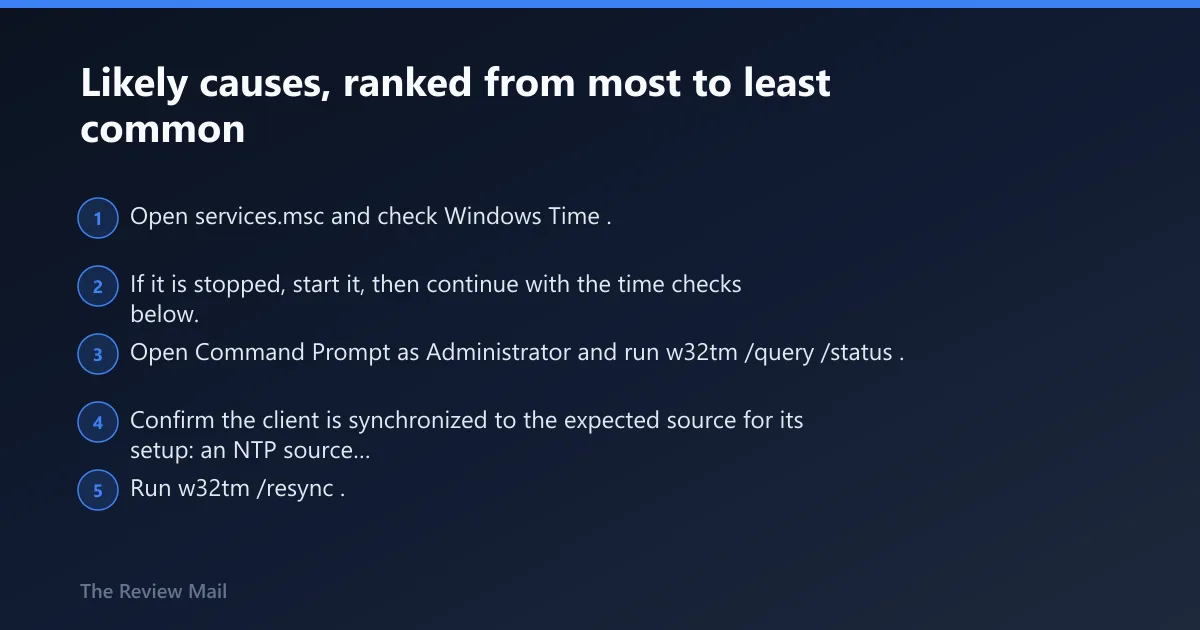
1) The client is using the wrong time source or is unsynchronized
- Open
services.mscand check Windows Time. - If it is stopped, start it, then continue with the time checks below.
- Open Command Prompt as Administrator and run w32tm /query /status.
- Confirm the client is synchronized to the expected source for its setup: an NTP source on a standalone PC, or Active Directory Domain Services on a domain-joined PC.
- Run w32tm /resync. Retry activation in Settings > System > Activation or with slmgr /ato.
2) A standalone PC has NtpClient disabled
- Confirm the device is not domain-joined before editing the registry.
- Open Registry Editor.
- Go to
HKEY_LOCAL_MACHINE\SYSTEM\CurrentControlSet\Services\W32Time\TimeProviders\NtpClient. - Verify the device is configured to use an NTP time source, then resync time and retry activation.
3) A domain-joined PC is not following the AD DS time hierarchy
- Open Registry Editor.
- Go to
HKEY_LOCAL_MACHINE\System\CurrentControlSet\Services\W32Time\Parameters. - Check the Type value. For domain members, it should be NT5DS so the client syncs with Active Directory Domain Services. (Microsoft Learn)
- Run w32tm /resync, then retry activation.
4) The timestamp failure is a symptom of a wider KMS problem
- Check whether the client can reach the KMS host at TCP 1688.
- If time is aligned and activation still fails, check KMS host health, DNS publishing, and whether host and client versions match. (call4cloud.nl)
- Use slmgr /xpr and slmgr /ato to confirm the current activation state.
According to Error 0xC004F06C when you activate Windows — The Software Protection Service reported that the computer couldn’t be activated, and in KMS activation the request timestamp is invalid. (source) (Microsoft Learn)
Why am I getting 0xc004f06c when I activate Windows?
In most cases, the client clock does not match the time source it is supposed to trust. On standalone PCs, the device may not be using a valid NTP source. On domain-joined PCs, the machine may not be following the AD DS time hierarchy. Less often, the KMS path itself is broken.
Where it usually appears
This code commonly shows up in the activation UI and in slmgr output. The broader Windows activation error table also includes this code and maps it to an invalid request timestamp.
Why time trust comes first
KMS volume activation depends on the client and host being reasonably time-aligned. Official guidance lists a client time that differs too much from the KMS host as a cause, and recommends using either an NTP source or Active Directory Domain Services for synchronization. Time zone selection is not the deciding factor here.
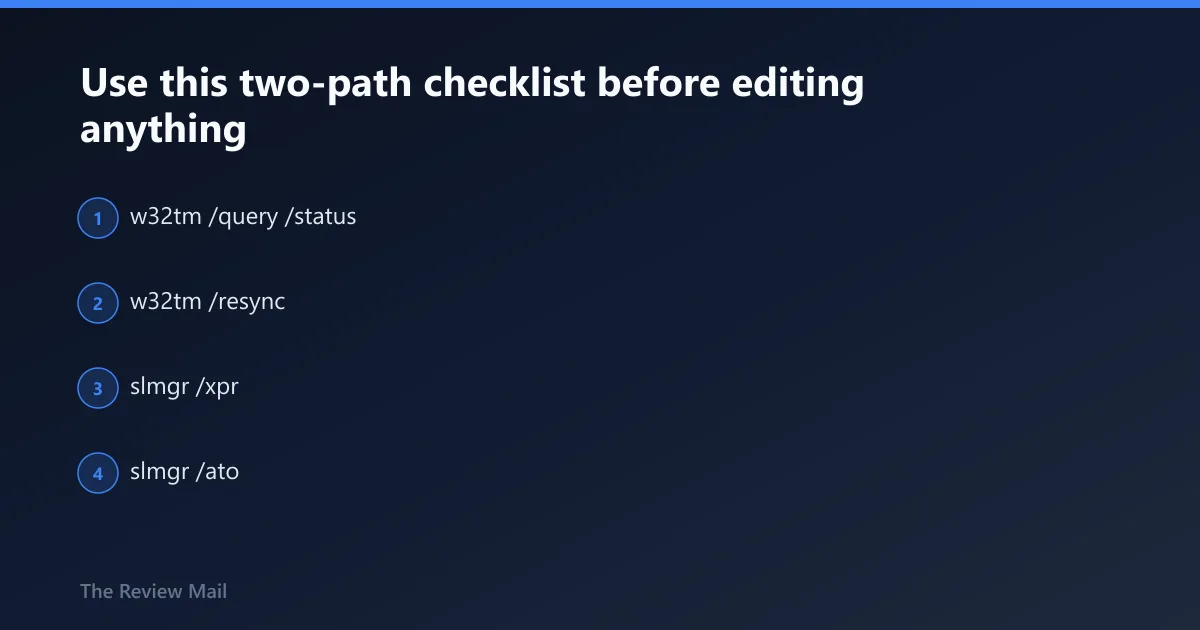
Use this two-path checklist before editing anything
First decide if the machine is standalone or domain-joined. That answer changes the valid time source and the repair path that makes sense. Editing NtpClient on a domain-joined PC is usually the wrong move, while forcing NT5DS on a standalone PC fixes nothing.
Decision table: non-domain PC vs domain-joined PC
| Check | Non-domain PC | What good looks like | Domain-joined PC | What good looks like |
|---|---|---|---|---|
| Service state | Open services.msc > Windows Time | Status shows Running | Open services.msc > Windows Time | Status shows Running |
| Actual source | Run w32tm /query /status | Source shows an NTP source, not Local CMOS Clock | Run w32tm /query /status | Source shows a domain time source |
| Registry path | HKEY_LOCAL_MACHINE\SYSTEM\CurrentControlSet\Services\W32Time\TimeProviders\NtpClient | NTP configuration is present for the device | HKEY_LOCAL_MACHINE\System\CurrentControlSet\Services\W32Time\Parameters | Type = NT5DS |
| Repair command | w32tm /resync | Resync completes, then activation retry succeeds | w32tm /resync | Resync completes against AD DS, then activation retry succeeds |
| KMS check | Retry with slmgr /ato | No timestamp failure remains | Retry with slmgr /ato | No timestamp failure remains |
Exact commands to run
- w32tm /query /status
- w32tm /resync
- slmgr /xpr
- slmgr /ato
How to read the result
If Windows Time is running but Source is wrong, missing, or stuck on Local CMOS Clock, this is still a time problem. If the source is correct, resync works, and the clock is aligned but activation still fails, start checking KMS reachability on TCP 1688 and host-side issues.
How do I check Windows Time and NTP settings for activation errors?
Use two checks, in order: first confirm the Windows Time service is running in Services, then confirm what clock source the client is actually using with w32tm /query /status.
Step 1: check that Windows Time is running
- Press Win + R, type
services.msc, and press Enter. - Find Windows Time.
- If it is stopped, start it.
Step 2: verify sync state and source
- Open Command Prompt as Administrator.
- Run w32tm /query /status.
- Check the Source line and confirm it matches the machine type: NTP for standalone, AD DS for domain-joined.
Step 3: force a resync
- Run w32tm /resync.
- Run w32tm /query /status again.
- Retry activation at Settings > System > Activation or with slmgr /ato.
How do I fix 0xc004f06c on a Windows KMS client?
Fix the time source before touching anything else. Determine whether the PC is standalone or domain-joined, verify the service, confirm the sync source with w32tm, repair the source if needed, resync, and only then retry KMS activation.
If that did not work, try the non-domain path next
- Confirm the PC is not joined to a domain.
- Open Registry Editor and go to
HKEY_LOCAL_MACHINE\SYSTEM\CurrentControlSet\Services\W32Time\TimeProviders\NtpClient. - Verify the device is configured to use an NTP time source.
- Run w32tm /resync, then slmgr /ato.
If that still did not work, move to the domain path
- Confirm the PC is joined to a domain.
- Open Registry Editor and go to
HKEY_LOCAL_MACHINE\System\CurrentControlSet\Services\W32Time\Parameters. - Set Type to NT5DS.
- Run w32tm /resync, then slmgr /ato.
What registry setting fixes 0xc004f06c for non-domain computers?
For a non-domain computer, the key check is the NtpClient provider. Go to HKEY_LOCAL_MACHINE\SYSTEM\CurrentControlSet\Services\W32Time\TimeProviders\NtpClient and confirm the machine is configured to use an NTP time source. After that, resync time and verify the source with w32tm /query /status.
Safe non-domain repair steps
- Open Settings > System > Activation and note the current error.
- Check
HKEY_LOCAL_MACHINE\SYSTEM\CurrentControlSet\Services\W32Time\TimeProviders\NtpClient. - Verify the device is configured to use an NTP time source.
- Run w32tm /resync.
- Run w32tm /query /status and confirm the source is no longer local-only.
- Retry with slmgr /ato.
What good looks like
The service is running, the device is using a valid NTP source, w32tm shows a real external or policy-defined time source, and activation no longer fails with the same timestamp error.
What should domain-joined PCs use instead of NTP for activation time sync?
Domain-joined PCs should normally use the Active Directory Domain Services time hierarchy, not manual internet NTP settings. In the registry, that means checking HKEY_LOCAL_MACHINE\System\CurrentControlSet\Services\W32Time\Parameters and confirming Type is NT5DS, then resyncing and verifying the source changed.
Domain-member repair steps
- Open Registry Editor.
- Go to
HKEY_LOCAL_MACHINE\System\CurrentControlSet\Services\W32Time\Parameters. - Check Type. For AD DS synchronization, it should be NT5DS.
- Run w32tm /resync.
- Run w32tm /query /status and confirm the source is a domain time source.
- Retry activation with slmgr /ato.
What to avoid
Do not switch a domain-joined machine to manual internet NTP unless there is a deliberate policy exception. Official guidance recommends Active Directory Domain Services for time synchronization on domain-connected systems.
Is 0xc004f06c related to KMS connectivity issues?
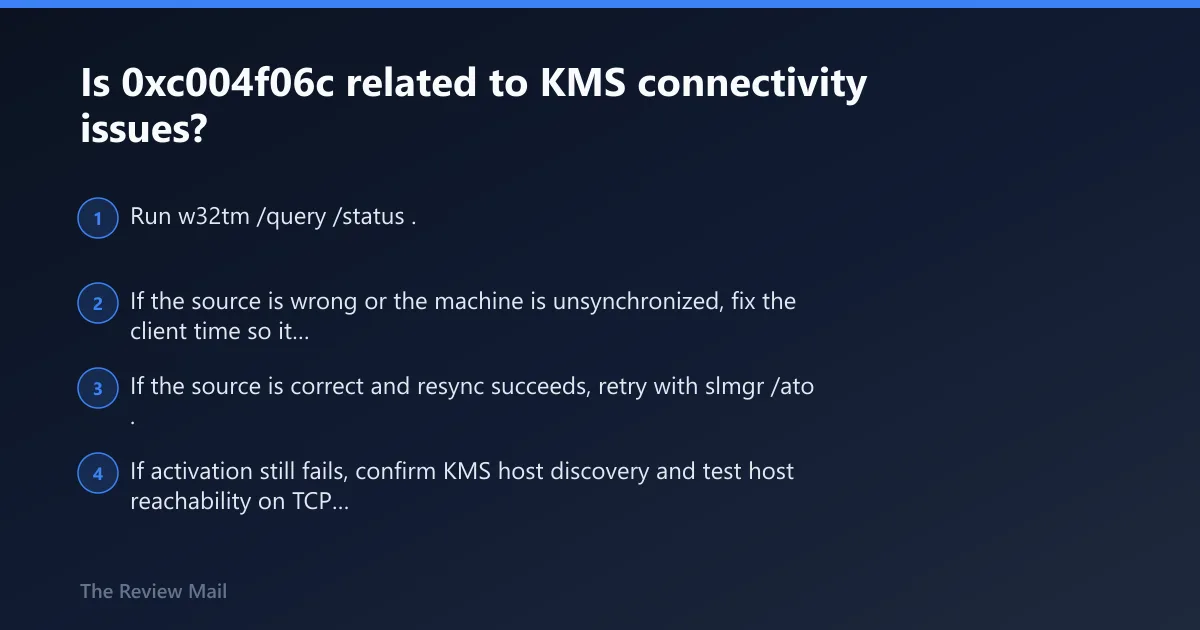
It can be. If the client time source is wrong, fix that first. If time is healthy and the error remains, then move to KMS checks such as host reachability on TCP 1688, DNS records, and host-client version fit.
How to separate time failure from KMS failure
- Run w32tm /query /status.
- If the source is wrong or the machine is unsynchronized, fix the client time so it matches the KMS host.
- If the source is correct and resync succeeds, retry with slmgr /ato.
- If activation still fails, confirm KMS host discovery and test host reachability on TCP 1688.
Still not working?
For admins, the next escalation is host-side: verify the KMS host is reachable, check DNS records used for KMS discovery, and confirm host and client versions are compatible. If the device is a Lenovo system or another OEM image, the brand usually does not change this path; the domain state and time source do.
Prevention
Keep time source policy simple. Standalone PCs should have a valid NTP path. Domain members should follow AD DS. Periodic checks with w32tm /query /status can catch drift and wrong-source issues before they spill into activation, sign-in, and Kerberos failures.
Frequently asked questions
What does error 0xc004f06c mean in Windows activation?
It points to a timestamp-trust failure during KMS activation. Change the system time on the client to match the KMS host, then retry with slmgr /ato.
Can time synchronization cause 0xc004f06c?
Yes. Official guidance lists client time that differs too much from the KMS host as a cause, and recommends NTP or AD DS for synchronization.
Is this the same fix when 0xc004f06c is stuck or appears on a Lenovo PC?
Usually yes. Brand does not usually change the fix path. Recheck domain status, verify the exact source with w32tm, then retry slmgr /ato.