0x000000b8 ATTEMPTED_SWITCH_FROM_DPC: fix and causes
0x000000B8 is a Windows stop code with the value 0x000000B8. It indicates that an illegal operation was attempted by a deferred procedure call (DPC) routine. The practical next step is to identify the driver or device involved from the dump rather than guess and replace parts. Ignoring it can lead to repeated blue screens, lost work, and unstable driver changes.
This guide is part of our Windows BSOD stop codes: full list and fixes series.
What 0x000000b8 means on a blue screen
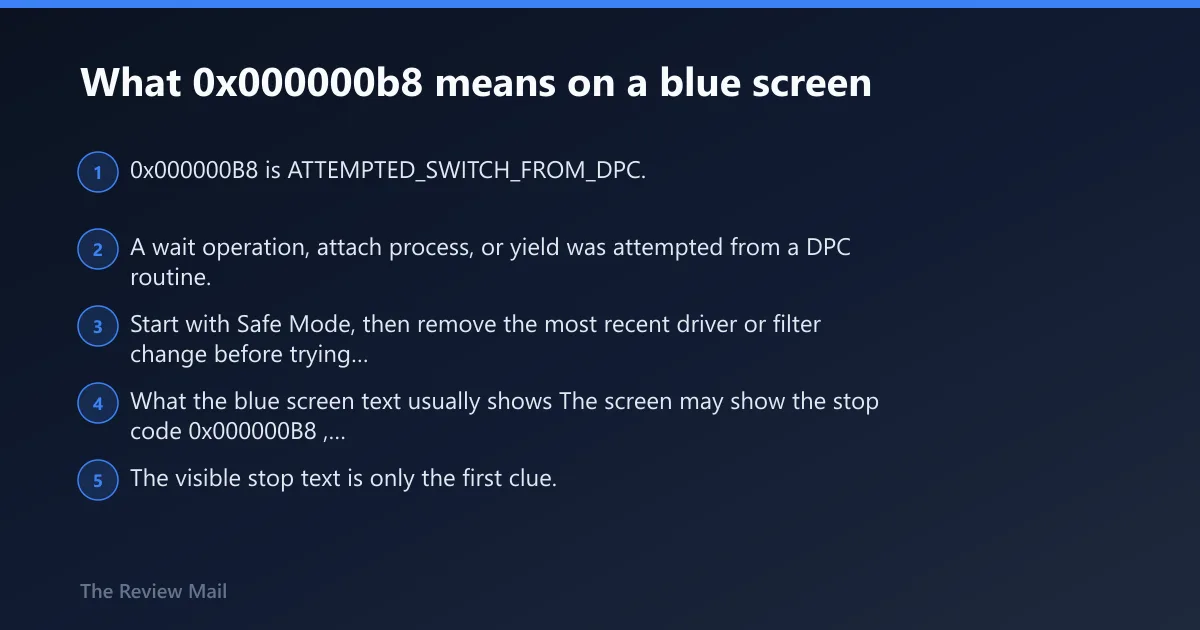
0x000000B8 is ATTEMPTED_SWITCH_FROM_DPC. A wait operation, attach process, or yield was attempted from a DPC routine. Start with Safe Mode, then remove the most recent driver or filter change before trying broader repairs.
What the blue screen text usually shows
The screen may show the stop code 0x000000B8, the name ATTEMPTED_SWITCH_FROM_DPC, and sometimes one or more hex parameters. The visible stop text is only the first clue. The more useful clue is the stack trace in the dump file, which can help identify the driver involved.
Why a DPC cannot do that work
A Deferred Procedure Call runs in kernel mode and is meant for short, non-blocking work. It cannot wait, attach process, or yield. If code tries that from a DPC, Windows treats it as an illegal operation and stops the machine.
According to Kontrola chyb 0xB8 Attempted_Switch_FROM_DPC – Windows drivers… — The bug check value is 0x000000B8.
What usually causes this stop code?
This stop code can appear when a driver or filter interacts badly with the DPC path. The safest approach is to remove the last change and retest instead of assuming a specific component from the blue screen alone.
Common trigger classes
- Outdated or broken device drivers.
- Third-party filter drivers.
- Security software that installs kernel components.
- Display-related driver changes.
- Storage stack changes.
Device-specific clues
If the crash starts during games, look first at the display driver and related software changes. If it happens at boot or during disk-heavy work, check storage drivers and filters first. If it began after installing security software, treat that package as the first removal target.
How do I fix ATTEMPTED_SWITCH_FROM_DPC?
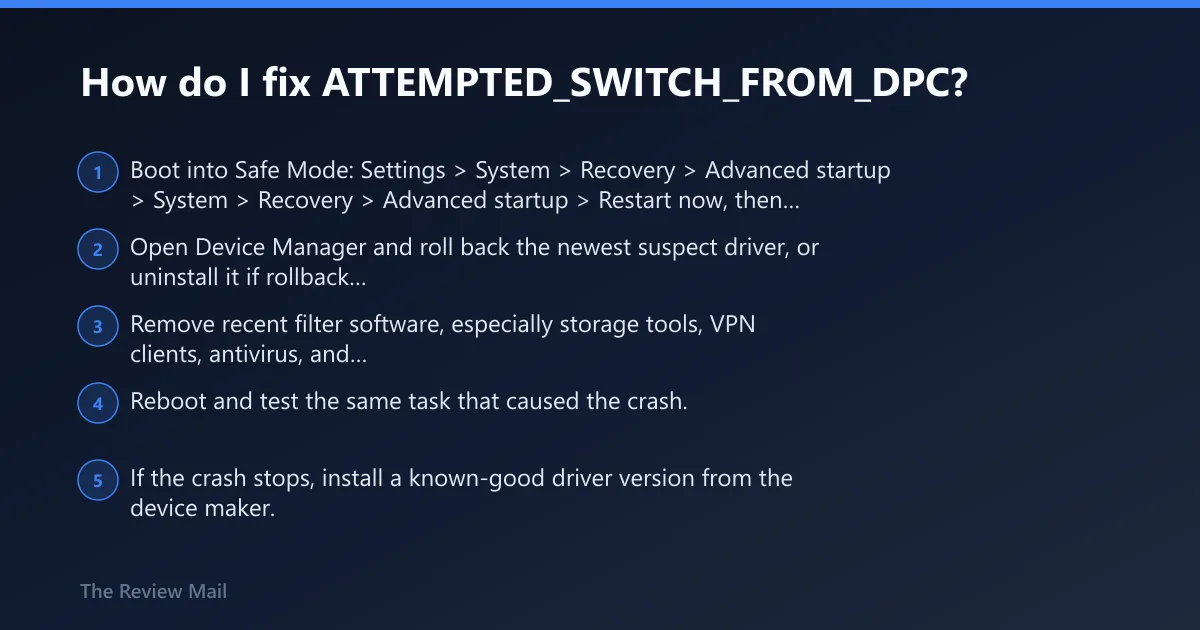
Start in Safe Mode, remove the most recent driver or filter change, then test again. If the system becomes stable, roll back or replace the suspect driver rather than reinstalling Windows. One change at a time is the only way to know what fixed it.
Fast fix ladder
- Boot into Safe Mode: Settings > System > Recovery > Advanced startup > Restart now, then Troubleshoot > Advanced options > Startup Settings.
- Open Device Manager and roll back the newest suspect driver, or uninstall it if rollback is unavailable.
- Remove recent filter software, especially storage tools, VPN clients, antivirus, and hardware monitor packages.
- Reboot and test the same task that caused the crash.
- If the crash stops, install a known-good driver version from the device maker.
Update, remove, or replace?
Update if the driver is old and the vendor has a newer build. Remove if the crash began right after installation. If the same device keeps failing after known-good driver versions are tried, stop changing software and confirm the hardware path with additional testing.
Which driver or component is actually failing?
The stack trace usually helps identify the DPC routine that led to the crash. Use the dump for confirmation instead of relying on the stop screen alone. If you want the real culprit, inspect the minidump in WinDbg and match the code path to the driver name.
How to read the dump in WinDbg
- Set the system to save a small memory dump: System Properties > Advanced > Startup and Recovery.
- Open the newest .dmp file in WinDbg.
- Run !analyze -v.
- Read the faulting module, stack frames, and thread context.
- Match the module name to the driver currently installed.
What points to a bad driver
A third-party module in the top frames, a recent driver date, or a stack that lands in storage, display, or security software is a strong clue. If the stack points into Microsoft kernel code but the only recent change was a device package, inspect that package first.