Windows activation error 0x803f7008: how to fix fast
Windows activation error 0x803f7008 can appear when Windows cannot complete activation right now.
Fastest first step: open Settings > System > Activation, make sure the device is online, then retry activation once before changing anything else.
If you guess wrong, you can waste time on fixes that miss the real cause and still stay unactivated. This guide separates server, account, and edition-or-device problems, then gives the shortest fix path for each.
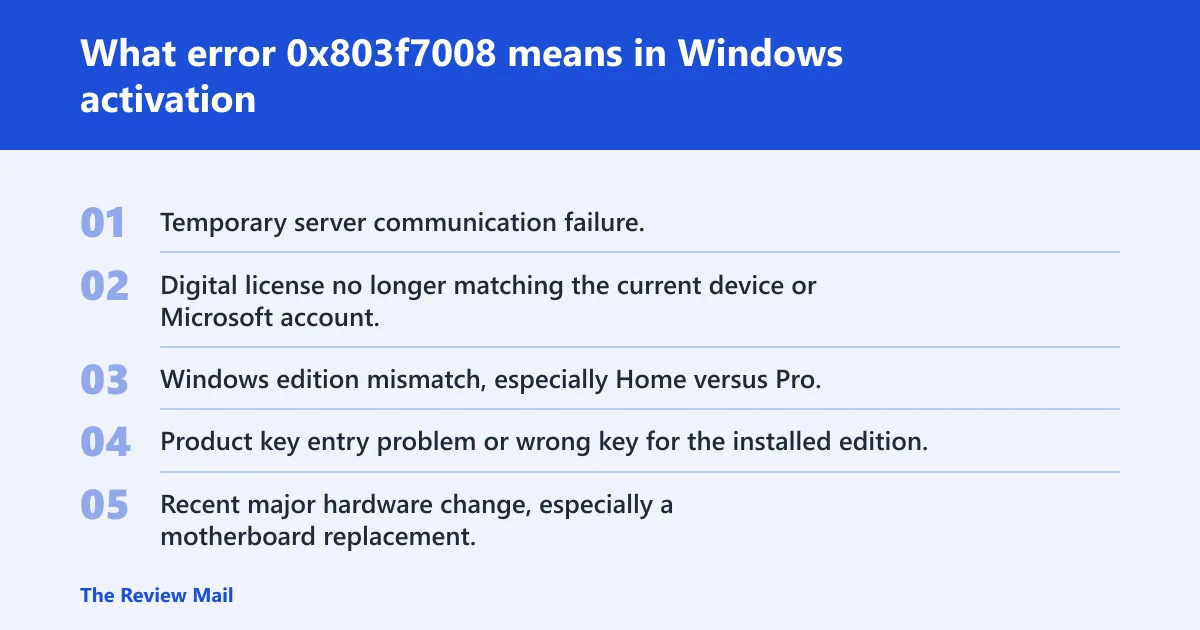
What error 0x803f7008 means in Windows activation
0x803f7008 is an activation-state failure that can happen for different reasons, including a temporary communication problem, a license or account mismatch, or an edition mismatch. It affects Windows 11 and Windows 10, and activation helps verify that your copy of Windows is genuine and hasn’t been used on more devices than the Microsoft Software License Terms allow. If you’re having trouble activating Windows 11, confirm that your device is up to date and running Windows 11. (Microsoft Learn) Windows details and activation help are also available at windows.microsoft.com.
That is why the same code can clear after a later retry on one PC and need a reactivation path on another. If the code appears after a hardware swap, the license match matters more than the server check.
Likely causes, from most to least common
- Temporary server communication failure.
- Digital license no longer matching the current device or Microsoft account.
- Windows edition mismatch, especially Home versus Pro.
- Product key entry problem or wrong key for the installed edition.
- Recent major hardware change, especially a motherboard replacement.
📊 The Microsoft support page says Windows 10 support ended on October 14, 2025. Source: Microsoft.
What should you check first?
Start with internet access, correct date and time, and the exact status text on Settings > System > Activation. If the PC is online and the clock is correct, retry activation once before moving to Troubleshoot or key changes.
- Open Settings > System > Activation.
- Note the activation status text and the error code shown there.
- Confirm the device has working internet access.
- Check Settings > Time & language > Date & time.
- Turn on automatic time and time zone, then retry activation.
- If the code remains
0x803f7008, move to the next section instead of repeating the same retry.
Suppose a laptop worked for years and then shows this code after a router change. If the time is off by an hour and the network is behind a VPN, fixing those two items may restore activation without touching the license itself.
How do I fix a server communication problem?
If the error is coming from a failed server check, the shortest path is to retry later, then run the Windows Activation troubleshooter in Get Help on Windows 11. Microsoft says the troubleshooter can resolve simple errors, and if you’re still getting an error, check the list of error codes below and follow the suggested steps.
- Open Settings > System > Activation.
- Select Troubleshoot.
- On Windows 11, continue in the Get Help app when prompted.
- Disconnect any VPN or proxy you use for work, then try activation again.
- Restart the PC and retry if the server still does not answer.
Check for a blocked connection if activation fails only on one network. A home firewall, VPN, or proxy can stop the activation request before Windows gets a reply.
How do I fix a digital license or account mismatch?
A digital license can activate without a product key, but it may be tied to the device hardware and to the Microsoft account linked to that license. If Windows was activated before and now is not, sign in with the same account and let the troubleshooter look for a reactivation path.
- Open Settings > Accounts > Your info and confirm the Microsoft account in use.
- Go to Settings > System > Activation.
- Select Troubleshoot.
- Choose the option for recent hardware changes if it appears.
- Sign in with the Microsoft account tied to the license when prompted.
- Return to Activation and check whether the status updates.
A common first-timer mistake is entering a product key immediately, even though the real issue is that the stored digital license no longer matches the current account or device state.
How do I fix an edition or product key mismatch?
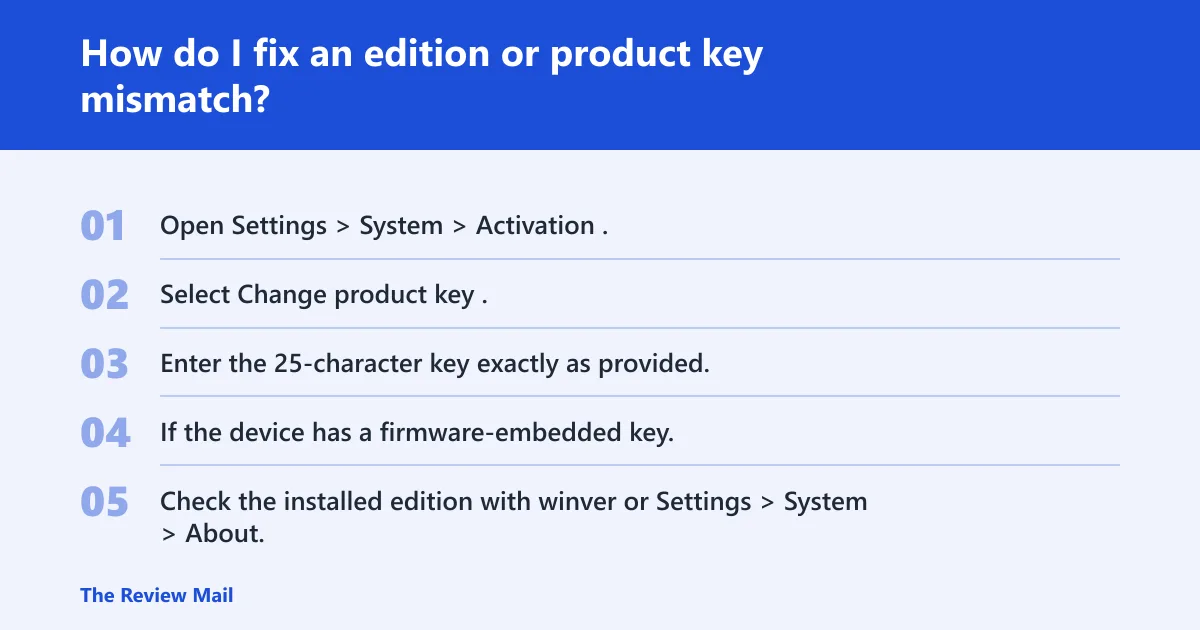
Windows Home and Windows Pro should match the edition covered by the license. A wrong edition after reinstall or upgrade can trigger activation failure, and a product key must match the edition and version being installed. Microsoft notes that a 25-character product key may be needed, and modern devices may have the key embedded in firmware.
- Open Settings > System > Activation.
- Select Change product key.
- Enter the 25-character key exactly as provided.
- If the device has a firmware-embedded key, do not enter a different retail key for another edition.
- Check the installed edition with winver or Settings > System > About, then confirm it matches your license.
- If the key belongs to Home but Windows is Pro, reinstall or switch to the licensed edition before trying again.
Activation status: Settings > System > Activation
Change product key: Settings > System > Activation > Change product key
Troubleshooter: Settings > System > Activation > Troubleshoot
How do hardware changes affect activation?
A major hardware change can break the license match, and Microsoft specifically calls out motherboard replacement as a common trigger. In those cases, activation may require a reactivation path.
- Open Settings > System > Activation.
- Select Troubleshoot.
- Choose the hardware-change reactivation option if Windows offers it.
- Sign in with the Microsoft account tied to the digital license.
- If the motherboard was replaced and activation still fails, contact Microsoft support through Get Help.
Say your desktop got a new motherboard and a fresh install of Windows 11 Home. If the device now shows a hardware-related code instead of 0x803f7008 alone, the license lookup is the problem, not the activation server.
How do I tell if I should reinstall, re-enter a key, or wait and try again?
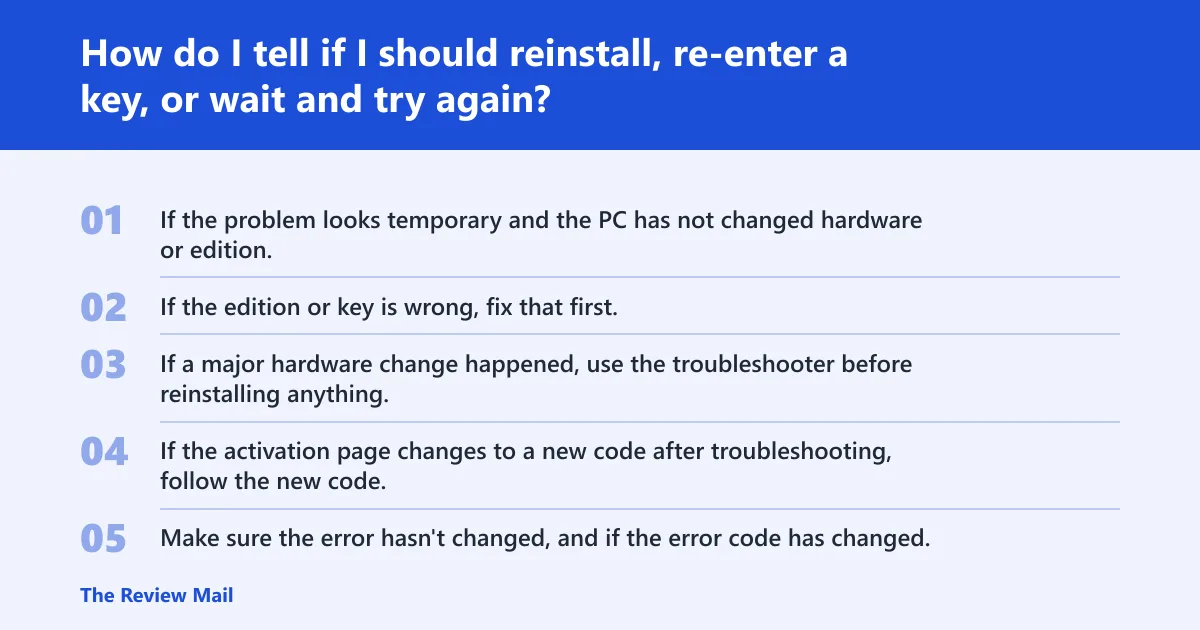
Use the pattern in the activation page. If the problem looks temporary and the PC has not changed hardware or edition, wait and retry. If the edition or key is wrong, fix that first. If a major hardware change happened, use the troubleshooter before reinstalling anything.
| Activation state message | License type | Recent hardware change? | Windows edition | Next best action |
|---|---|---|---|---|
| Communication with activation servers failed | Digital, retail, or OEM | No | Matches license | Wait and retry; then run Activation troubleshooter |
| Activation failed after sign-in or account check | Digital license | No | Matches license | Sign in with the linked Microsoft account; use Troubleshoot |
| Key rejected or edition mismatch | Retail or OEM key | No | Home/Pro mismatch | Use Change product key or reinstall the licensed edition |
| Activation failed after motherboard replacement | Digital or retail | Yes | Any | Use Troubleshoot; escalate to support if reactivation path fails |
If the activation page changes to a new code after troubleshooting, follow the new code. Make sure the error hasn’t changed, and if the error code has changed, look up the new code below and follow the recommended steps.
Do I need to contact Microsoft support for 0x803f7008?
Yes, if Troubleshoot does not clear the error or if the activation page shows an unfamiliar code, contact customer support. If you’re getting an error code that isn’t listed on this page, contact customer support.
- Open Settings > System > Activation.
- Run Troubleshoot once and note any new error code.
- Open Get Help and start the activation support flow.
- Have the device edition, license type, and any hardware changes ready.
- If support cannot verify the license, expect a reactivation or edition correction path rather than a simple retry.
Prevention is limited here: keep the Microsoft account used for activation tied to the device, and note the licensed edition before you reinstall Windows.
Frequently asked questions
How do I fix Windows activation error 0x803f7008?
Open Settings > System > Activation, confirm internet access, then run Troubleshoot. If you recently changed hardware, sign in with the Microsoft account tied to the license. If the edition is wrong, use Change product key or reinstall the licensed edition.
Why is Windows not activated after working fine before?
A working install can fail later if activation cannot be verified, the account changes, the edition changes after reinstall, or hardware changes affect the device match. Start with Settings > System > Activation and compare the current edition and account before changing anything else.
What does error 0x803f7008 mean on Windows 11?
On Windows 11, it points to an activation-state problem that can happen for several reasons. Microsoft says to use the automated troubleshooter in Get Help, and if the code changes, check the new code instead of staying on the original one.
Can I use the Activation troubleshooter for 0x803f7008?
Yes. On Windows 11, open Settings > System > Activation > Troubleshoot. The troubleshooter can resolve simple activation problems and may offer a hardware-change reactivation path. If it does not resolve the issue, note any new code it returns.
How do I check whether my Windows edition matches my license?
Open Settings > System > About or type winver in the taskbar search box. Compare the result with your license type. Home and Pro must match the key or digital license, and a mismatch can block activation even when the device is online.
Will changing hardware cause Windows activation problems?
Yes, especially after a motherboard replacement. That kind of change can break the license match and trigger activation failures. Use Settings > System > Activation > Troubleshoot first, then contact support if the reactivation path fails.