Kernel BSOD Windows 11: causes and fixes that work
For kernel BSOD Windows 11, use the crash phase as the first filter: sleep or wake points to graphics or chipset drivers, boot or login points to storage or startup drivers, and gaming or load spikes point to GPU, RAM, or unstable settings. Skip that pattern and you waste time, sometimes leaving Windows unbootable. This guide maps each symptom to the fastest fix path, from event logs and dump files to driver rollback, Safe Mode, and repair steps.
What A Kernel BSOD Means And Why It Happens
A kernel BSOD means Windows crashed while running code in kernel space, where the OS core manages CPU scheduling, memory, I/O, and device drivers. The kernel runs in privileged mode, so a fault there can stop the system faster than a normal app crash. The fastest first step is to note the stop code and the crash phase.
Kernel space, user mode, and why the stop is severe
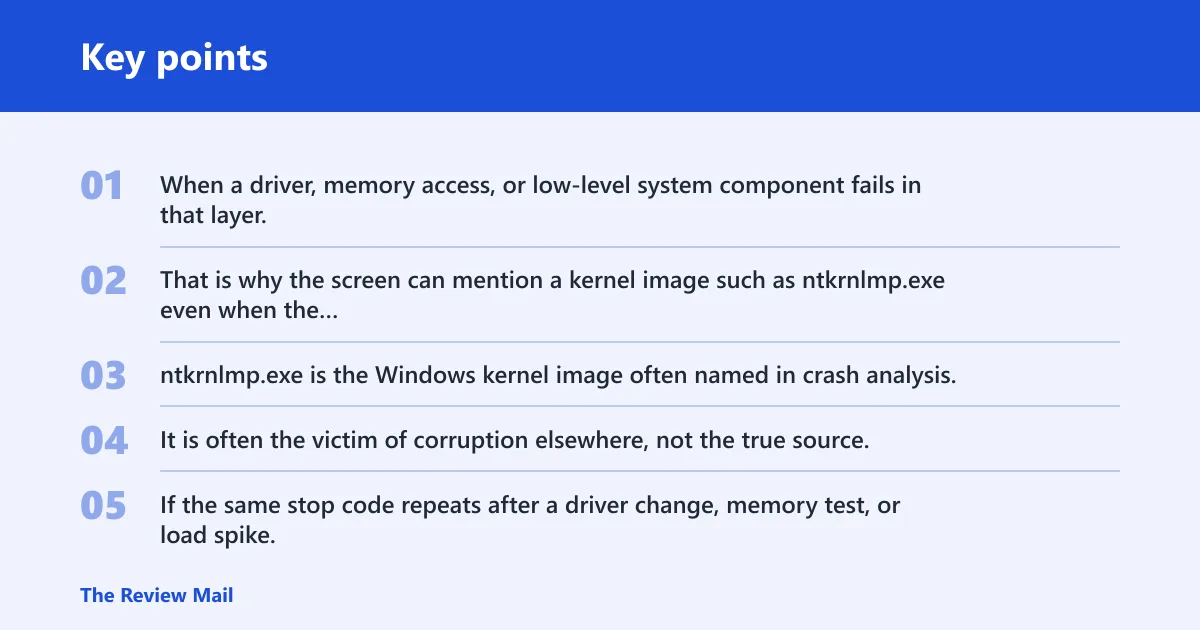
User-mode apps are isolated. Kernel-mode code is not. When a driver, memory access, or low-level system component fails in that layer, Windows may halt to prevent more damage. That is why the screen can mention a kernel image such as ntkrnlmp.exe even when the root problem is a driver, RAM, or firmware issue.
Why ntkrnlmp.exe shows up without being the real culprit
ntkrnlmp.exe is the Windows kernel image often named in crash analysis. It is often the victim of corruption elsewhere, not the true source. If the same stop code repeats after a driver change, memory test, or load spike, treat the kernel mention as evidence of where the failure surfaced, not proof that Windows itself is broken.
Kernel panic vs BSOD
A kernel panic is the fatal-kernel term used in Linux and Unix-style systems. A BSOD is Windows terminology for a similar class of stop. The concept is alike: the operating system cannot continue safely. The error class and recovery tools are not the same, so Windows fixes should stay focused on Windows logs, dumps, and drivers.
📊 Microsoft notes Windows 10 support ended on October 14, 2025. Source: Microsoft.
Likely causes, ranked from most common to less common
Most often, kernel BSODs on Windows 11 come from bad or incompatible drivers, then memory instability or corruption, then GPU, storage, or firmware problems. Less commonly, Windows file corruption or a damaged update stack is to blame. The crash phase usually points to the next best test.
Crash-pattern decision table
| When it crashes | Likely cause | First checks | Escalation step |
|---|---|---|---|
| Boot or startup | Storage driver, startup service, damaged system file | Safe Mode, recent driver changes, Windows Update history | Startup Repair, offline SFC, repair install |
| Login | User-profile driver, graphics stack, shell extension | Dump files, Reliability Monitor, recent display or input driver changes | Roll back the last driver, test a clean boot |
| Idle | Power management, chipset, RAM instability | Sleep settings, Event Viewer, memory test | Driver Verifier, BIOS and memory setting review |
| Gaming or load spike | GPU driver, unstable RAM, overclock or XMP/EXPO instability | Stop code, GPU driver version, thermals, memory settings | Driver rollback, RAM test, reset BIOS tuning |
| Sleep or wake | Graphics, chipset, network, or ACPI-related driver | Recent updates, fast startup, sleep settings | Update or roll back the suspect device driver |
What should I check first when Windows 11 keeps crashing?
Start with evidence, not guesses. Check the stop code, whether it repeats, recent driver changes, Windows Update history, dump files in C:\Windows\Minidump, and Reliability Monitor. That set usually separates a driver fault from memory corruption or a one-off power event.
- Write down the stop code and any file name shown on screen.
- Open Settings > Windows Update > Update history and note recent driver or cumulative updates.
- Open Control Panel > Security and Maintenance > Reliability Monitor and look for repeated hardware or app failures.
- Check
C:\Windows\Minidumpfor recent .dmp files. - Compare the crash timing with boot, login, idle, gaming, or sleep/wake.
If a laptop crashes only after waking from sleep and the display driver changed yesterday, that pattern points to graphics or chipset troubleshooting before any hardware replacement.
Why does Windows 11 show KERNEL_SECURITY_CHECK_FAILURE?
KERNEL_SECURITY_CHECK_FAILURE usually points to memory corruption, a bad driver, or data structure damage detected by the kernel. On Windows 11 systems, that often means something wrote where it should not have, especially under load or during driver transitions. Start by checking RAM, then the most recent device drivers.
First checks for memory corruption
- Run Windows Memory Diagnostic: press Win+R, type mdsched.exe, and choose Restart now and check for problems.
- Open the result in Event Viewer > Windows Logs > System after reboot.
- Look for repeated crashes during gaming, sleep, or large file copies.
- Reset any RAM tuning in BIOS, including XMP or EXPO, to default.
When to suspect a specific driver
If the stop code appears after a GPU, storage, Wi-Fi, or chipset update, test that driver first. One bad update can trigger repeated kernel corruption symptoms. For laptop systems, track touchpad, wireless, and graphics packages as closely as display drivers.
Can a driver cause a kernel blue screen in Windows 11?
Yes. A driver is one of the most common causes of a kernel blue screen because drivers run in kernel space and can corrupt memory, I/O, or timing state. If the crash began after a driver update, rollback is usually faster than reinstalling Windows. Driver Verifier can help isolate the offender.
- Open Device Manager, right-click the suspect device, and choose Properties > Driver.
- Select Roll Back Driver if available. If not, choose Uninstall device, then reboot.
- Review Settings > Windows Update > Update history for driver packages installed near the first crash.
- Use Driver Verifier: open Win+R, type verifier, select standard settings, and target non-Microsoft drivers only.
- If Verifier causes another crash, use the new dump file to identify the driver name before reinstalling or removing it.
sfc /scannow
DISM /Online /Cleanup-Image /RestoreHealth
A common first-timer mistake is enabling Verifier for every driver at once. That can make a bad boot loop worse. Keep the scope narrow and save the dump evidence before changing anything else.
How do I check RAM and motherboard compatibility?
If the crashes cluster around gaming, resume from sleep, or heavy multitasking, RAM instability is a strong candidate. Use Windows Memory Diagnostic in extended mode, then compare the kit against the motherboard QVL for voltage, frequency, and timings. BIOS defaults are a useful control.
- Run mdsched.exe and choose the restart option.
- After the reboot, let the extended memory pass complete before logging in.
- Open the motherboard support page and check the QVL for your exact DIMM model.
- Compare the listed voltage, frequency, and timings against the BIOS profile in UEFI/BIOS.
- If XMP or EXPO is enabled, disable it and retest at default memory settings.
A 32 GB kit may be rated for a higher-speed profile, even if the board’s compatibility list shows a lower entry for that capacity. A stability issue can then appear only after wake from sleep or during a game load spike.
Is Kernel-Power 41 the same as a kernel BSOD?
No. Kernel-Power 41 usually means Windows detected an unexpected shutdown or reboot. It is a power event, not a stop code. A BSOD can precede it, but Event 41 alone does not prove a kernel crash. The distinction matters because power loss points away from driver-only troubleshooting.
How it differs from a stop code crash
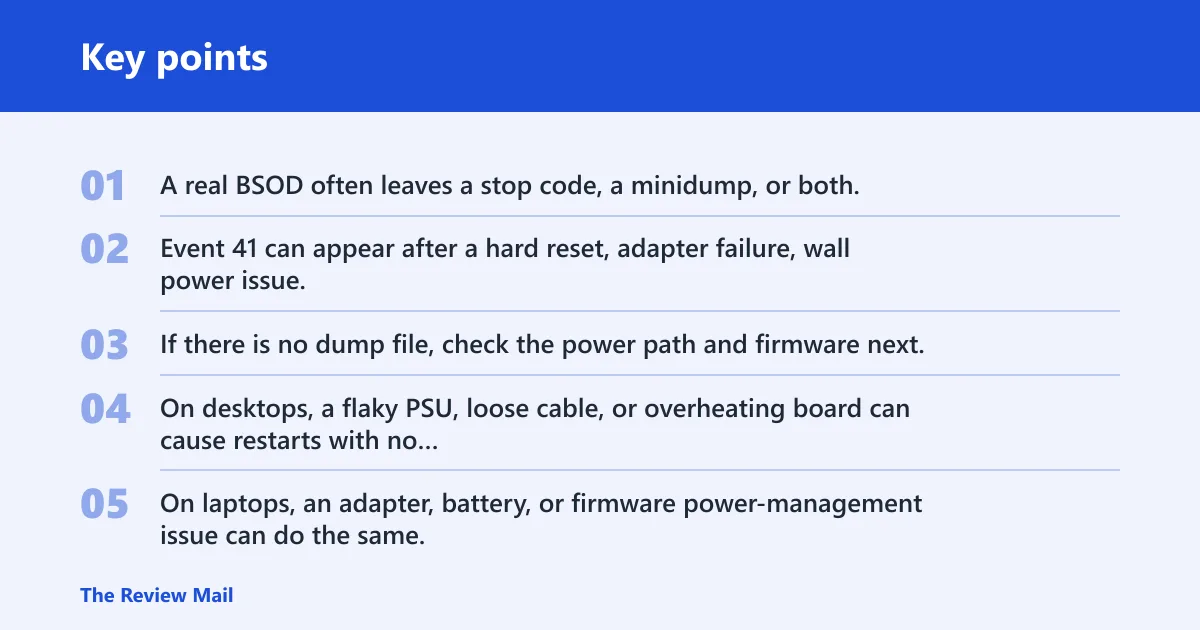
A real BSOD often leaves a stop code, a minidump, or both. Event 41 can appear after a hard reset, adapter failure, wall power issue, battery cutout, or a freeze that forced a long press of the power button. If there is no dump file, check the power path and firmware next.
When power loss points away from the kernel
On desktops, a flaky PSU, loose cable, or overheating board can cause restarts with no clear stop code. On laptops, an adapter, battery, or firmware power-management issue can do the same. If the system also shuts off under load, that pattern deserves hardware and power checks before software reinstall.
Still not working? move to offline recovery or repair install
If the same crash repeats after driver rollback, RAM checks, and BIOS default settings, stop chasing minor fixes. At that point, use offline recovery, Startup Repair, or a repair install. Back up files first. Microsoft supports startup repair, reset, and reinstall workflows through recovery and installation media.
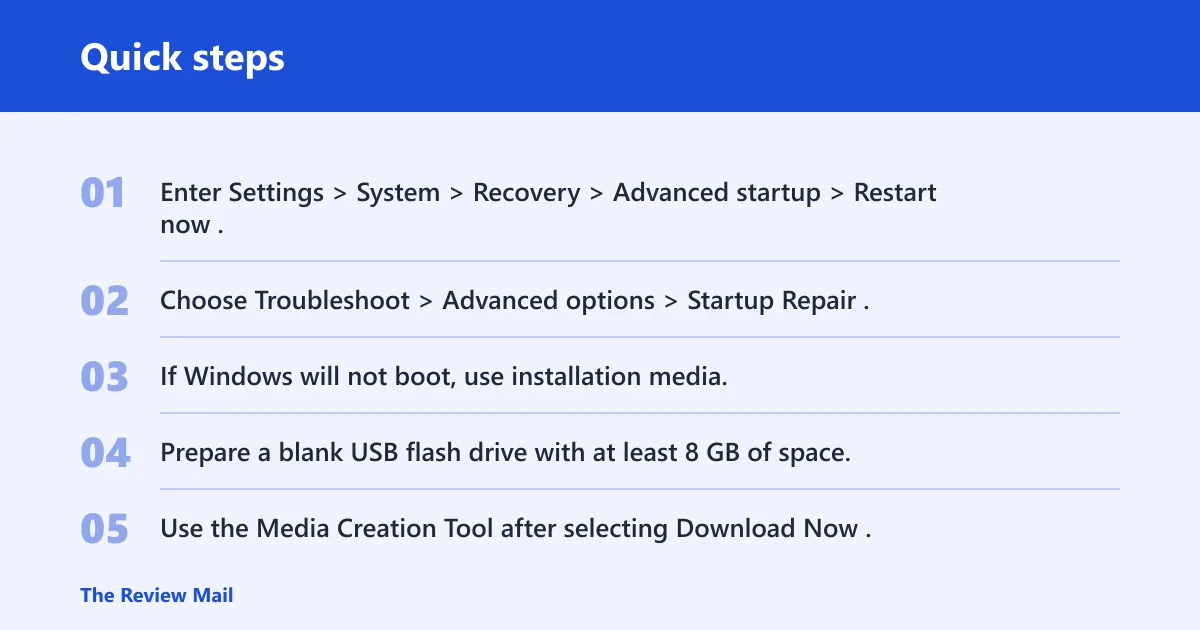
- Enter Settings > System > Recovery > Advanced startup > Restart now.
- Choose Troubleshoot > Advanced options > Startup Repair.
- If Windows will not boot, use installation media; Microsoft says it can install a new copy of Windows or reinstall Windows.
- Prepare a blank USB flash drive with at least 8 GB of space.
- Use the Media Creation Tool after selecting Download Now.
Microsoft recommends backing up files before installing or reinstalling Windows. Windows 10 support ended on October 14, 2025, so a recently upgraded system may also be carrying old drivers or settings into Windows 11. A small number of reports point to the Windows Insider Program Dev branch as a temporary workaround in edge cases, but that is not a general fix.
When a clean install becomes the last resort
If Startup Repair fails, Safe Mode still crashes, and the same dump pattern persists after a repair install, a clean install becomes the final step. That is the point to stop local troubleshooting and contact the device vendor if the machine is under warranty, or a repair shop if you need board-level diagnostics.
Frequently asked questions
What does kernel BSOD mean in Windows 11?
It means Windows stopped because a fault occurred in kernel space, where drivers, memory management, and I/O run with high privilege. The quickest next step is to record the stop code and check whether the crash happened at boot, login, idle, gaming, or sleep/wake.
How do I fix kernel mode heap corruption on Windows 11?
Install the latest GPU and chipset drivers, then run sfc /scannow and DISM /Online /Cleanup-Image /RestoreHealth. If crashes continue during gaming or wake, reset RAM tuning in BIOS and test memory with mdsched.exe before moving to recovery options.
Can memory corruption trigger ntkrnlmp.exe crashes?
Yes. ntkrnlmp.exe often appears when memory corruption or a bad driver damages kernel structures, even though the kernel image is not the root cause. If the same file appears across different stop codes, focus on RAM stability, driver changes, and dump-file analysis first.