KERNEL_STACK_INPAGE_ERROR BSOD Fix for Windows 11
KERNEL_STACK_INPAGE_ERROR in Windows 11 means the requested page of kernel data from the paging file could not be read into memory. The bug check has a value of 0x00000077. It can happen during startup or later, and the first parameter can help narrow whether the stack signature was not found, the driver stack returned an inconsistent status for the page read, or the system is running into hardware trouble such as a RAM error.
This guide is part of our Windows BSOD stop codes: full list and fixes series.
Windows 11 comes in Home, Pro, Pro for Workstations, Education, and Enterprise editions. The same triage applies across them. The main split is not edition; it is whether the pattern looks like storage, RAM, or a driver that broke the read path.
KERNEL_STACK_INPAGE_ERROR in Windows 11: what it usually points to
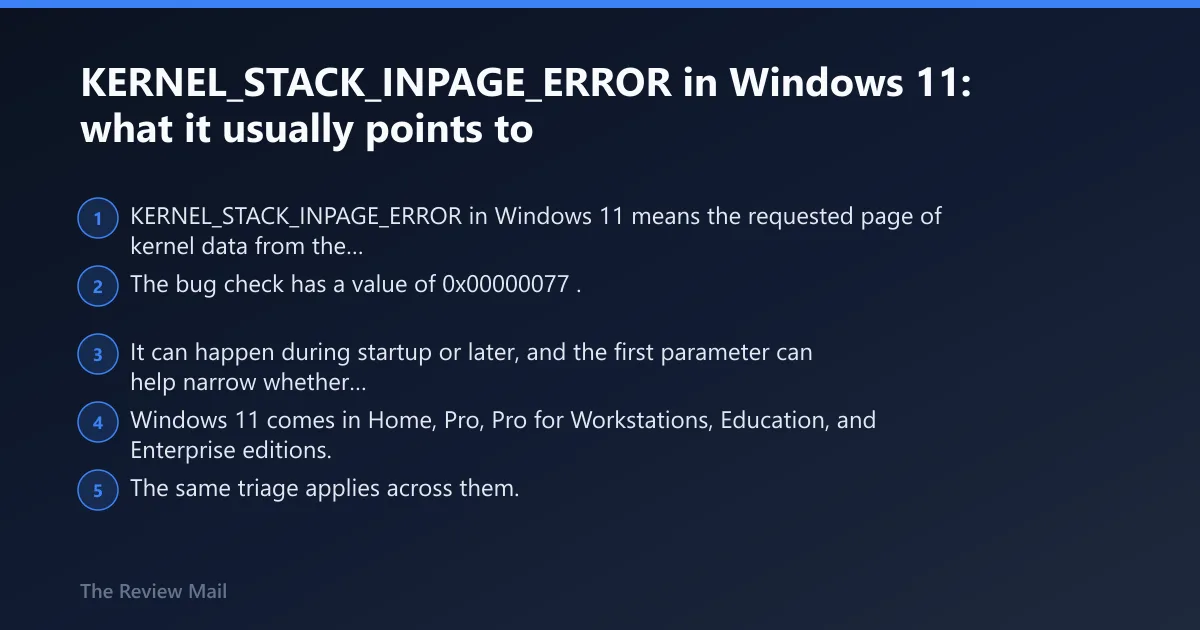
According to Windows 11 Help: Learn How to Fix It Yourself. — Windows 11 includes Home, Pro, Pro for Workstations, Education, and Enterprise editions.
Which subsystem is most likely? Start with this triage table
Use the symptom pattern first. That keeps you from replacing a good SSD when the real issue is a bad driver, or from chasing drivers when the disk is throwing read errors. Boot timing matters a lot here, especially when Windows will not reach the desktop.
| Symptom pattern | Most likely subsystem | First test to run |
|---|---|---|
| Boot-loop cases, or the PC blue-screens before sign-in | System drive or paging file | Enter Windows Recovery Environment and run Startup Repair, then check disk health with chkdsk |
| Intermittent crashes under load, different stop times each day | RAM or memory path instability | Run Windows Memory Diagnostic, then retest one stick at a time |
| Crash after update, driver install, or security software change | Device driver or memory integrity conflict | Boot Safe Mode and roll back the last storage, chipset, or antivirus driver |
A one-off crash can still be storage, but repeat failures that shift with workload often point away from a single dead drive. A crash after update is different again; those cases usually track a recent driver or security change, not random hardware decay.
What causes KERNEL_STACK_INPAGE_ERROR in Windows 11?
The common causes are storage trouble, RAM instability, and driver faults that disrupt a page read. Microsoft notes this bug check can also show a defective hardware condition such as a RAM error, and the first parameter can point to a driver stack inconsistency or a stack signature problem. The error can appear during startup or later under load, per Windows Central.
Check the pattern before you touch settings
- Note whether the crash happens at boot, after sign-in, or only under load.
- Check whether the machine started failing after a Windows update, driver install, or new app.
- If the machine still boots, copy the stop code parameters from the blue screen or from
C:\Windows\Minidump.
If the same behavior repeats on startup, storage rises to the top. If the system survives idle time but falls over during gaming, large copies, or browser spikes, RAM or a driver conflict becomes more plausible.
Could your system drive or paging file be failing?
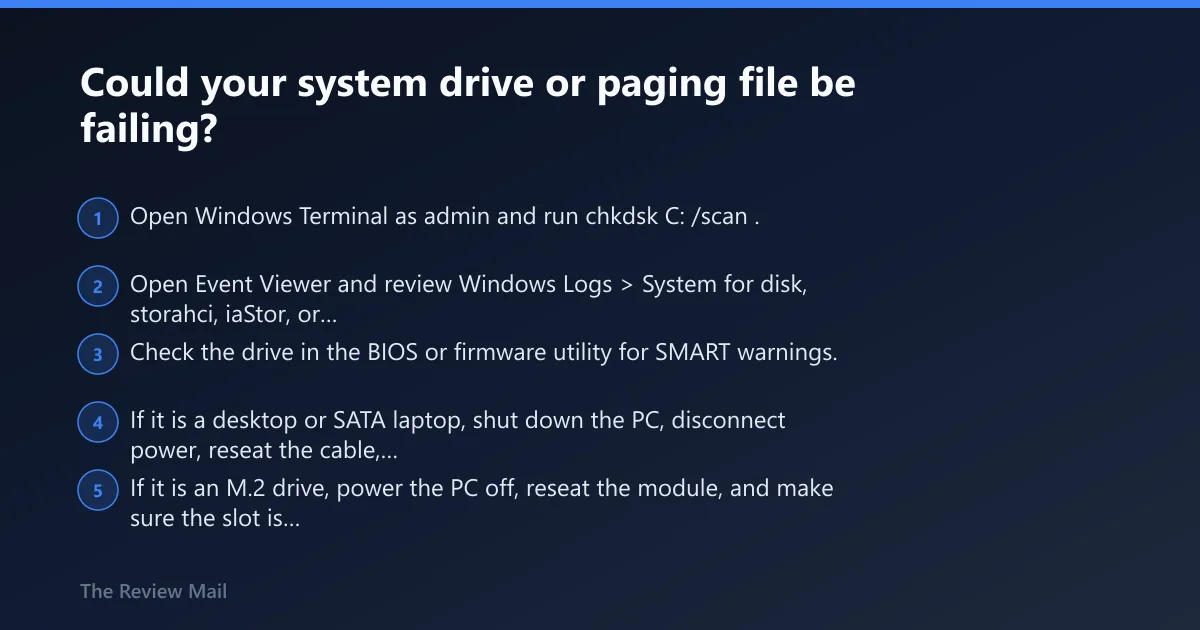
Yes. The paging file sits on system storage, so corruption, access failures, or disk trouble can trigger in-page errors. If you see disk I/O warnings, slow boots, missing files, or Event ID 7/51, treat the SSD or HDD as suspect before you reset Windows.
Check SSD or HDD health in the safest order
- Open Windows Terminal as admin and run
chkdskC: /scan. - Open Event Viewer and review Windows Logs > System for disk, storahci, iaStor, or controller errors.
- Check the drive in the BIOS or firmware utility for SMART warnings.
- If it is a desktop or SATA laptop, shut down the PC, disconnect power, reseat the cable, and try a different SATA port.
- If it is an M.2 drive, power the PC off, reseat the module, and make sure the slot is clean and the drive is fully seated.
Test the paging file and file system for access errors
- Open System Properties > Advanced > Performance > Settings > Advanced.
- Under Virtual memory, set the paging file to System managed size on the system drive.
- Run
sfc /scannow, thenDISM /Online /Cleanup-Image /RestoreHealth. - Restart and test again. If the crash returns, do not move on to bigger changes yet.
chkdsk C: /scan
sfc /scannow
DISM /Online /Cleanup-Image /RestoreHealth
Is RAM causing the in-page error?
It can. Microsoft says the bug check is probably caused by defective hardware such as a RAM error, and repeated crashes that change location or workload often fit memory instability better than a dead disk. That is especially true when the machine passes some boots and fails under pressure.
Run Windows Memory Diagnostic and read the result correctly
- Press Win+R, type mdsched.exe, and choose Restart now and check for problems.
- After the reboot, open Event Viewer, then check Windows Logs > System for the MemoryDiagnostics-Results entry.
- If errors appear, test each stick separately.
Reseat memory and retest one stick at a time
- Shut down, unplug power, and remove AC or battery where possible.
- Reseat the memory module or modules.
- Boot with one stick installed, then swap to the other stick.
- Move the module to another slot if the board has more than one.
When repeated failures point to replacement
- If the same stick fails in multiple slots, replace that module.
- If both sticks fail separately, test the board or memory controller next.
- Do not keep reinstalling Windows when the same memory fault returns.
Could a driver update have started the crash loop?
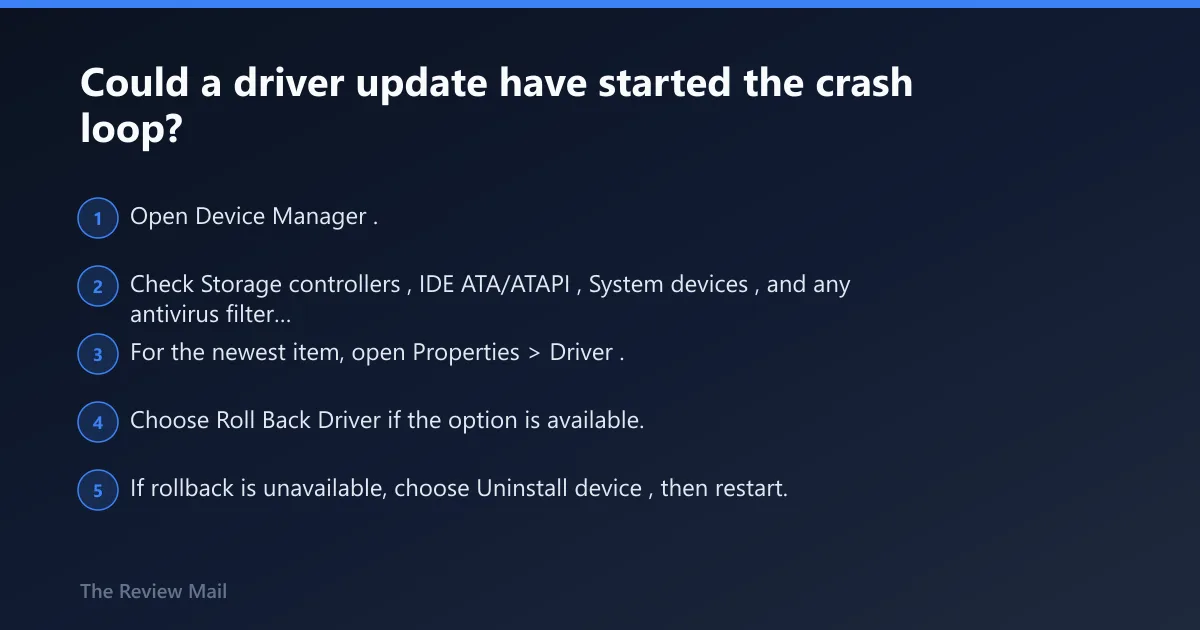
Yes. Recent storage, chipset, and antivirus driver changes are high-risk here, because they sit in the path that reads the page back into memory. A bad driver update can also return an inconsistent status for the read, which fits Microsoft’s bug-check notes.
Focus on storage, chipset, and antivirus drivers first
- Open Device Manager.
- Check Storage controllers, IDE ATA/ATAPI, System devices, and any antivirus filter driver entries.
- For the newest item, open Properties > Driver.
Roll back the last driver or update that changed the timing
- Choose Roll Back Driver if the option is available.
- If rollback is unavailable, choose Uninstall device, then restart.
- If the crash started after a Windows update, use Settings > Windows Update > Update history > Uninstall updates.
Use Safe Mode to remove or replace the suspect driver
- Go to Settings > System > Recovery > Advanced startup > Restart now.
- Choose Troubleshoot > Advanced options > Startup Settings.
- Press the key for Safe Mode, then remove or replace the suspect driver.
Device Manager > (device) > Properties > Driver tab > Roll Back Driver / Uninstall device
Should I disable memory integrity for this BSOD?
Temporarily, yes as a test, but not as a permanent fix. Windows memory integrity is tied to Hypervisor-protected Code Integrity, and incompatible drivers can conflict with it. Appuals notes it may be less suitable for individual user devices, so use the setting to confirm a driver compatibility problem rather than to hide it.
Test memory integrity under Core isolation
- Open Windows Security.
- Go to Device security > Core isolation details.
- Turn Memory integrity off.
- Restart and test the system.
Restore it after testing
- If the crash stops, update or replace the conflicting driver.
- Turn Memory integrity back on.
- Do not leave it off longer than needed for diagnosis.
What if Windows 11 keeps blue-screening after startup?
Use Windows Recovery Environment first. If normal boot loops, Safe Mode, Startup Repair, and System Restore are the right order because they can remove a recent bad change without wiping data. On Windows 11, a blue screen can happen during startup, so you may need recovery tools before you ever reach the desktop.
Enter Safe Mode from the Windows Recovery Environment
- Force recovery by interrupting boot twice, or use Settings > System > Recovery > Advanced startup > Restart now.
- Choose Troubleshoot > Advanced options > Startup Settings.
- Select Safe Mode or Safe Mode with Networking.
Run Startup Repair before deeper repairs
- In Advanced options, choose Startup Repair.
- Let it complete and restart.
- If it fails, move to System Restore or driver rollback.
Use System Restore when the crash started after a recent change
- Open Advanced options in Windows Recovery Environment.
- Select System Restore.
- Choose a restore point from before the update, driver install, or security change.
Safe Mode entry: Settings > Recovery > Advanced startup > Restart now > Troubleshoot > Advanced options > Startup Settings
How do I recover data before troubleshooting a BSOD?
Back up data before deeper repairs if the machine still boots, even if only sometimes. The safest move is to copy user files first, then test storage, RAM, and drivers. If the drive is failing, repeated repair attempts can turn a recoverable system into a dead one.
Copy the essentials before major fixes
- Boot normally if possible, or use Safe Mode if normal boot fails.
- Copy Desktop, Documents, Pictures, and any work folders to another drive.
- If Windows will not stay up long enough, use an external drive and small batches of files.
- Do not start Reset This PC until the important files are safe.
Keep a current backup on another device. That is the only recurrence-avoidance step that matters before a storage fault gets worse.
When is KERNEL_STACK_INPAGE_ERROR a sign I need hardware repair?
Seek hardware repair when the same crash returns after disk checks, RAM tests, driver rollback, and Safe Mode testing. A failing SSD, a bad memory module, a weak M.2 slot, or a controller issue can keep breaking the page read path no matter how many software fixes you try.
If that didn’t work, try this next
- Run the last remaining subsystem test you have not tried: disk, then RAM, then driver rollback.
- If the drive passes and memory passes, test with only essential hardware attached.
- If Windows still blue-screens, back up data and move to Reset This PC only after the tests above.
- If the crash remains after a reset, stop and use vendor or shop diagnostics for the board, drive, and memory controller.
For HP systems, the same order still applies: storage health first, then memory, then driver changes, then recovery tools. Brand-specific support utilities can help you reach diagnostics, but they should not replace the triage path.
A triage checklist that separates disk, RAM, and driver faults
Use this when you need a fast read on what to test first. It separates boot-loop cases, intermittent crashes, and crash-after-update cases so you do not jump straight to a reset or reinstall.
| Symptom pattern | Most likely subsystem | First test to run |
|---|---|---|
| Boot-loop case: crash before sign-in every time | System drive or paging file | Startup Repair, then chkdsk C: /scan |
| Intermittent crash case: happens under load and changes timing | RAM | Windows Memory Diagnostic, then one stick at a time |
| Crash-after-update case: begins right after a driver or Windows update | Device driver or memory integrity conflict | Safe Mode, then Driver tab rollback or uninstall |
Frequently asked questions
How do I fix KERNEL_STACK_INPAGE_ERROR BSOD on Windows 11?
Start with Safe Mode or Windows Recovery Environment, then test storage with chkdsk, test memory with Windows Memory Diagnostic, and roll back the newest storage, chipset, or antivirus driver. If the machine still boots, save files before any deeper repair work.
Is KERNEL_STACK_INPAGE_ERROR a hard drive or RAM problem?
Either one can cause it. Disk errors and paging file access failures are common, but Microsoft also notes defective hardware such as RAM can trigger the bug check. The crash pattern usually tells you which side to test first.
Can a driver update stop KERNEL_STACK_INPAGE_ERROR?
Yes, if the bad behavior started right after a driver change. Use Device Manager > Properties > Driver tab to roll back or uninstall the storage, chipset, or antivirus driver that changed most recently, then reboot and retest in Safe Mode if needed.
How do I check if my Windows 11 disk is failing?
Run chkdsk C: /scan, check Event Viewer for disk or controller errors, and inspect SMART status in the drive firmware or BIOS. If the PC has a SATA drive, reseat the cable; if it has an M.2 drive, reseat the module and retest.