Libgl Error Failed to Create Dri Screen
libGL error failed to create dri3 screen usually means the graphics stack could not finish creating a direct rendering screen for OpenGL, so the app may fall back to software rendering, start slowly, or fail to open. A quick way to narrow it down is to check what renderer the system is using and whether the GPU path is available. This guide separates user-space driver issues from virtualized graphics path problems, then shows how to work through each one.
What the error means
The message points to a routing problem in the graphics stack. Mesa tried to create a DRI3 screen, and the handoff to GLX or EGL did not complete. The same pattern can show up as DRI2, GLX, or EGL failures, so the visible text is a clue about the layer that broke, not a final diagnosis.
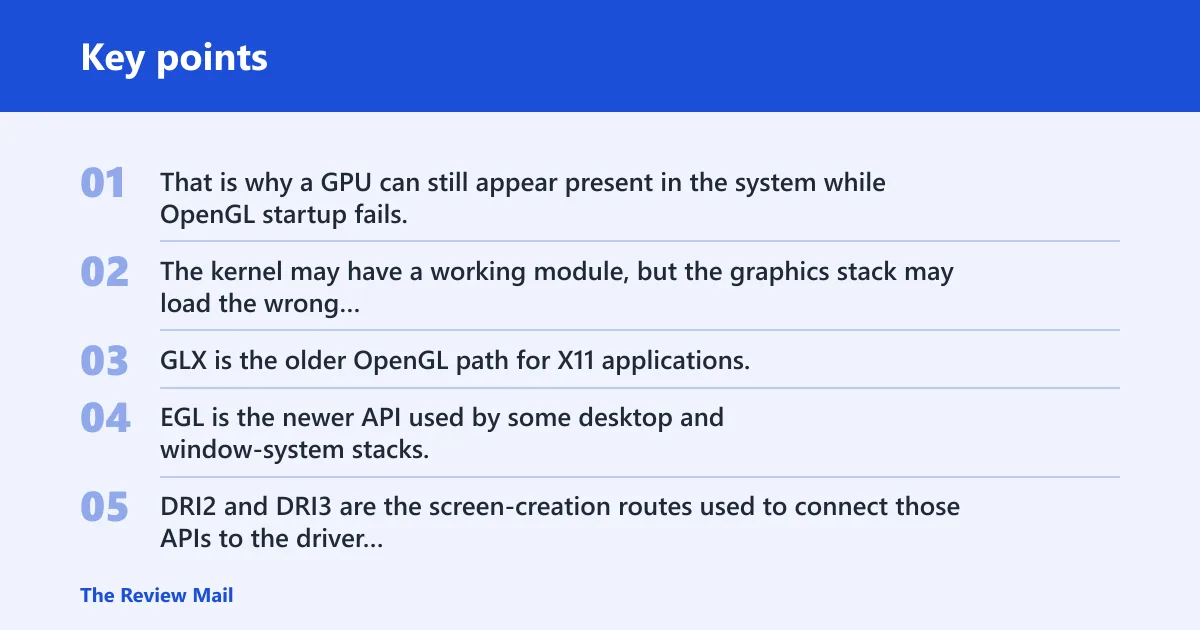
That is why a GPU can still appear present in the system while OpenGL startup fails. The kernel may have a working module, but the graphics stack may load the wrong user-space driver, hit a missing shared object, or be blocked by a virtual machine or remote-display layer.
How DRI3, DRI2, GLX, and EGL differ in practice
GLX is the older OpenGL path for X11 applications. EGL is the newer API used by some desktop and window-system stacks, including WSLg and many Wayland paths. DRI2 and DRI3 are the screen-creation routes used to connect those APIs to the driver stack.
When a log says libGL error: glx: failed to create dri3 screen, it usually means GLX could not create the direct-rendering screen object. When the failure shifts to EGL, the problem may be the same driver-selection issue, but through a different entry point.
Why the message can appear on a working GPU setup
Suppose an Intel laptop has the i915 kernel module loaded and the GPU shows up in device information, but the graphics stack still cannot load the intended Intel userspace driver. The hardware is there. The user-space driver choice is what failed.
A common first-timer mistake is to treat a simple OpenGL demo as proof that acceleration works. It can still open even when driver loading fails, because a software path may keep the app alive.
Likely causes
Most often, the break is in the graphics user space. Less often, the system falls back to software rendering, or the app is running through a virtual machine, WSLg, or remote desktop. The kernel module can also be loaded while the graphics stack still cannot match the right driver file.
| exact error string | likely layer failing | quickest confirmation step | most likely fix |
|---|---|---|---|
| libGL error: glx: failed to create dri3 screen | GLX to DRI3 screen creation | Check the renderer and direct rendering status in the system’s OpenGL information output | Reinstall the matching graphics driver package and confirm the correct DRI driver file exists |
| libGL error: failed to load driver: iris | Userspace driver selection | Check the renderer and driver name in the graphics debug output | Verify the Intel driver package and test whether a compatible fallback driver is available |
| libGL error: failed to load driver: nouveau | Userspace driver selection for NVIDIA nouveau | Check the renderer and driver name in the graphics debug output | Install the graphics package that matches your distribution and verify the nouveau driver file is present |
| libGL error: failed to load driver: vmwgfx | Virtual machine graphics path | Check whether the VM is using accelerated graphics | Enable 3D acceleration in the virtual machine settings and install the guest graphics tools |
| llvmpipe appears in the renderer string | Software fallback | Check the renderer string in the graphics information output | Fix the driver path, then test direct rendering again |
| libEGL warning: egl: failed to create dri2 screen | EGL to DRI2 screen creation, often WSLg or VM | Check the EGL information output and the renderer status | Install the missing EGL/GLES packages and confirm the virtualization graphics channel is enabled |
Why does the graphics stack fail to load iris, i915, radeonsi, nouveau, or vmwgfx?
The graphics stack reached the application path, but not the driver module that matches that GPU or environment. The failure can come from a missing driver file, a wrong distro package, permission problems, or a driver name that does not match the hardware or virtual adapter.
- Open the system’s OpenGL information tool and note the exact driver name shown in the graphics output.
- Check whether the matching driver file exists in the system DRI directory.
- If Intel hardware is involved, test whether the system can use an alternate Intel-compatible driver path.
- Use the device and loaded-module information tools to confirm the kernel side, then compare that with the graphics driver name.
Why does the graphics output still show llvmpipe?
llvmpipe means the system has fallen back to software rendering. That can happen even when the GPU module is loaded, because the userspace driver was not accepted, the wrong package is installed, or the graphics stack hit a permissions problem while opening the DRM device.
- Open the system’s OpenGL information output and read the OpenGL renderer string.
- Check the direct rendering status in the same output.
- Re-run the check with graphics debug logging enabled and look for missing files or messages such as permission-denied failures when opening the DRM device.
- Reinstall the graphics package that matches your distribution, then restart the session and test again.
One reported case ends with a driver-loading failure and then shows llvmpipe as the renderer. The kernel can still show Intel support, but the graphics stack may refuse the intended driver and drop to software.
Is this a WSLg, VirtualBox, VMware, or remote-session issue?
Yes, and this is where many checks go wrong. Windows-native OpenGL problems are not the same as WSLg, and VM or remote sessions can produce the same symptom through very different paths. In WSLg, the visible clue is often a DRI3-capability warning plus an EGL screen-creation warning, as described on Microsoft Learn.
- In WSLg, install the missing GLES packages if apps complain about OpenGL startup, and verify that the Linux GUI environment is up to date.
- On VirtualBox guests, confirm Guest Additions are installed and that the virtual graphics driver is active before chasing package issues.
- On VMware, check that 3D acceleration is enabled in the VM settings, then look for VMware graphics-driver failures.
- If you are on remote desktop, retest locally first, because some sessions force software rendering.
Picture a Windows 11 host running a Linux GUI app through WSLg, where the app starts with an EGL warning but the same package works locally on a native Linux desktop. That split points to the translation layer, not the GPU itself.
What should I check when the kernel module is loaded but OpenGL still fails?
Start by separating kernel binding from graphics loading. The kernel can own the GPU through a module such as i915, yet the graphics stack may still fail to select the matching driver. A VMware-related failure can show the same split, which is a reminder that the visible module and the graphics driver are different layers.
- Open the device information view and confirm which kernel driver is in use.
- Check the loaded driver/module list to verify the module is present.
- Open the graphics debug output and compare the graphics driver name with the kernel driver.
- Check the driver directory for the matching file, then reinstall the graphics package if it is missing.
- Log out and back in, or reboot, after package changes so the loader sees the updated stack.
Graphics loader traces can show the system trying one driver file and then falling back to a software rasterizer after a permission failure. That sequence tells you the kernel side was not the only issue.
Still not working?
If the package and driver names look correct but the error remains, remove stale graphics packages, reinstall the full graphics set for your distro, and retest from a fresh session. If the system is a VM or WSLg environment, also verify the host-side graphics support, not only the Linux guest packages.
For a hard failure, collect three items before escalating: the exact error string, the graphics debug output, and the renderer text from the OpenGL information tool. That combination usually shows whether the break is DRI3, DRI2, GLX, EGL, or virtualization forwarding.
Frequently asked questions
What does libGL error: failed to create dri3 screen mean?
It means the graphics stack could not create the DRI3 screen object needed for direct OpenGL rendering. Check the system’s OpenGL information output first, then repeat the check with graphics debug logging enabled to see whether the failure comes from a missing driver, a permissions problem, or a virtualization path.
How do I check whether the right DRI driver is installed?
Open the system’s graphics information output and look for the attempted driver path, then compare it with the files on disk. On Debian-based systems, package queries can help; on RPM systems, package queries can help as well.
Why does the graphics output still fall back to llvmpipe after installing Mesa?
llvmpipe means software rendering is active. The usual causes are a mismatched graphics package, a missing driver file, or a DRM permission failure. Check the OpenGL renderer string and direct rendering status, then reinstall the graphics component that matches your distro.
Can outdated graphics packages cause failed to create dri2 or dri3 screen errors?
Yes. A mixed or stale graphics install can leave one API path working and another broken. If EGL says it failed to create a DRI2 screen or GLX says it failed to create a DRI3 screen, reinstall the GL, EGL, and DRI packages together so the loader and driver files line up.
Is this error related to VirtualBox, VMware, or remote desktop sessions?
It can be. VirtualBox often depends on the guest graphics driver plus Guest Additions, VMware can surface VMware driver errors, and remote desktop sessions may force software rendering. Check the session type first, because the same error can come from the transport layer rather than the GPU.