0x0000012e BSOD: What It Means and How to Fix It Now
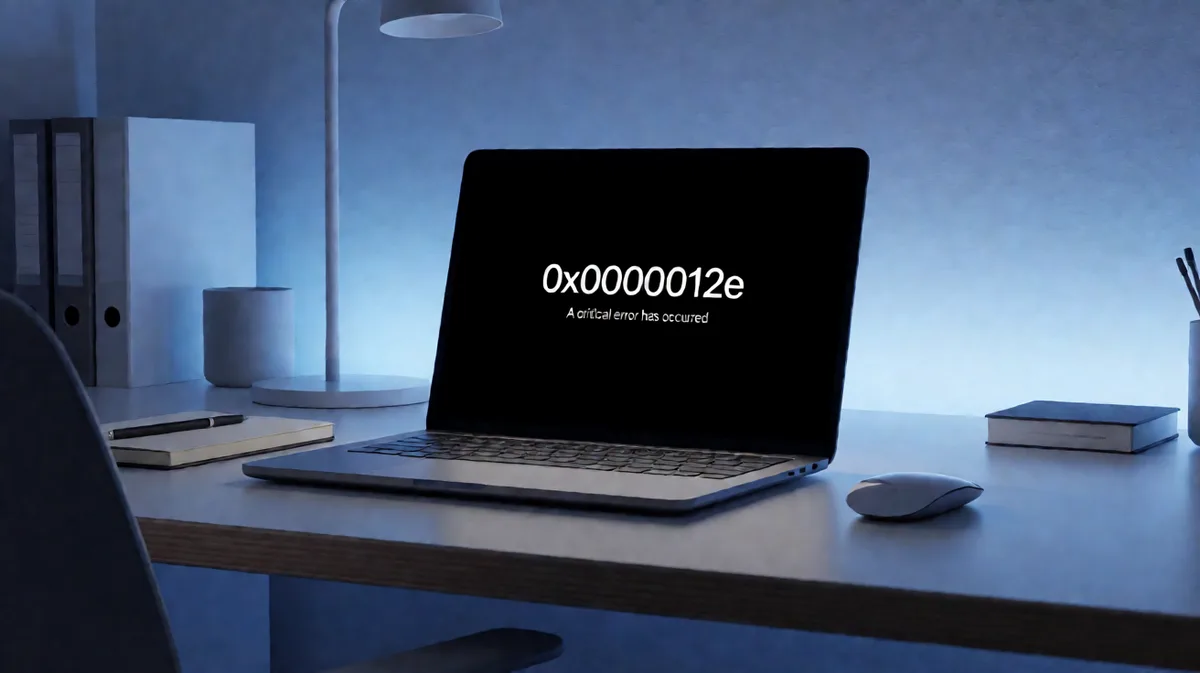
0x0000012e means INVALID_MDL_RANGE: a driver asked Windows to build part of an MDL, but the address range was outside the source MDL, so the system stopped. The safest first move is to write down the full stop code and parameters, reboot once, and save any dump file before you change drivers or hardware.
What does 0x0000012e mean on a blue screen?
This stop code points to a driver bug, not a vague “Windows problem.” In plain English, a kernel driver asked for memory it should not have mapped, and Windows bug checked to prevent further damage. Microsoft’s bug check code reference is a Windows driver debugging reference for programmers. It lists common bug check codes and links to code-specific pages (per Microsoft support). (Microsoft Learn)
Bug check codes appear on the blue screen, and the code reference is where you match the stop code to the named entry. If your debugger radix is not 16, prefix the code with 0x so it is read correctly. That matters when you search or analyze the code in WinDbg.
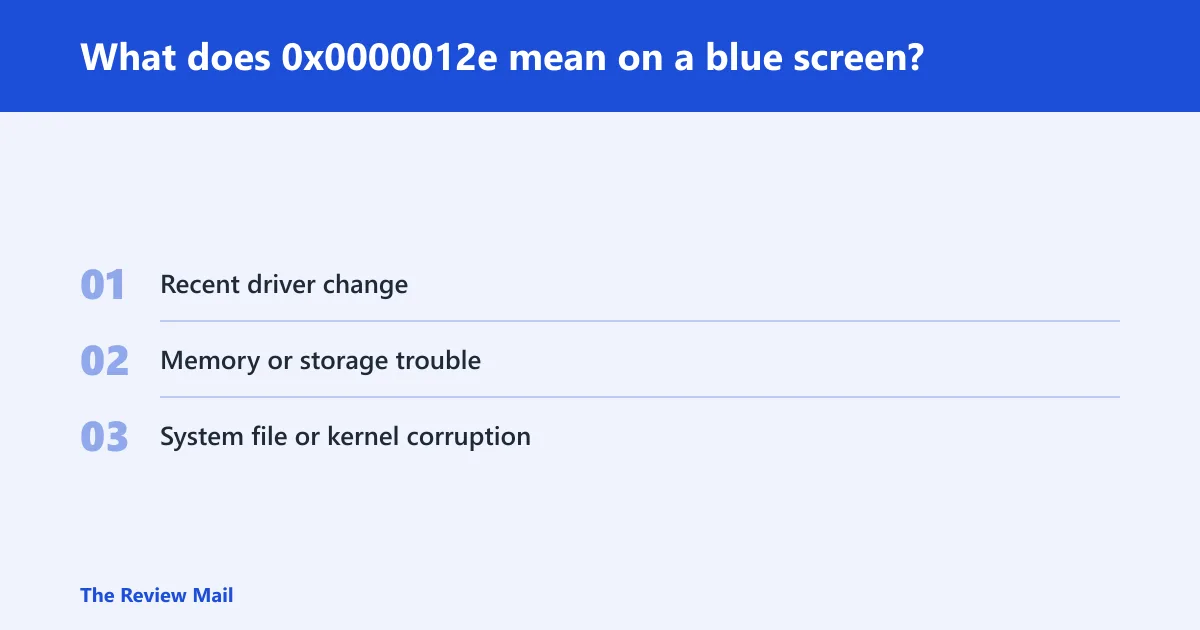
Likely causes, ranked by evidence
- Recent driver change. This is the most common path because the code is typically a driver bug.
- Memory or storage trouble. Faulty RAM, unstable storage, or bad I/O can make a driver hit bad addresses.
- System file or kernel corruption. Less common, but worth checking when the crash repeats after driver rollback.
What should you record before you change anything?
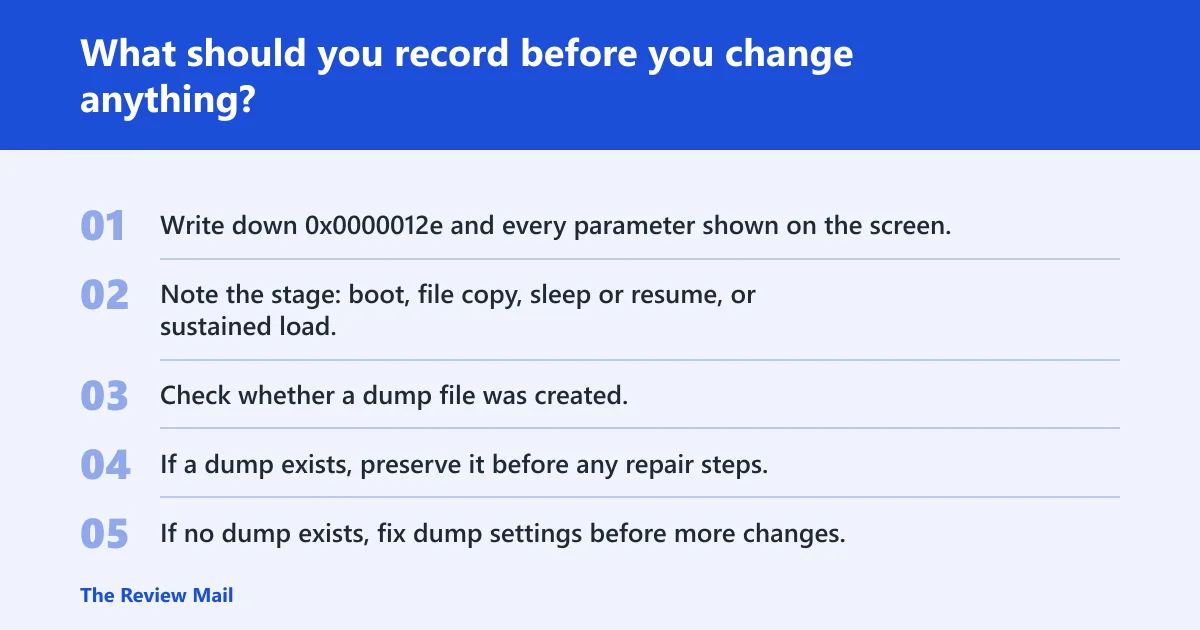
Record the stop screen exactly as shown, including every parameter. Then note when it happened: startup, file copy, under load, or device resume. If Windows created a dump file, keep it. Do not delete it before WinDbg analysis, because the file may contain memory contents from the failure time (per Microsoft support).
- Write down
0x0000012eand every parameter shown on the screen. - Note the stage: boot, file copy, sleep or resume, or sustained load.
- Check whether a dump file was created.
- If a dump exists, preserve it before any repair steps.
- If no dump exists, fix dump settings before more changes.
| What you saw | What it suggests | Next action |
|---|---|---|
| Crash at boot | Driver load path, storage, or startup corruption | Save the exact screen details and inspect the dump |
| Crash during file copy | Driver, storage, or memory pressure | Check the recent driver and disk path first |
| Crash after resume | Power or device-state issue | Look at the last driver update and device resume logs |
| No dump file | Dump settings need attention | Correct the dump configuration before further changes |
How do you troubleshoot stop code 0x0000012e in Windows?
Begin with the newest driver change. This bug check usually traces back to a driver. If a new driver, VPN filter, storage tool, or hardware utility was added right before the crash, undo that change first. If the same module appears repeatedly in the dump, treat that module as the lead suspect.
- Open Settings > Windows Update > Update history and note recent driver installs.
- Open Device Manager, find the device, and choose Properties > Driver > Roll Back Driver if available.
- If rollback is unavailable, choose Uninstall device, then restart.
- After restart, retest the same action that triggered the blue screen.
- If the crash repeats with the same module name in the dump, keep that module at the top of the list.
Say your laptop started crashing after a Wi‑Fi adapter update and the blue screen appeared twice during resume from sleep. That pattern points first to the adapter driver, not to a random system file.
How do you check memory and storage faults?
If the crash shows up during boot, large file copies, or heavy load, check memory and storage next. Those are the situations where bad RAM or disk errors are most likely to surface. This does not make hardware the default cause; it means the symptom pattern helps separate one class of fault from another.
- Run the memory test path your environment uses, such as Windows Memory Diagnostic or memtest86.
- Open an elevated Command Prompt and run
chkdskon the affected volume. - Review whether crashes cluster around startup, sustained disk activity, or device resume.
- If the machine has multiple RAM sticks, isolate them one at a time only after saving the dump evidence.
Suppose a desktop blue screens while copying a 40 GB folder and then runs normally at idle. That pattern pushes storage or memory higher on the list than a single driver update.
How do you rule out system file corruption?
When rollback does not stop the crash, run repair commands before you change more drivers. Corruption can sit under the driver symptom and keep the same stop code coming back. Repair the image first, then retest the same workload or boot path.
- Open an elevated Command Prompt.
- Run
sfc /scannow. - Then run
DISM /Online /Cleanup-Image /RestoreHealth. - Reboot and try the exact action that triggered the blue screen.
- If the stop code returns, move back to the dump and driver evidence.
How do you use WinDbg to analyze bug check 0x0000012e?
WinDbg is the next step when the dump still does not point to one clear driver. Microsoft recommends the !analyze extension to display bug check information, and the command can show a specific code with !analyze -show <code> (per Microsoft support). This is kernel-mode work, so use it after you have preserved the dump file.
- Open the minidump or kernel dump in WinDbg.
- Run !analyze -show
0x0000012e. - Review the stop parameters, stack trace, and module names.
- If one module repeats across crashes, keep that driver at the top of the suspect list.
- Compare the output with the code-specific bug check page and the module’s driver version.
How do you read the parameters for a Windows bug check code?
Read them as evidence, not decoration. Write down each parameter exactly as shown, then compare them with the stack trace and module names in the dump. Microsoft’s 0x9F example uses parameter 1 set to 0x3, which points to a blocked IRP scenario. That is the pattern: parameters narrow the fault class.
What dump file do you need for a 0x0000012e crash?
A dump file that captures the failure state is the one that matters most. Microsoft describes bug check dump files as containing more information about memory contents at failure time, and one may be available after a bug check (per Microsoft support). If none was created, fix dump settings before more changes.
Use this yes/no triage flow
- Did the blue screen show
0x0000012eand any parameters? If yes, record them exactly as shown. - Was a dump file created? If yes, open it in WinDbg. If no, fix dump settings before more changes.
- Did the crash happen during startup, file copies, or device resume? If yes, note that exact stage for the dump review.
- Did one module appear repeatedly in the dump? If yes, treat that module as the lead suspect.
Can 0x0000012e be caused by a bad driver update?
Yes. A bad driver update is one of the first things to test because Microsoft describes this stop as typically a driver bug. If the crash began after a driver install, roll it back. If rollback is unavailable, choose Uninstall device, then restart. That is faster than hunting hardware before you have evidence.
- Open Device Manager.
- Open the device that changed most recently.
- Select Properties > Driver > Roll Back Driver if it is available.
- If rollback is unavailable, choose Uninstall device.
- Restart and retest the same workflow.
What about 0x0000012e hp or 0x0000012e vpn?
Those searches usually point to a recent HP utility or a VPN filter driver. Treat both as driver-change leads, not as proof of brand-specific failure. Uninstall or roll back the newest filter, adapter, or management component first, then retest. If the dump keeps naming the same module, that module stays on top of the list.
What should you check first after a 0x0000012e BSOD?
Check the screen details, then the dump, then the last driver change. That order keeps you from losing the exact stop parameters and from fixing the wrong layer first. Microsoft’s customer-focused Resolving Blue Screen errors in Windows guidance is the right path for end users, while Advanced troubleshooting for stop code errors is the IT-pro path for deeper analysis (per Microsoft support).
- Record the stop code and parameters.
- Preserve any dump file.
- Check the most recent driver change.
- Match the crash stage to the symptom: boot, file copy, or resume.
- Escalate to WinDbg if the cause is still unclear.
What about live dump stop codes?
Live dump stop codes do not reset the operating system, and they capture memory information instead. Microsoft also says they are not listed in this bug check code reference (per Microsoft support). If the crash type is a live dump, use the live dump path rather than the standard bug check reference.
Still not working?
If rollback, memory checks, storage checks, and file repair do not stop the crashes, move to full dump analysis and vendor support. Open the dump in WinDbg, compare the stack trace against the code page, and use the repeated module name as your strongest lead. If a driver from a specific device maker keeps returning, send that evidence to the vendor.
Escalation ladder
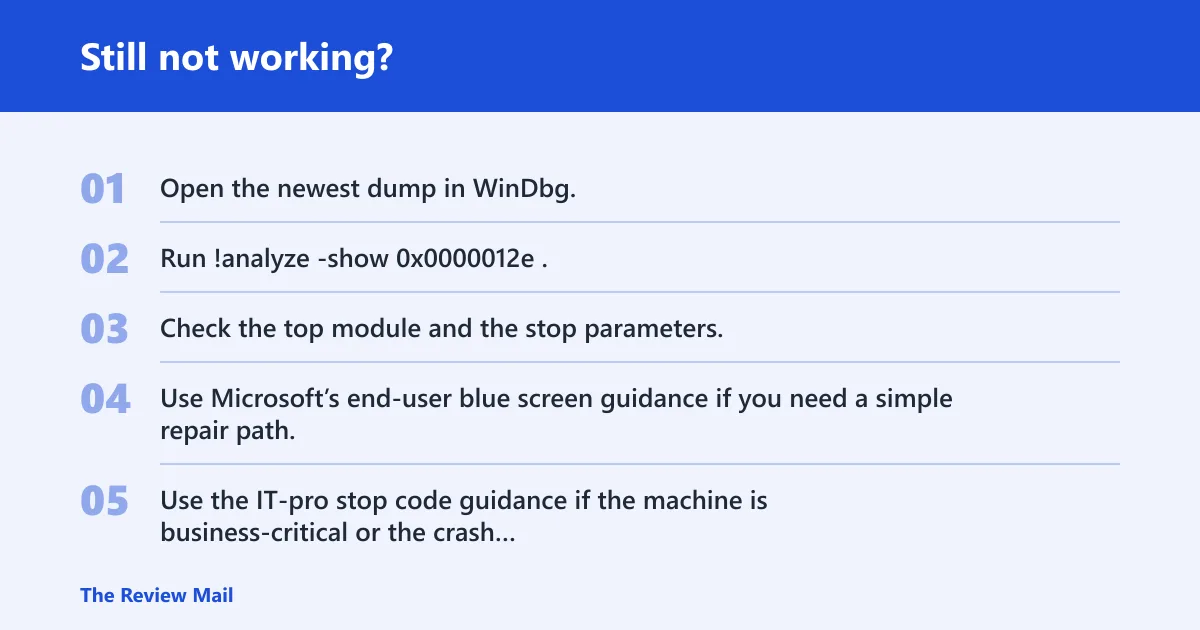
- Open the newest dump in WinDbg.
- Run !analyze -show
0x0000012e. - Check the top module and the stop parameters.
- Use Microsoft’s end-user blue screen guidance if you need a simple repair path.
- Use the IT-pro stop code guidance if the machine is business-critical or the crash repeats after repair.
Frequently asked questions
Is 0x0000012e a driver or hardware error?
It is typically a driver bug, but memory, storage, and corruption can sit behind the symptom. That is why you should rank causes by evidence: driver changes first, then RAM or disk checks, then file repair. A repeating module in the dump is a strong clue.