Cannot Load Driver When Installing Windows 10
If Windows 10 setup says “cannot load driver,” first check whether the target drive appears in BIOS: if it does not, you likely need a storage or VMD/RAID setting fix; if it does and setup fails from USB, suspect the installer media. Ignoring that split wastes time and can send you downloading the wrong driver. This guide shows how to identify the fault before you install anything.
Windows Setup driver error
The message usually means Windows Setup cannot detect the storage controller, so the drive list stays empty or setup asks for a driver. That can come from missing Intel RST/IRST files, an AMD RAID controller, a SATA/AHCI mismatch, a BIOS storage mode such as Intel VMD, or damaged installation media.
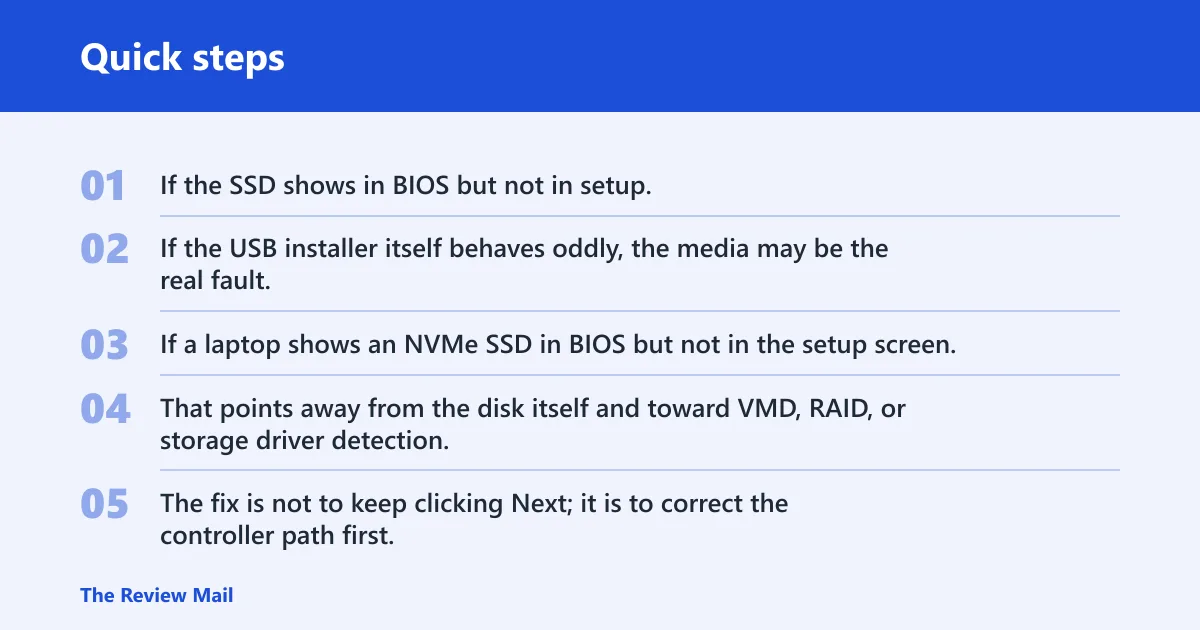
Start with the symptom on the drive screen. If the SSD shows in BIOS but not in setup, the problem is usually between the installer and the controller. If the USB installer itself behaves oddly, the media may be the real fault.
Fix map for setup errors
| Symptom on Windows Setup | Most likely cause | Exact next action |
|---|---|---|
| No drives shown on the disk selection screen | Setup cannot see the storage controller, often because VMD, RAID, or a missing storage driver is blocking detection | Check BIOS/UEFI storage settings first, then load the correct storage driver from the manufacturer if the drive still does not appear |
| “Load driver” but no compatible driver found | The wrong package was copied, the ZIP was not extracted, or setup is pointed at the wrong folder | Extract the driver archive on another computer if needed, then browse to the folder that contains the .inf files and try the correct subfolder |
| Installer freezes after loading IRST | The wrong controller entry was selected, the package does not match the platform, or the install media is unstable | Reboot, try a different entry inside the same storage package, and if it still hangs, test fresh installation media |
| Drive appears only after disabling VMD | Intel VMD was hiding the NVMe drive from setup | Leave VMD off for the install if you are doing a clean install; if Windows already exists, note the boot risk before changing the setting |
If a laptop shows an NVMe SSD in BIOS but not in the setup screen, that points more toward a setup or driver issue than the drive itself. That points away from the disk itself and toward VMD, RAID, or storage driver detection. The fix is not to keep clicking Next; it is to correct the controller path first.
📊 Microsoft says installation media can be used to reinstall Windows 10. Source: Microsoft.
Windows 10 installation media
Use Windows 10 installation media that matches the edition and license you plan to install. Microsoft describes it as a bootable USB drive or DVD, and Microsoft says the media can be used to reinstall Windows 10 or perform a clean install that erases existing data. Back up files before you begin.
Create fresh media with Microsoft tools instead of reusing a random installer from another machine. If the USB came from a damaged ISO, setup can fail before it reaches the storage driver screen. Fresh media removes that variable before you chase BIOS settings.
On a different computer, download the correct Windows 10 image, create the bootable USB, and verify that the installer boots to the language screen. If you are reinstalling, make sure you have product activation tied to the edition you intend to use.
What files should you put on the USB drive before starting Windows 10 setup?
Put only the Windows 10 installation media files and, if needed, an extracted storage-driver folder on the USB drive. Do not leave the driver in a compressed ZIP. Setup needs access to the extracted folder so it can read the .inf files when you click Load driver.
How do you load a driver?
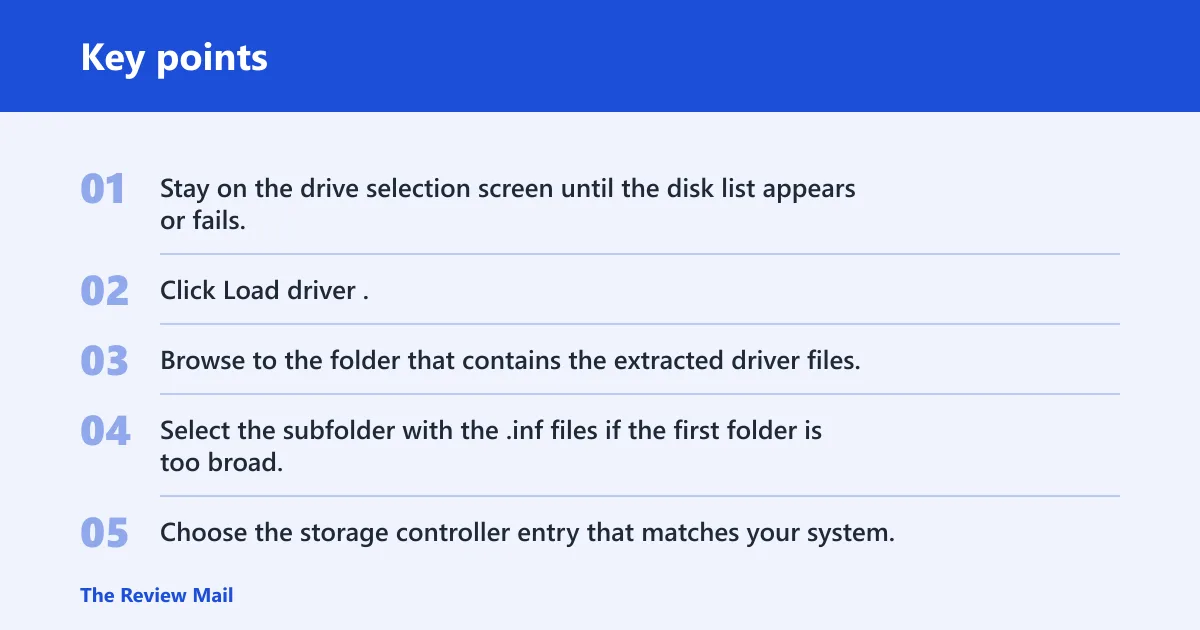
The Load driver button appears on the drive selection screen, where Windows Setup asks where to install Windows. Click it, choose Browse, and point setup to the extracted storage-driver folder. If the correct package is present, setup should list a compatible controller instead of returning an empty result.
- Stay on the drive selection screen until the disk list appears or fails.
- Click Load driver.
- Browse to the folder that contains the extracted driver files.
- Select the subfolder with the .inf files if the first folder is too broad.
- Choose the storage controller entry that matches your system.
Suppose the driver package contains several folders for x64, VMD, RAID, and AHCI. If you pick the top-level folder and setup says no compatible driver was found, that usually means you are one folder level too high. Keep moving down until the .inf files are visible.
Which driver do you need?
Pick the driver that matches the controller hiding your drive, not the label you wish were true. Intel RST or IRST is common on Intel platforms with VMD or RAID enabled. AMD systems often need the manufacturer’s RAID driver. Older or plain SATA systems may need a SATA or AHCI controller driver from the OEM support page.
ASUS says Intel 11th through 14th generation x86/x64 platforms often need IRST for retail Windows installs, while some newer Intel platforms do not need manual IRST installation. ASUS also notes that the correct choice during setup is the Intel RST VMD Controller on affected systems, but the exact controller name can vary inside a package.
How do I load a storage driver during Windows 10 setup?
Load the storage driver from the installation screen, not after the install starts. Use the Load driver button, browse to the extracted driver folder, and choose the controller entry that matches your storage mode. If the package is correct, Windows Setup should detect the SSD or hard drive after the driver is accepted.
Do not assume a generic AHCI driver will solve every case. A system in VMD or RAID mode often needs the storage-controller package that matches that mode. A plain SATA system can need a different file set entirely. The menu item is the same; the driver path is not.
Do I need Intel RST for my laptop to install Windows 10?
Not always. You need Intel RST or IRST only if your laptop uses an Intel storage path that Windows 10 setup cannot read on its own, such as VMD or some RAID configurations. If the drive appears without extra drivers, RST is not the problem and you should not force it.
Do not download Intel RST just because the machine has an Intel CPU. Check BIOS storage mode and the symptom on the drive screen first. If the SSD is visible in BIOS but invisible in setup, RST may help. If the installer freezes after loading it, the package or media may be wrong.
Which driver do you need for Windows 10 installation: IRST, SATA, or AHCI?
Use IRST when an Intel platform hides the drive behind VMD or RAID. Use a SATA or AHCI controller driver when the system is older, non-VMD, or built around a specific motherboard storage controller. On some AMD boards that expose the array, use the AMD RAID drivers instead of the raw-disk option.
The source matters. OEM support pages usually provide the right controller package for the exact model. A generic driver from somewhere else may install, yet still fail to reveal the disk during setup. The goal is controller detection, not a broad driver match.
How do I disable Intel VMD so Windows 10 can detect the drive?
Disable VMD in BIOS or UEFI when an NVMe drive is hidden from Windows Setup but visible in firmware. VMD can mask the SSD until the correct driver loads, which is why setup may show no drives at all. Turning it off often makes the drive appear immediately.
Where to look in BIOS or UEFI storage settings
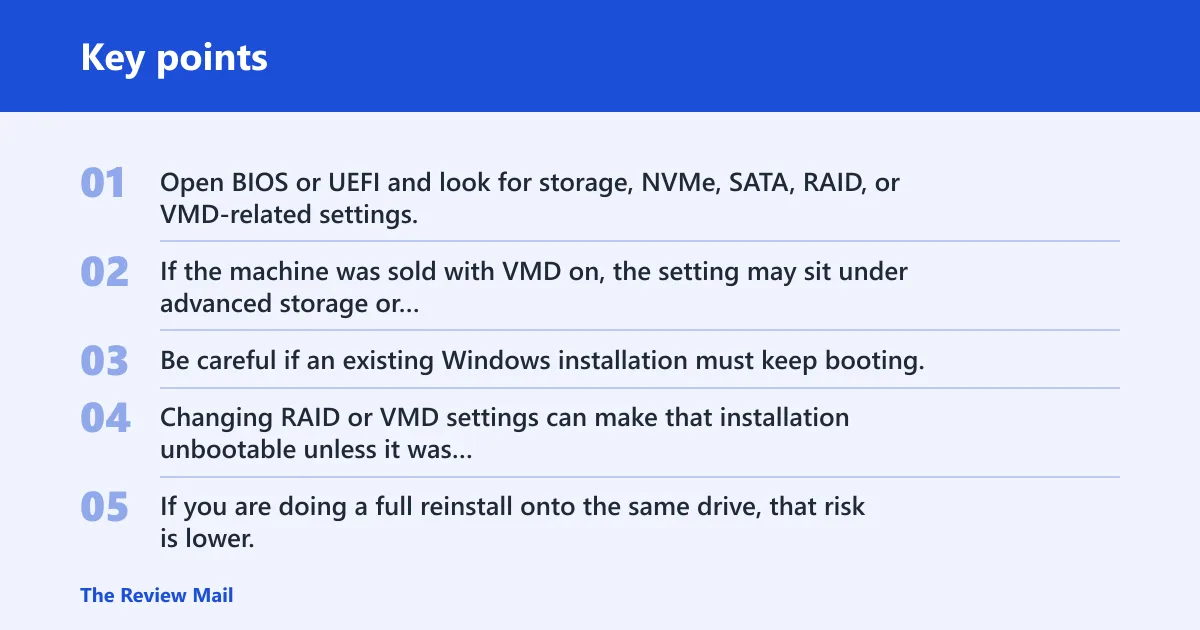
Open BIOS or UEFI and look for storage, NVMe, SATA, RAID, or VMD-related settings. The exact menu name varies by manufacturer. If the machine was sold with VMD on, the setting may sit under advanced storage or chipset options rather than a simple boot menu.
Be careful if an existing Windows installation must keep booting. Changing RAID or VMD settings can make that installation unbootable unless it was prepared for the new mode. If you are doing a full reinstall onto the same drive, that risk is lower. If you need the old system to remain usable, stop and plan the change first.
Can I reinstall Windows 10 with installation media instead of loading a driver?
Yes, but installation media is not a replacement for the storage controller when the drive cannot be seen. Media solves a bad or outdated installer, while a driver or BIOS change solves controller detection. If you suspect a corrupt USB, fresh installation media is the first recovery path.
Microsoft says installation media can be used to reinstall Windows 10, and it can also be used for a clean install that erases existing data. That tradeoff matters. Loading a driver keeps the current storage mode intact. Changing BIOS settings may reveal the drive faster, but it can affect an existing install.
Can I fix Windows 10 installation driver errors by changing USB ports?
Yes, changing ports can help when setup misreads the installer or the USB connection is unstable. A USB 2.0 port can be a useful compatibility fallback on some systems, especially older ones. Treat it as a diagnostic step, not the main fix for a missing storage controller.
If the drive is visible in BIOS but setup stalls, a different USB port may separate a bad installer read from a real storage problem. If you can, try the installer on another machine too. That helps tell you whether the USB itself is flawed or whether the target PC needs a controller fix.
A common first-timer mistake is to swap ports after every failure and then assume the SSD is broken. If the same USB boots cleanly to the Windows logo but the drive list stays empty, the port is not the core issue. The storage path is.
Frequently asked questions
Why does Windows 10 say it cannot load driver during installation?
It usually means Windows Setup cannot see the storage controller that exposes your SSD or hard drive. The cause can be missing IRST, an AMD RAID driver, a SATA/AHCI mismatch, or BIOS storage settings such as VMD. Start by checking whether the drive appears in BIOS before you download anything.
What should I do if Windows 10 setup cannot see my SSD or hard drive?
Check BIOS first, then decide between a driver fix and a storage-mode change. If the drive is present in firmware, load the correct storage controller driver from the OEM page. If VMD appears to be hiding the NVMe drive, consider disabling VMD in BIOS or UEFI before continuing, unless you need to preserve an existing Windows install.