DX 9.0c Windows 10: What to Install and Why It Fails
Windows 10 already includes DirectX 12, but older games and apps often need legacy DirectX 9.0c files. If you see missing d3dx9_*.dll errors, install the June 2010 DirectX End-User Runtime. Ignoring that mismatch leads to launch failures, broken installers, or blank screens. This guide shows how to tell built-in DirectX from dx 9 0c windows 10 components and what to install when each failure appears.
Legacy side-by-side files that trigger DirectX 9.0c errors
On Windows 10, “DirectX 9.0c” usually means a separate set of legacy side-by-side files that older software expects, not the DirectX version built into the operating system. Microsoft says DirectX is already included in Windows 10, and the runtime cannot be installed or removed as a replacement for that OS component.
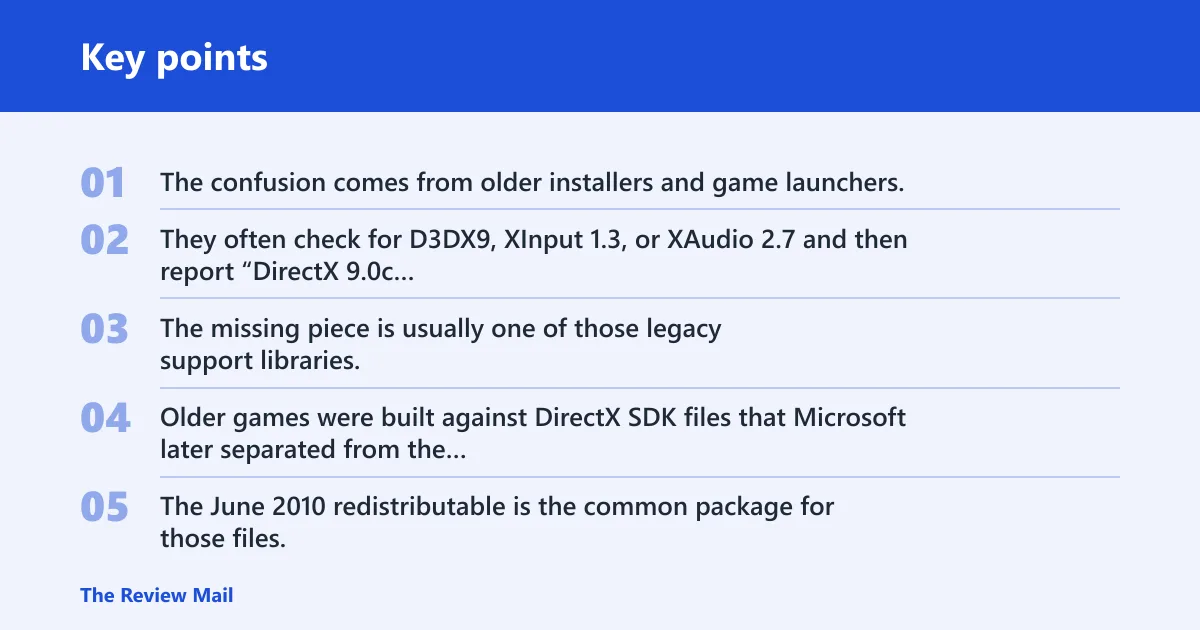
The confusion comes from older installers and game launchers. They often check for D3DX9, XInput 1.3, or XAudio 2.7 and then report “DirectX 9.0c required,” even though Windows 10 already has a newer core DirectX runtime. The missing piece is usually one of those legacy support libraries.
Why older games still ask for DirectX 9.0c
Older games were built against DirectX SDK files that Microsoft later separated from the Windows core runtime. The June 2010 redistributable is the common package for those files, and Microsoft says it installs legacy DirectX SDK libraries for older games. That includes D3DX9, D3DX10, and D3DX11 support.
Say your game launcher opens, checks for d3dx9_35.dll, then closes with an error before the title screen appears. That points to a legacy dependency problem. It does not mean Windows 10 is missing its built-in DirectX version.
📊 Microsoft says DirectX is already included in Windows 10. Source: DirectX End-User Runtime Web Installer.
Do you need to install DirectX 9.0c on Windows 10?
Usually, no. If a modern game runs normally, Windows 10’s built-in DirectX is enough. You only need the legacy package when an older game, old launcher, or bundled installer asks for specific DirectX SDK files such as D3DX9, XInput 1.3, or XAudio 2.7.
The safest rule is simple: install the legacy package only for an error that points to missing side-by-side DirectX files. Do not treat it as a general DirectX update for Windows 10, because Microsoft says the runtime already included with Windows is not modified by the package.
When the built-in runtime is enough
If a game launches and the only complaint is about graphics settings, display mode, or an unrelated DLL, the DirectX 9.0c package is probably not the answer. Reinstalling it will not fix corrupted game files, missing Visual C++ runtimes, or launchers that ship their own prerequisites.
When a legacy package is actually required
Install the legacy runtime when the error names a DirectX SDK file, especially a D3DX9 file, XAudio 2.7, or XInput 1.3. That is the signal that the app needs side-by-side components, not a new Windows 10 DirectX version. The package is safe for that purpose on supported Windows versions, including Windows 10.
Which DirectX fix do you actually need?
This decision table maps common symptoms to the likely cause, the correct package, and the next check. Use it when a game fails and you want the shortest path to the right installer.
| Symptom | Likely cause | Correct installer or package | Next verification step |
|---|---|---|---|
| Missing d3dx9 DLL | Legacy DirectX SDK file is absent | DirectX End-User Runtime Web Installer, or the June 2010 offline redistributable | Check that the matching D3DX9 file appears in the game folder or in the extracted redist set after setup |
| Game will not launch | One of the older DirectX support files failed to install, or the game needs another prerequisite too | DirectX End-User Runtime first; then repair the game or install VC++ if needed | Open the game’s folder, then look for DXError.log or the game’s own install log |
| Installer already says DirectX is installed | The installer sees Windows 10’s built-in runtime, not the legacy side-by-side files | DirectX End-User Runtime for legacy libraries only | Confirm whether the missing item is D3DX9, XAudio 2.7, or XInput 1.3, not the core OS runtime |
| Offline or no internet | The web installer cannot reach Microsoft’s download service | The June 2010 offline redistributable package | Extract it, then run DXSETUP.exe from the extracted folder |
| 32-bit versus 64-bit game | The launcher and the game binary may need matching legacy files, but the package itself is not a special 64-bit DirectX 9.0c download | Same Microsoft DirectX package either way; some apps need the x86 redistributable path | Check whether the game ships x86, x64, or both, then verify which prerequisite folder it calls |
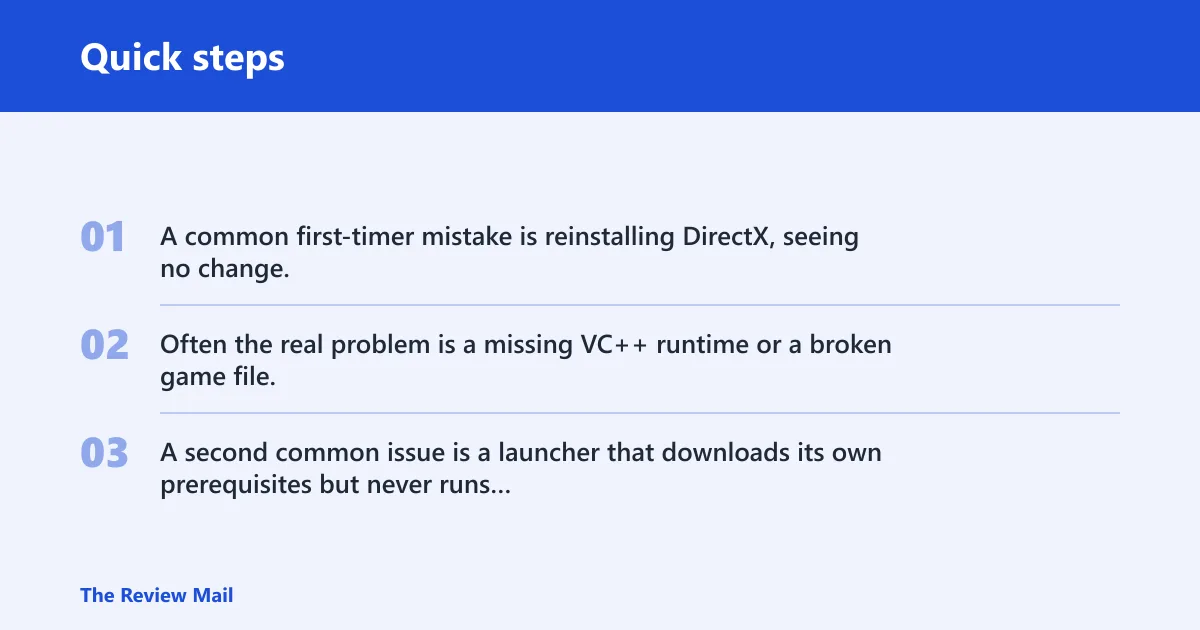
A common first-timer mistake is reinstalling DirectX, seeing no change, and assuming the package failed. Often the real problem is a missing VC++ runtime or a broken game file, which the DirectX package cannot repair. A second common issue is a launcher that downloads its own prerequisites but never runs them.
How to get the Microsoft installer
The Microsoft package to use is the DirectX End-User Runtime Web Installer. Microsoft lists it as version 9.29.1974.1, with the file name dxwebsetup.exe and a file size of 288.4 KB. It installs legacy side-by-side components only; it does not upgrade the DirectX runtime already in Windows 10. (Microsoft)
Web installer versus offline redistributable
The web installer is the small Microsoft download center package. It works when the PC can reach Microsoft’s download service. The offline path is the full June 2010 redistributable, which extracts files to a folder and then requires you to run DXSETUP.exe from that extracted content.
Use the web installer when the machine is online and you want Microsoft to fetch only what is missing. Use the offline redistributable when the system is isolated, when a repair tool needs a local source, or when a game installer expects the full prerequisite set on removable media.
Basic installation steps
- Download the Microsoft DirectX End-User Runtime Web Installer.
- Run dxwebsetup.exe and accept the prompts.
- Let the installer fetch the missing legacy components.
- Restart the game or launcher that failed.
- If the problem remains, check the game folder for DXError.log or a similar setup log.
Picture a portable game on a USB drive that opens on one Windows 10 PC but fails on another with a missing d3dx9 DLL. The portable copy may have its own files, but it still depends on the target system’s legacy DirectX components. In that case, the DirectX package is the right first check, not a Windows feature update.
What files the runtime adds
Microsoft says the package includes D3DX9, D3DX10, and D3DX11 support, plus XAudio 2.7, XInput 1.3, and Managed DirectX 1.1. These are side-by-side libraries for older games and apps. They are not a replacement for the operating system’s DirectX runtime.
D3DX9
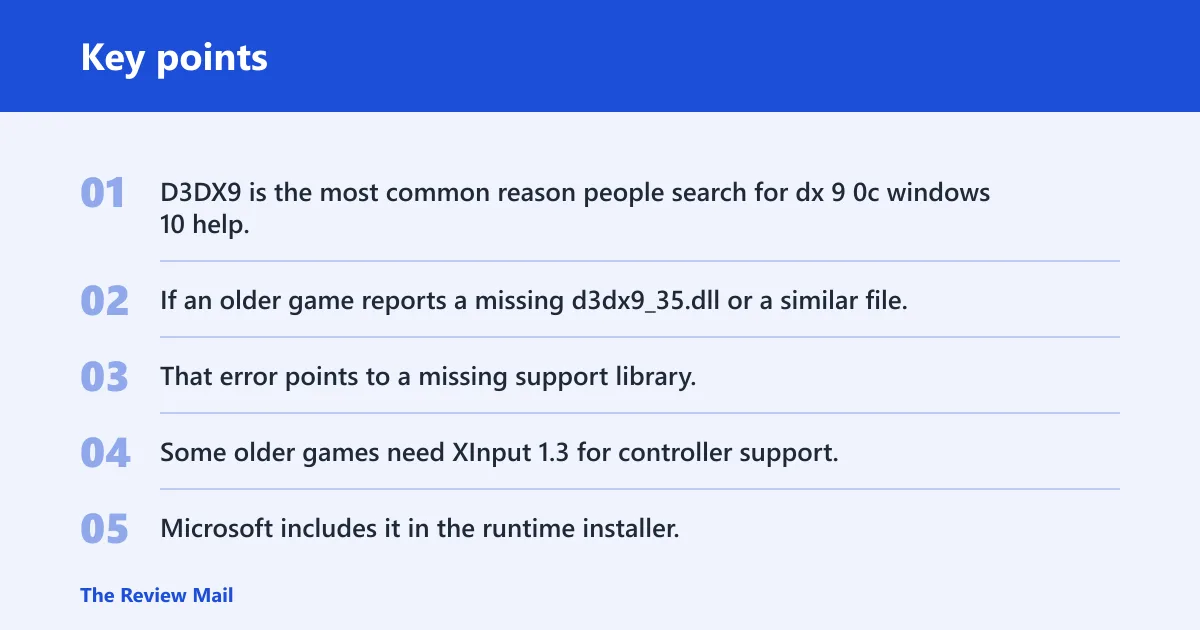
D3DX9 is the most common reason people search for dx 9 0c windows 10 help. If an older game reports a missing d3dx9_35.dll or a similar file, it usually needs the legacy runtime package. That error points to a missing support library, not to a missing Windows 10 DirectX update.
XInput 1.3
Some older games need XInput 1.3 for controller support. Microsoft includes it in the runtime installer. If a game launches but cannot see a controller correctly, and the error log mentions XInput, the legacy DirectX package is still part of the fix path.
XAudio 2.7
XAudio 2.7 is another legacy component in the package. Older games and some multimedia apps depend on it for sound. If audio initialization fails while the rest of the program loads, the DirectX runtime may still be missing this older file set.
Managed DirectX 1.1
Managed DirectX 1.1 is included for older managed applications that used the side-by-side model. It is not an OS DirectX replacement. If a desktop app depends on it, the runtime package can provide the legacy files without changing Windows 10’s core DirectX version.
Desktop Bridge applications
Microsoft says the package can be used with Desktop Bridge apps that depend on legacy DirectX components. Those apps may rely on D3DX9, D3DX10, or D3DX11, and they should target Microsoft.DirectX.x86 or Microsoft.DirectX.x64 as appropriate. Another path is to remove the legacy dependency entirely.
What happens if the game still fails?
If DirectX installs but the game still refuses to start, the missing piece is often elsewhere. Check for a broken install, a missing VC++ runtime, or a launcher that bundles its own prerequisites and did not finish them. DirectX fixes only DirectX-side dependency problems.
Look for DXError.log, game setup logs, or an extracted redist folder if the installer seemed to finish but nothing changed. Those files can show whether the program was looking for a DirectX DLL, a Visual C++ library, or another prerequisite altogether.
Frequently asked questions
What is dx 9 0c on Windows 10?
It usually means the legacy DirectX 9.0c side-by-side files that older games and apps still expect. Windows 10 already includes DirectX, but that built-in runtime is separate from the older D3DX9, XInput 1.3, and XAudio 2.7 components that some software still needs.
Where can I download DirectX 9.0c for Windows 10?
Use Microsoft’s DirectX End-User Runtime Web Installer from the Microsoft download center. Microsoft lists it as version 9.29.1974.1 with the file name dxwebsetup.exe. If you need offline installation, use the June 2010 redistributable and run DXSETUP.exe after extraction.
Is there a 64-bit DirectX 9.0c download for Windows 10?
No separate Microsoft download exists as a special 64-bit DirectX 9.0c package. The same legacy runtime package is used for the supported Windows editions. What matters is whether the game or launcher expects x86, x64, or both when it loads its prerequisites.
Why does a game say d3dx9_35.dll is missing?
That error means the game cannot find a legacy D3DX9 file. It is a sign that the side-by-side DirectX components are missing, not that Windows 10 lacks its built-in DirectX runtime. Install the DirectX End-User Runtime, then verify the game folder and logs again.
Can I use the web installer offline?
No. The web installer needs access to Microsoft’s download service. If the computer is offline, use the full June 2010 redistributable package instead, extract it, and run DXSETUP.exe from the extracted files. That is the correct offline path for older games and apps.