0x00002000 in Decimal: Exact Conversion and Meaning
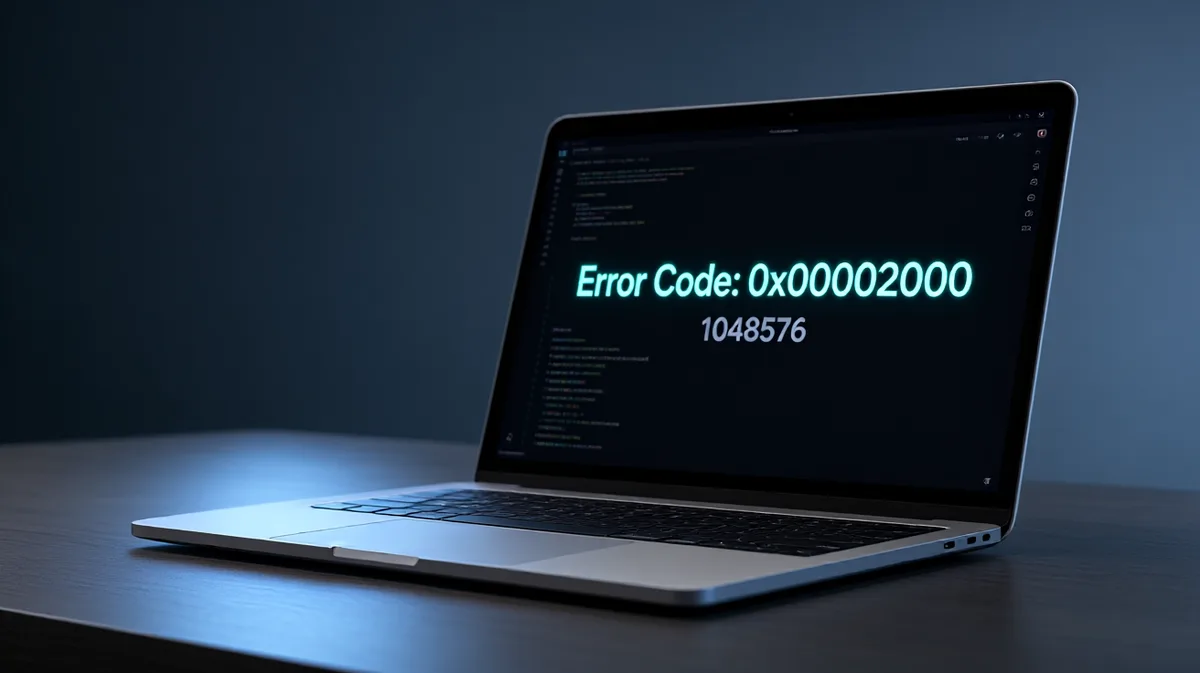
0x00002000 in decimal is about 8192. Misread the code, and you can chase the wrong Windows error and waste time on the wrong fix. This guide shows the hex-to-decimal conversion and a quick way to read similar stop codes.
What 0x00002000 means
0x00002000 is a hexadecimal number, and its decimal value is 8192. The 0x prefix marks hexadecimal notation, which uses base 16 instead of base 10, so the digits run past 9 and continue with A through F. For Windows stop-code lookup, that matters because a code can look unfamiliar in hex while still mapping to a plain decimal number.
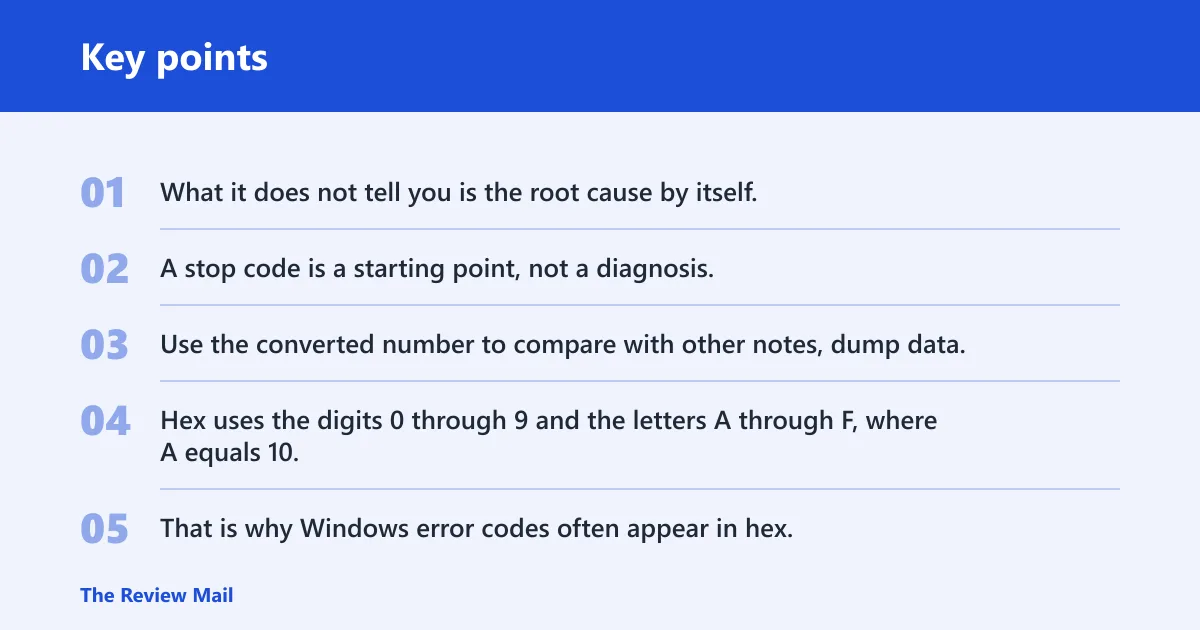
What it does not tell you is the root cause by itself. A stop code is a starting point, not a diagnosis. Use the converted number to compare with other notes, dump data, or the rest of the blue-screen text.
Hexadecimal vs decimal
Hexadecimal uses base 16. Decimal uses base 10. Hex uses the digits 0 through 9 and the letters A through F, where A equals 10, B equals 11, C equals 12, D equals 13, E equals 14, and F equals 15.
That is why Windows error codes often appear in hex. The format is compact, easy to group into bytes, and familiar in low-level system work. The decimal form is easier for quick lookup and note-taking.
What the 0x prefix means
The 0x prefix indicates a hexadecimal number. It appears before the digits and tells you to read the value in base 16 rather than decimal. So 0x00002000, 0x2000, and 00002000 in hex notation all point to the same value.
Leading zeros do not change the decimal result. They only pad the display. That is useful when you are comparing stop codes, memory values, or a nearby value such as 0x00004000 from another note.
Why Windows stop codes use hexadecimal
Windows stop codes use hexadecimal because it gives a compact view of internal values, bit flags, and related parameters. The format also makes it easier to group and compare codes that differ by a small amount, such as 0x00001FFF, 0x00002000, and 0x00002001.
If you are reading a blue-screen note, keep the whole code and any parameters together. A single converted number is useful, but it is only one piece of the troubleshooting record.
The conversion works like this: multiply each hexadecimal digit by its place value, then add the products. In hexadecimal, place values move by powers of 16. The rightmost digit is multiplied by 1, the next digit by 16, and the next by 16 × 16. Continue leftward for each additional digit.
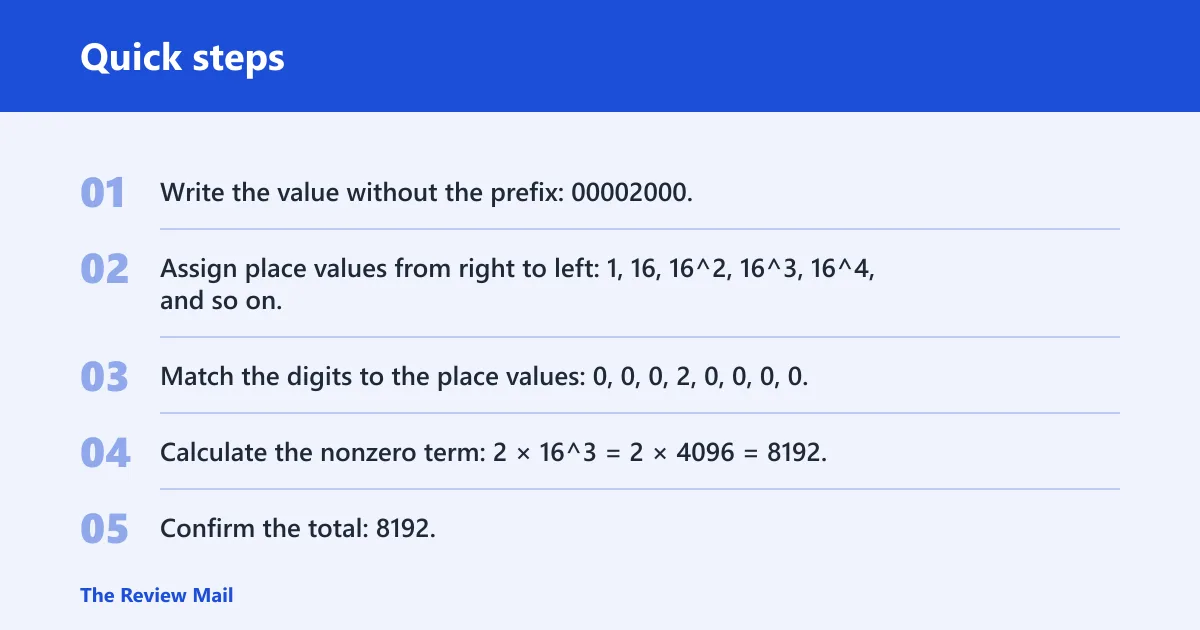
For 0x00002000, the only nonzero digit appears to be 2 in the 16^3 place. That gives 2 × 16^3 = 2 × 4096 = 8192. The remaining digits are zero, so they add nothing to the total.
Copy-paste friendly breakdown
- Write the value without the prefix: 00002000.
- Assign place values from right to left: 1, 16, 16^2, 16^3, 16^4, and so on.
- Match the digits to the place values: 0, 0, 0, 2, 0, 0, 0, 0.
- Calculate the nonzero term: 2 × 16^3 = 2 × 4096 = 8192.
- Confirm the total: 8192.
A common first-timer mistake is to read the 2 as if it were in the 16^2 place. That gives the wrong answer. The 2 in 0x00002000 sits three places left of the ones place, so its weight is 16^3.
Common mistakes to avoid
- Dropping the leading zeros and then guessing the place value from memory.
- Confusing a hexadecimal code with a memory address.
- Using decimal place values instead of powers of 16.
- Assuming the number alone explains the crash.
Suppose Windows shows 0x00002000 after a failed boot, and you also see 0x00002001 on the next attempt. Those two values are adjacent in hex, so the decimal results differ by 1. That can help you log the exact code without changing the underlying troubleshooting path.
0x00002000 table
Here is a compact lookup table for the exact code and nearby values. The decimal column is what you would use for a plain-number search or note. Leading zeros do not change the decimal value.
| Hex value | Decimal value | Note |
|---|---|---|
0x00001FFF | 8191 | One less than 0x00002000 |
0x00002000 | 8192 | Exact match for this lookup |
0x00002001 | 8193 | One more than 0x00002000 |
If you are searching notes from a crash or comparing entries from different boots, that table gives you a fast sanity check. It also helps if a report omits the 0x prefix but keeps the same digits.
Likely causes
A decimal conversion is useful for lookup, but it does not identify the fault by itself. In a BSOD context, the most common next checks are a recent driver change, a Windows update or system file problem, or other recent software changes. Work from the newest change backward.
Driver conflicts
Recent driver changes are one of the first things to check. If the stop code appeared after new hardware, a driver update, or a device change, start there. Keep the fix to one change at a time so you can tell what helped.
- Open Device Manager.
- Look for yellow warning icons under the devices you recently changed.
- Right-click the device and choose Properties > Driver.
- Use Roll Back Driver if it is available, or choose Update driver and let Windows search.
- Restart and retest before changing anything else.
System file corruption
If the timing points away from hardware, system files are a common next check. Run the built-in repair commands in order. Use an elevated Command Prompt or Terminal, or the commands will fail with permission errors.
- Right-click Start and open Terminal (Admin) or Command Prompt (Admin).
- Run:
sfc /scannow - After it finishes, run:
DISM /Online /Cleanup-Image /RestoreHealth - Restart Windows.
- Check whether the same stop code appears again.
Recent Windows changes
If the problem began after an update, a new app, or security software, undo the last change first. A common first-timer mistake is changing several things at once and then not knowing which one mattered.
- Open Settings > Windows Update > Update history.
- Choose Uninstall updates if the crash started right after an update.
- Remove recently added software from Settings > Apps > Installed apps.
- If Windows will not boot normally, start in Safe Mode and repeat the check there.
- Restart after each change.
Picture a laptop that began blue-screening after a security suite update. Removing that one package and rebooting is a cleaner test than changing drivers, firmware, and startup apps at the same time.
Still not working?
If the stop code keeps returning, collect the full code and every parameter value shown on screen. Then check Event Viewer for the crash timestamp and look for minidump files in C:\Windows\Minidump. Those details can separate a repeatable software fault from a hardware problem.
If the same code appears after SFC, DISM, driver rollback, and an update rollback, move to deeper checks: memory diagnostics, storage health, or vendor support for the exact device involved. That is the point where a simple code conversion is no longer enough on its own.
Prevention
For future crashes, keep a note of the exact hex stop code, the decimal value, the last change made, and the time it appeared.
Frequently asked questions
What is 0x00002000 in decimal?
The 0x prefix marks hex, and the visible 2 sits in the 16^3 position, so the calculation is 2 × 16^3.
How do I convert 0x00002000 to decimal?
Use place values from right to left: 1, 16, 16^2, 16^3, and so on. For 0x00002000, only the 2 is nonzero, so the working is 2 × 16^3 = 8192. You can use the same method for any hexadecimal error code.
Is 0x00002000 a hexadecimal number?
Yes. The 0x prefix indicates hexadecimal notation. That means the digits are read in base 16, using 0 through 9 and A through F. The leading zeros do not change the value; they only keep the code in a fixed-width format.
What does the 0x prefix mean?
The 0x prefix tells you the value is hexadecimal. It appears before the digits and changes how you read the number. Without that prefix, the same digits could be mistaken for a decimal value, which would lead to the wrong conversion.
Why do Windows stop codes use hexadecimal?
Windows stop codes use hexadecimal because it is compact and works well with low-level values, bit patterns, and grouped bytes. That makes it easier to compare nearby codes and record exact crash data. For lookup, you can convert the code to decimal and keep both forms together.
How do I convert a hex error code to decimal?
Multiply each digit by its power of 16, starting with 1 on the far right. Then add all the products. The same rule works for other stop codes and error values.