Trusted Windows 11 Key: How to Buy Safely and Verify
A trusted Windows 11 key comes from Microsoft or an authorized reseller, and it should match your install type: retail for transferability, OEM for one device, or volume for organizations. Bad keys can fail activation, get revoked later, or leave you paying twice. This guide shows how to spot legitimate offers, avoid resale traps, and choose the right Windows 11 license for your PC.
What is a Windows 11 key?
A Windows 11 product key is a 25-character alphanumeric code used to activate a licensed copy of Windows. It may be tied to retail, OEM, or volume licensing, and the difference matters when you reinstall, move to new hardware, or need to prove that the license belongs to your device.
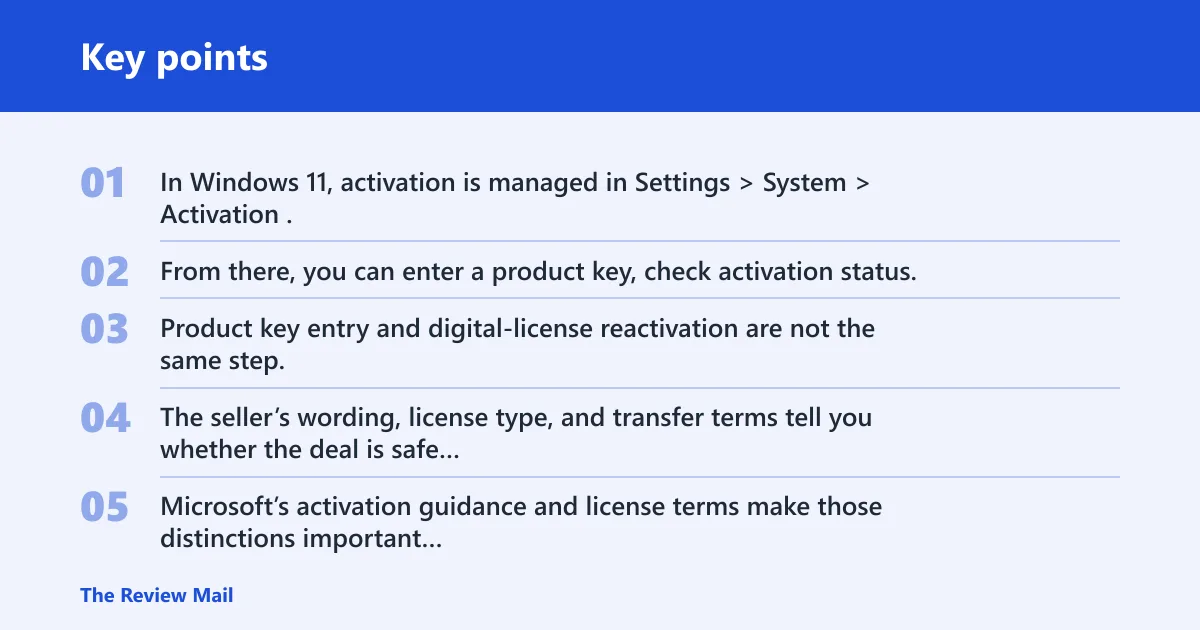
In Windows 11, activation is managed in Settings > System > Activation. From there, you can enter a product key, check activation status, or use the troubleshooting and reactivation options that apply to a digital license. Product key entry and digital-license reactivation are not the same step.
The code is only part of the purchase. The seller’s wording, license type, and transfer terms tell you whether the deal is safe or risky. Microsoft’s activation guidance and license terms make those distinctions important because not every key is meant to move, reinstall, or transfer in the same way.
Product key versus digital license
A product key is the code you type in. A digital license is an activation right attached to a device or Microsoft account. If you already have a valid digital license, you may not need a new key for the same PC, but a new device or edition change can still require one.
For buyers, this matters because some listings sell a code that works once, while others sell a license that can be reused on the same PC. Those are different promises, and they should be stated clearly before checkout.
How do you judge a Windows 11 seller?
Start with the evidence, not the price tag. A reliable listing should show verified reviews, clear support terms, a plain refund policy, and language that matches the license type being sold. If the page hides those details, treat the offer as risky until proven otherwise.
Instant delivery is useful, but it is not proof of legitimacy. A legitimate seller can still provide email delivery quickly, while an unreliable one can also deliver a bad key quickly.
What should reviews and support tell you?
Look for reviews tied to actual purchases, not only star ratings. Support should cover activation problems, license questions, and refund handling. If the seller offers only a contact form with no response window, you have little recourse if the key fails.
What refund policy is actually useful?
A good refund policy is specific. It should say when a refund applies, how long you have to request it, and what happens if activation fails. Vague wording such as “all sales final” is a warning sign when the seller is offering digital licenses.
Which price signals look wrong?
Cheap can be legitimate, but unrealistically low pricing often appears with restricted or reused keys. A listing for Windows 11 Pro at a deep discount deserves extra scrutiny because that edition usually costs more than Home. Microsoft’s edition comparison shows why the price gap exists, and a seller should explain any discount with a clear license type rather than vague bargain language.
What proof should a trusted Windows 11 key listing show?
Use this checklist before you buy. It helps separate a valid offer from a resale trap by checking the wording, the support policy, and the license limits the seller actually states.
| Seller claim | Evidence to look for | Red flag | Safe alternative |
|---|---|---|---|
| License type is clear | Retail, OEM, or volume is named on the page | Only “Windows 11 key” with no license type | Buy only when the license type is explicit |
| Device limit is stated | Words like “one PC,” “single device,” or “for one computer” | No limit stated, or conflicting claims across the page | Choose a seller that names the device limit in plain language |
| Transferability is explained | Clear language on whether the key can move to new hardware | Seller implies reuse everywhere | Pick retail if transferability matters |
| Refund policy exists | Written refund terms for invalid or failed activation | No refund terms, or exclusions that cover every failure case | Use a seller with proof-based refunds |
| Support is reachable | Email, chat, or ticket support with activation help listed | Support is missing or vague | Choose a seller that handles activation questions |
| Delivery is fast | Delivery time stated, such as email delivery within a set window | Instant delivery is the only trust signal | Value speed, but still verify the license details |
| Wording looks clean | Product page avoids conflicting claims about OEM, retail, and volume use | Words like “bulk,” “MSDN,” or “reused” appear without explanation | Walk away from vague or mixed wording |
| Version-specific risk is addressed | Listing explains why the edition price is low and how the license is issued | No explanation for a very cheap Pro key | Compare the claim against Microsoft’s edition and licensing rules, not just the price |
Is a cheap Windows 11 Pro key trustworthy?
Sometimes, but only if the seller explains the license cleanly. A low price can make sense for a legitimate promotion or a basic digital delivery model. It becomes risky when the listing hides whether the key is OEM, volume, reused, or tied to an account you do not control.
Windows 11 Pro is the business-oriented edition. It adds features such as Remote Desktop support and Group Policy support, and it usually costs more than Home. Microsoft’s edition comparison is the right baseline here: if a Pro key is far cheaper than expected, ask what tradeoff the seller is making.
When is a low price plausible?
A lower price can be plausible when the seller names the edition, states the device limit, and gives refund and support terms. A Windows 11 Home license marketed for one PC, with lifetime activation language and clear activation steps, is easier to evaluate than a vague “Pro key” listing.
Instead of leaning on a merchant name, judge the listing by its wording. Strong examples include “for one PC,” “retail license,” “digital delivery,” “refund if activation fails,” and “support included.” Weak examples include “too good to miss,” “lifetime” with no license type, or “works on any PC” without transfer terms.
When does low price point to risk?
Risk rises when the page leans on price alone. Suspicious activators are a hard no, and so are listings that hint at bulk activation, reused licenses, or account sharing without saying so directly. A cheap Pro key can also be a sign that the seller is moving inventory with weak reuse rights.
A common first-timer mistake is treating “cheap” as proof of value. If the listing cannot explain why the price is lower, assume the explanation may surface later as activation trouble.
What should you verify before checkout?
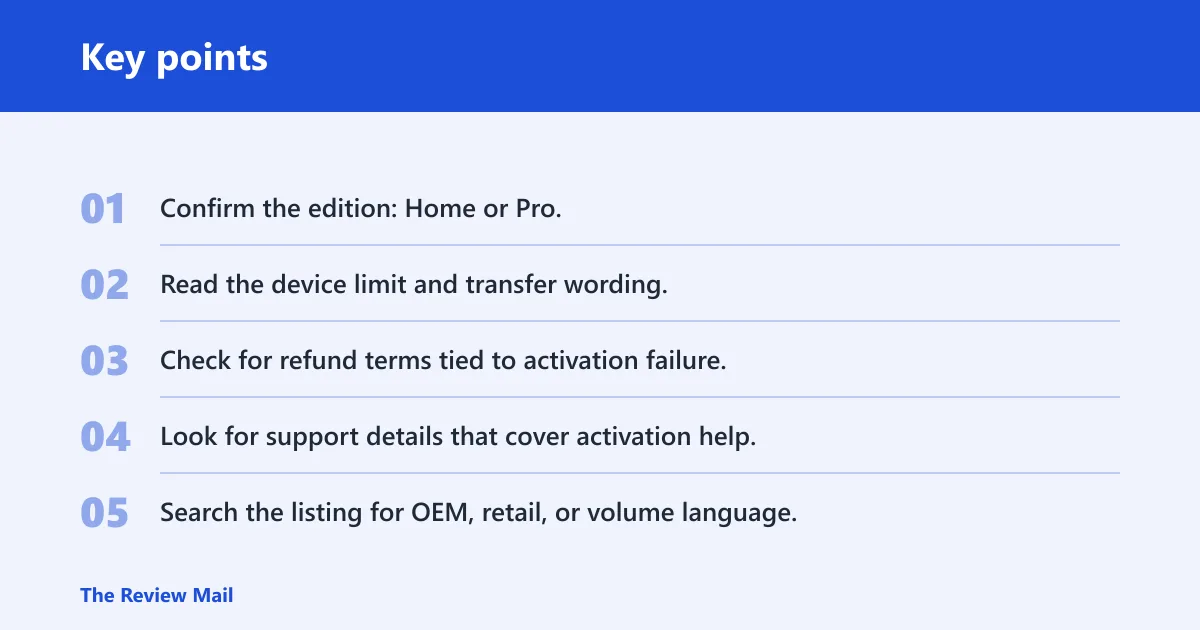
- Confirm the edition: Home or Pro.
- Read the device limit and transfer wording.
- Check for refund terms tied to activation failure.
- Look for support details that cover activation help.
- Search the listing for OEM, retail, or volume language.
Which Windows 11 edition fits your PC?
Windows 11 Home is typically the lower-cost edition for use on one PC. Windows 11 Pro costs more and adds business-oriented features that matter for remote access, policy control, and more advanced device management. If you only need a normal personal PC, Home is often enough.
If you need Remote Desktop support, Group Policy support, or a work-style setup, Pro may justify the extra cost. If you only want a clean activation on a family laptop, paying more for Pro can be unnecessary.
When should you choose Windows 11 Home?
Choose Home if the PC is for everyday use and you do not need business features. A Home license is usually the safer buy when the seller states a one-PC limit and gives a straightforward activation path in Settings.
Strong listing language for Home usually focuses on a single device, lifetime use on that device, and clear activation instructions. If the page adds claims about transferring the license later, check whether that conflicts with the stated license type.
When should you choose Windows 11 Pro?
Choose Pro if you know you need the added controls. That often means a work machine, a home office setup, or a device that must join more structured management. The higher price only makes sense when the extra features matter.
If the seller offers Pro at a deep discount, verify the license type before buying. A cheap Pro key that is really a bulk or reused license can be a short-term bargain and a long-term problem.
Can you reuse a Windows 11 key?
Reinstalling Windows on the same PC is often treated differently from moving the license to new hardware. OEM keys may be tied to one device and often cannot move. Retail keys are generally more flexible and may sometimes be reused when moved from an unused PC to another machine.
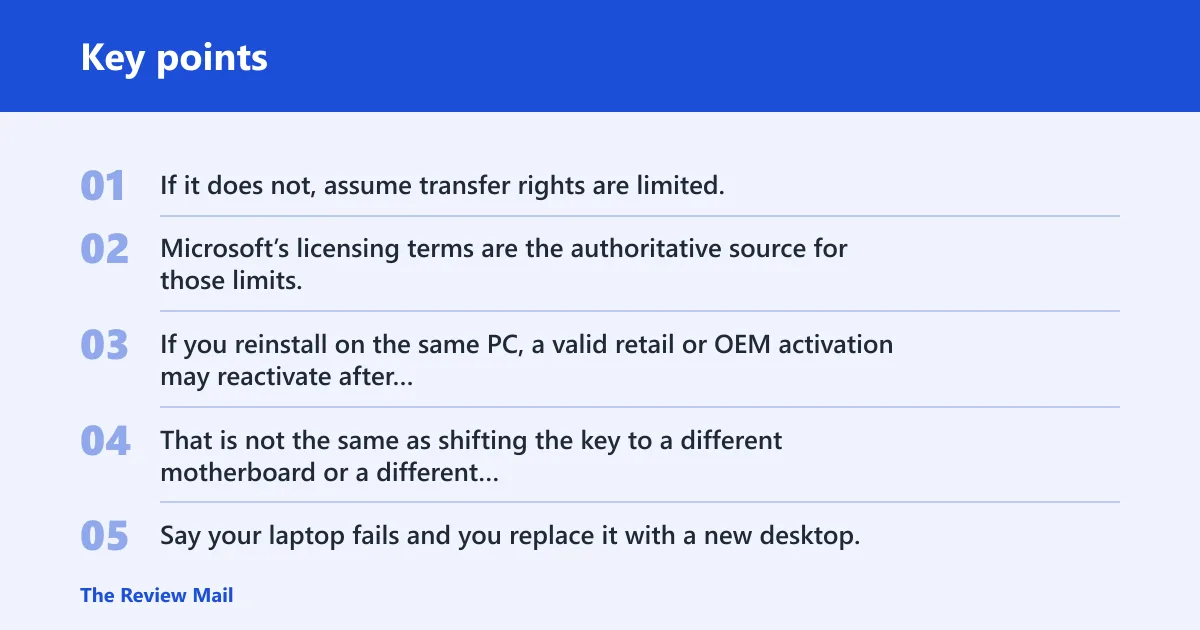
The seller should say which case applies. If it does not, assume transfer rights are limited. That is where many resale problems begin. Microsoft’s licensing terms are the authoritative source for those limits, especially where OEM and retail rights differ.
What changes when you reinstall on the same PC?
If you reinstall on the same PC, a valid retail or OEM activation may reactivate after setup, depending on how the license was issued. That is not the same as shifting the key to a different motherboard or a different computer.
Say your laptop fails and you replace it with a new desktop. An OEM key that activated the laptop may not activate the desktop, while a retail key may move if the prior PC is no longer using it.
What are the limits on retail transfer?
A retail key is the more flexible option when you may upgrade hardware later. It is often written down or stored by the purchaser, and that storage matters because you may need it again after reinstalling or moving the license.
Even retail has rules. The key should be tied to only one active installation at a time, and the old device should not keep using the same license after the move.
Why are OEM keys usually tied to the original device?
OEM keys are usually sold for the original device and are commonly tied to that hardware. Microsoft’s license terms and activation guidance make clear that OEM-style licensing is not the same as retail transferability. If your plan includes a future PC upgrade, OEM is the less forgiving choice.
That is why a low-price OEM offer can be fine for a fixed machine and wrong for a moveable license plan. The transfer limit is the real difference.
How do you find an existing Windows 11 product key?
First check whether you already have a digital license. If Windows is activated and the device was previously signed in with the same Microsoft account, you may not need to buy a new key for that same PC. If you do need the key, look through purchase emails, device paperwork, or the original packaging.
For activation on the device, go to Windows Settings > System > Activation and use the Change product key option if prompted. That is the normal place to enter a manual key during setup or after installation. If you are restoring a device tied to a digital license, use the activation troubleshooter or sign-in based reactivation path instead of re-entering a product key unnecessarily.
What should you avoid while searching?
Avoid random “key finder” tools from unknown sites. They can be unreliable, and they do nothing to fix a license that was never valid in the first place. If the key came from a seller that is now unreachable, the real problem is likely the purchase, not the search process.
Suppose a desktop has been reinstalled and Activation now says Windows is not activated. If the seller never provided a clean receipt, a support channel, or a written license type, recovery may be harder than buying a proper license the first time.
Frequently asked questions
Where can you buy a trusted Windows 11 key?
Buy from Microsoft or an authorized reseller that states the license type, device limit, refund policy, and support contact. Avoid listings that only lead with a low price. Whether the key is retail, OEM, or volume before you pay.
Which Windows 11 key sellers are reliable?
Reliable sellers show verified reviews, clear activation support, and plain terms about refunds and transfer limits. They do not hide behind vague wording. If the listing refuses to say whether the key is one-device only or transferable, that is a warning sign.
How do you know if a Windows 11 key is genuine?
A genuine offer has a real license type, a realistic price, and a seller that supports activation problems. The safest sign is successful activation through Windows Settings, not a promise on the product page. If the page hides the license details, treat it as risky.
Can you reuse a Windows 11 product key on another PC?
Sometimes, if it is a retail key and the old PC is no longer using it. OEM keys are commonly tied to the original hardware and may not move to new hardware. Reinstalling on the same PC is different from transferring to a different device.
How can you find your existing Windows 11 product key?
Check purchase emails, device documentation, and the Activation page in Windows Settings. If you already have a digital license, the system may activate without a new key on the same device. If the key is missing, that usually matters most during a reinstall or hardware move.
Is a Windows 11 Home key different from Windows 11 Pro?
Yes. Home is the lower-cost one-PC edition, while Pro adds business features such as Remote Desktop support and Group Policy support. If you do not need those features, Home is usually the safer budget choice. If you do, Pro can justify the higher cost.