Windows 11 Update Disk
For a normal Windows 11 in-place upgrade, keep about 20 GB free on C:; for a clean install, the target drive generally needs 64 GB or more, and installation media needs about an 8 GB USB drive. If you ignore that, setup can fail halfway, leave you stuck on an old build, or force a risky last-minute cleanup. This guide shows the space each Windows 11 update path needs and which route to use when C: is too full.
How much disk space does Windows 11 need?
Windows 11 does not use one fixed space rule for every path. Windows Update can install through the Settings app on eligible PCs, while the Installation Assistant needs 9 GB free disk space to download Windows 11. A clean install needs enough room on the target drive for Windows itself, and Microsoft requires installation media with enough capacity to hold the files.
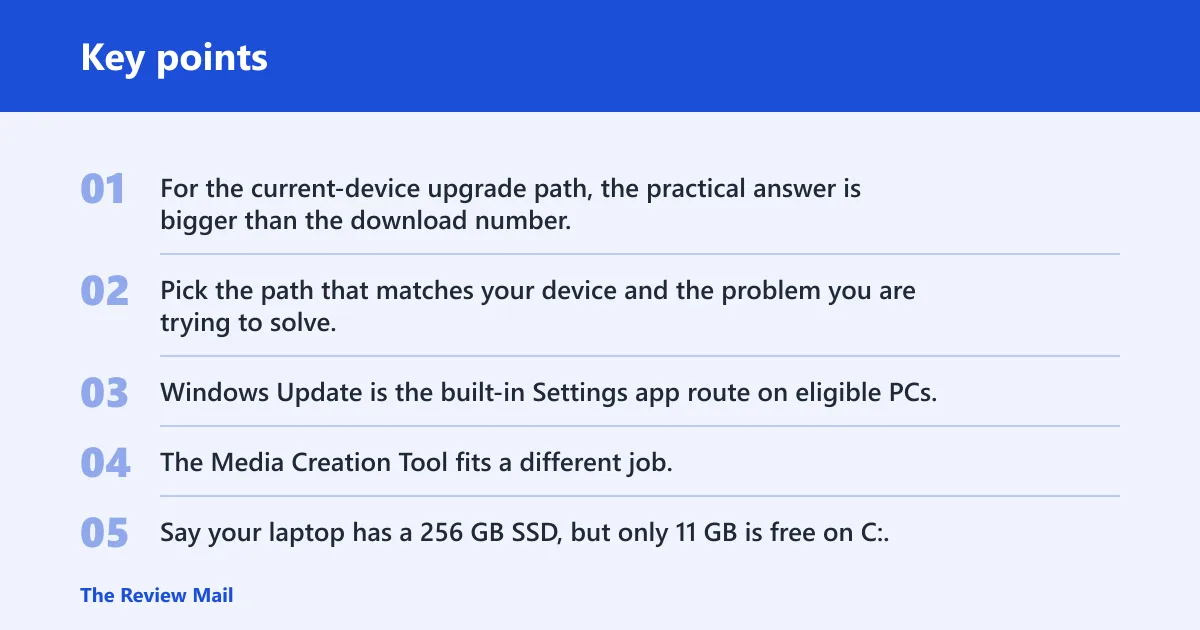
For the current-device upgrade path, the practical answer is bigger than the download number. Setup can need temporary extraction space while files unpack, and it may need room for rollback if the upgrade fails or is interrupted. That is why a PC that can download the update still may not be able to finish installation on a crowded C: drive.
Which Windows 11 update path fits your PC?
Pick the path that matches your device and the problem you are trying to solve. Windows Update is the built-in Settings app route on eligible PCs. The Installation Assistant is Microsoft’s best option for installing Windows 11 on the current device, but it is x64 only, requires Windows 10 version 2004 or later, and is not for ARM PCs.
The Media Creation Tool fits a different job. It creates bootable USB flash drive or DVD media for a clean install or reinstall, and it is generally limited to x64 PCs rather than ARM PCs. If the current C: drive is too full for an in-place upgrade, removable media can help, but only when you are ready to reinstall rather than continue the same Windows session.
| Windows 11 update path | Storage requirement | Device type support | Best use case |
|---|---|---|---|
| Windows Update | No single published free-space number; setup needs enough room on C: for download, extraction, and rollback | Eligible Windows PCs that receive the rollout | Primary in-OS upgrade when the device is ready and no safeguard hold is active |
| Installation Assistant | 9 GB free disk space to download Windows 11 | x64 PCs only; not ARM PCs | Upgrading the current PC when Windows 10 version 2004 or later is already installed |
| Media Creation Tool | Blank USB flash drive or blank DVD; a DVD should be at least 8 GB | x64 PCs only; not ARM PCs | Creating install media for a clean install or reinstall |
| Clean install from media | Target drive needs 64 GB or more | x64 PCs only when using Microsoft’s media tool | Last resort when the in-place path cannot proceed because the system drive is too full or the install is damaged |
Say your laptop has a 256 GB SSD, but only 11 GB is free on C:. Windows Update may still offer the upgrade, yet setup can stop when it needs temporary extraction space. In that case, freeing space on C: matters more than the total size of the drive.
Suppose your desktop has a second 1 TB data drive, while C: has only 6 GB free. That extra drive does not help the in-place upgrade unless you move files off C: first. Windows setup checks the system drive where Windows lives, not just overall storage across all disks.
📊 Microsoft says the Installation Assistant is the best option for installing Windows 11 on the current device. Source: Stažení Windows 11.
Why does the upgrade need extra free space?
The download size is only the start. Windows setup unpacks files, stages components, and may hold backup data so it can undo the change if something goes wrong. That is why a small download can still fail on a nearly full system drive.
Temporary extraction space
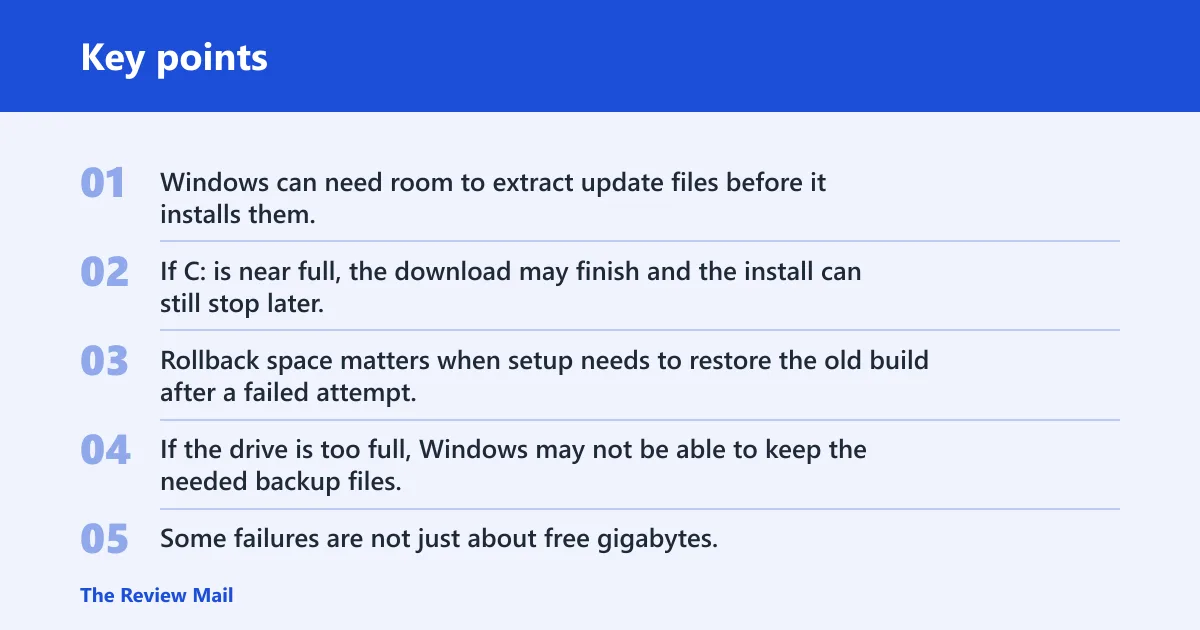
Windows can need room to extract update files before it installs them. This is common on small SSDs because the updater must hold compressed packages, expanded files, and working data at the same time. If C: is near full, the download may finish and the install can still stop later.
Rollback space if setup fails
Rollback space matters when setup needs to restore the old build after a failed attempt. If the drive is too full, Windows may not be able to keep the needed backup files. That can leave you with a failed upgrade and no easy recovery path until you free more space.
Storage issues that block setup even after the download
Some failures are not just about free gigabytes. A full system reserved partition can block setup, and weak system drive health can make extraction or file replacement fail. BitLocker-protected systems can also slow the process if you do not leave enough headroom for normal maintenance tasks during the update.
What should you check before trying again?
When a Windows 11 update fails on space, the retry order matters. Start with C:, then confirm the installed Windows version, check readiness with Microsoft’s tools, and check the Windows release health hub for known blocks. If the in-place path still cannot proceed, switch to removable media or a clean install.
-
Clean up C: first.
Remove temporary files, old downloads, and content you can move to another drive. Aim to create more than the bare minimum, because setup needs room beyond the installer download itself.- Empty the recycle bin.
- Remove large browser caches and old update files.
- Move videos, installers, and archives off C: if another drive is available.
-
Confirm your Windows version.
If you plan to use the Installation Assistant, Windows 10 version 2004 or later is required. Earlier builds should be updated first, or the assistant will not be the right path. -
Check PC Health Check.
Open Microsoft’s PC Health Check app and verify whether the PC is ready for Windows 11. That separates space problems from compatibility problems, since a device can pass the hardware check and still be short on free disk space. -
Review Windows release health.
Check the Windows release health hub for known issues, rollout progress, and any active blockers. Microsoft says to look there before installing, because safeguard holds can pause upgrades on devices with compatibility problems. -
Pick the right retry path.
If Windows Update is blocked by a safeguard hold, wait or use another approved path only after confirming compatibility. If the in-place upgrade still cannot complete because C: is too full, move to Media Creation Tool and a clean install only when the current installation cannot proceed.
A common first-timer mistake is moving files to D: and stopping there. If the system drive still has only a few gigabytes free, Windows setup can fail the same way again because the updater still needs working room on C:.
What if Windows Update says my device is eligible but the update still won’t install?
Eligibility does not guarantee immediate installation. Windows Update uses a controlled feature rollout, so the update may appear later than expected, and Microsoft may place safeguard holds on devices with known compatibility issues. If the device is eligible but blocked, release health is the fastest way to confirm whether the hold is known.
Can you install Windows 11 from USB or DVD?
Yes. If the current system drive is too full for a normal in-place upgrade, the Media Creation Tool can create bootable USB flash drive or DVD media for a clean install or reinstall. That route is useful when you need to boot outside the current Windows session, but it changes the installation process and can replace the existing setup.
Using media Creation tool on x64 PCs
The Media Creation Tool works on x64 PCs only and does not support ARM PCs. Microsoft recommends a blank USB flash drive or blank DVD, and the DVD should be about 8 GB or larger. Windows 11 installation media requires a 64-bit processor, so this is not the right tool for a 32-bit-only system.
Why ARM PCs need a different path
ARM PCs are not supported by the Installation Assistant or the Media Creation Tool. If you are on ARM hardware, do not treat x64 media as a workaround. Microsoft’s own update paths for ARM devices are different, so the correct next step is to use the device-specific upgrade method rather than forcing an unsupported install.
When removable media is better than the in-OS upgrade
Use USB or DVD when the current Windows install cannot free enough C: space, when the system files are too damaged for a normal upgrade, or when you need to reinstall from scratch. Do not choose clean install first if the in-place path still works, because that adds setup time and can wipe apps or data if you are not careful.
Will Windows 10 users get the Windows 11 upgrade?
Many Windows 10 devices can get the Windows 11 upgrade if they meet Windows 11 system requirements. The upgrade may arrive through Windows Update, but Microsoft rolls it out gradually. If your device is eligible, the Installation Assistant can also be used on Windows 10 version 2004 or later, provided the device is x64 and not ARM.
Microsoft warns that installing Windows 11 on unsupported hardware may prevent future updates. That matters here because a short-term workaround is not worth losing update eligibility later. If the device fails the readiness check, fix the compatibility issue first rather than forcing the install.
Frequently asked questions
How much free disk space do I need for a Windows 11 update?
For an in-place upgrade, keep at least 20 GB free on C:. The Installation Assistant specifically needs 9 GB free disk space to download Windows 11, and a clean install needs a target drive with 64 GB or more. More free space helps because setup also needs room to extract files and roll back if needed.
Why does the Windows 11 upgrade need so much disk space?
Windows setup uses more than the download itself. It must unpack files, stage components, and hold rollback data in case the install fails. That is why a PC can finish downloading the update and still fail later if the system drive is nearly full or unhealthy.
What can I delete to free up space before updating Windows 11?
Start with temporary files, old downloads, browser caches, and items in the recycle bin. Then move large videos, installers, and archives off C: if another drive exists. The goal is to free working room on the system drive, not just reduce total storage use somewhere else on the PC.
Do I need 9 GB free for the Windows 11 Installation Assistant?
Yes. Microsoft says the Installation Assistant needs 9 GB free disk space, and it works only on x64 PCs. It also requires Windows 10 version 2004 or later. If the device is ARM, this tool is not supported, so another update path is needed. (Microsoft)
Can I use a USB or DVD to install Windows 11 if my disk is full?
Yes, if you use the Media Creation Tool to make install media. Microsoft recommends a blank USB flash drive or blank DVD, and the DVD should be at least 8 GB. That path is useful for a clean install or reinstall when the current C: drive cannot support the in-place upgrade.
How do safeguard holds affect a Windows 11 update?
Safeguard holds pause updates on devices with known compatibility issues. A PC may look eligible and still not receive the upgrade yet. Check the Windows release health hub before retrying, because Microsoft uses it to report known issues, rollout progress, and active blocks.