Microsoft Store Windows License: Buy, Reinstall, Fix
A Microsoft Store Windows license may be a digital license tied to your Microsoft account or a product key. First, open Activation settings and check whether you need to buy, reinstall, or reactivate. Skip that order, and you can buy the wrong edition, lose activation after a reset, or waste time chasing a key you do not need. This guide shows how to decide between buying Windows, reinstalling it, or reactivating it through Microsoft Store and Activation settings.
What a Microsoft Store Windows license actually is
Microsoft Store is Microsoft’s digital distribution platform for software, and it offers instant downloads for apps, Windows, and Xbox games. For Windows, that can mean a new license, a download entitlement, or an activation path tied to your account or device. The key question is whether you need to buy Windows or only restore activation.
Digital license versus product key
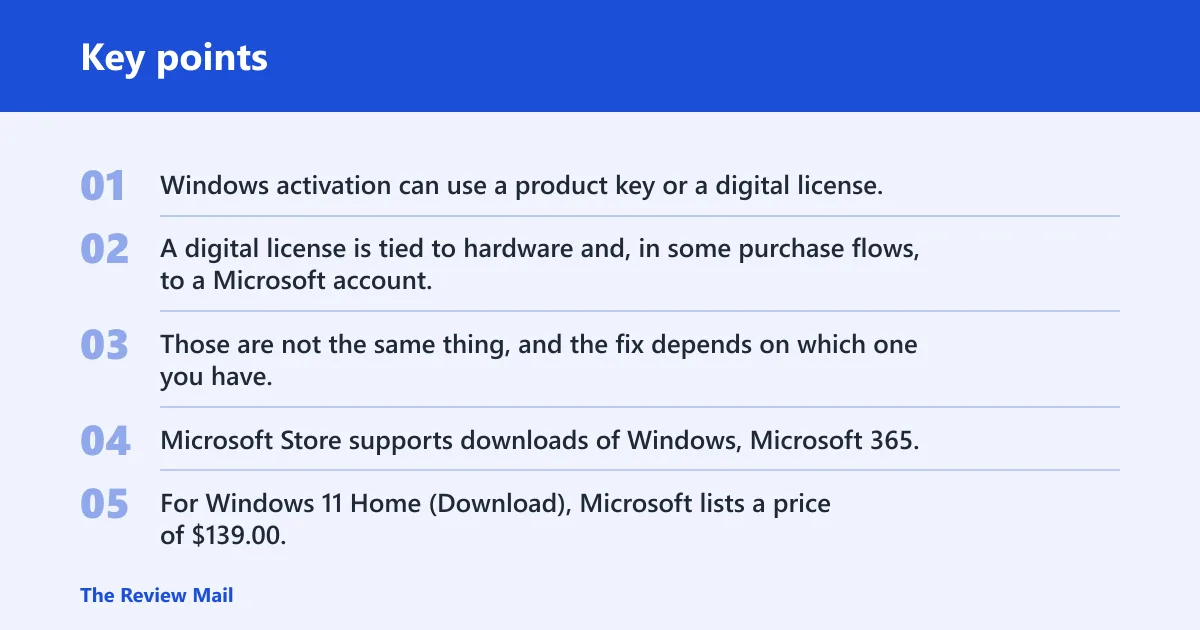
Windows activation can use a product key or a digital license. A product key is a code you enter. A digital license is tied to hardware and, in some purchase flows, to a Microsoft account. Those are not the same thing, and the fix depends on which one you have.
Microsoft Store supports downloads of Windows, Microsoft 365, and Xbox games via digital download. For Windows 11 Home (Download), Microsoft lists a price of $139.00, and the page says it is for PCs that need a new license. That is not the same as a free upgrade path. (microsoft.com)
How Store purchases differ from activation on the device
A Store purchase is a commerce event. Activation is a device state. You can buy Windows from Microsoft Store and still fail activation if the edition is wrong, if the device already has a different entitlement, or if the machine is managed by KMS. Fix the state first, then buy only if needed.
📊 Windows 11 Home (Download) is priced at $139.00. Source: Microsoft.
Do you need to buy Windows from Microsoft Store?
Only buy from Microsoft Store if your PC does not qualify for the free Windows 11 upgrade, if you need a fresh license, or if your current edition does not match the one installed. If Windows 10 can upgrade through Windows Update, use that free route first. Microsoft says the Windows 11 Home download cannot be installed if Windows 10 cannot use Windows Update for the free upgrade.
Windows 10 to Windows 11 upgrade eligibility
Windows 11 upgrade eligibility matters before any purchase. If the device is eligible, Windows Update is the right path. If the device is not eligible, or the upgrade cannot be offered through Windows Update, then a purchased Windows 11 license may be the correct move.
Do not buy Windows 11 Home from Microsoft Store just to force a feature update. If the PC already qualifies for a free upgrade, buying a new license solves the wrong problem. That is the most common mistake in this flow.
When a new license is the right path
A new license makes sense on a new PC, on a build that never had Windows properly activated, or when the installed edition is unsupported by the current entitlement. It also makes sense after a hardware change if the activation record no longer matches the machine and reactivation fails.
How Microsoft Store purchase and sign-in flow works
You sign in with a Microsoft account during purchase and account setup. Microsoft’s account page is where you sign in or create an account, and Microsoft says to turn on JavaScript and cookies in browser settings to use everything on that site. If account sign-in fails, the purchase record may not attach correctly.
Where the purchase is tied to your account
A Store purchase can be tied to your Microsoft account, which makes it easier to find receipts, downloads, and license-related details later. That does not mean the license ignores edition rules. Home and Pro remain separate activation targets, and a purchase for one does not automatically activate the other.
Microsoft provides expert help by video, text-based chat, or phone for Store purchases. Use that route for payment, order, or download problems. Use activation troubleshooting for license-state problems. Those are different problems.
Can you reinstall Windows 11 after buying it from Microsoft Store?
Yes, a Store purchase can usually be used again after reinstalling Windows 11, as long as you reinstall the same edition and sign in with the same Microsoft account used for the purchase. A clean install does not erase the purchase record, but it can expose an edition mismatch or a hardware-based activation issue.
What stays tied to the license
The purchase record, edition entitlement, and account association are the parts most likely to remain available after reinstalling. If the device had a digital license, reinstalling the same edition often restores activation automatically once the PC gets online. If the edition changes, the entitlement may not apply.
What changes after a clean install or hardware swap
A clean install can change the activation state, especially if the wrong edition is installed. A hardware swap can also trigger a recheck of entitlement. If Windows later says the license will expire soon, that usually points to the activation channel, not the installer itself.
Say your laptop had Windows 11 Home, then you wiped the drive and installed Windows 11 Pro from a generic ISO. A Home license generally won’t activate Pro. The fix is to install the right edition or obtain the correct license for Pro.
How to tell whether your PC has a retail, KMS, or digital license
Check Activation in Settings first, then confirm the channel with slmgr.vbs. Retail activation is for consumer purchases. Digital licenses are tied to device and account records. KMS activation is for managed devices and depends on a reachable KMS host, with a 180-day activation window. (Microsoft Docs)
Check activation status in Windows settings
- Open Settings.
- Go to System and then Activation.
- Look for the edition name, activation state, and any message about expiring soon or needing sign-in.
Use slmgr.vbs to inspect the activation channel
The command slmgr.vbs /dlv shows detailed license information. A Microsoft Q&A answer recommends slmgr /DLV to check the KMS host. That is useful when the device looks managed or keeps reverting to a time-limited state.
For a deeper look, use the command line as an administrator and run:
- slmgr.vbs /dlv — detailed license view
- slmgr.vbs /upk — uninstall the current product key
- slmgr.vbs /ipk, install a new product key
- slmgr.vbs /ato, activate Windows online
Decision table: which activation path fits your situation?
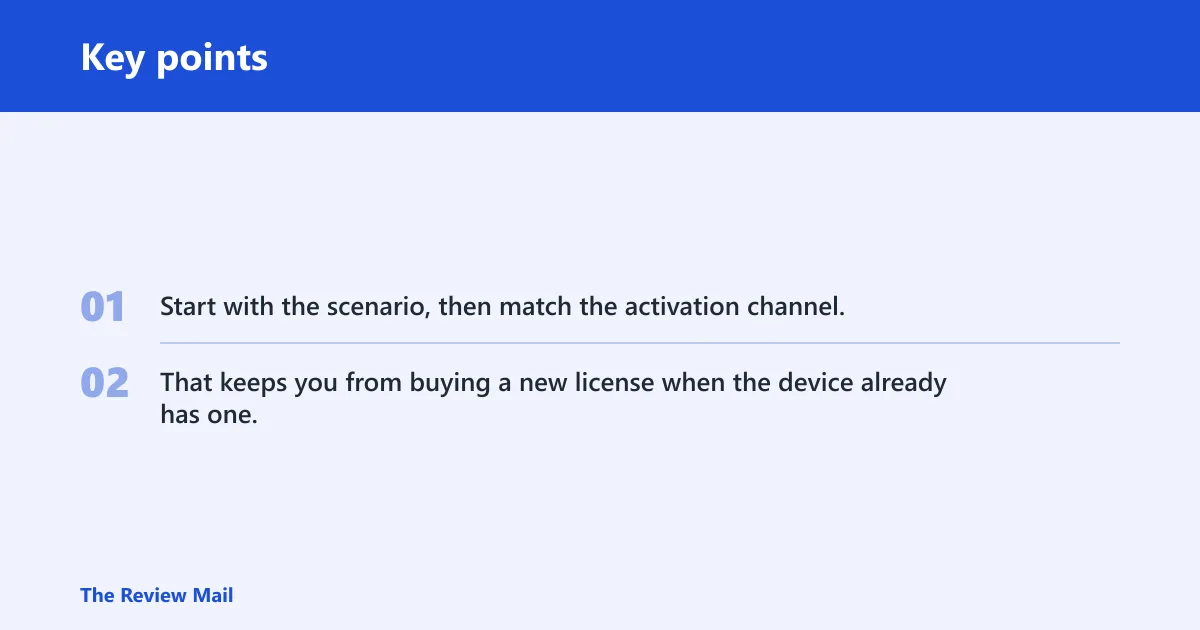
Use the table below as a decision tree. Start with the scenario, then match the activation channel. That keeps you from buying a new license when the device already has one, or from treating KMS like a retail key.
| Scenario | Most likely path | What to do | slmgr.vbs command path |
|---|---|---|---|
| Existing digital license | Reactivation | Sign in with the Microsoft account linked to the device, then open Activation settings and let Windows recheck entitlement. | /dlv to inspect, then /ato if Windows needs an online activation retry |
| New Store purchase | Retail license | Buy the correct edition in Microsoft Store, then install that same edition and sign in with the Microsoft account used for purchase. | /ipk for the product key if provided, then /ato |
| KMS-managed device | Corporate activation | Confirm the device can reach the KMS host. If not, contact IT. KMS activation is good for 180 days. | /dlv to verify the KMS host, then /ato after network access is restored |
| Home versus Pro mismatch | Edition correction | Install the edition that matches the license. A Home license does not activate Pro. | /dlv to confirm edition state, /upk to clear the wrong key, then /ipk and /ato |
| Reinstall after hardware change | Digital reactivation or retail recovery | Sign in with the same Microsoft account, then use Activation settings. If needed, re-enter the retail key tied to that copy. | /dlv, then /upk if the old key is stuck, then /ipk and /ato |
How to fix common activation failures without buying again
Most activation failures do not mean you need a new purchase. They usually mean the edition is wrong, the wrong key is installed, the device is managed by KMS, or Windows needs the activation channel reset. Start with the license state, not the store page.
Fix edition mismatch first
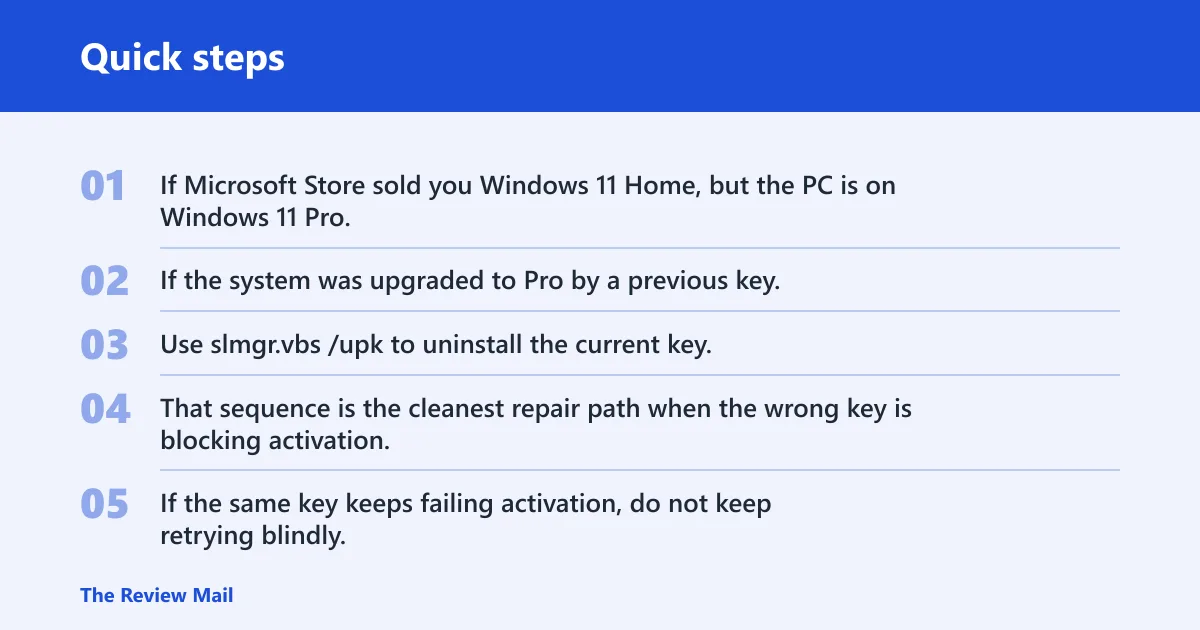
If Microsoft Store sold you Windows 11 Home, but the PC is on Windows 11 Pro, activation can fail even though the purchase is valid. Match the installed edition to the license. If the system was upgraded to Pro by a previous key, remove that key before trying the Home entitlement.
Use slmgr.vbs /upk to uninstall the current key, then install the correct one with slmgr.vbs /ipk, and finish with slmgr.vbs /ato. That sequence is the cleanest repair path when the wrong key is blocking activation.
When a failed key points to the wrong license channel
If the same key keeps failing activation, do not keep retrying blindly. A retail key will not behave like a KMS client key, and a KMS device will not activate like a consumer purchase. Use slmgr.vbs /dlv to see which channel the machine is using before changing anything.
A common first-timer mistake is buying Windows 11 Home at $139.00 for a PC that already qualifies for the Windows 11 free upgrade through Windows Update. In that case, the right fix is usually to use the upgrade path, not to add another license.
When to contact support or IT
If the issue is a Store payment problem, refund question, or download failure, contact Microsoft Store support. If the device belongs to a company, and KMS or edition policy is involved, contact IT. If activation still fails after the right edition and channel are confirmed, Microsoft support can review the account-side record.
Frequently asked questions
how does Microsoft Store work
Microsoft Store is Microsoft’s digital distribution platform for software, Windows, and Xbox games. For Windows licensing, it can sell a new download and license, while account sign-in ties purchase records to your Microsoft account. That matters when you reinstall or need proof of purchase later.
why is Microsoft Store not working in Windows 10
Store issues in Windows 10 are often account, browser, or update problems rather than license problems. Check the Microsoft account sign-in, make sure JavaScript and cookies are enabled on account pages, and try Windows Update troubleshooting. If the problem is activation, use Activation settings separately.
Do I need a new Windows license from Microsoft Store?
Only if your PC cannot use the free Windows 11 upgrade through Windows Update, if the current edition does not match the license, or if you are setting up a new device that needs a fresh entitlement. If upgrade eligibility exists, buying first is usually the wrong move.
Is a Microsoft Store Windows license a product key or digital license?
It can be either, depending on the purchase and activation path. Windows activation supports both product keys and digital licenses. A Store purchase may deliver a license tied to your Microsoft account, but the installed edition still has to match what was bought.
How do I check whether my PC has a retail, KMS, or digital license?
Open Settings, go to System, then Activation, and look for the current activation state. For deeper detail, run slmgr.vbs /dlv in an elevated command prompt. If the device is KMS-managed, the KMS host must be reachable, and activation is valid for 180 days.