Windows Event Code 7002: What It Means and Fixes
Windows Event Code 7002 is a logoff notification, not proof of a failed shutdown. Treat it as routine unless the timestamp, user session, or follow-on events show a real session end. If you read it wrong, you can chase harmless telemetry while missing the cause of actual disconnects or data loss. This guide shows how to triage 7002, separate normal logoff chatter from true termination, and check the next events that matter.
Interpreting the Winlogon 7002 event
Event ID 7002 is tied to Microsoft-Windows-Winlogon and is labeled a User Logoff Notification. It belongs to the Windows event model used for troubleshooting application and driver software, but the event itself is an informational logoff record first, not a driver failure by itself.
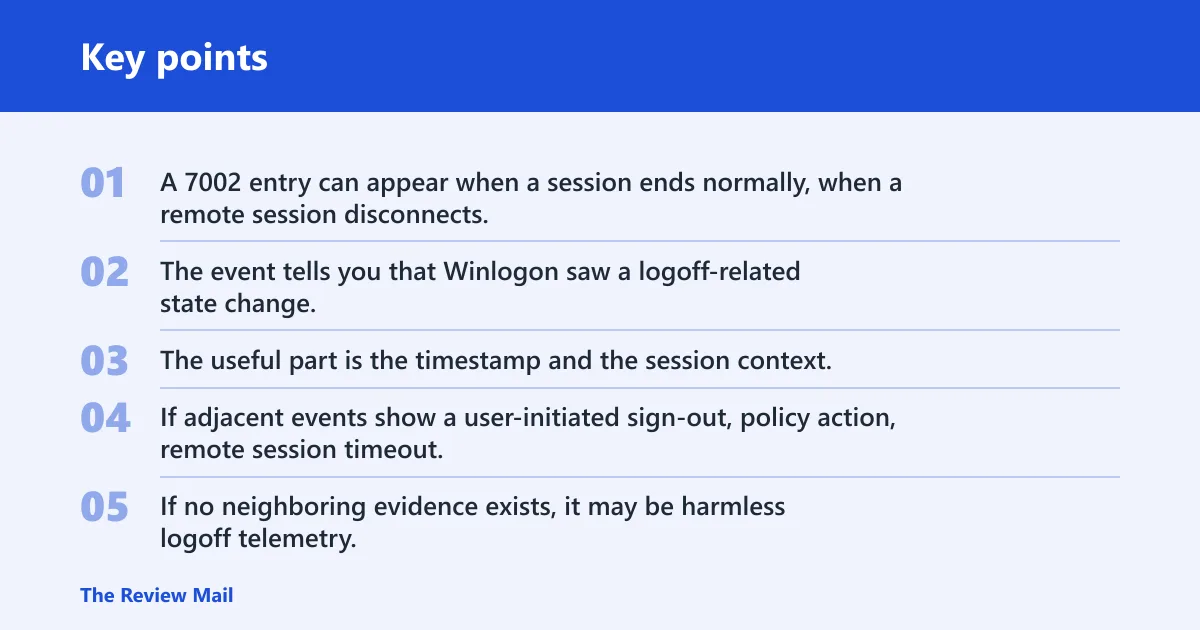
That difference matters. A 7002 entry can appear when a session ends normally, when a remote session disconnects, or when another component triggers logoff behavior. The event tells you that Winlogon saw a logoff-related state change. It does not prove why the session ended.
What the event usually tells you and what it does not
The useful part is the timestamp and the session context. The missing part is the root cause. If adjacent events show a user-initiated sign-out, policy action, remote session timeout, or a third-party session manager, 7002 becomes one clue among several. If no neighboring evidence exists, it may be harmless logoff telemetry.
Where event 7002 appears in Event Viewer
Check the System log in Event Viewer. In the record, verify the Provider field for Microsoft-Windows-Winlogon and the EventID field for 7002. Also note the Computer field and the Security User ID field, since those help tie the event to the right machine and account context.
For support work, that field-level check matters more than the title line alone. Some tools surface the message text first, while others emphasize metadata. If the provider or EventID does not match, you may be looking at a different logoff-related record.
What to verify in the raw record
- Channel: System.
- Provider: Microsoft-Windows-Winlogon.
- EventID: 7002.
- Computer: the host that logged the event.
- Security user ID: the account context attached to the event, if present.
Suppose a remote user says they were “logged off” at 09:14, but the Event Viewer record shows a different computer name and a different user SID. That mismatch can send the investigation in the wrong direction. Start with the exact record, then compare it with the user’s session details and the surrounding events.
How do you read the raw 7002 record?
Read 7002 as a structured event, field by field. The sample record shows Level 4, Task 1102, and a User Logoff Notification message type, but those values are sample metadata, not universal rules. The record may also include TSId and UserSid, which help compare the event against terminal services activity and the user account involved.
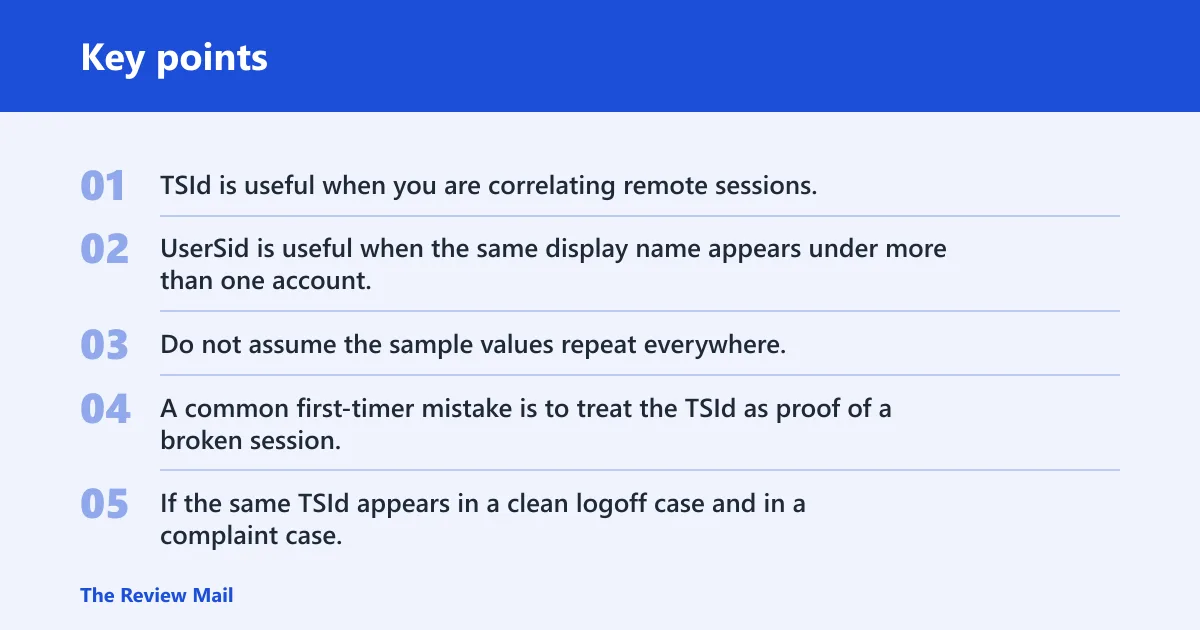
TSId is useful when you are correlating remote sessions. UserSid is useful when the same display name appears under more than one account. Do not assume the sample values repeat everywhere. They vary by event and environment.
Field-by-field reading guide
| Field | What to read | Why it matters |
|---|---|---|
| Provider | Microsoft-Windows-Winlogon | Confirms the source of the record |
| EventID | 7002 | Identifies the logoff notification |
| Level | Information; the sample record shows Level 4 | Signals an informational record, not a fault by itself |
| Task | The sample record shows Task 1102 | Helps with event family grouping in tools and schemas |
| Opcode | Check the exact value in your record | Useful for schema mapping and event flow |
| TSId | One posted example shows TSId 7 | Helps compare with a specific session |
| UserSid | The user SID attached to the event | Confirms which account context generated the record |
A common first-timer mistake is to treat the TSId as proof of a broken session. It is only a comparison point. If the same TSId appears in a clean logoff case and in a complaint case, the surrounding events, not TSId alone, decide the diagnosis.
Event 7002 triage matrix
Use this matrix to separate likely telemetry from likely session-termination causes. It is built for quick comparison, not for final attribution. Start with the symptom pattern, then verify the fields and the adjacent logs before changing settings.
| Symptom pattern | Likely root cause | Confirming event fields | Adjacent logs to check | First remediation step |
|---|---|---|---|---|
| 7002 appears with no user complaint and no session break | Generic Winlogon informational entry | Provider = Microsoft-Windows-Winlogon; EventID = 7002; Level = information; System channel | Check the logs immediately before and after the timestamp in System and any sign-in or sign-out records | No change at first; confirm whether the entry matches a normal logoff |
| Users report an unexpected sign-out after policy or telemetry changes | CEIP-related logoff report in one environment | 7002 plus the same user SID and time alignment with CEIP-related changes | Check policy-related events, scheduled task activity, and the logs around the same minute | Verify the policy path and task state before changing anything |
| Remote session disconnects or drops at a fixed interval | Citrix VDA session timer issue or Remote PC access disconnected session timer setting | 7002 with TSId matching the remote session and a disconnect pattern in the same time window | Citrix logs, Terminal Services logs, and disconnect or timeout events around the same timestamp | Review the disconnected session timer settings first |
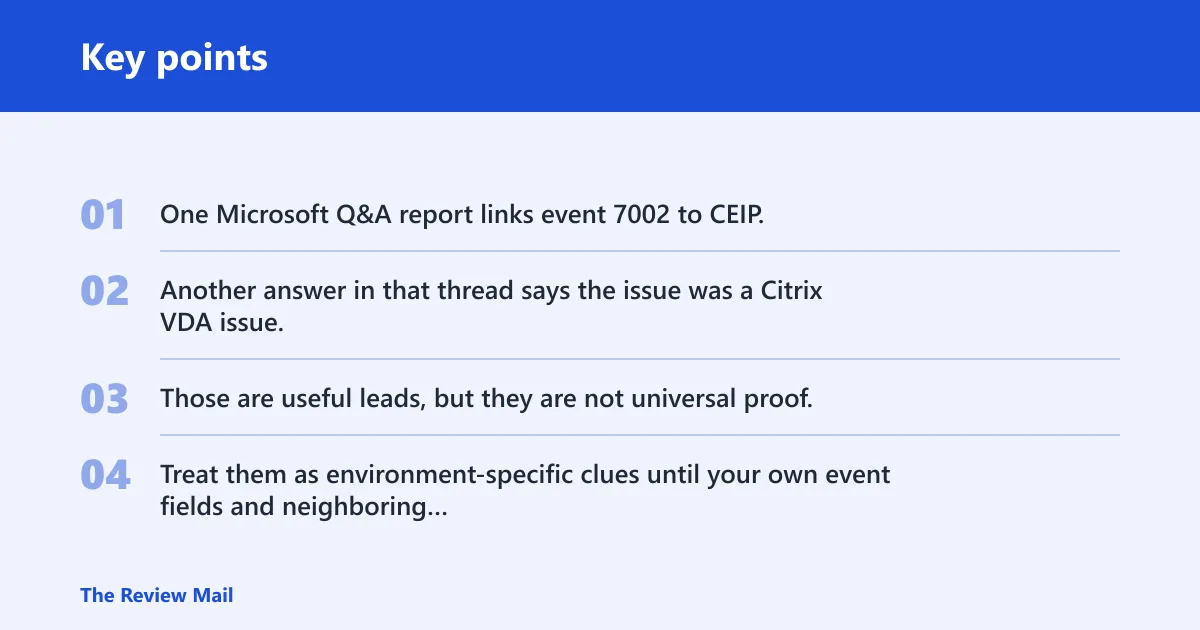
One Microsoft Q&A report links event 7002 to CEIP. Another answer in that thread says the issue was a Citrix VDA issue. Those are useful leads, but they are not universal proof. Treat them as environment-specific clues until your own event fields and neighboring logs line up.
Why 7002 is not always the cause of the logoff
7002 is often a symptom marker, not the trigger. The event can appear after a normal user sign-out, after a remote session disconnect, or after some other component has already started ending the session. If you stop at 7002, you can miss the real source of the termination.
Neighboring events usually tell the better story. Review the entries immediately before and after 7002 in the same time window. Look for shutdown, logoff, disconnect, reconnect, policy application, or application-level termination events. If those records are absent, 7002 may be harmless noise for that machine and session.
What adjacent events can show
- Whether the user initiated sign-out or the system did.
- Whether a remote session disconnected before the logoff notification.
- Whether policy or a third-party agent changed session state.
- Whether the event is isolated and therefore less likely to be user-impacting.
Picture a VDI user who sees a disconnect every afternoon at the same time. If 7002 appears beside a disconnect record and a Citrix-related log entry, the event is part of a broader session-timer pattern. If 7002 appears alone on a workstation with no complaint, the same code may be ordinary logoff telemetry.
What should you check before changing settings?
Start with the CEIP policy path and the related scheduled tasks, then check whether a remote-session product is involved. For CEIP, verify HKLM\SOFTWARE\Policies\Microsoft\SQMClient\Windows and the CEIPEnable DWORD. Also check the Consolidator and UsbCeip scheduled tasks. One report associated those items with a 7002 complaint, but that does not make them universal causes. (Microsoft Learn)
If Citrix VDA is present, look at session timer settings, including disconnected session behavior and Remote PC access disconnected session timers. The Microsoft answer in the cited thread pointed to a Citrix VDA issue, which is a reminder to inspect the remote-access layer before changing Windows settings. Do not disable tasks blindly; confirm that the complaint maps to those controls first.
Practical checklist before any change
- Open the exact 7002 record and note the time.
- Check the System log entries immediately before and after that time.
- Confirm whether the issue is local, remote, or VDI-based.
- Verify HKLM\SOFTWARE\Policies\Microsoft\SQMClient\Windows and CEIPEnable only if the evidence points there.
- Review Consolidator and UsbCeip task state if CEIP-related behavior is suspected.
- Check Citrix VDA disconnected session timer settings when a remote session is involved.
The right next step depends on the session type. A local workstation complaint calls for a different check than a published app disconnect. Keep those paths separate. That keeps you from changing policy on a machine where the real issue sits in the remote stack.
How do event fields map to logging schemas?
Many log platforms store the same record with different field names. In LogRhythm, the relevant mapping for this event includes Provider, EventID, Level, Task, Opcode, Keywords, and TimeCreated. Preserving those values helps analysts compare the Windows event, the SIEM record, and ticket notes without losing context.
This matters because a logoff notification can look different depending on the source. A ticket might say “user logged off,” while the raw record says Microsoft-Windows-Winlogon, EventID 7002, and a specific TimeCreated value. The schema bridge keeps those versions aligned.
What to preserve in incident notes
- Provider name.
- EventID.
- Level and Task.
- Opcode and Keywords if your tool exposes them.
- TimeCreated.
- Computer and Security user ID.
- TSId and UserSid when the session context matters.
Windows Vista introduced a unified event model, and that design is why the same basic record can be read in Event Viewer, exported to another tool, and mapped into a different schema. The event model is meant for troubleshooting application and driver software, but 7002 still needs context before it can support a real fix. (Microsoft Learn)
Frequently asked questions
What is event code 7002?
Event code 7002 is a Microsoft-Windows-Winlogon logoff notification in the System log. LogRhythm classifies it as Information. On its own, it signals that Winlogon recorded a logoff-related state change. It does not, by itself, prove a crash, a failed shutdown, or a driver fault.
Why does Windows event id 7002 log me off?
It may not be the cause at all. 7002 often appears because a session already ended, a remote connection dropped, or a related component triggered logoff behavior. Check the surrounding events before you treat 7002 as the reason for the sign-out.
Is event id 7002 caused by Customer Experience Improvement Program?
It can be associated with CEIP-related complaints in some environments, but that link is not universal proof. Verify the policy path HKLM\SOFTWARE\Policies\Microsoft\SQMClient\Windows, the CEIPEnable DWORD, and the Consolidator and UsbCeip tasks before you change anything.
Does Citrix VDA cause event 7002?
It can in some reported cases. One Microsoft answer tied the issue to Citrix VDA and pointed to disconnected session timer settings. If Citrix or Remote PC access is in the path, inspect those session timer settings and compare them with the time of the 7002 record.
Where is event 7002 found in Event Viewer?
Look in the System log. Open the event and confirm the Provider field shows Microsoft-Windows-Winlogon and the EventID field shows 7002. Also check the Computer field and the Security user ID field so you know which host and account context generated the entry.
Is event 7002 a driver error or a logoff notification?
It is a logoff notification first. The event belongs to Microsoft-Windows-Winlogon and is labeled User Logoff Notification. Windows events are useful for troubleshooting application and driver software, but 7002 itself is informational unless neighboring records show a real session problem.