0x00000050: What It Means and How to Fix the Error
0x00000050 usually means Windows touched invalid memory, so the first job is to sort the crash by pattern: random apps and install errors often point to system memory, disk warnings and file corruption point to storage, and repeat crashes after updates point to a driver. This guide shows how to read the crash context, test the fault, and choose the least destructive fix path on Windows 10 and 11.
What does 0x00000050 mean?
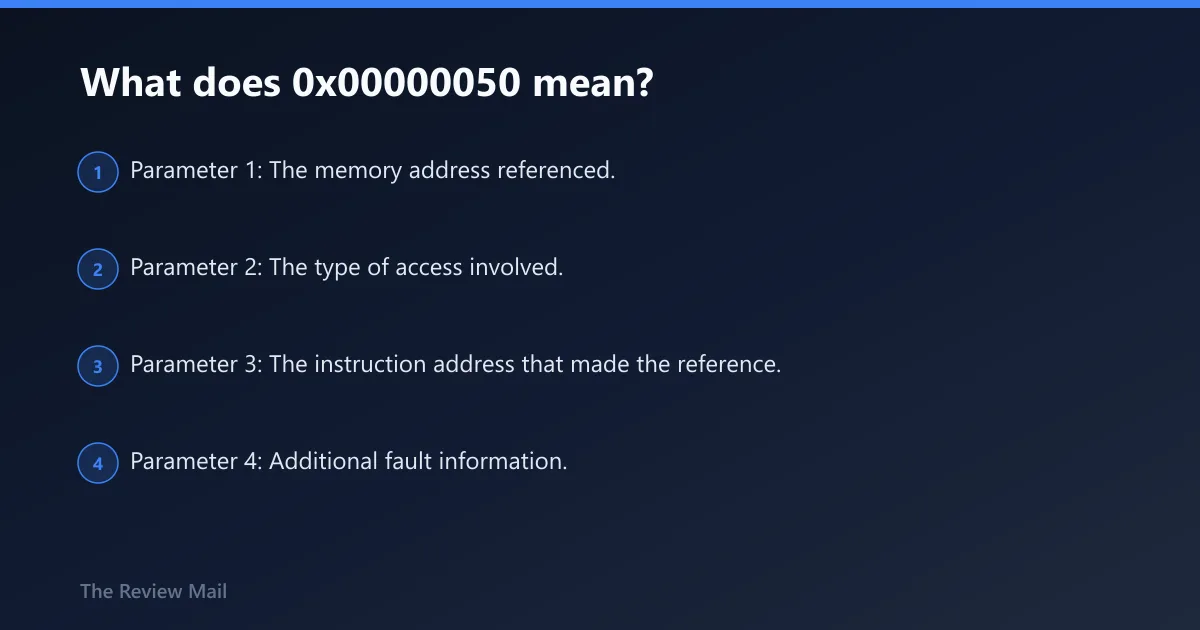
0x00000050 is the bug check value for PAGE_FAULT_IN_NONPAGED_AREA, and official Microsoft documentation says it indicates that invalid system memory has been referenced. Microsoft also notes that typically the memory address is wrong or is pointing at freed memory. (Microsoft Learn) (Microsoft Learn)
Read the stop context before changing anything
The blue screen itself can still give you the first useful clue. Write down the full stop code, any filename or driver name shown on screen, and what the PC was doing just before the crash. If the machine restarts too fast, open Event Viewer > Windows Logs > System after reboot and inspect the same time window as the crash for disk, device, controller, or service errors.
What the four bug check parameters mean for 0x00000050
These four values can still help with basic triage if they are shown on the crash screen or in logs.
- Parameter 1: The memory address referenced.
- Parameter 2: The type of access involved.
- Parameter 3: The instruction address that made the reference.
- Parameter 4: Additional fault information.
Should I run chkdsk or Windows Memory Diagnostics first?
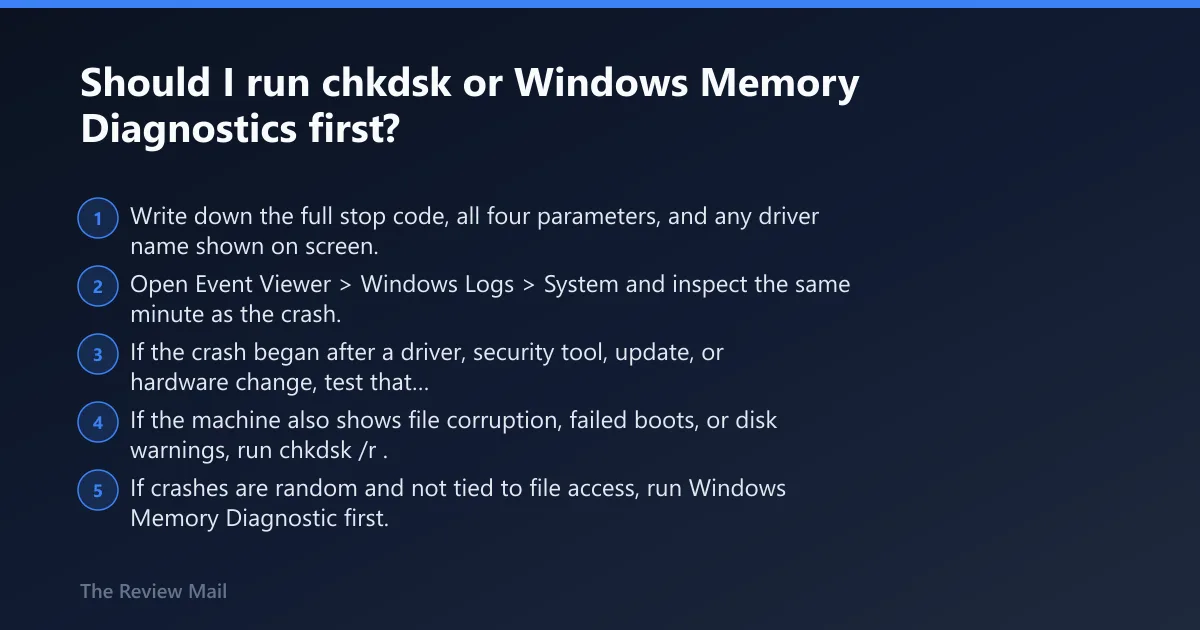
Run chkdsk first when the crash lines up with file access, boot trouble, or disk warnings. Run Windows Memory Diagnostic first when crashes are random and not tied to file access. That order helps match the first test to the pattern instead of running every repair tool at once.
One-page 0x00000050 triage table
| Symptom pattern | Bug check clues | Recent change to check | Safest first test | Second test | Escalation step |
|---|---|---|---|---|---|
| Crash started right after GPU, VPN, Wi-Fi, storage, or security software install | The same name or module keeps appearing on screen or in logs | New driver, Windows update, device software, VPN, antivirus | Device Manager > device > Properties > Driver > Roll Back Driver, or uninstall the recent vendor driver | Event Viewer > Windows Logs > System for service and device errors in the same minute | Remove the related hardware or software, then retest in Safe Mode or WinRE |
| Crash during boot, login, file copy, game install, or after disk warnings | Crashes vary and System log shows Disk or controller events | Power loss, forced shutdown, SSD/HDD issue, cable move | Open Command Prompt as admin and run chkdsk /r; schedule restart if it is the system drive | Review Event Viewer after reboot for Disk entries | Back up data, then check storage hardware and controller drivers |
| Random crashes under load, after sleep, with many apps open, games, or video work | No single driver repeats | Added RAM, overclock, new docking setup, heat event | Run mdsched.exe and choose Restart now and check for problems | Retest after reseating RAM or trying one module at a time | If graphics-heavy workloads trigger it most, test without the discrete GPU if possible |
| Startup loop where Safe Mode also crashes | No time to collect logs from normal boot; bug check repeats at the same point | Recent cumulative update, storage driver, antivirus, hardware swap | Windows 11: hold Shift while selecting Restart or force three failed boots to enter WinRE > Troubleshoot > Advanced options | Use Startup Settings for Safe Mode, or Command Prompt for chkdsk /r | Uninstall latest quality update or remove the latest driver and attached hardware offline |
Fast decision order
- Write down the full stop code, all four parameters, and any driver name shown on screen.
- Open Event Viewer > Windows Logs > System and inspect the same minute as the crash.
- If the crash began after a driver, security tool, update, or hardware change, test that path first.
- If the machine also shows file corruption, failed boots, or disk warnings, run
chkdsk /r. - If crashes are random and not tied to file access, run Windows Memory Diagnostic first.
What usually causes 0x00000050?
This blue screen can be caused by either hardware or software reasons, as reported by bleepingcomputer.com. The same source also reports that this error is usually involving the memory in the system, and that a wide majority of 0x50 bugchecks are caused by a failing memory module.
Likely causes ranked from most to least common
- Common hardware path: faulty RAM or another memory-related fault.
- Common software path: a recently changed driver or low-level system software.
- Another possibility: storage trouble when the crashes line up with file errors, failed boots, or disk warnings.
That ranking matters because the first test should avoid data loss. Rolling back one recent driver or checking memory is usually safer than jumping straight to reset or reinstall.
Which driver or service usually triggers PAGE_FAULT_IN_NONPAGED_AREA?
There is no single universal culprit. If the crash started after a new display, storage, network, VPN, or security product was installed or updated, that recent change is a practical first place to check.
If that looks like a driver, try this next
- Open Event Viewer > Windows Logs > System and check the crash time for service, controller, and device errors.
- Open Device Manager, find the changed device, then Properties > Driver. Use Roll Back Driver if available. If not, choose Uninstall Device, restart, and install the vendor driver version that was stable before.
- If the timing matches a Windows update, use Settings > Windows Update > Update history > Uninstall updates on Windows 11, or Settings > Update & Security > Windows Update > View update history > Uninstall updates on Windows 10.
- If a new device was attached, shut down, disconnect it, then retest with the same workload.
Special cases: VPN and filter drivers
If the crash started right after a VPN install or update, remove it from Settings > Apps > Installed apps on Windows 11 or Settings > Apps on Windows 10, reboot, and confirm whether the stop code returns before reinstalling a newer vendor build.
How do I test for faulty RAM and memory corruption?
Use Windows Memory Diagnostics first when crashes are random, appear during installs, after sleep, or under load, and no one driver stands out.
If that points to memory, try this next
- Press Win + R, type mdsched.exe, press Enter, then select Restart now and check for problems.
- After Windows restarts, check whether the machine stays stable under the same workload that used to trigger the crash.
- If errors appear, shut down, reseat the memory modules, then test again. Reseating memory is reported by bleepingcomputer.com, which also suggests booting with one module at a time and trying different slots if you have multiple modules.
- If crashes follow graphics load more than general use, test without the discrete GPU if the system allows it, or remove any fresh GPU overclock before deeper repair.
If built-in testing is clean but symptoms persist
The built-in test is a good first screen, not a final verdict. If 0x00000050 keeps landing during random workloads, a reported next step is stress testing the RAM with Memtest86+, and bleepingcomputer.com reports running at least eight passes or more.
Can antivirus cause a 0x00000050 blue screen?
Yes, it can be a possibility, especially if the timing matches a recent install or update. Treat removal as a temporary diagnostic step and retest the same task afterward.
If security software is in the timeline, try this next
- Open Settings > Apps > Installed apps on Windows 11, or Settings > Apps on Windows 10, and uninstall the third-party antivirus that was installed or updated just before the crashes.
- Restart and reproduce the same task that caused the blue screen.
- If the crash stops, install the vendor’s current build or switch to another supported product. Do not leave the system unprotected longer than needed for diagnosis.
- If removal is blocked by boot loops, enter WinRE and use Troubleshoot > Advanced options > Startup Settings for Safe Mode, then uninstall from there.
How do I fix 0x00000050 on Windows 11 if storage or startup is involved?
On Windows 11, storage-linked crashes should be checked with chkdsk /r, while startup loops should be handled from the Windows Recovery Environment when normal boot and Safe Mode fail. If the crash followed repeated file errors or failed boots, back up important data before more invasive repair.
If the pattern points to a bad disk or corrupted NTFS
- Open Terminal (Admin) or Command Prompt (Admin).
- Run
chkdsk /r. Reported guidance from bleepingcomputer.com specifically recommends typingchkdsk /rand pressing Enter. - Restart if prompted, let the scan finish, then open Event Viewer > Windows Logs > System and review Disk events from the same period.
- If the crash followed repeated file errors or failed boots, back up important data before more invasive repair.
What to do when 0x00000050 happens on startup and Safe Mode fails
- Enter WinRE: on Windows 11, hold Shift while selecting Restart, or interrupt boot three times to trigger recovery.
- Go to Troubleshoot > Advanced options.
- Try Startup Settings > Restart > Safe Mode. If that still fails, open Command Prompt and run
chkdsk /r. - From Advanced options, use Uninstall Updates to remove the latest quality update if the BSOD began immediately after patching.
- If a driver change is the likely trigger, remove the new hardware and use Safe Mode or Device Manager later to roll back the driver.
What about a laptop?
A search for 0x00000050 laptop often ends with the same three branches: memory, storage, or drivers. On laptops, start by removing recent docks, USB graphics adapters, and newly added security or VPN tools, because those are easy to isolate and retest.
Still not working?
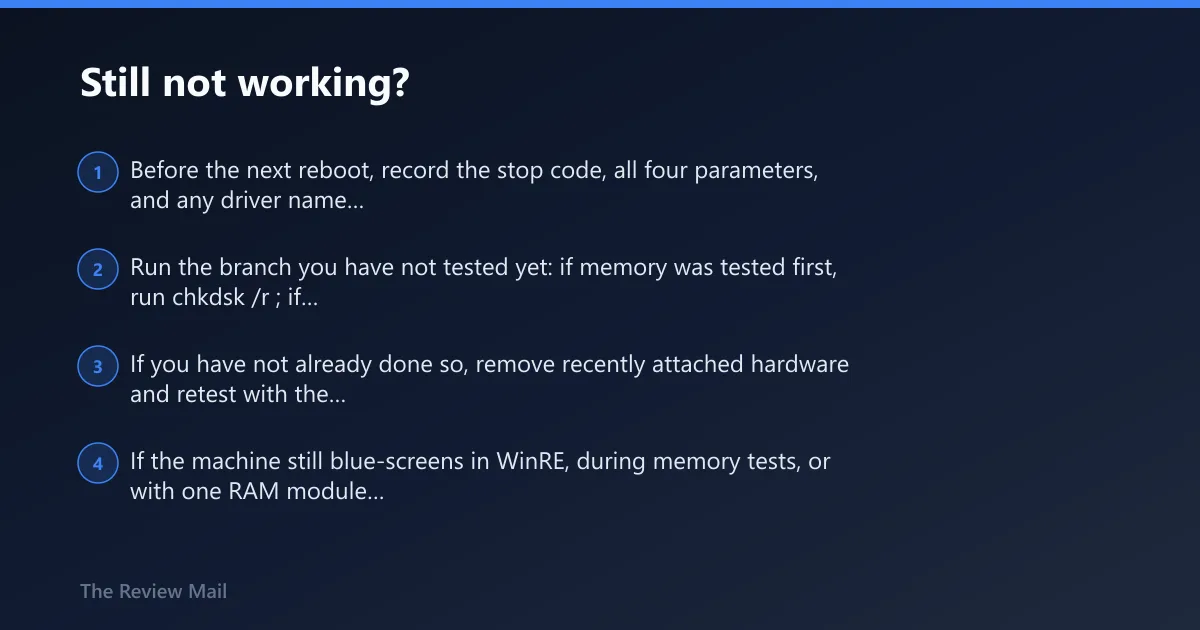
If the first repair path does not isolate the fault, stop making broad changes and capture cleaner evidence on the next crash. The next steps should protect data first, then isolate hardware, then move to repair or replacement only when the pattern is consistent.
If that didn’t work
- Before the next reboot, record the stop code, all four parameters, and any driver name shown on screen.
- Run the branch you have not tested yet: if memory was tested first, run
chkdsk /r; if storage was tested first, run mdsched.exe. - If you have not already done so, remove recently attached hardware and retest with the same workload.
- If the machine still blue-screens in WinRE, during memory tests, or with one RAM module at a time, move suspicion toward the motherboard, storage hardware, or persistent memory faults and consider professional repair.
Prevention
After the system is stable, avoid stacking changes. Install one driver or low-level security tool at a time, reboot, and confirm stability before adding the next.
Frequently asked questions
Is 0x00000050 caused by RAM, drivers, or a bad disk?
All three are real possibilities, but the pattern usually sorts them. A new driver, VPN, or security install points to software. Random crashes under load point to RAM. Boot failures, file corruption, and Disk events in Event Viewer > Windows Logs > System point to storage.
How do I fix 0x00000050 on Windows 11?
Start with the branch that matches the timing. For a recent driver or update, use Device Manager > Properties > Driver to roll back, or Settings > Windows Update > Update history > Uninstall updates. For random crashes, run mdsched.exe. For boot or file issues, run chkdsk /r.
What should I do if 0x00000050 happens during startup and Safe Mode fails?
Enter WinRE with Shift + Restart or by interrupting boot three times, then go to Troubleshoot > Advanced options. Use Command Prompt for chkdsk /r, or Uninstall Updates if the loop began after patching. If hardware was added, shut down, remove it, and test again.