
0x00000109: What It Means and How to Fix It on Windows PC
Bug Check 0x00000109 is CRITICAL_STRUCTURE_CORRUPTION. If you see this stop code, Windows detected corruption in protected kernel structures and stopped to prevent further damage. The steps below show how to check the most common Windows-side causes and use built-in tools to narrow down the problem on Windows 10 and 11.
This guide is part of our Windows BSOD stop codes: full list and fixes series.
What 0x00000109 means in Windows
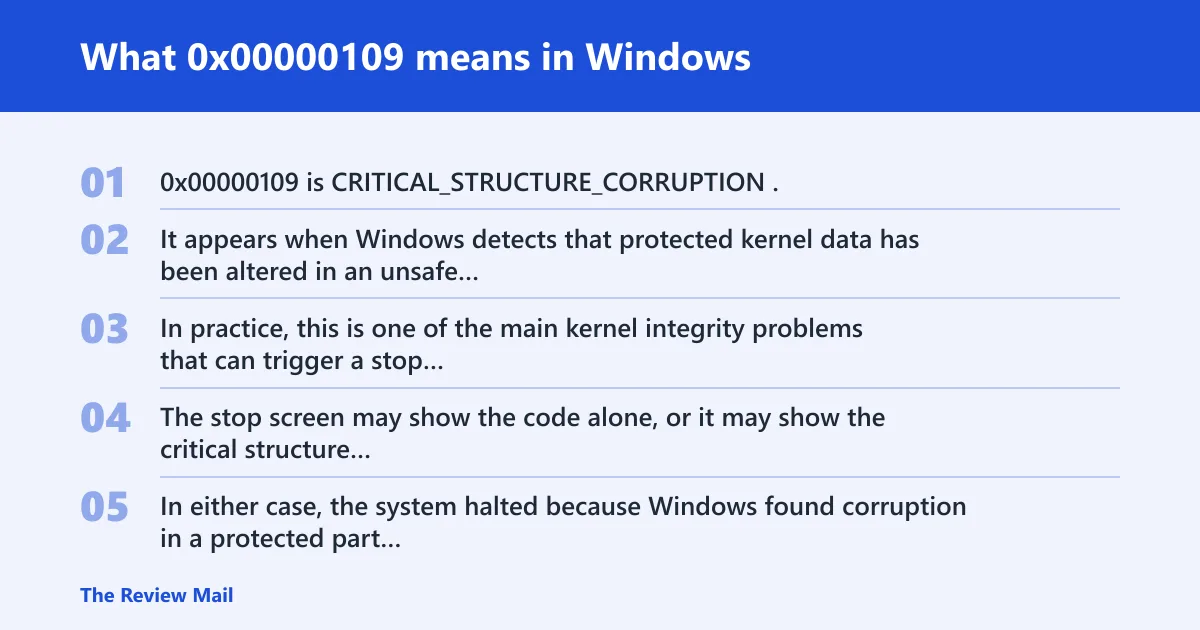
0x00000109 is CRITICAL_STRUCTURE_CORRUPTION. It appears when Windows detects that protected kernel data has been altered in an unsafe way. In practice, this is one of the main kernel integrity problems that can trigger a stop screen.
The stop screen may show the code alone, or it may show the critical structure corruption message. In either case, the system halted because Windows found corruption in a protected part of the operating system.
What usually causes 0x00000109?
The most practical first checks are recent driver changes, security software, memory problems, and damaged Windows files or disk corruption. Those are the areas most likely to affect protected kernel structures.
If the problem started right after a new driver or device change, check that first. If it started after a crash, power loss, or repeated failed boots, check Windows file integrity and disk health next.
📊 NeoSmart lists virus infection as a cause of 0x00000109. Source: Neosmart.
Use this triage matrix first

This matrix sorts the likely area to check first. Start with the row that best matches the timing of the crash, then use the built-in Windows tool named in the table before moving to deeper repair.
| Likely area | What to check first | Built-in Windows tool | Result that confirms the branch |
|---|---|---|---|
| Device driver or recent device change | Recent driver install, update, rollback, or new hardware | Device Manager, Event Viewer | The crash starts after the same driver loads, or removing that device avoids the stop code |
| Security software or malware-related change | Unexpected security alerts, unknown startup items, recent security software changes | Windows Security, Safe Mode | A scan finds a threat, or the system is stable only after removing the suspect software |
| Memory problem | Random timing of crashes, different stop points, repeated memory-related symptoms | Windows Memory Diagnostic | The memory test reports errors |
| Windows file or disk corruption | Power loss, disk errors, unreadable folders, repair prompts at boot | sfc /scannow, DISM /Online /Cleanup-Image /RestoreHealth, chkdsk | System file repair or disk check finds and fixes corruption |
Is 0x00000109 caused by a driver or malware?
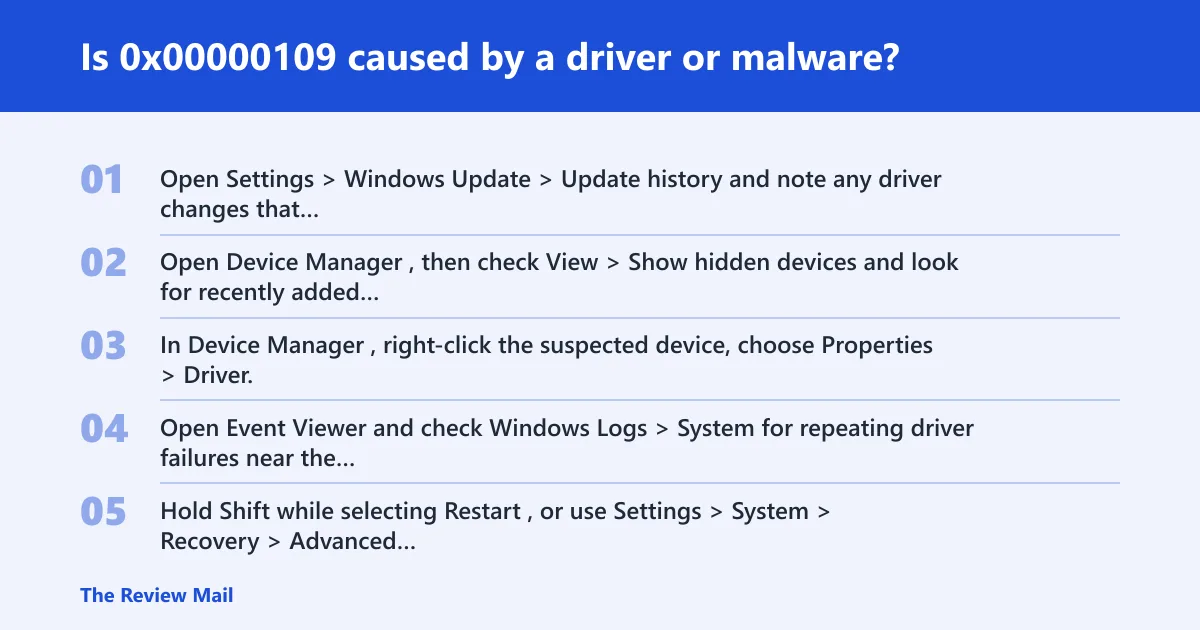
Either area is worth checking first, but start with drivers because they are easier to verify through recent changes and Device Manager. Malware or security software can also affect protected kernel data, so keep those checks in the same branch if the driver review does not explain the crash.
- Open Settings > Windows Update > Update history and note any driver changes that happened before the crash.
- Open Device Manager, then check View > Show hidden devices and look for recently added hardware or warning icons.
- In Device Manager, right-click the suspected device, choose Properties > Driver, then use Roll Back Driver or Uninstall device if the timing fits.
- Open Event Viewer and check Windows Logs > System for repeating driver failures near the crash time.
How do I scan for the cause of 0x00000109 from Safe Mode?
Safe Mode is useful because it loads fewer components, which can make it easier to remove a suspect driver or run security scans. It also helps if normal startup keeps failing before you can complete a scan.
- Hold Shift while selecting Restart, or use Settings > System > Recovery > Advanced startup > Restart now.
- Choose Troubleshoot > Advanced options > Startup Settings > Restart, then select the Safe Mode option shown on the startup menu.
- In Safe Mode, open Windows Security > Virus & threat protection and run a full scan.
- Remove the newest driver, VPN filter, or security suite if the crash began after that install.
- Enter Advanced startup and choose Safe Mode from Startup Settings.
- Uninstall the newest device driver or security software from Settings > Apps > Installed apps if the timing matches the crash.
- Run Windows Security > Virus & threat protection > Scan options > Full scan.
Can bad RAM cause stop code 0x00000109?
Yes. Memory corruption can lead to this stop code, especially if the crash seems random, changes location from boot to boot, or appears after warm restarts rather than after one specific app. A failed memory test is the clearest confirmation.
- Open Windows Memory Diagnostic from the Start menu.
- Select Restart now and check for problems.
- After reboot, read the memory report in Event Viewer > Windows Logs > System for the diagnostic result.
- If errors appear, retest one stick at a time or replace the failing module before doing deeper repair work.
Could a corrupt file system trigger 0x00000109?
Yes. File system or Windows image corruption can contribute to this stop code, especially after sudden power loss, forced shutdowns, or disk read/write errors.
- Open Command Prompt as administrator.
- Run
sfc /scannowand let it complete. - If SFC reports unrepairable files, run
DISM /Online /Cleanup-Image /RestoreHealth, then runsfc /scannowagain. - Run
chkdskC: /f and allow the check to schedule at restart.
If Windows will not boot far enough to repair files, use Windows setup media for offline repair. That path matters when system files are damaged before the desktop is usable.
Still not working? What to try next
If the first branch fails, move one step deeper, not wider. Recheck the event log for the same driver name, rerun the memory test, or repeat the file repair from offline media. That keeps the next action tied to evidence, not guesswork.
After the repair, verify the fix with three signs: the PC reaches the desktop without a repeat bug check, Safe Mode is no longer required for normal startup, and Event Viewer > Windows Logs > System shows no new kernel crash entry after the reboot. If the crash returns only after a specific USB device, VPN client, or security suite loads, remove that component before anything else.
Use built-in Windows repair tools before considering broader recovery steps. On systems that cannot stay up long enough for normal troubleshooting, Windows setup media is the standard offline repair path for file repair and recovery commands.
Prevention: after the machine is stable, keep only the drivers and security tools you need. A clean uninstall of the suspect component is more useful than a general “update everything” pass.
Does 0x00000109 affect Windows 10 or 11?
Yes. This stop code can affect both Windows 10 and Windows 11. The same checks apply on either version: review recent driver changes, run Windows Security scans, test memory, and repair Windows files if needed.
On Windows 11, use the same entry points: Settings > System > Recovery > Advanced startup, Device Manager, Windows Security, Event Viewer, Windows Memory Diagnostic, and Command Prompt for SFC, DISM, and chkdsk.
On a laptop, use the same checks if the system shows 0x00000109 at boot or after sign-in. If you are troubleshooting while mobile, make sure the device is on stable power before running repair commands or memory tests.
Frequently asked questions
What should I check first when 0x00000109 appears on boot?
Check the newest driver, device, or security software first. If nothing changed there, move to Windows Memory Diagnostic, then SFC, DISM, and chkdsk in that order.
What is the difference between 0x00000109 and other BSOD stop codes?
0x00000109 is a kernel integrity stop. That means Windows detected corruption in protected kernel data, so the best next steps are driver checks, memory testing, and file repair.
How do I fix 0x00000109 without reinstalling Windows?
Start with Device Manager rollback or uninstall, then run Windows Security scans from Safe Mode. Next use sfc /scannow, DISM /Online /Cleanup-Image /RestoreHealth, and chkdsk. Only move to reset or reinstall after those checks fail or point to deeper damage.
What should I do if 0x00000109 appears on a laptop?
Use the same Windows checks: review recent driver changes, run Safe Mode scans, test memory, and repair Windows files. If the laptop is unstable, keep it on reliable power while you troubleshoot.