0x00000127 PAGE_NOT_ZERO: meaning and fixes for Windows
Set the system back to stock memory settings first, then test the RAM modules, and only after that check recent drivers or storage changes. If it still crashes at stock settings, move to hardware checks.
This guide is part of our Windows BSOD stop codes: full list and fixes series.
What 0x00000127 means in Windows
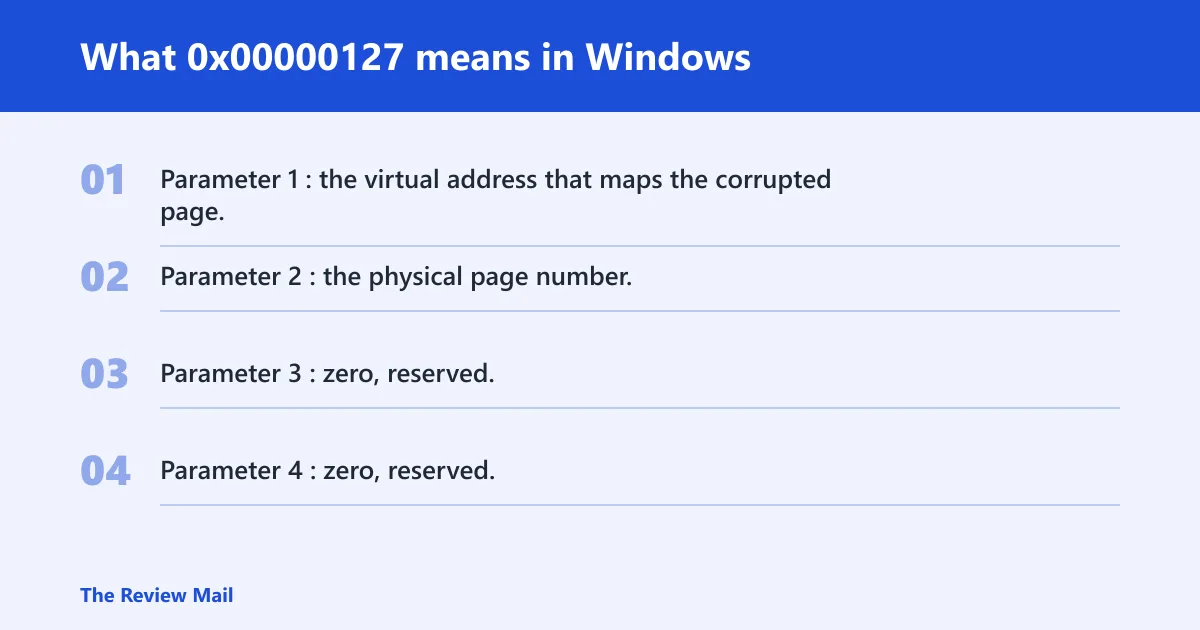
Bug Check 0x127 is PAGE_NOT_ZERO with stop code value 0x00000127. (Microsoft Learn)
Bug check parameters
- Parameter 1: the virtual address that maps the corrupted page.
- Parameter 2: the physical page number.
- Parameter 3: zero, reserved.
- Parameter 4: zero, reserved.
Parameter 1 is useful because it points to the address associated with the bad page in the dump. Parameter 2 helps you compare whether crashes keep landing on the same physical page number. Parameters 3 and 4 do not add analysis value here.
According to learn.microsoft.com — The PAGE_NOT_ZERO bug check has the value 0x00000127. (source)
What usually causes PAGE_NOT_ZERO?
Common possibilities include unstable memory settings, a recent driver or update that affects memory or storage behavior, and hardware trouble in RAM, the motherboard, or the CPU memory controller.
Likely cause ranking
- Unstable XMP or EXPO, manual memory tuning, or an overclock that corrupts page handling.
- A recent driver, firmware, or update that changed how memory, storage, or the GPU path behaves.
- A storage path problem that shows up after updates or on resume.
- Actual hardware fault in RAM, motherboard, or the CPU memory controller.
Which cause is most likely on your PC?
The crash pattern usually points to the first subsystem to test. Use the pattern below to avoid random cleanup and keep the order tight. Start with the row that matches when the BSOD appears, then run the first two checks listed there.
| Crash context | Most likely subsystem | First two checks |
|---|---|---|
| After sleep or wake | Memory settings or storage path | Turn off XMP/EXPO in BIOS or UEFI; then check the latest storage-related driver or update |
| During gaming or other heavy load | Memory settings or a recent driver | Return BIOS memory settings to default; then review the newest GPU or chipset driver |
| After updates | Driver, firmware, or OS component change | Review the most recent storage, GPU, security, or chipset update; then uninstall or roll back the matching item if available |
| Random idle crashes | RAM, motherboard, or CPU memory controller | Run memory diagnostics; then test one DIMM at a time and note whether the failure follows the stick or the slot |
How do you rule out unstable RAM and memory settings?
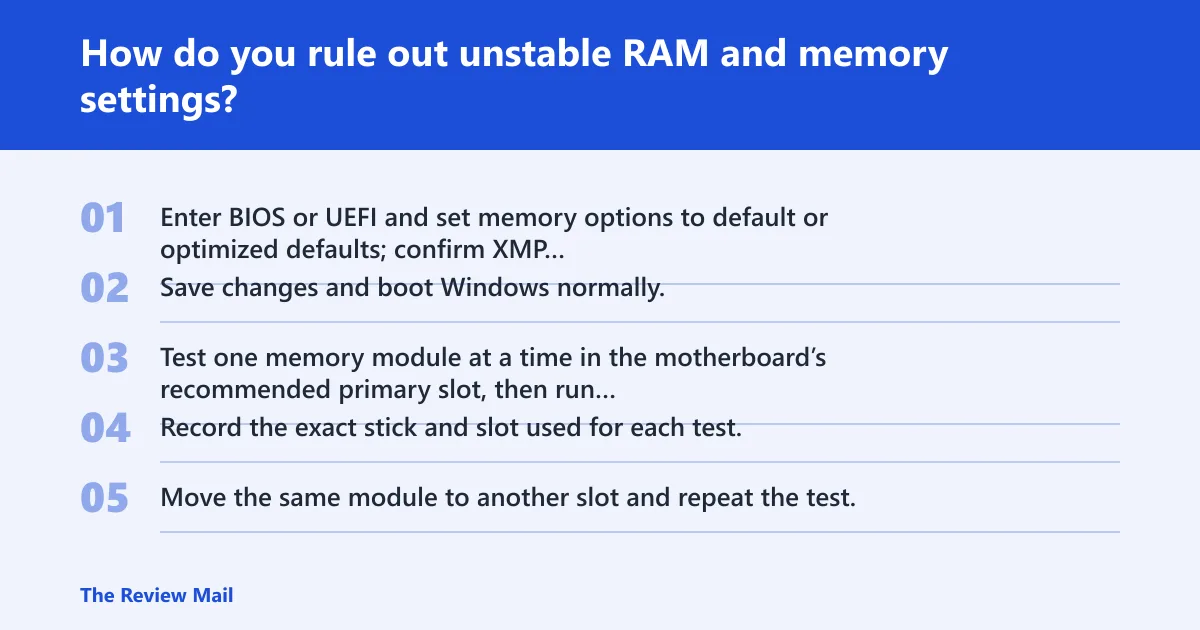
Reset BIOS or UEFI memory settings to their defaults and make sure XMP or EXPO is turned off before doing other testing. If the system stabilizes, the cause was likely memory tuning. If it still fails, proceed with per-stick and per-slot testing.
Exact memory checks
- Enter BIOS or UEFI and set memory options to default or optimized defaults; confirm XMP or EXPO is disabled.
- Save changes and boot Windows normally. If the crash stops, leave memory tuning off while you verify stability.
- Test one memory module at a time in the motherboard’s recommended primary slot, then run a memory test such as Windows Memory Diagnostic or memtest86.
- Record the exact stick and slot used for each test.
- Move the same module to another slot and repeat the test. If the failure follows the stick, suspect the module. If it stays with the slot, suspect the motherboard or CPU memory controller.
If the same module or the same slot keeps failing, stop software work and move to hardware testing.
Can a driver or update trigger 0x00000127?
In some cases, a driver, firmware update, or Windows change can affect memory management enough to surface this stop code, especially when the first crash happens soon after a change. Check recent chipset, storage, GPU, and security changes before replacing hardware.
Driver and update fix order
- Open Settings > Windows Update > Update history and note the latest driver or quality update before the first crash.
- Open Device Manager, right-click the newest matching device, and choose Properties > Driver > Roll Back Driver if available.
- If rollback is unavailable, choose Uninstall device for that device or package, reboot, and reinstall the vendor version only after the system is stable.
- For a Windows update that lines up with the crash, use Settings > Windows Update > Update history > Uninstall updates and remove the most recent relevant item.
If the crash began after a storage driver or chipset package, test that first. Those changes can look like memory faults until the device path is removed.
When should you suspect hardware fault?
Repeated failures on the same DIMM, slot, or physical page number can point toward hardware. A repeated address across crashes is a warning sign, especially if the same page number keeps returning in the dump notes. If the error follows the slot instead of the stick, move suspicion to the motherboard or CPU memory controller.
Hardware signal checks
- Run Windows Memory Diagnostic or memtest86 on one DIMM at a time.
- Test each DIMM in the same known-good slot, then test the same DIMM across the other board slots one at a time.
- Compare the crash notes. If the same physical page number or the same slot keeps failing, stop software fixes.
- If errors move with the slot, focus on the motherboard or CPU memory controller rather than the module.
How do I fix a PAGE_NOT_ZERO blue screen?
Start by removing memory overclocking, then test RAM, then check the newest driver or update that matches the crash timing. If the system still fails at stock settings, move from software checks to hardware isolation instead of repeating general cleanup.
Fix ladder
- Enter BIOS or UEFI and disable XMP, EXPO, and any manual memory overclock.
- Boot and confirm whether the crash returns.
- Run Windows Memory Diagnostic or memtest86.
- Check the most recent chipset, storage, GPU, or security driver in Device Manager and roll it back or uninstall it if needed.
- Review Windows Update history and remove the most recent relevant update if the timing matches the crash.
If that didn’t work
- Test one DIMM at a time in the recommended board slot.
- Move that same DIMM to another slot and compare results.
- If the failure follows the DIMM, remove that module from service.
- If the failure follows the slot, stop software changes and plan board or CPU memory controller testing.
How do I find the faulty driver or component behind PAGE_NOT_ZERO?
Look for repetition, not just one crash. If dump notes show the same device path, the same driver family, or the same memory address across crashes, that pattern matters more than the stop code alone. A repeated address leans toward memory settings or hardware; a repeated device path leans toward a driver or firmware path.
Dump-note workflow
- Write down Parameter 1 and Parameter 2 from each crash.
- Compare whether the same virtual address or physical page number keeps appearing.
- Match the first crash time to recent driver, BIOS, or Windows changes.
- If the same device path shows up after a driver install, remove that driver first.
Should I update BIOS or chipset drivers for 0x00000127?
Yes, but only after memory settings are back at stock and only when the crash timing points there. A BIOS or chipset update can help if the issue started after a platform change or if the board’s memory training is unstable. Do not use firmware updates as a substitute for checking RAM first.
What to update first
- Check the motherboard support page for the latest stable BIOS or UEFI release.
- Check the chipset package version in Device Manager and compare it to the board vendor package.
- Consider updating chipset drivers before GPU or storage packages if the crashes began around wake, idle, or memory training.
- After each change, run the system at stock memory settings and retest.
Can overclocking or unstable memory settings cause this stop code?
Overclocking, XMP, EXPO, and manual RAM tuning can create instability that may look like a page-zeroing fault. If the crash appears after sleep, on launch-heavy workloads, or under gaming load, return to stock memory settings before you touch drivers or replace parts.
Simple check
- Open BIOS or UEFI.
- Disable XMP, EXPO, and manual memory overclocking.
- Save and reboot.
- If the system becomes stable, keep the settings at stock and retest later only with known-good values.
What does parameter 1 mean in bug check 0x127?
Parameter 1 is the virtual address that maps the corrupted page. In plain terms, it is the memory address Windows was tracking when the zeroed-page check failed. If that same address or a nearby one repeats across crashes, it points you toward memory instability or a repeating hardware problem rather than a random software issue.
Is 0x00000127 caused by hardware or drivers?
It can be either, but the order matters. Start with RAM settings and the newest drivers or updates, because those are the quickest to verify. If the system still fails at stock memory settings and the same address or slot keeps repeating, treat it as a hardware problem and stop chasing software fixes.
Can bad RAM trigger stop code 0x00000127?
Yes. Bad RAM, marginal DIMM contact, or memory settings that are too aggressive can all produce this stop code. The cleanest proof is a repeatable failure on the same stick or the same slot during Windows Memory Diagnostic or memtest86, especially if the crash pattern stays constant after memory settings are returned to stock.
Still not working?
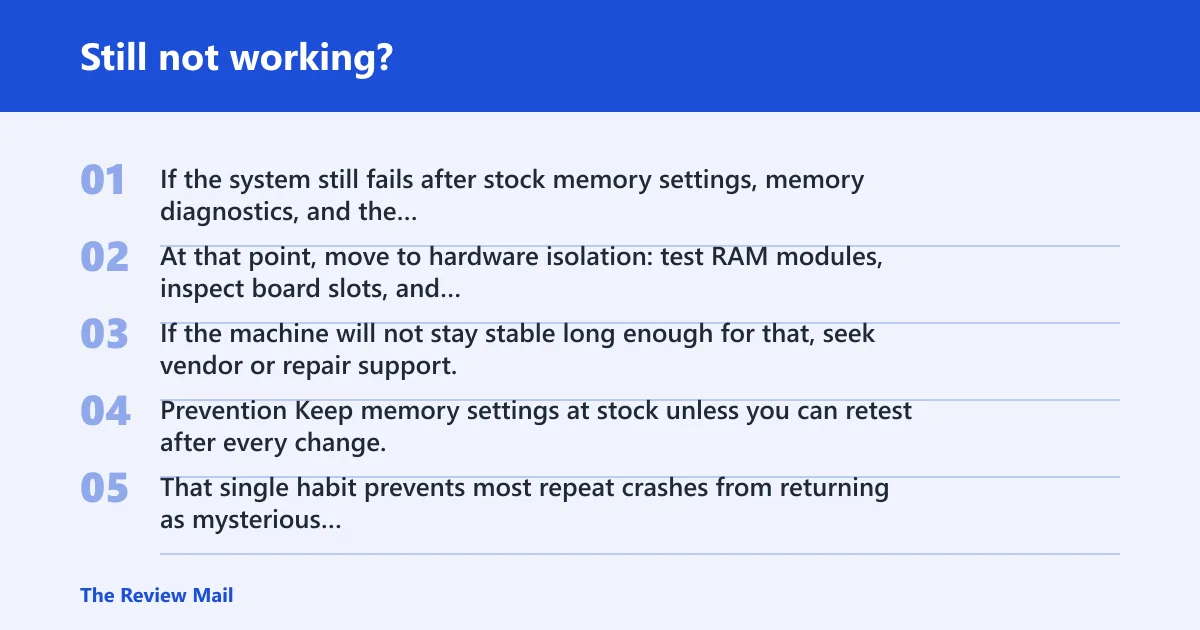
If the system still fails after stock memory settings, memory diagnostics, and the newest relevant driver or update checks, stop software work. At that point, move to hardware isolation: test RAM modules, inspect board slots, and consider motherboard or CPU memory controller testing. If the machine will not stay stable long enough for that, seek vendor or repair support.
Prevention
Keep memory settings at stock unless you can retest after every change. That single habit prevents most repeat crashes from returning as mysterious PAGE_NOT_ZERO errors.