Windows activation error 0xd0020017 fix guide for admins
Windows activation error 0xd0020017 usually points to a licensing or deployment problem, not a general Windows fault; check whether the device is linked to the right Microsoft account, has the correct product key or volume license, and can reach the organization’s activation service. If you guess wrong, you can waste time on reinstalls, miss compliance deadlines, and leave devices unactivated. This guide gives a fast triage flow to separate account, licensing, and deployment causes, then shows the next fix for each path.
This guide is part of our Windows activation errors: full list and fixes series.
Understanding Error Symptoms and Context
It is best treated as a diagnostic code, not a final diagnosis. Microsoft does not publicly map this exact code to one single cause, so start by checking activation type, edition, and connectivity instead of jumping straight to a reinstall.
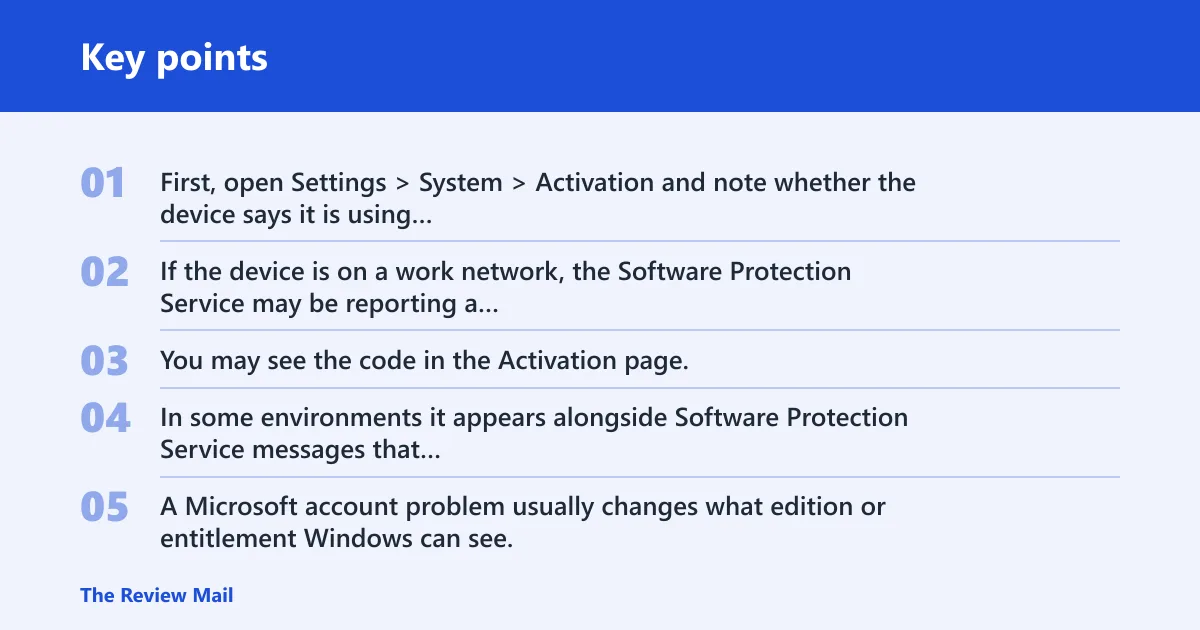
First, open Settings > System > Activation and note whether the device says it is using a digital license, a product key, or a volume-licensing path. If the device is on a work network, the Software Protection Service may be reporting a licensing failure behind the scenes.
Where the error usually appears
You may see the code in the Activation page, in a pop-up after changing hardware or reinstalling Windows, or during organization-managed activation. In some environments it appears alongside Software Protection Service messages that point to KMS or MAK processing.
How to tell activation failure from a sign-in issue
A Microsoft account problem usually changes what edition or entitlement Windows can see. A licensing problem blocks activation even when sign-in works normally. If the device opens email, OneDrive, and Store but Activation still fails, treat it as licensing or deployment first.
📊 Microsoft notes Windows 10 support ended on October 14, 2025. Source: Microsoft.
What are the most likely causes of 0xd0020017?
The most likely causes are edition mismatch, a bad or wrong license path, KMS reachability trouble, or a MAK/license-state problem. Less often, the Software Protection Service is stuck or reporting stale data. Start with the path that matches the device’s edition and license type.
Likely causes, from common to less common
- Product key or edition mismatch on a consumer or retail device.
- KMS reachability or DNS failure on Enterprise, Professional, or Server editions. Microsoft Learn says SaRA troubleshoots Windows KMS Activation issues, and it targets
0xC004F038,0xC004F074,0xC004C008, and0x8007232B. (Microsoft Learn) - MAK blocked, invalid, or over limit in volume licensing. Microsoft defines
0xC004C003as a blocked product key and0xC004C020as a MAK limit exceeded error. - Software Protection Service state problems that leave activation data stale.
Say your laptop activates at home but fails on the office network. That pattern points away from the Microsoft account and toward KMS or DNS. Suppose a 5-device lab image suddenly shows the same failure after cloning; that often points to a volume-license or deployment problem instead of a user account issue.
Is this a product key, network, or account issue?
Most cases sort into one of three buckets: the installed edition does not match the key, the device cannot reach the activation service, or the Microsoft account is tied to the wrong entitlement. The quickest way forward is to test all three in that order.
Fast triage flow
- Open Settings > System > Activation and identify the edition shown there.
- Check whether the device uses retail, OEM, digital license, MAK, or KMS activation.
- Try activation once on a known-good network.
- Confirm the signed-in Microsoft account is the one linked to the correct Windows edition.
- Open slmgr /xpr in an elevated Command Prompt to check activation status.
Settings > System > Activation
slmgr /xpr
slmgr /ipk <key>
slmgr /ato
Fix product key and edition problems first
If the key or edition is wrong, other fixes will waste time. Microsoft’s activation flow is edition-specific, and volume keys are not interchangeable with consumer keys. Correct the edition mismatch before retrying activation.
- Go to Settings > System > Activation and confirm the edition name.
- Compare that edition with the key or license you were given.
- Select Change product key and enter the correct key.
- Run Settings > System > Activation > Troubleshoot once, then retry.
- If the device was imaged for a different edition, reinstall with matching media instead of forcing the wrong key.
Use the right install media
Microsoft says installation media can be created from its download site, using a blank USB flash drive with at least 8 GB. An ISO can also be used for VMs or DVD burning. That matters when the installed edition does not match the intended license path.
Fix KMS activation failures
KMS issues belong on the enterprise path. Microsoft recommends using the SaRA tool for Windows KMS activation troubleshooting, and the tool’s code list may include errors such as 0xC004F038, 0xC004F074, 0xC004C008, and 0x8007232B. Microsoft defines 0x8007232B as DNS name does not exist for KMS client.
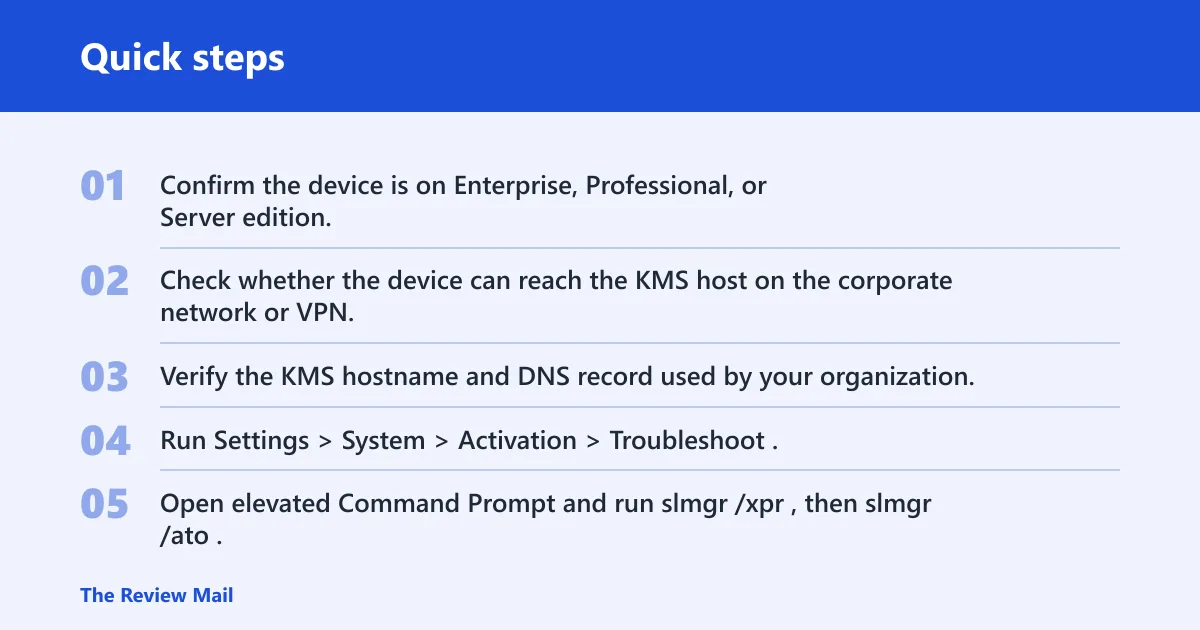
- Confirm the device is on Enterprise, Professional, or Server edition.
- Check whether the device can reach the KMS host on the corporate network or VPN.
- Verify the KMS hostname and DNS record used by your organization.
- Run Settings > System > Activation > Troubleshoot.
- Open elevated Command Prompt and run slmgr /xpr, then slmgr /ato.
- If the error matches a known KMS code, run SaRA and give the result to the admin team.
What KMS needs to succeed
KMS activation depends on server reachability and sufficient activation count. If DNS cannot resolve the KMS name, or the server has not reached the required count, clients can fail even when the key itself is valid. That is a deployment problem, not a user-account problem.
Fix MAK and licensing service problems
MAK failures usually mean the key is invalid, blocked, or has reached its activation limit. If the device is not a KMS client and the edition is correct, shift from connectivity checks to key and licensing-state checks.
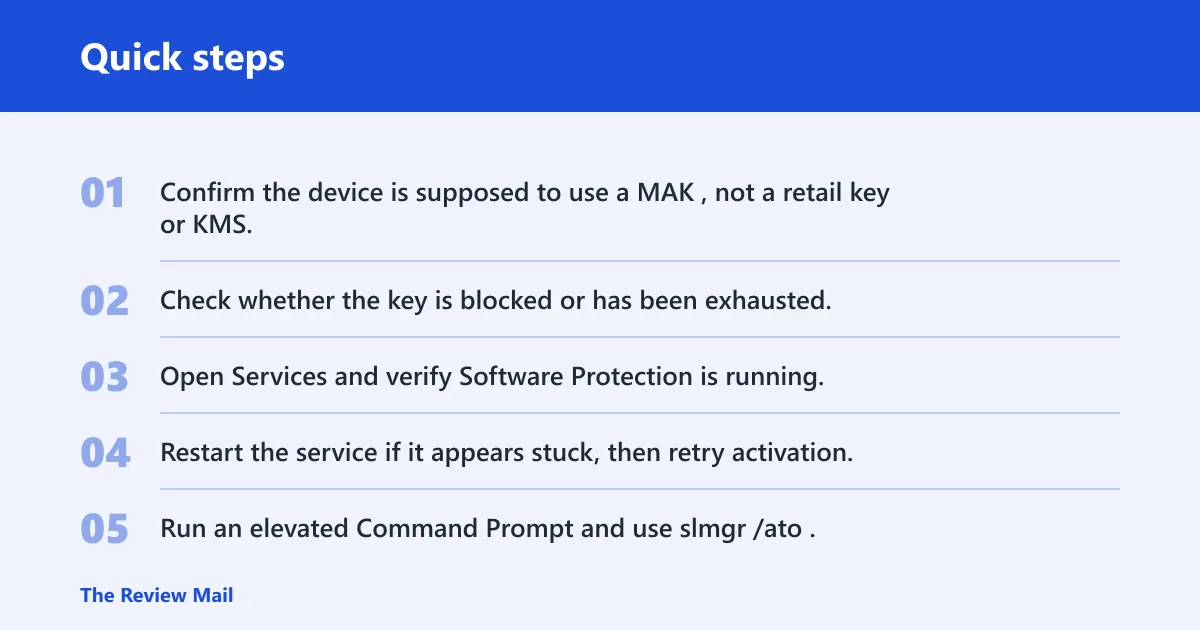
- Confirm the device is supposed to use a MAK, not a retail key or KMS.
- Check whether the key is blocked or has been exhausted.
- Open Services and verify Software Protection is running.
- Restart the service if it appears stuck, then retry activation.
- Run an elevated Command Prompt and use slmgr /ato.
- If the device is on volume licensing, give the exact error code to the admin or Microsoft support.
Microsoft defines 0xC004C003 as a blocked product key and 0xC004C020 as a MAK limit exceeded error. Those are useful comparisons when 0xd0020017 appears on a managed device, because the fix path is then license administration, not consumer troubleshooting.
| Code | Common pattern | Likely path | Next step |
|---|---|---|---|
0xd0020017 | Unclear; may appear on activation or post-change | Check edition, key, KMS, MAK, and account entitlement | Start with Activation page and license type |
0xC004F074 | KMS client cannot activate | Network or KMS host reachability | Verify DNS, VPN, and host availability; run SaRA |
0xC004C008 | Activation count or key-use problem | Volume-license limit or key-use restriction | Check licensing portal or admin records |
0x8007232B | DNS name does not exist for KMS client | DNS or KMS hostname issue | Fix DNS record or KMS name resolution |
0xc0020036 | Often confused with activation failures after imaging | Deployment or policy mismatch | Review edition, image, and organization policy |
When should you reinstall Windows instead of retrying activation?
Reinstall only after the license path has been ruled out and activation still fails on a clean network with the correct key. If the installed edition is wrong, the image is damaged, or the deployment was cloned incorrectly, repair may take longer than a clean install.
- Back up files.
- Create installation media from Microsoft’s download site using a blank USB flash drive with at least 8 GB, or prepare an ISO for a VM or DVD.
- Install the edition that matches the intended key or license.
- After setup, go to Settings > System > Activation and activate once.
If that did not work, try this next
Run the Activation troubleshooter again, then send the exact code, edition, and license type to admin support or Microsoft support. If the device is managed, licensing staff may need to refresh the KMS or MAK record on the back end.
Does 0xd0020017 happen on Windows 10 or Windows 11?
It may appear on either version, though the support context still matters. Microsoft notes that Windows 10 support ended on October 14, 2025, and recommends moving to Windows 11. On eligible Windows 11 devices, updates are managed through Settings > Windows Update, including the latest-updates toggle.
If you are troubleshooting an old Windows 10 image, factor support status into the decision. A device that still cannot activate after correct licensing may be a better candidate for in-place migration or clean deployment to Windows 11.
Could account or profile problems be involved?
Yes, but only when the Microsoft account entitlement is tied to the wrong edition or the device never re-synced its digital license. A profile problem is a weaker explanation than a license or deployment mismatch, so check the Activation page first and the account link second.
Keep a record of the installed edition, license type, and the account or KMS endpoint used for activation before you reimage a machine.
Frequently asked questions
What does Windows activation error 0xd0020017 mean?
It signals an activation failure that needs triage by license path, edition, and connectivity. Start with Settings > System > Activation, then verify whether the device uses a product key, digital license, MAK, or KMS. That narrows the fix faster than retrying activation blindly.
How do I fix Windows activation error 0xd0020017?
Open Settings > System > Activation > Troubleshoot, confirm the edition matches the key, and run slmgr /xpr in an elevated Command Prompt. If the device is enterprise-managed, run SaRA for KMS-related cases and send the exact code to the admin team.
What commands or checks should I run first for activation errors?
Check Settings > System > Activation, then run slmgr /xpr. If you have the correct key, try slmgr /ipk <key> followed by slmgr /ato. Those commands separate licensing-state failures from pure connectivity problems quickly.
Can Microsoft activation tools fix error 0xd0020017?
Sometimes. The built-in Activation troubleshooter and SaRA can resolve known KMS-related cases, especially the codes Microsoft lists for KMS troubleshooting. They will not fix a blocked key, a wrong edition, or a missing corporate DNS record, so use them after basic checks.