Windows Activation Error 0xc004e015: Fixes That Work
Windows activation error 0xc004e015 can stop activation until the underlying licensing store problem is fixed. This code means Windows failed during license consumption. On a non-core edition, run slui.exe 0x2a 0xC004E015 to display the error text before you change anything else.
What 0xc004e015 means
If the text shown by slui.exe 0x2a 0xC004E015 changes, keep the new text because it can point to a different activation branch. Do not assume the same repair applies to every failure that appears during activation. Focus first on the exact code and the activation path that failed.
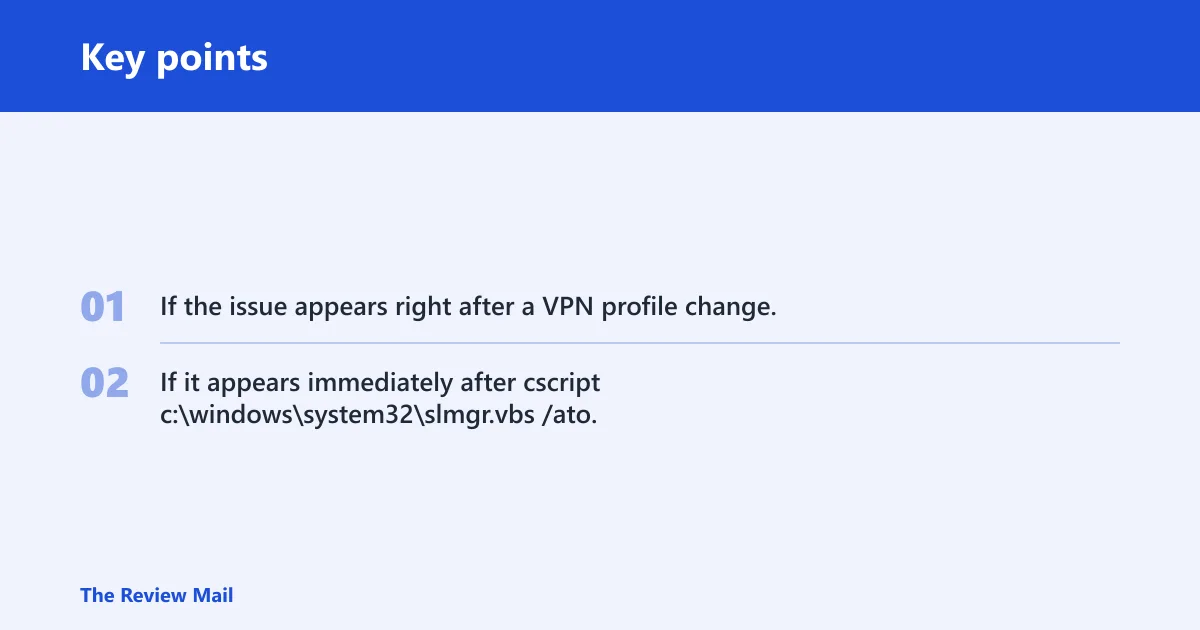
If the issue appears right after a VPN profile change, the network path may be part of the problem. If it appears immediately after cscript c:\windows\system32\slmgr.vbs /ato, that points more toward the local activation path or key state.
Windows activation decision table
| Symptom | Likely cause | Next action | Collect these logs |
|---|---|---|---|
| slmgr /ato fails immediately | Local activation path or store issue | Run slmgr /dlv, then rebuild tokens.dat if the store looks damaged | winver, slmgr /dlv, exact error text, sppsvc status |
| Error appears after VPN or network change | KMS reachability or routing changed | Retest on the original network path or a different VPN profile before touching the store | winver, slmgr /dlv, exact error text, sppsvc status |
| Azure VM activation fails | Azure-specific activation path | Use Azure VM activation guidance instead of generic desktop steps | winver, slmgr /dlv, exact error text, sppsvc status |
| tokens.dat suspected corrupt | Corrupted licensing store at C:\Windows\System32\spp\store\2.0 | Stop sppsvc, rebuild tokens.dat, start sppsvc, then run slmgr /ato | winver, slmgr /dlv, exact error text, sppsvc status |
| KMS host/key mismatch | Installed key does not match the edition | Use slmgr /upk if needed, then install the correct KMS client key with slmgr /ipk | winver, slmgr /dlv, exact error text, sppsvc status |
What if activation fails right away?
If slmgr /ato fails immediately, focus on the activation channel and the exact failure text before you rebuild anything. Run slmgr /dlv first so you can see whether Windows is on the expected channel and capture the exact code shown on screen.
- Open an elevated Command Prompt.
- Run cscript c:\windows\system32\slmgr.vbs /dlv.
- Record the activation channel, partial product key, and error text.
- Retry activation with cscript c:\windows\system32\slmgr.vbs /ato.
- If the code changes, keep the new text; it may point to a different branch.
Is the network path the cause?
If the failure started after a VPN, DNS, proxy, or routing change, treat it as a path issue first. If the machine activates on one network path but not another, that is strong evidence that the path is affecting activation.
- Reconnect using the original VPN profile, or disconnect the VPN and try again.
- Run cscript c:\windows\system32\slmgr.vbs /ato on the alternate path.
- If it still fails, run cscript c:\windows\system32\slmgr.vbs /dlv and save the output.
- Note the exact point where the error started: after VPN, DNS, proxy, or routing change.
- Escalate with the saved slmgr /dlv output if the path looks normal but activation still fails.
Fix tokens.dat corruption
Microsoft links this code to a corrupted tokens.dat file, and the file lives in C:\Windows\System32\spp\store\2.0. Stop the Software Protection service first, rebuild the file, then start the service again and retry activation. If service control is denied, rerun the repair from an elevated prompt. (Microsoft Learn)
- Open an elevated Command Prompt.
- Stop the service:
net stop sppsvc. - Go to
C:\Windows\System32\spp\store\2.0. - Rename tokens.dat to a backup name such as tokens.bar.
- Start the service again:
net start sppsvc. - Run cscript c:\windows\system32\slmgr.vbs /ato.
Does the KMS key match?
Use the KMS branch only when the evidence points there, especially if Windows shows Error: Product not found. Microsoft’s remediation is to reapply the KMS client key with slmgr /ipk, then retry slmgr /ato. The key has to match the installed Windows version; a Windows 10 Enterprise key will not work with a different edition.
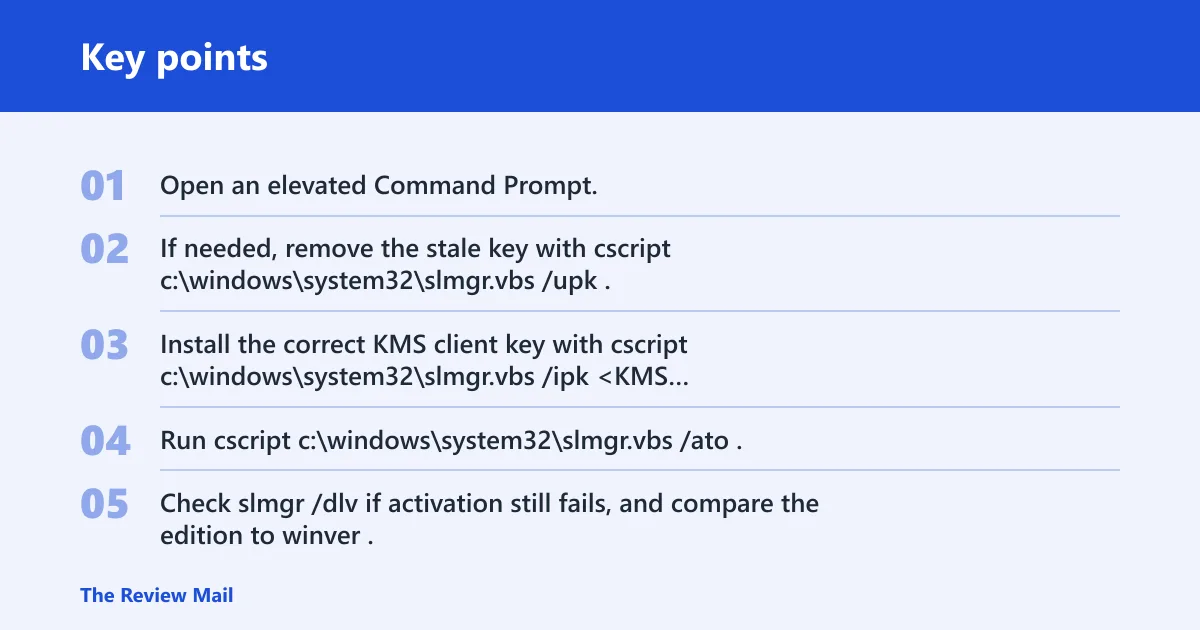
- Open an elevated Command Prompt.
- If needed, remove the stale key with cscript c:\windows\system32\slmgr.vbs /upk.
- Install the correct KMS client key with cscript c:\windows\system32\slmgr.vbs /ipk <KMS Client Key>.
- Run cscript c:\windows\system32\slmgr.vbs /ato.
- Check slmgr /dlv if activation still fails, and compare the edition to winver.
Azure VM activation path
Azure virtual machines are a separate branch. Microsoft says Azure VM activation issues have their own troubleshooting path, so do not force a desktop fix onto a cloud image that needs Azure-specific tools or guidance. Keep the same evidence set ready: winver, slmgr /dlv, the exact error text, and the sppsvc state.
- Confirm that the machine is an Azure virtual machine.
- Use the Azure VM activation troubleshooting path instead of generic local repair.
- Collect winver, slmgr /dlv, and the exact error text.
- Record whether sppsvc is running before you hand the case off.
What to collect before escalation
If the code still returns after the branch that matches your evidence, collect the exact error text, the winver output, slmgr /dlv, and the current sppsvc status. That gives IT or support enough context to see whether the failure is local, network-bound, KMS-related, or tied to Azure. Do not escalate with only a screenshot of the activation page.
- winver output, including edition and build
- cscript c:\windows\system32\slmgr.vbs /dlv output
- sppsvc status, running or stopped
- The exact error text, including any change from
0xC004E015 - Whether the failure started after VPN, routing, or an Azure move
If that didn’t work, try this next
Move from the least invasive branch to the more invasive one, and stop as soon as the code changes. If the path changed after a VPN or network change, switch back to the known-good path before touching the store. If the store is corrupt, rebuild tokens.dat with sppsvc stopped. If the edition and key do not match, reinstall the KMS client key.
A common first-timer mistake is rebuilding tokens.dat before checking the network path. That can waste time when the real issue is a VPN profile that changed the route to the KMS host. Another common mistake is reinstalling a KMS client key without confirming the installed Windows edition in winver.
Frequently asked questions
What does Windows activation error 0xc004e015 mean?
It is an activation failure tied to a licensing-consumption problem. On a non-core edition, slui.exe 0x2a 0xC004E015 shows the text associated with the code. The first practical move is to inspect the exact error text and then work through the activation path that failed.
How do I fix 0xc004e015?
Start by checking slmgr /dlv and retrying activation with cscript c:\windows\system32\slmgr.vbs /ato. If the failure appeared after a VPN or routing change, test the original path first. If the store is corrupt, rebuild tokens.dat after stopping sppsvc.
Is 0xc004e015 caused by a corrupted tokens.dat file?
That is a documented cause. Microsoft links the code to a corrupted C:\Windows\System32\spp\store\2.0\tokens.dat file, and the fix is to rebuild it and activate again. Stop sppsvc before changing the file, then start it again before running slmgr /ato.
What commands should I run to repair Windows activation?
Use this order: cscript c:\windows\system32\slmgr.vbs /dlv, then cscript c:\windows\system32\slmgr.vbs /ato. If Windows says Product not found, reinstall the KMS client key with cscript c:\windows\system32\slmgr.vbs /ipk <KMS Client Key>, then retry /ato. If the store is damaged, rebuild tokens.dat first.
Can VPN or network routing trigger 0xc004e015?
Yes, if the failure starts after a VPN profile, DNS, proxy, or routing change. The key clue is timing. Retest on the original network path or a different VPN profile before you rebuild the licensing store. Keep slmgr /dlv output if the network path looks normal but activation still fails.
Does 0xc004e015 happen on Azure virtual machines?
Yes. Azure VM activation issues need their own troubleshooting path. Do not use only local desktop repair steps. Gather winver, slmgr /dlv, the exact error text, and sppsvc status, then follow the Azure-specific activation guidance for the VM.