0x00000048: What It Means and How to Fix the Stop Code
Start with the newest driver change on the affected device stack. Roll it back or remove it, then reboot. 0x00000048 is a Windows bug check tied to driver lifecycle failure: a driver did not tear down, reference, or complete I/O requests correctly, so first decide whether the crash follows one device stack or shows up across multiple hardware paths. If you point at the wrong stack, you can spend hours chasing the wrong driver and see the same BSOD after every reboot. This guide explains what the stop code means in plain English and gives a triage flow to separate bad IRP handling from the affected device stack.
This guide is part of our Windows BSOD stop codes: full list and fixes series.
What 0x00000048 means in Windows
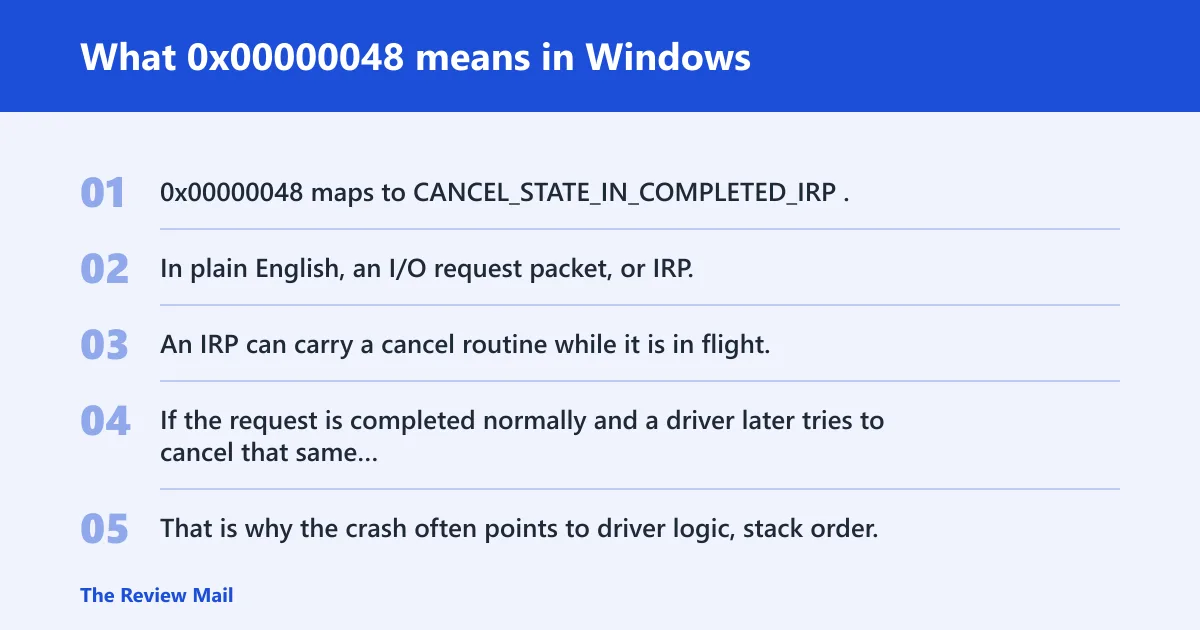
0x00000048 maps to CANCEL_STATE_IN_COMPLETED_IRP. In plain English, an I/O request packet, or IRP, was completed and then canceled afterward, which points to a driver lifecycle bug in kernel-mode I/O rather than a random Windows failure (per Microsoft support).
What the stop code is telling you
An IRP can carry a cancel routine while it is in flight. If the request is completed normally and a driver later tries to cancel that same request, the system stops with this bug check. That is why the crash often points to driver logic, stack order, or a filter driver that touched the IRP at the wrong time.
If the crash appears after a USB dongle, storage controller, or network adapter update, treat the device stack as the first suspect. A broad hardware failure is not the default assumption here.
📊 The bug check value is 0x00000048. Source: Bug Check 0x48 CANCEL_STATE_IN_COMPLETED_IRP.
What usually causes this stop code?
The usual causes are a bad cancel routine, two drivers touching the same IRP in the wrong order, or a stale or mismatched driver in a stack such as storage, USB, or networking. The stop code does not always name the exact bad driver, so you need dump analysis and device-stack context.
Likely causes, from most to less likely
- A driver completed the IRP and then tried to cancel it.
- Two drivers accessed the same IRP improperly.
- A filter driver sat between the device and its function driver and handled cancel state badly.
- A recent update changed the timing of the stack, exposing a stale driver.
Picture a laptop that crashes only after a new Wi-Fi driver loads. That points more to the network stack than to memory or the motherboard. Now suppose the same machine crashes during USB storage removal and printer spool activity. That pattern shifts attention to filter drivers and I/O cancellation paths.
Which bug-check parameters matter?
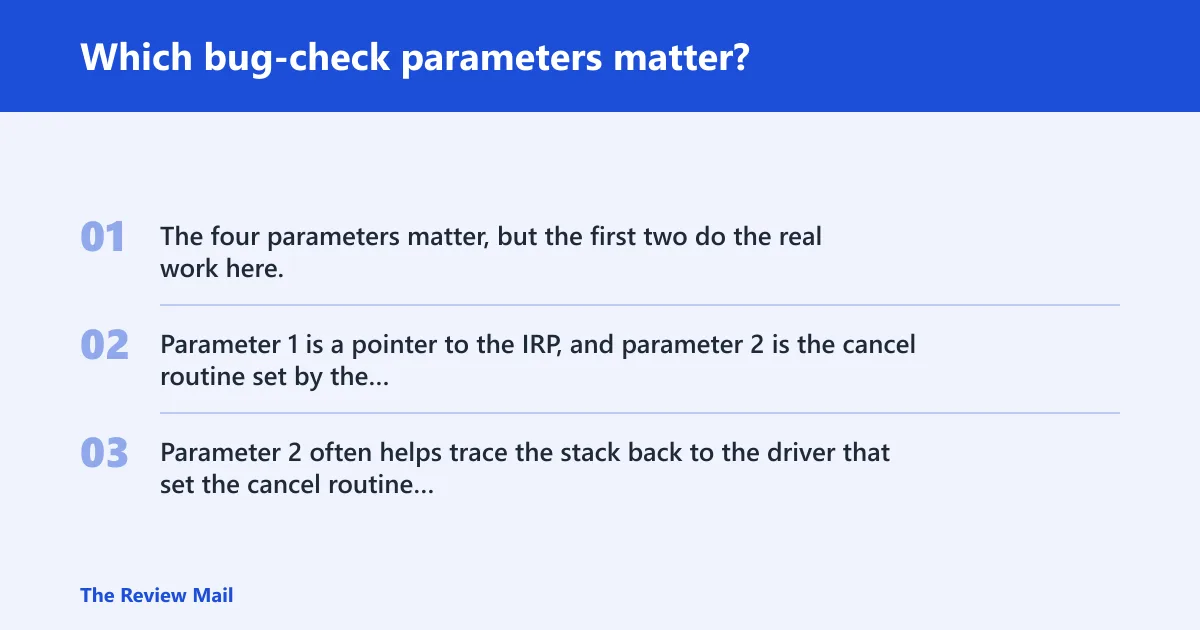
The four parameters matter, but the first two do the real work here. Parameter 1 is a pointer to the IRP, and parameter 2 is the cancel routine set by the driver. Parameters 3 and 4 are reserved. Parameter 2 often helps trace the stack back to the driver that set the cancel routine (per Microsoft support).
| Parameter | What it means | What to inspect in WinDbg | What to check in Device Manager | What to compare in recent updates |
|---|---|---|---|---|
| Parameter 1 | Pointer to the IRP | Open the IRP, then inspect its state, completion path, and any stack locations tied to the request | Look at the active device class tied to the crash: storage, USB, network, or a filter device | Find the driver package most recently added or rolled forward for that device |
| Parameter 2 | Cancel routine set by the driver | Match the routine address to a driver name in the stack trace or loaded modules | Check for filter drivers, virtual adapters, and vendor utilities attached to the same stack | Compare the driver version against the last stable build on the same machine |
| Parameter 3 | Reserved | Usually no direct inspection target for root cause | Use only as context if the stack points to a specific device class | Check whether the crash began after a broader driver refresh |
| Parameter 4 | Reserved | Usually no direct inspection target for root cause | Use only as context if the stack points to a specific device class | Review any recent chipset, storage, USB, or NIC updates |
How do you read the dump for 0x00000048?
Use the minidump or full crash dump to confirm the IRP state, the stack order, and the driver names involved. The goal is to connect the cancel routine to a specific driver or filter, then decide whether the fault is isolated to one stack or spread across multiple device paths.
What to look for in WinDbg
- Open the dump and inspect the bug check parameters.
- Follow parameter 1 to the IRP and check whether it shows a completed request that later received cancellation.
- Trace the stack frames and loaded modules for the function or filter driver that set the cancel routine.
- Look for repeated driver names across multiple dumps, especially in storage, USB, and network stacks.
What matters most is sequence. If the same filter or function driver appears at the point where completion and cancellation cross paths, the crash is likely software. If different device classes share the same update timing, the issue may be a broader stack mismatch.
Stop-code triage checklist
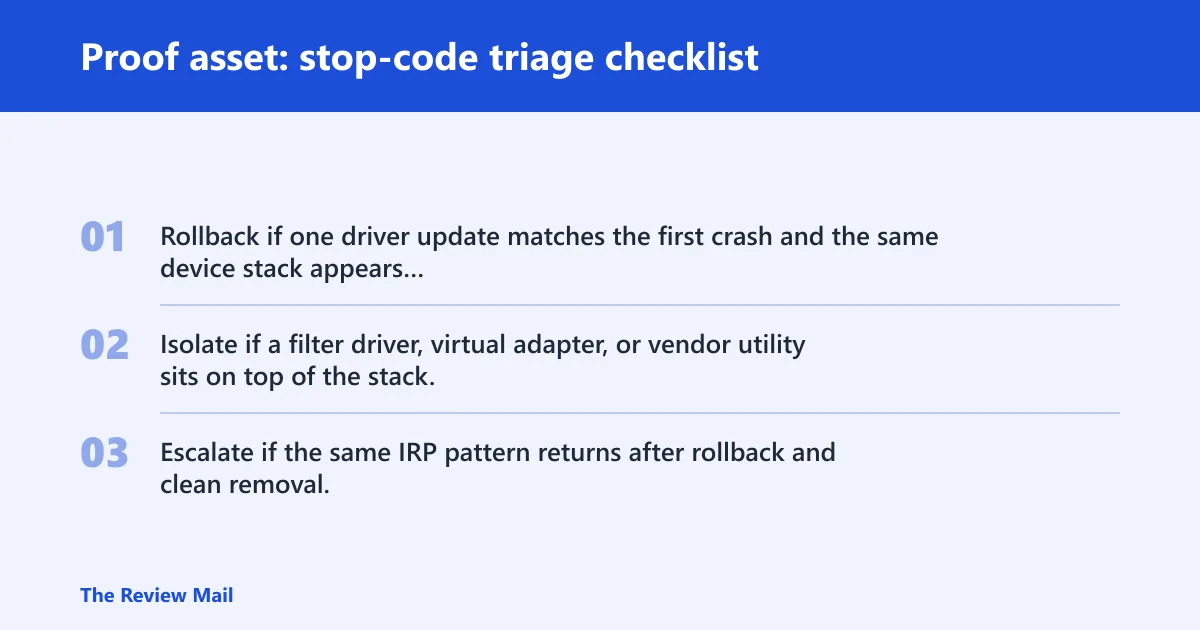
Use this checklist to separate a bad IRP cancel path from the device stack that touched it. It ties dump analysis, Device Manager, and recent updates into one sequence so you can choose rollback, isolation, or escalation without guessing.
| Bug-check parameter | WinDbg check | Device Manager check | Recent driver update check | What to do next |
|---|---|---|---|---|
| Parameter 1 | Inspect the IRP pointer, state, and stack locations | Find the device class tied to that IRP | Identify the newest driver on that device | Rollback the newest driver if the crash follows that stack |
| Parameter 2 | Map the cancel routine address to the driver name | Check for filter drivers attached to the same device | Look for a new utility, filter, or vendor suite | Remove or isolate the filter driver first |
| Parameters 3 and 4 | Reserved, so use them only as supporting context | Review the broader stack for related devices | Compare changes across storage, USB, and network packages | Escalate if several stacks changed together |
- Rollback if one driver update matches the first crash and the same device stack appears in every dump.
- Isolate if a filter driver, virtual adapter, or vendor utility sits on top of the stack.
- Escalate if the same IRP pattern returns after rollback and clean removal, or if multiple stacks fail after a broad package update.
How do I fix a 0x00000048 blue screen?
Start with the affected device class, then reverse the newest driver change. If the crash tracks one stack, use Device Manager rollback or uninstall on that device first. If several stacks changed at once, split the problem by removing filters and related software before you reach for deeper tools (per Microsoft support).
Fix sequence
- Open Device Manager and identify the device class linked to the crash.
- Right-click the suspect device, then choose Properties > Driver and use Roll Back Driver if available.
- If rollback is unavailable, choose Uninstall device, then reboot and let Windows reload the driver.
- Remove or disable related filter software, such as vendor networking tools or storage utilities, that attach to the same stack.
- Run
sfc /scannowand, if needed,DISM /Online /Cleanup-Image /RestoreHealthafter driver cleanup.
A common first-timer mistake is updating every driver at once. That hides the stack that actually caused the crash. Change one stack, reboot, then compare whether the stop code returns on the same device path.
Can a bad IRP or cancel routine trigger 0x48?
Yes. A bad IRP path or a cancel routine used after completion can trigger this stop code. The important detail is ordering: the request was already completed, and then a driver tried to cancel it or another driver touched the same IRP in an improper way (per Microsoft support).
What to check for stale cancel routines
- Use the dump to find the cancel routine address tied to parameter 2.
- Match that address to the loaded driver list in the stack trace.
- Check whether an older filter driver or vendor service still attaches to the device.
- Uninstall the stale component or remove the device from Device Manager, then reboot.
This is where false attribution happens. The driver named in the crash may be the one that tripped the check, not the one that first touched the IRP. That is why stack order matters.
Does 0x48 point to hardware or a driver?
It points first to a driver or driver stack problem. Hardware can still be involved indirectly, but the crash mechanism is about IRP completion and cancellation logic. Treat hardware only after you have checked the affected device class, the filter stack, and the most recent driver changes.
When hardware is less likely
If the crash always follows the same driver update, same filter package, or same device class, software is the stronger lead. If multiple unrelated devices trigger the same stop code after a broad update, the issue may sit in shared stack software or a controller driver rather than the hardware itself.
What if the crash keeps coming back?
If the stop code returns after rollback, the next step is to compare several dumps for the same stack pattern. Repetition across the same driver pair, filter, or device class means the issue is still active in that path and needs deeper isolation or vendor escalation.
Escalation ladder
- Boot into Safe Mode and confirm whether the crash still appears.
- Use a clean boot via msconfig to disable non-Microsoft startup items and compare results.
- Enable Driver Verifier only against the suspect driver or filter, not the whole system.
- If crashes continue, collect a full dump and hand the case to the device or driver vendor.
For persistent crashes, the best prevention step is simple: do not leave old filter software attached to a device stack after you replace the main driver. That is how stale cancel routines survive the update cycle.
Frequently asked questions
Is 0x00000048 the same as CANCEL_STATE_IN_COMPLETED_IRP?
Yes. 0x00000048 is the bug check value, and CANCEL_STATE_IN_COMPLETED_IRP is the bug check name. The dump may show an IRP pointer in parameter 1 and a cancel routine pointer in parameter 2, which can help you trace the driver stack.
What driver causes bug check 0x48?
No single driver always causes it. The usual suspect is the driver that completed the IRP and then tried to cancel it, or a filter driver in the same stack. Check storage, USB, and network drivers first when the crash follows a device-specific change.
What should I check in a minidump for 0x48?
Check the IRP pointer in parameter 1, the cancel routine in parameter 2, and the stack frames around the crash. Then match the driver names to the device class in Device Manager so you can decide whether to roll back, isolate, or escalate.