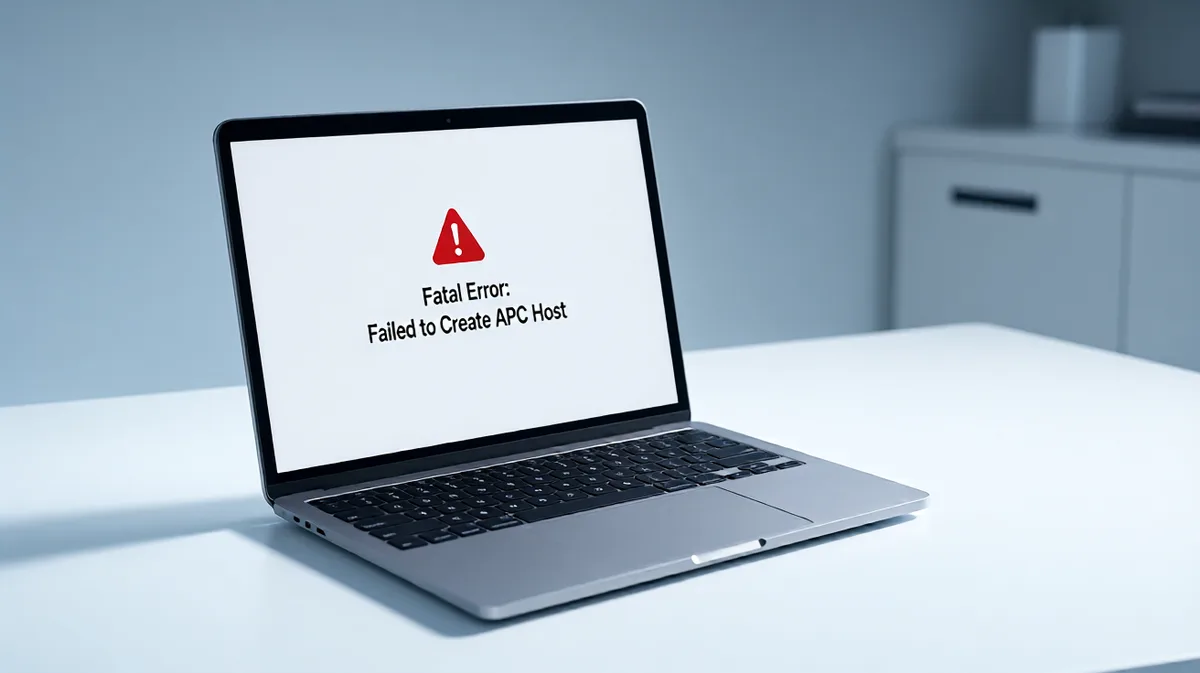
Fatal Error Failed to Create Apc Host
The message appears when you double-click WinCC Graphic Editor and the process exits during startup. The fault can stay limited to the editor while other WinCC functions still run, which points to a startup-path failure rather than a full WinCC outage.
fatal error failed to create apc host in WinCC means the Graphic Editor stops during startup and does not finish opening.
What the APC host error means
That split matters. If the editor launches on one machine but not another, the difference is usually local: missing Windows components, a damaged editor installation, or a machine-specific setting that affects the APC host startup chain.
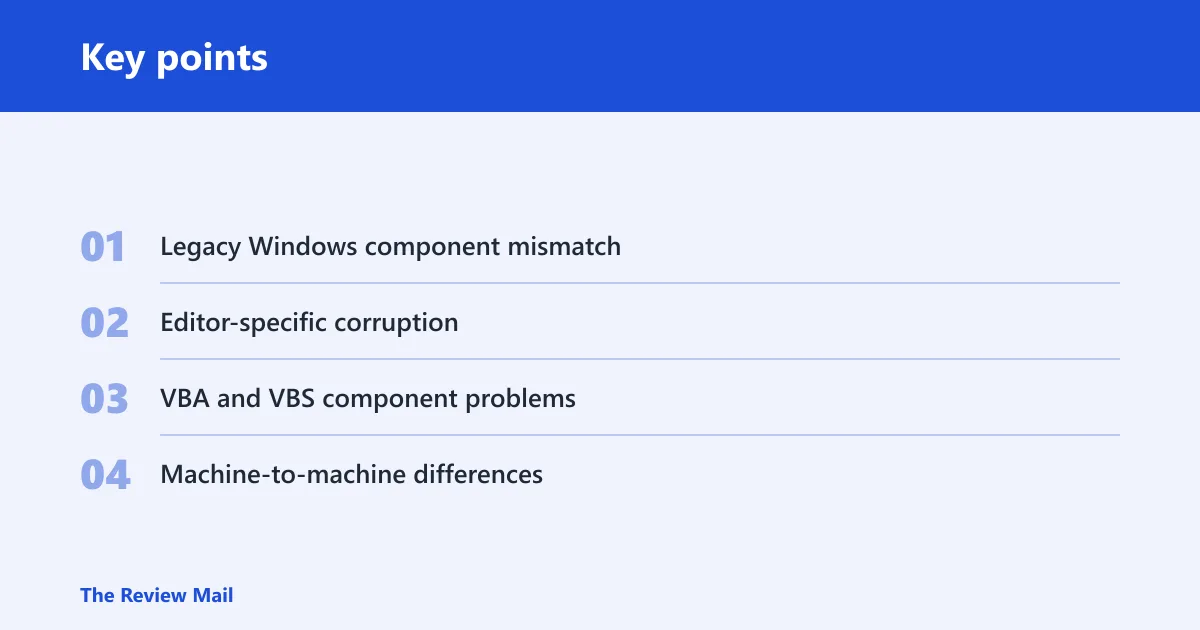
Likely causes, from most to least likely
- Legacy Windows component mismatch. On older platforms, missing or disabled optional Windows components can interfere with WinCC startup.
- Editor-specific corruption. The Graphic Editor can fail even when the rest of WinCC stays available.
- VBA and VBS component problems. Script support components may affect editor startup on systems that use legacy WinCC scripting features.
- Machine-to-machine differences. Two PCs can look similar and still differ in local services, files, or profile data.
APC host triage matrix
Use this as the stop/go path. Do one step, verify the result, then decide whether to move on. Record the exact startup state before changing anything.
| Symptom | Exact startup state | What still works in WinCC | Confidence label | Likely cause | Verification command/path | Safest next fix | Stop/go decision | Risk level |
|---|---|---|---|---|---|---|---|---|
| Graphic Editor fails on double-click; the process closes immediately | Editor launch starts, then exits before the workspace appears | May still allow WinCC runtime or other non-editor functions to open | Possible | Startup-path failure in the editor | Launch WinCC, then open the editor again from the same user account | Go to Windows component checks | Stop if the editor opens; go on if the same error repeats | Low |
| Other WinCC functions still run | Runtime or alarms open normally while the editor fails | Runtime, alarms, tags, or other WinCC tasks remain available | Possible | Editor-specific issue rather than full WinCC failure | Open a non-editor WinCC function and confirm it still works | Compare the failing PC with a working PC | Stop if the failure is not isolated to the editor; go on if it is | Low |
| Error remains after Windows component changes | Same APC host message appears after a component add/repair and reboot | WinCC may still partially run, but the editor does not start | Possible | Local editor corruption or missing files | Try the editor under another local Windows profile, if available | Repair or reinstall the editor-side WinCC files | Stop if the profile swap fixes it; go on if the fault follows the machine | Medium |
| Error remains on one PC but not another with similar setup | Same project or version behaves differently across two machines | One station can still run the same WinCC project or runtime | Possible | Machine-specific service, file, or profile difference | Check optional components and local WinCC folders side by side | Use the reinstall ladder only after those differences are ruled out | Stop if a local difference is found; go on if the machines match closely | Medium |
What to record before changing anything
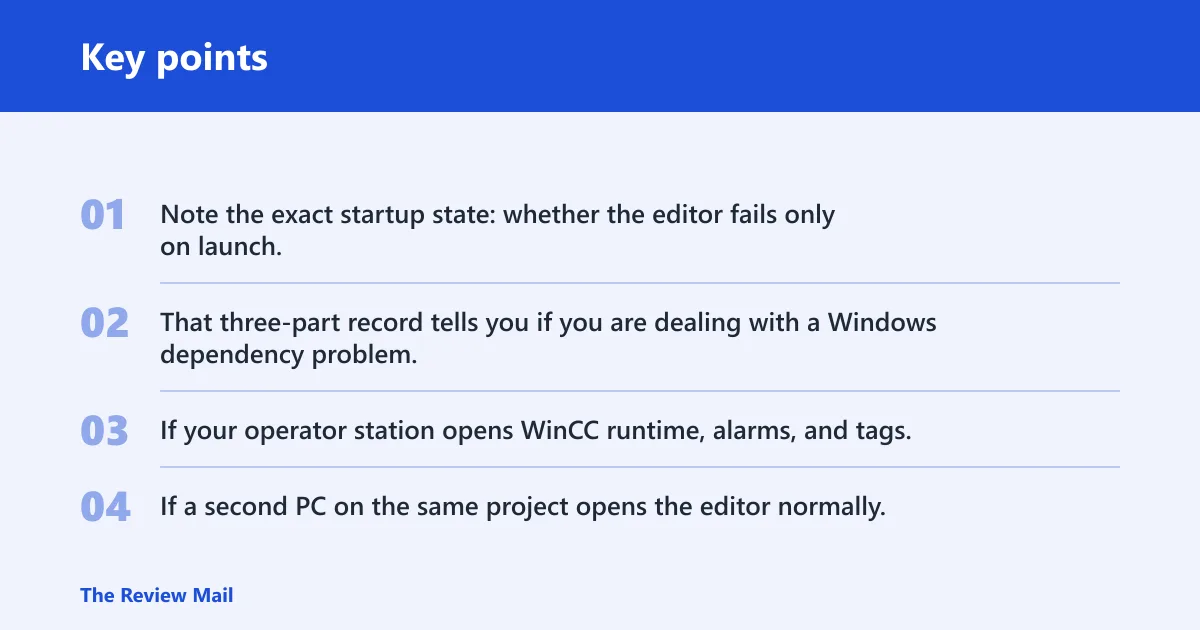
Note the exact startup state: whether the editor fails only on launch, whether the rest of WinCC still works, and whether the same project opens on another machine. That three-part record tells you if you are dealing with a Windows dependency problem, a local editor issue, or a project-specific fault.
If your operator station opens WinCC runtime, alarms, and tags, but the Graphic Editor closes the moment it starts, that pattern points away from a full WinCC outage and toward the editor startup path. If a second PC on the same project opens the editor normally, the difference is local to the failing machine, not the project alone.
Which Windows components should you check first?
The components most often named for older WinCC environments are Indexing Service, Network Services, Message Queuing Service, and Network Monitor. Check whether they are present and enabled before moving to file repair. Microsoft
Check the components in a fixed order
- Open Control Panel and launch Add or Remove Programs.
- Select Add/Remove Windows Components.
- Verify whether Indexing Service is present and enabled.
- Verify the listed network-related components, including Network Services, Message Queuing Service, and Network Monitor.
- If one is missing, add it, then restart the PC.
- Try the Graphic Editor again from the same Windows account.
Stop/go check: if the editor opens, stop here. If it still fails, move to editor-specific isolation.
How do you separate editor corruption from a system issue?
Start WinCC functions outside the Graphic Editor. If alarms, runtime, or other WinCC tasks still work, the failure is probably limited to the editor path.
Use a two-machine comparison
- On the failing PC, confirm the exact error appears on editor startup.
- On a PC that opens the editor, compare the same WinCC version and project.
- Check whether the failing PC uses a different local user profile.
- Compare local WinCC folders, project paths, and any machine-specific startup settings.
- If the difference is local, repair or replace the affected WinCC files on the failing machine.
If a second station on the same line opens the editor normally, the most useful clue is the machine difference, not the project name.
Stop/go check: if the editor opens after profile or file comparison, the issue was local. If it does not, move to script components.
Should you reinstall VBA and VBS?
Reinstalling VBA and VBS is a reasonable check when WinCC uses script-enabled features and the editor fails at startup. Try it after the Windows component check and before a broader WinCC reinstall.
What to verify before reinstalling scripts
- Confirm the editor failure is repeatable from the same user account.
- Confirm other WinCC functions still open.
- Check whether the WinCC setup offers script component repair or change options.
- Reinstall or repair the VBA and VBS components from the WinCC media or setup.
- Restart and retest the Graphic Editor.
Stop/go check: if the editor opens, the script repair worked. If it fails again, do not repeat the same reinstall. Move to WinCC repair or a system-level reset.
Why this fix does not always work
VBA and VBS are only one part of the startup chain. If the APC host error comes from a missing Windows component, a damaged editor file, or a machine-specific setting, reinstalling script support may leave the fault untouched.
What if reinstalling WinCC or Windows still does not fix it?
Use reinstalling WinCC or the operating system as the escalation path, rather than the first step. A full operating system reinstall is high-impact and should be treated as last resort remediation because the same startup fault can survive if the true trigger is project data or machine-specific setup.
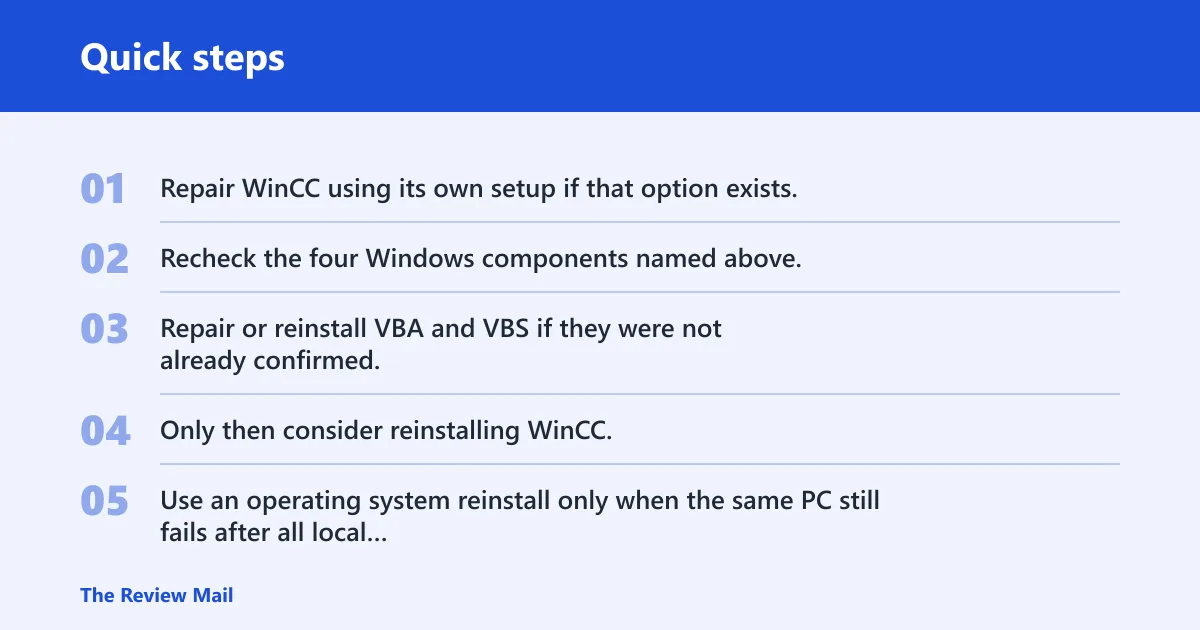
Escalation ladder
- Repair WinCC using its own setup if that option exists.
- Recheck the four Windows components named above.
- Repair or reinstall VBA and VBS if they were not already confirmed.
- Only then consider reinstalling WinCC.
- Use an operating system reinstall only when the same PC still fails after all local repairs and the project opens elsewhere.
Stop/go check: if the editor fails after WinCC repair and after Windows component correction, the fault is likely tied to the machine or its installation state. At that point, a full OS reinstall becomes a last-resort option, not a routine fix.
A common first-timer mistake is to reinstall WinCC immediately because the error looks severe. That can waste time if the machine is simply missing one legacy Windows component or has a broken local editor profile.
Why does one PC open WinCC graphic editor while another with similar setup cannot?
Similar setups can hide different local states. One machine may have the same WinCC version and project, yet still differ in Windows components, user profile data, startup entries, or editor files.
Compare the two PCs directly
- Match the Windows version and service pack level.
- Compare the four named Windows components.
- Check whether the same Windows user account is involved.
- Open the same project on the working PC.
- If possible, copy the project to the failing PC and retest.
If the project works on one machine but not the other, the fault is usually local to the failing machine. If the project fails everywhere, the project or WinCC installation is the better suspect.
Is WinCC V7.0 on Windows 2000 SP4 associated with this error?
That combination can show the message, and the older Windows environment makes component checks more important.
On WinCC V7.0 and Windows 2000 SP4, check the environment before assuming the whole application is broken. In that setup, the graphic editor can fail while other WinCC functions still work.
Frequently asked questions
What does Failed to create APC host mean in WinCC?
It means the Graphic Editor could not complete its startup path and the process terminated.
Can WinCC work normally while only the graphic editor fails to open?
Yes. The reported symptom is specific to opening the Graphic Editor, and other WinCC functions can still run.
Which Windows components have been suggested for this WinCC error?
The components most often named are Indexing Service, Network Services, Message Queuing Service, and Network Monitor. Check them through Add/Remove Programs and Add/Remove Windows Components, then restart and retest the Graphic Editor before moving to bigger repairs.
Does reinstalling the operating system fix Failed to create APC host?
Sometimes, but it should be the last step. A full operating system reinstall can clear a broken machine state, yet it may not solve a project-specific or editor-specific fault. Try Windows components, WinCC repair, and script components first so you know what actually changed.
Does reinstalling WinCC or VBA/VBS fix the APC host error?
It can, but not always. Reinstalling WinCC or the VBA and VBS components is worth trying after the Windows component check, especially when only the Graphic Editor fails. If the same error returns, the cause is more likely local corruption or a machine-specific mismatch.