
0xdeaddead Meaning and Fixes
0xDEADDEAD indicates that a manually initiated crash occurred. Check whether the system was intentionally forced to crash from the keyboard or the kernel debugger before treating it like a normal BSOD.
This guide is part of our Windows BSOD stop codes: full list and fixes series.
What 0xDEADDEAD means
0xDEADDEAD is the Windows bug check MANUALLY_INITIATED_CRASH1. Microsoft documents it as a crash that was deliberately initiated from either the keyboard or the kernel debugger. (Microsoft Learn)
The four bug check parameters are reserved, so the main question is whether the crash came from a keyboard shortcut or from a debugger action.
MANUALLY_INITIATED_CRASH1 means the user deliberately initiated a crash dump from either the kernel debugger or the keyboard.
Likely causes
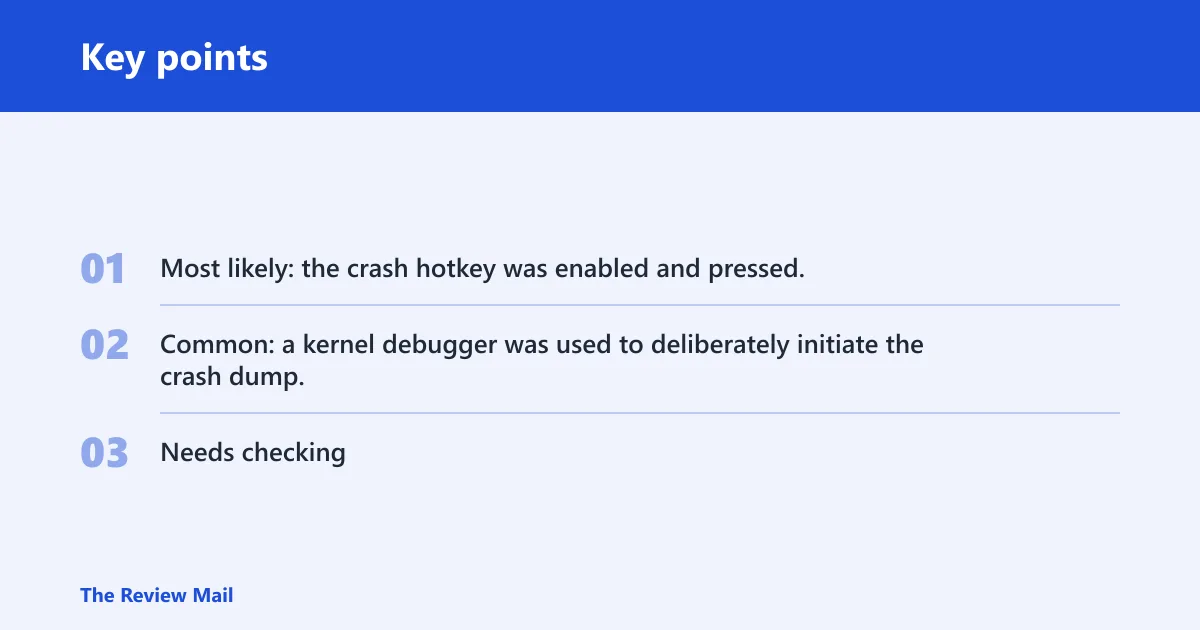
- Most likely: the crash hotkey was enabled and pressed.
- Common: a kernel debugger was used to deliberately initiate the crash dump.
- Needs checking: the system was intentionally placed into a crash-dump path during testing or support work.
📊 0xDEADDEAD is the value for MANUALLY_INITIATED_CRASH1. Source: Microsoft.
Why did Windows crash with 0xDEADDEAD?
Start by checking whether the crash was expected. If the machine was being debugged, the stop code may be normal. If it appeared during ordinary use, check for the keyboard shortcut or a debugger session before assuming something else.
If the screen appeared while someone used the crash shortcut, that points to a keyboard-triggered dump. If it appeared during debugging, that points to a deliberate debugger-initiated crash.
Decision table
| symptom | likely trigger path | evidence to check | next action |
|---|---|---|---|
| Keyboard-triggered crash | Keyboard shortcut | Check whether the crash shortcut is enabled in the registry | Disable the keyboard path if you do not need it |
| Debugger-initiated crash | Kernel debugger action | Check whether a kernel debugger was attached | Treat it as expected if debugging was active; otherwise detach the debugger |
Keyboard crash shortcut
The keyboard shortcut is Right Ctrl + Scroll Lock + Scroll Lock, and it works only when CrashOnCtrlScroll is enabled. Microsoft documents this keyboard-triggered crash path when that setting is active. (Microsoft Learn)
If you want to stop this path, disable the setting for the active keyboard class key. For USB keyboards, the registry path is:
HKEY_LOCAL_MACHINE\SYSTEM\CurrentControlSet\Services\kbdhid\Parameters
For PS/2 keyboards, the registry path is:
HKEY_LOCAL_MACHINE\SYSTEM\CurrentControlSet\Services\i8042prt\Parameters
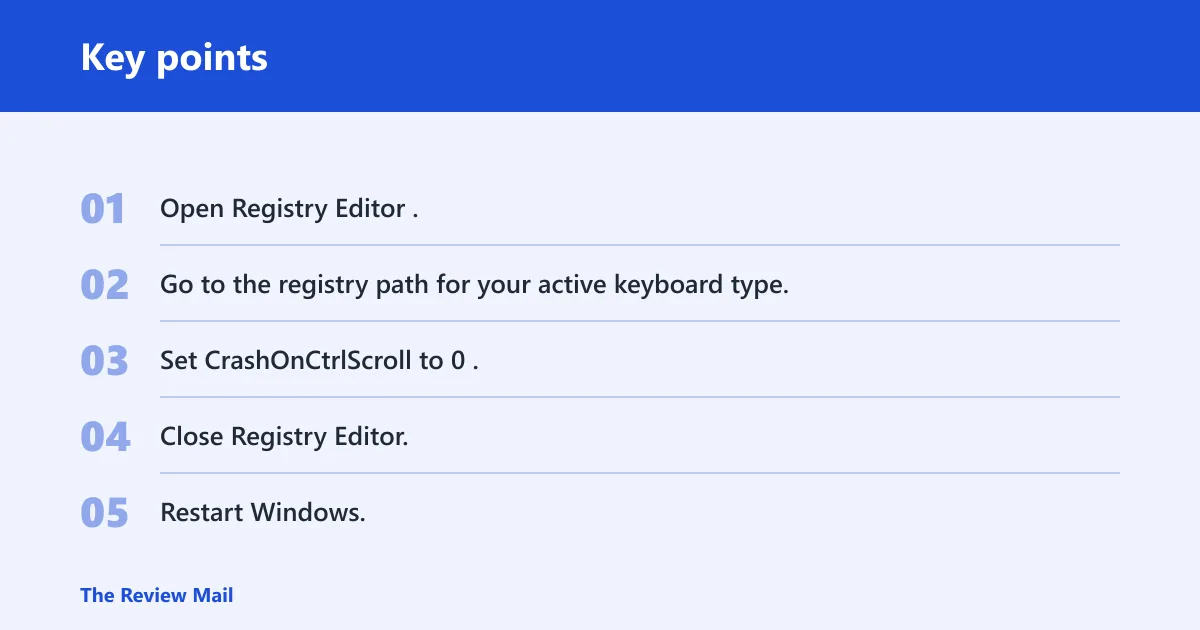
- Open Registry Editor.
- Go to the registry path for your active keyboard type.
- Set CrashOnCtrlScroll to 0.
- Close Registry Editor.
- Restart Windows.
If the shortcut still works after that, verify that you changed the registry path for the keyboard type that is actually in use.
Can a debugger or support tool trigger it?
Yes. A kernel debugger can deliberately initiate this crash dump. The key question is whether that was intentional.
- Check whether a kernel debugger is attached.
- Confirm whether the crash was deliberately initiated during debugging.
- If the crash was expected, leave the setup alone.
- If it was not expected, detach the debugger or remove the debugging setup that caused it.
The distinction is intent. If the machine was being debugged on purpose, the stop code may be expected. If the machine was not supposed to be in a debug session, the debugger setup should be removed or detached.
Can a driver cause 0xDEADDEAD?
The supplied Microsoft facts do not establish a driver cause for this bug check. Focus on whether the crash was initiated from the keyboard or the kernel debugger.
- Check the dump for signs of a deliberate crash.
- Confirm whether a kernel debugger was attached.
- Check whether the crash shortcut was enabled.
- Use Device Manager only for normal driver management if you are also investigating an unrelated device problem.
If the machine was not being debugged and the keyboard shortcut was not enabled, review the setup again for an intentional crash path.
Using WinDbg to separate expected from suspicious
In WinDbg, check the bug check text and the circumstances of the crash. If the trace shows a deliberate debugger action, the path is intentional. If the machine was not in a debugging session, check whether the keyboard shortcut was enabled.
That is the clearest way to understand this stop code without guessing. The same code points to a deliberate crash from the keyboard or the kernel debugger.
If that did not work, try this next
Move from trigger checks to configuration checks. Make sure the keyboard crash path is disabled if you do not need it, and confirm that no kernel debugger is attached unless you are actively debugging.
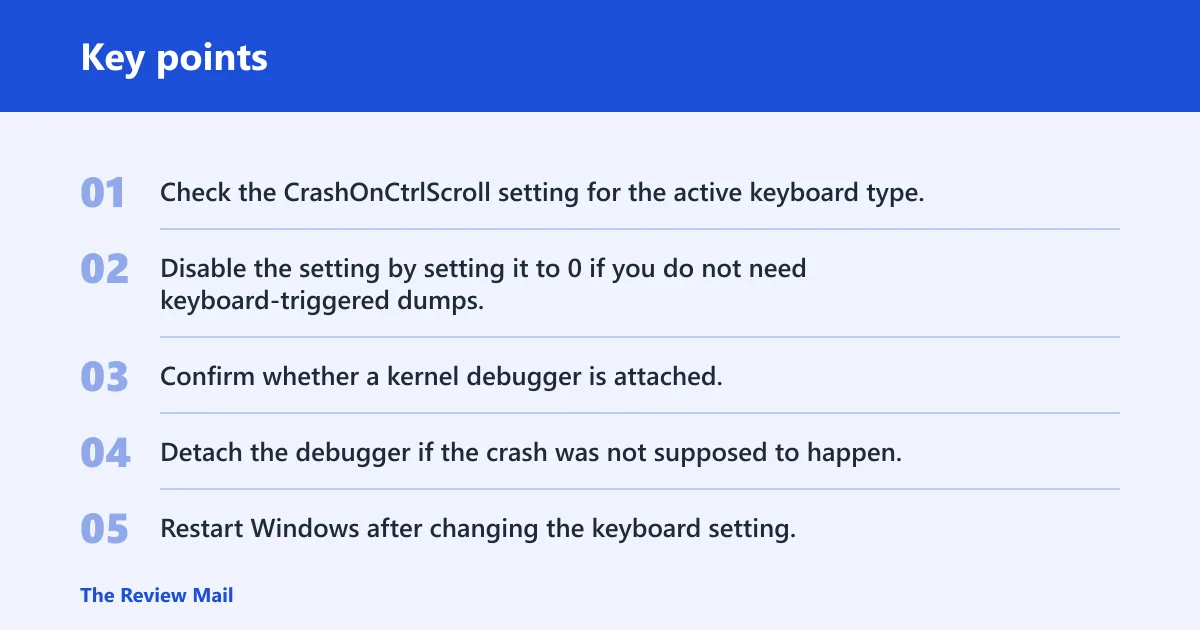
- Check the CrashOnCtrlScroll setting for the active keyboard type.
- Disable the setting by setting it to 0 if you do not need keyboard-triggered dumps.
- Confirm whether a kernel debugger is attached.
- Detach the debugger if the crash was not supposed to happen.
- Restart Windows after changing the keyboard setting.
For this bug check, the most useful follow-up is to verify the trigger path rather than treating it like a generic repair case.
For recurring production crashes, keep a note of whether the stop happens only during debugging or after the keyboard shortcut is used. That helps confirm the trigger path.
How do I stop a 0xDEADDEAD blue screen from happening again?
The fix depends on the trigger path. If the keyboard shortcut caused it, disable CrashOnCtrlScroll. If a debugger caused it, detach the debugger when it is not needed.
Prevention: keep CrashOnCtrlScroll disabled unless you need keyboard-triggered dumps for debugging, and do not leave a kernel debugger attached on a machine that is meant for normal use.
- Set CrashOnCtrlScroll = 0 if keyboard crashes are not wanted.
- Detach any kernel debugger when the machine returns to normal use.
- Check the active keyboard class key if the shortcut still works.
- Restart Windows after changing the registry setting.
Frequently asked questions
What does 0xdeaddead mean?
It means Windows hit the MANUALLY_INITIATED_CRASH1 bug check. Microsoft says it indicates a manually initiated crash dump from either the keyboard or the kernel debugger.
Is 0xdeaddead a real Windows BSOD or a manual crash?
It is a real bug check, but it indicates a manual crash rather than a random system fault. Check whether the keyboard shortcut was used or whether a kernel debugger initiated the dump.
Why am I seeing 0xdeaddead on Windows 11?
Windows 11 can show it for the same reasons as other versions: the keyboard crash shortcut was used or a kernel debugger initiated the crash dump.
How do I disable CrashOnCtrlScroll?
Open Registry Editor, go to the registry path for your keyboard type, and set CrashOnCtrlScroll to 0. For USB keyboards use HKEY_LOCAL_MACHINE\SYSTEM\CurrentControlSet\Services\kbdhid\Parameters. For PS/2 keyboards use HKEY_LOCAL_MACHINE\SYSTEM\CurrentControlSet\Services\i8042prt\Parameters.
Should I worry if 0xdeaddead appears after using a debugger?
Usually not, if the debugger was attached on purpose for testing or support work. That stop code can be the expected result of a deliberate crash dump. If the debugger was not supposed to be there, detach it and confirm the machine returns to normal boot behavior.