No Connectivity to the Proxy Server
“No connectivity to the proxy server” usually means the browser is reading a proxy setting from Chrome, Windows, or an enforced policy; fix the layer that owns it first, not every proxy toggle. If you change the wrong layer, the error returns and you can break corporate access or PAC-based routing. This guide shows how to identify who controls the proxy, then change the correct setting in the right order.
This guide is part of our Windows performance problems: full list and fixes series.
What the error means
This message usually points to a proxy fault, not a plain internet outage. Chrome is trying to reach a proxy server and cannot finish that connection, which is why Chromium describes this failure as creating a connection to the proxy server. Chrome’s older wording in Chrome 35 was “Unable to connect to the proxy server,” and that older heading mapped to ERR_PROXY_CONNECTION_FAILED.
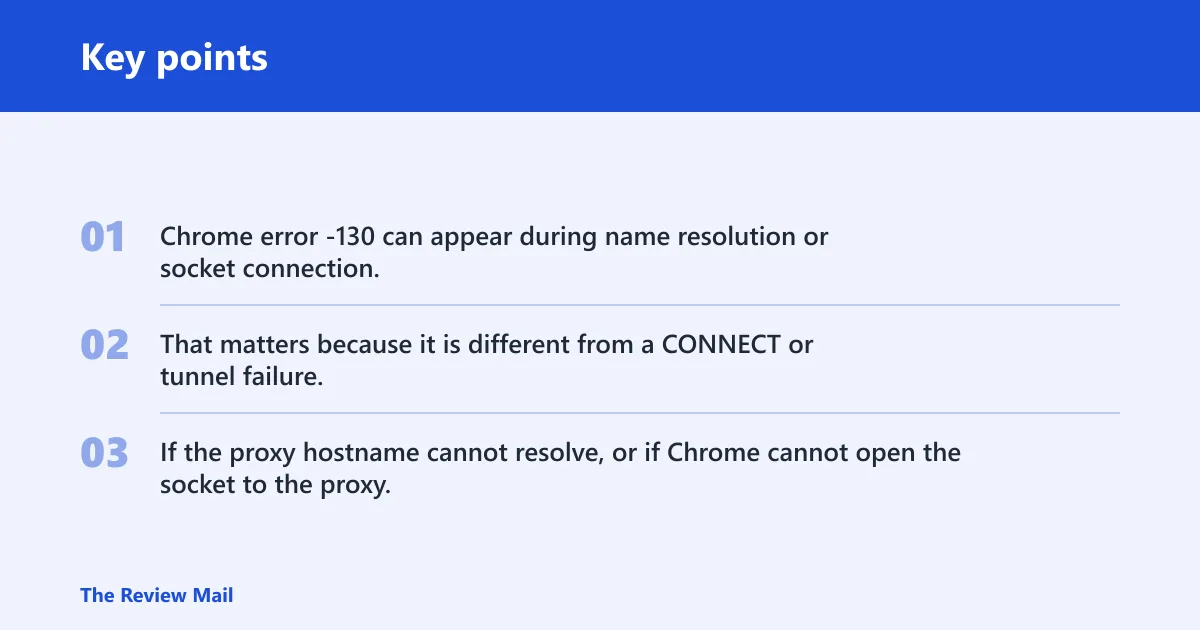
Chrome error -130 can appear during name resolution or socket connection. That matters because it is different from a CONNECT or tunnel failure. If the proxy hostname cannot resolve, or if Chrome cannot open the socket to the proxy, the fix is usually at the proxy-setting layer, not at the website layer.
| Who controls the proxy? | Where to check | What the error wording means | Exact next action if the setting keeps returning |
|---|---|---|---|
| Windows | Settings > Network & internet > Proxy | Chrome is reading the computer’s proxy settings and the configured server, script, or automatic detection is bad or stale. | Fix the Windows value first. If it returns after reboot, check startup software, VPN software, and policy before changing anything else. |
| Chrome extension | Chrome Extensions page and Chrome’s proxy source indicators | If Chrome says an extension controls proxy settings, Windows may still be correct while the browser rewrites the value. | Disable all extensions as a test, then re-enable them one by one until the setting stops coming back. |
| Admin policy | chrome://policy | Chrome says an administrator controls the proxy, so local toggles can be overwritten by policy. | Confirm the enforced policy at chrome://policy. If this is a managed device, the setting must be changed by IT or by the policy owner. |
| VPN | That VPN connection’s own proxy settings | The VPN can carry its own proxy configuration, separate from Windows and Chrome. | Edit the proxy settings for that VPN connection itself. If the setting returns when the VPN reconnects, remove the VPN proxy value or ask the VPN owner to change it. |
Check Windows proxy settings
Start in Windows 11 if Chrome says the proxy comes from your computer. Microsoft’s path is Settings > Network & internet > Proxy, and that is where you check automatic detection, manual proxy setup, and any setup script. If you do not use a proxy, the simplest fix is often to turn off the manual proxy entry and leave automatic detection on.
Verify automatic detection and setup script
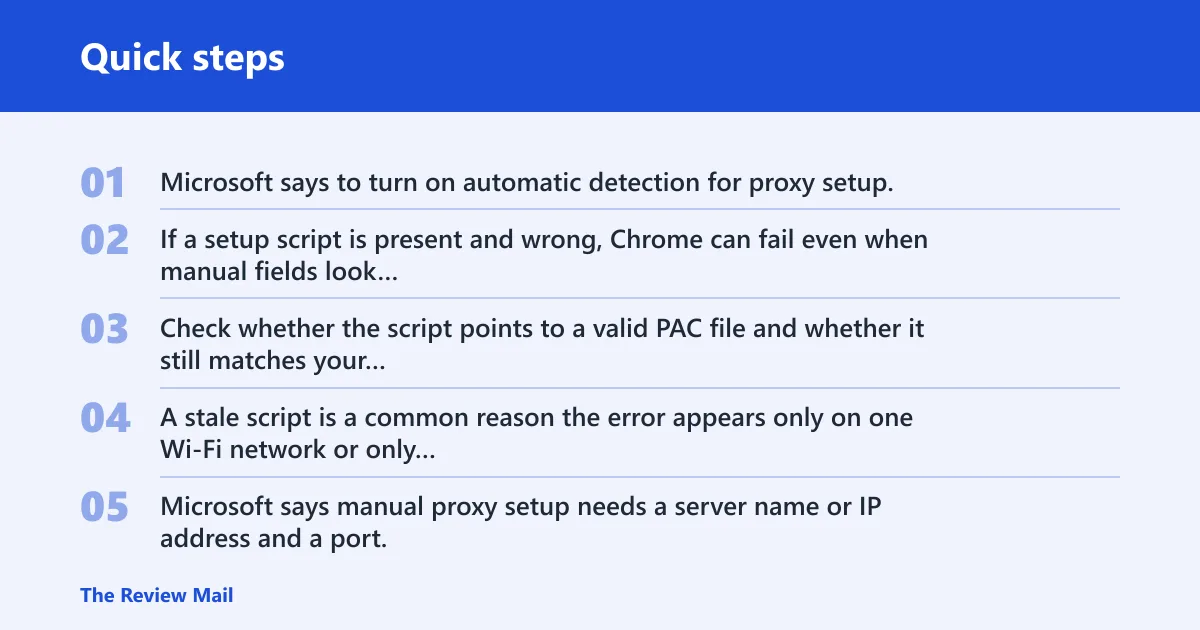
Microsoft says to turn on automatic detection for proxy setup. If a setup script is present and wrong, Chrome can fail even when manual fields look empty. Check whether the script points to a valid PAC file and whether it still matches your network. A stale script is a common reason the error appears only on one Wi-Fi network or only after a reboot.
Check manual proxy setup fields
The same source says manual proxy setup needs a server name or IP address and a port. Those two fields must both be valid. If the proxy server is no longer in use, clear the server and port instead of leaving old values behind. Also review the exceptions list for sites that should bypass the proxy, and the local intranet checkbox if your internal sites should not go through the proxy.
Say your laptop shows a proxy server at 10.0.0.50 on port 8080, but that office address no longer exists after a network change. Chrome may still try to reach it, then fail with a proxy message even though the internet connection itself is fine. Removing that stale server entry fixes the correct layer.
Check Chrome’s proxy source
Chrome can tell you where the proxy setting is coming from. In System settings, Chrome may say the proxy comes from your computer. It can also say the proxy is controlled by an extension or by an administrator. If multiple sources are present, Chrome may warn that more than one thing is trying to manage the proxy, which suggests checking which source has control before changing settings.
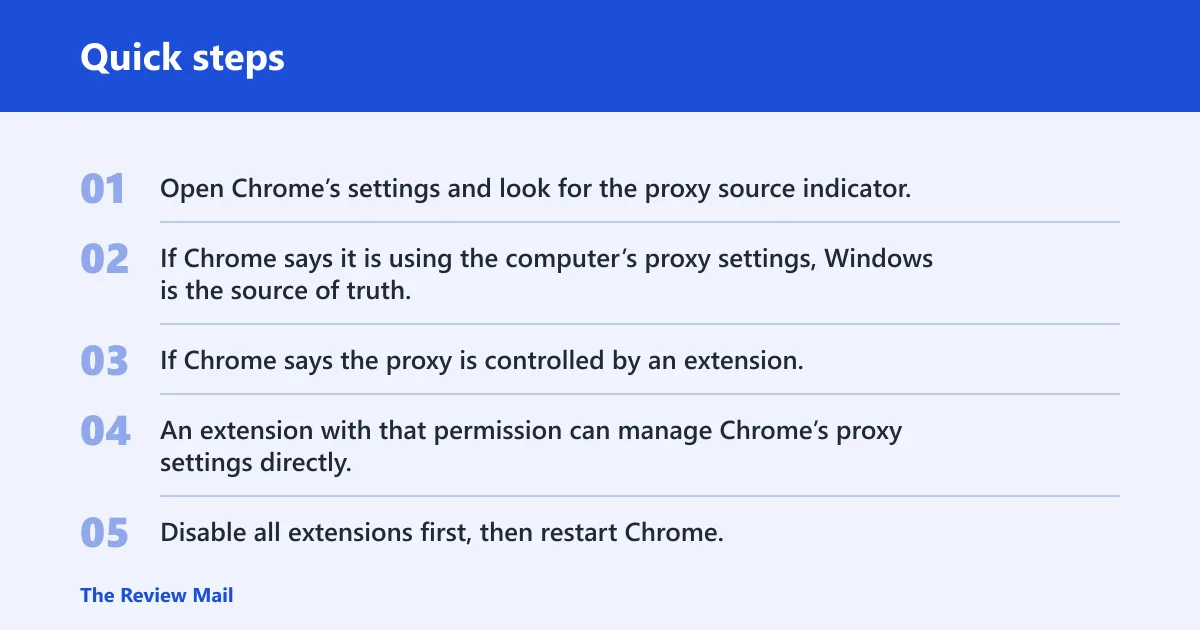
Check whether Chrome is using Windows settings or an extension
Open Chrome’s settings and look for the proxy source indicator. If Chrome says it is using the computer’s proxy settings, Windows is the source of truth. If Chrome says the proxy is controlled by an extension, open the Extensions page and look for any extension with proxy permission. An extension with that permission can manage Chrome’s proxy settings directly.
Disable extensions as a test
Disable all extensions first, then restart Chrome. If the error disappears, re-enable them one by one until the proxy setting returns. That is faster than guessing. One extension can rewrite the proxy at launch, even when Windows and the browser menu look correct.
Can a VPN cause this error?
Yes. The same source says proxy settings for VPN must be set separately, so a VPN can keep its own proxy value apart from Windows and Chrome. That means disconnecting the VPN may not remove the bad setting if the VPN profile stores its own proxy details. If the error starts right after a VPN install or update, treat the VPN as a likely owner of the setting.
Find the VPN proxy setting path
For a VPN connection that exposes proxy controls in Windows, open its Advanced options, then use Edit next to Proxy settings for that VPN connection. The exact path depends on the VPN setup, but the key point is that you are editing the VPN profile itself, not the main Windows proxy page. If the VPN client has its own settings screen, check there too.
What to do if the setting returns after disconnecting
If the proxy value comes back when the VPN reconnects, the VPN profile is rewriting it. Remove the proxy from that VPN connection, or set a valid proxy only if your network actually requires one. If the VPN client keeps restoring the same value after each reconnect, the client configuration, not the browser, is the problem.
Picture a work VPN that connects cleanly but sets a proxy exception list that no longer matches the office domain. Chrome may load the VPN, then immediately fail when traffic is sent through a stale proxy rule. The fix is to edit the VPN’s own proxy settings, not to keep turning Chrome’s proxy switch off and on.
Why does it come back after restart?
If the proxy error returns after a restart, something persistent is rewriting the value. That is usually an extension, a startup app, an administrator policy, or a security tool. A reboot does not fix those sources, because they load again when Windows or Chrome starts.
Check what changed recently
Start with the last thing that changed: a Windows update, a security product update, a new VPN, or a newly installed browser extension. If the timing lines up, that new software is the first place to inspect. A proxy that reappears after reboot is rarely random.
When to suspect policy or security software
Open chrome://policy if Chrome says the proxy is controlled by an administrator or if the setting keeps returning no matter what you change. If the browser is managed, an enforced policy can restore the proxy on purpose. Security software can do the same. The right fix is to remove the policy or change the management setting, not fight it in the browser UI.
Symantec and reset paths
Symantec often appears in searches for this error because security software can manage web traffic, proxy rules, or browser configuration. That does not prove Symantec is the cause. It does mean you should check whether a security product installed a proxy, proxy exception, or browser control policy before you blame the network.
Verify before you blame security software
Confirm the exact source in Chrome first: computer settings, extension, or administrator policy. Then check whether Symantec or another security tool was updated recently. If the proxy value is being rewritten by policy, the browser will keep losing the change even after restarts. That is the clue that the control layer sits outside Chrome.
When a browser reset or network reset is the next step
If the proxy source is unclear, and Windows, Chrome extensions, and policy checks do not explain the failure, a browser reset or a network reset can clear leftover proxy state. Use that step after the ownership check, not before it. A reset is broader than a manual proxy edit, so it should not be your first move.
Frequently asked questions
Why does my computer say no connectivity to the proxy server?
It usually means Chrome is trying to use a proxy that it cannot reach or resolve. The important part is who set that proxy: Windows, Chrome, an extension, an administrator policy, or a VPN. Once you find the owner, fix that layer first instead of toggling every proxy option.
How do I fix can’t connect to the proxy server on Windows 11?
Open Settings > Network & internet > Proxy, then check automatic detection, manual proxy setup, and any setup script. If you do not use a proxy, turn off the manual proxy entry and leave automatic detection on. If the setting returns, inspect Chrome extensions, chrome://policy, and any VPN profile.
Should I turn off proxy settings if I don’t use a proxy?
Yes, if no proxy is required on that network, turn off the manual proxy setting and remove stale server details. Leave automatic detection on if your network uses it. If you are on a managed device, do not change an enforced setting without checking policy first, because it may be required for access.
How do I check whether Chrome is using Windows proxy settings or an extension?
Look at Chrome’s proxy source indicator in System settings. Chrome may say the proxy comes from your computer, that an extension controls it, or that an administrator controls it. If an extension is listed, disable all extensions as a test, then re-enable them one by one.
Can a VPN cause no connectivity to the proxy server?
Yes. The same source says VPN proxy settings are set separately, so the VPN can carry its own proxy rule. Check the proxy edit path for that VPN connection and remove or correct the value there. If the error appears only when the VPN reconnects, the VPN profile is likely rewriting it.
Why does Symantec show up in proxy server errors?
Because security software can control proxy-related traffic or browser settings. Symantec may be involved, but the browser still needs the exact owner confirmed first. Check Chrome’s source indicator, chrome://policy, and recent security updates before assuming the security tool itself is the problem.