RDR_FILE_SYSTEM: What It Means and How to Fix It
RDR_FILE_SYSTEM is a Windows stop code tied to SMB redirector problems; start by ruling out recent network-storage changes, then move to dump analysis and repairs before you change drivers or registry settings. That is the fastest safe path for an RDR_FILE_SYSTEM blue screen on Windows 11 and earlier Windows releases.
This guide is part of our Windows BSOD stop codes: full list and fixes series.
When to suspect SMB Redirector 2.0 or offline files
The stop code has the value 0x00000027 and points to a problem in the SMB redirector file system, which is the kernel path Windows uses for network file access over shares and mapped drives (per Microsoft support). In practice, that puts rdbss.sys and related redirector code on the short list, especially when the crash happens around logon, file sync, or a mounted share. (Microsoft Learn)
When mrxsmb20.sys appears in the dump
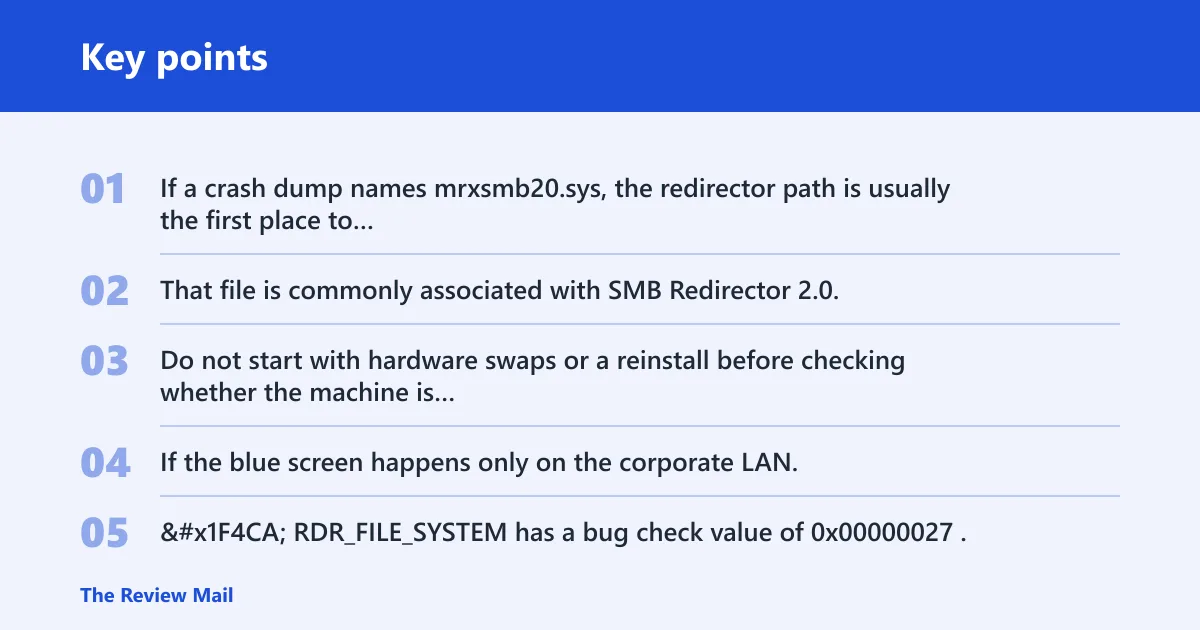
If a crash dump names mrxsmb20.sys, the redirector path is usually the first place to inspect. That file is commonly associated with SMB Redirector 2.0, and reports that mention it often line up with Offline Files or domain-joined laptops rather than a random desktop fault.
Do not start with hardware swaps or a reinstall before checking whether the machine is touching a mapped share or syncing Offline Files. If the blue screen happens only on the corporate LAN, that pattern matters more than a generic driver guess.
📊 RDR_FILE_SYSTEM has a bug check value of 0x00000027. Source: Bug Check 0x27 RDR_FILE_SYSTEM.
Likely causes, ranked
Most cases fall into one of four buckets: offline-files sync problems, mapped-share or NAS traffic, a bad update or driver change, or kernel-mode memory pressure. The safest order is to remove the network-storage trigger first, then check software changes, then look at memory-related clues.
Offline Files and domain laptop sync failures
Offline Files is commonly reported as an enterprise trigger on domain-joined laptops. If the machine is stable off the corporate LAN but crashes when it reconnects, that points to the redirector path, not a random desktop app.
Mapped drives, NAS shares, and SMB redirector faults
Mapped network drives and NAS targets can trigger the SMB redirector during reconnect, authentication, or logon-script drive mapping. That includes home-office setups too, especially when a share is pinned in Explorer and wakes up after sleep.
Windows updates, driver changes, and file corruption
A recent Windows patch or a storage or network driver change can tip the redirector into a crash. File corruption is less specific, but SFC and DISM are worth running when the timing lines up with a change and the machine does not have a clear share-related pattern.
Kernel-mode memory pressure and nonpaged pool depletion
One possible cause is depletion of nonpaged pool memory, which is kernel-mode memory pressure rather than ordinary app memory use (per Microsoft support). More physical memory can increase nonpaged pool availability, but that does not mean RAM is the default fix; a leaking driver can be the real cause.
Can offline files cause RDR_FILE_SYSTEM?
Yes. On domain-joined laptops, Offline Files is one of the strongest clues when the blue screen appears during sync, reconnect, or a profile sign-in that touches cached shares (per Microsoft support). If the device works on the wired LAN and fails elsewhere, treat Offline Files as a lead, not a side note.
- Open Control Panel > Sync Center > Manage offline files.
- Confirm whether Offline Files is enabled on the laptop.
- If the issue started after a sync change, back out the last change or disable Offline Files as a test.
- Restart and retest only the same sign-in or share path that triggered the crash.
- Save the newest dump from
C:\Windows\Minidumpbefore changing more settings.
If the device is a home PC with no domain join and no cached share use, this branch may not apply. Do not force it just because the stop code mentions network file access.
Can mapped drives trigger RDR_FILE_SYSTEM?
Yes. Mapped drives are a frequent trigger context because they keep SMB redirector traffic alive at logon, sleep resume, file browse, or app launch. If one share or one drive letter causes the crash, isolate that path before changing the whole machine.
- Disconnect the mapped drive from File Explorer or remove the logon script that creates it.
- Test one share at a time instead of reconnecting every mapped path at once.
- Check whether the crash follows one NAS, one server, or one credential set.
- Avoid using SMBv1 as a broad workaround in managed environments; it can expose old protocol risk and may be unacceptable in policy-controlled networks.
- Try a safer path first: update the NAS firmware, remap with current credentials, or change the share target that triggers the crash.
Suppose a workstation blue screens only after a 2 TB NAS share reconnects at logon. That pattern is more useful than a general “network issue” label, because it points to one share, one mapping, and one redirector path.
Did an update or driver change trigger it?
Match the crash timing to the last Windows update, storage driver, VPN client, or security agent change before you roll anything back. If the blue screen started right after that change, reverse it first; if not, move to file repair and dump review.
- Open Settings > Windows Update > Update history and note the last install time.
- Run
sfc /scannowfrom an elevated Command Prompt. - Run
DISM /Online /Cleanup-Image /RestoreHealthafter SFC finishes. - If the crash started after a specific update, uninstall that update from Settings > Windows Update > Update history > Uninstall updates.
- If a storage or network driver changed, use Device Manager to roll back that driver first.
Appuals identified KB2823324 as a bad Windows update linked to this blue screen, and advised uninstalling and hiding the update when that specific timing fits. Keep that narrow: do not roll back unrelated updates just because the machine crashed once after patching.
RDR_FILE_SYSTEM and nonpaged pool pressure
Nonpaged pool depletion means the kernel cannot get enough always-resident memory for redirector work, which can push the system into a stop code path (per Microsoft support). That is a kernel issue, not a cue to start closing browser tabs or blaming user-space RAM use.
Adding physical memory is Microsoft’s stated fix for a true nonpaged pool depletion problem, because it increases the amount available to the kernel (per Microsoft support). That still does not prove the RAM itself is bad, and it does not rule out a leaking driver.
- Check the newest minidump in
C:\Windows\Minidump. - Use WinDbg with .cxr on Parameter 3, then run kb to inspect the stack (per Microsoft support).
- Look for a repeating network, storage, filter, or antivirus driver in the trace.
- Review Event Viewer and Reliability Monitor for the same crash time, driver install, or update event.
- Only after the dump points to memory pressure or repeated kernel allocation failure should you consider a hardware increase.
If that did not work, the next step is not a blind reinstall. It is evidence collection: minidump, event logs, and the exact path that caused the crash.
Crash evidence table for RDR_FILE_SYSTEM
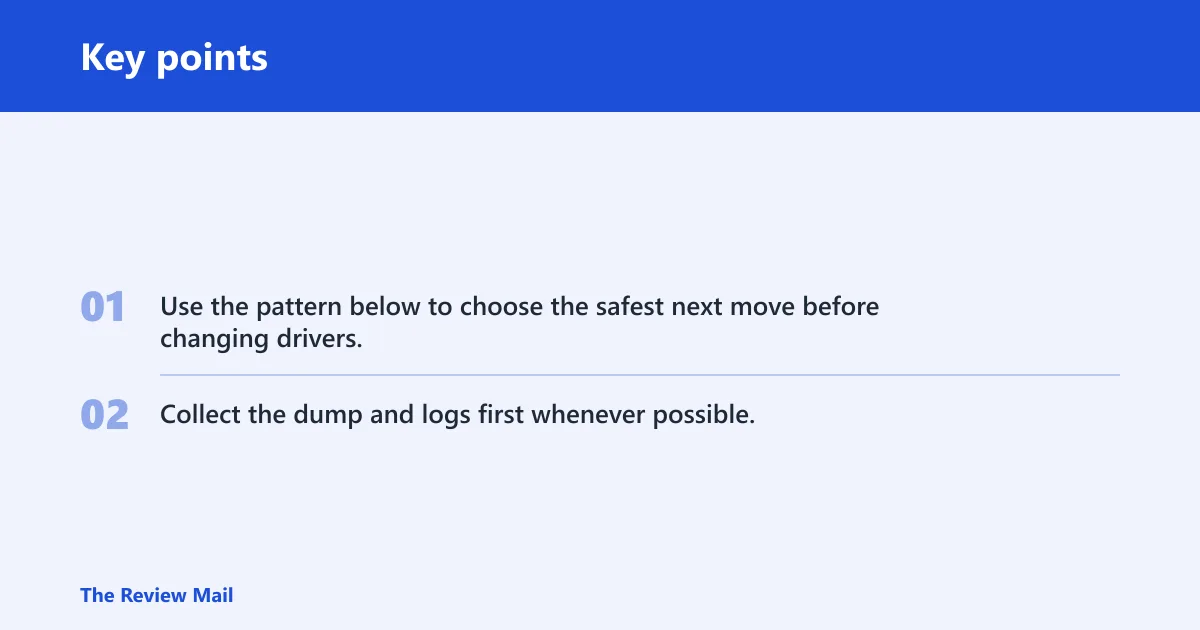
Use the pattern below to choose the safest next move before changing drivers, SMB settings, or update state. Collect the dump and logs first whenever possible.
| Scenario | Likely trigger | Safest first fix | Risky workaround to avoid | What dump/log evidence to collect |
|---|---|---|---|---|
| Offline files on a domain laptop | Sync or reconnect path through the SMB redirector | Confirm Offline Files is enabled, then disable it as a test if policy allows | Changing SMBv1 settings without a policy review | Minidump from C:\Windows\Minidump, Event Viewer system log, whether the crash stops on the corporate LAN |
| Mapped NAS drive | Reconnect, logon script, or one share letter | Remove the mapped drive and test one share at a time | Reconnecting every share at once after reboot | Which drive letter crashes, NAS model or share name, dump stack showing rdbss.sys or mrxsmb20.sys |
| Random idle BSOD | Background redirector activity or another kernel driver | Run SFC and DISM, then check recent driver installs | Resetting every network setting at once | Reliability Monitor timeline, Event Viewer around idle time, latest minidump |
| Update after install | Bad update or driver version change | Uninstall the last relevant update, then retest | Rolling back unrelated patches in bulk | Update history date, exact KB if shown, dump timestamp that matches the install |
| Low-memory server | Kernel nonpaged pool depletion | Review dump with .cxr and kb, then add physical memory only if the trace fits | Assuming the RAM sticks are bad without evidence | Kernel dump or minidump, pool-related errors, driver names in the stack, service logs at crash time |
Still not working?
Go from quick fixes to evidence-based escalation. Save the minidump, review Event Viewer and Reliability Monitor, and if the redirector stack still points at SMB components after SFC, DISM, and the update or Offline Files checks, move to WinDbg analysis or vendor support.
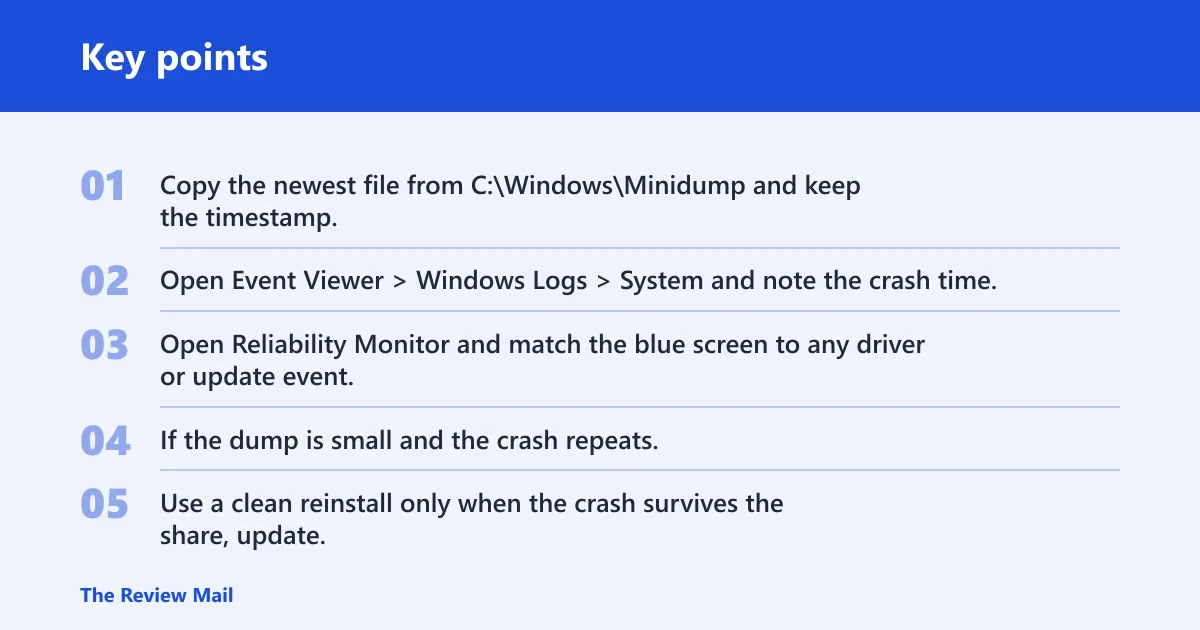
- Copy the newest file from
C:\Windows\Minidumpand keep the timestamp. - Open Event Viewer > Windows Logs > System and note the crash time.
- Open Reliability Monitor and match the blue screen to any driver or update event.
- If the dump is small and the crash repeats, collect a kernel dump next and hand it to your vendor or IT escalation path.
- Use a clean reinstall only when the crash survives the share, update, and corruption checks and you still cannot isolate a driver.
Prevent repeat failures by removing stale mapped drives or Offline Files behavior on machines that crash after reconnect, and record the exact share or update that comes before each failure.
Frequently asked questions
What does RDR_FILE_SYSTEM mean on Windows 11?
It means Windows hit a stop code in the SMB redirector path, which is the part that handles network file access. On Windows 11, the practical next step is still the same: check mapped drives, Offline Files, and recent update or driver changes before you chase hardware.
Why do I get stop code 0x00000027?
Stop code 0x00000027 points to the RDR_FILE_SYSTEM bug check. The fastest way forward is to check whether the crash follows a share, sync action, or recent update, then compare that with the newest file in C:\Windows\Minidump.
What failed when the BSOD says mrxsmb20.sys?
That name usually places the crash in the SMB Redirector 2.0 path. Start with Offline Files and mapped-share testing, then inspect the dump stack in WinDbg for repeat appearances of redirector or filter drivers instead of guessing at a random app.
How do I fix RDR_FILE_SYSTEM blue screen on Windows 11?
Start by removing the share or sync trigger, then run sfc /scannow and DISM /Online /Cleanup-Image /RestoreHealth. If the timing matches a recent update, uninstall that update next. Do not change SMB settings or drivers before you capture the minidump.
Does RDR_FILE_SYSTEM mean my RAM is bad?
Not by itself. Microsoft notes that nonpaged pool depletion can cause the crash, but that points to kernel memory pressure and possibly a leaking driver. Only a dump trace that fits that pattern should push you toward added physical memory or hardware testing.