0x00000067 Fix: CONFIG_INITIALIZATION_FAILED Error
0x00000067 has a value of 0x00000067 and indicates that the registry configuration failed. In this bug check, the registry could not allocate the pool it needed to contain the registry files, which should not occur during normal startup. A common first triage sequence is to check registry boot settings, then the disk, then RAM, then boot records.
This guide is part of our Windows BSOD stop codes: full list and fixes series.
What does stop code 0x00000067 mean in Windows?
It is a startup-time bug check named CONFIG_INITIALIZATION_FAILED, and it points to registry configuration loading before normal Windows services begin. (Microsoft Learn)
What it looks like
You may see a blue screen at the logo, repeated restarts before the desktop appears, or a machine that drops into WinRE and never reaches the sign-in screen. If Windows still opens, the failure is less severe than a hard boot loop and can often be handled from the desktop first.
According to Bug Check 0x67 CONFIG_INITIALIZATION_FAILED – Windows drivers — Microsoft says the bug check value is 0x00000067. (source)
What usually causes 0x00000067?
The most common starting point is a corrupted registry or startup configuration. After that, disk or partition damage is the next thing to check, followed by unstable RAM. Less commonly, bad boot records, malware, or a recent driver change can trigger the same startup failure.
Why the registry is first
Microsoft says the registry configuration failed and that the registry could not allocate the pool needed to contain the registry files. That pool is allocated very early in system initialization, so failures here happen before many other parts of Windows are fully available. (Microsoft Learn)
Why disk, RAM, and boot records come next
A damaged system partition can stop the registry from loading cleanly. Unstable memory can corrupt reads during startup. Boot-record damage can block the handoff before Windows even reaches the registry stage. That order matters because it keeps the first tests safe and the most likely causes ahead of less common ones.
What should I try first?
If Windows still boots, back up data first, then open an elevated Command Prompt and run SFC and DISM. If Windows will not boot, enter Windows Recovery Environment and open Command Prompt there. Use the branch that matches your state; do not jump straight to registry edits when a rollback or file repair is safer.
If Windows still opens
- Open Start and type cmd.
- Right-click Command Prompt and choose Run as administrator.
- Run
sfc /scannow. - Run
DISM /Online /Cleanup-Image /RestoreHealth. - Restart the PC and test whether it boots normally.
If Windows will not open
- Enter WinRE by forcing shutdown during boot, then choose Troubleshoot > Advanced options > Command Prompt.
- Run
chkdskC: /f /r. - If the machine still loops, run the boot repair commands in the boot-record section below.
Can corrupted registry files cause 0x00000067?
Yes. A damaged registry hive or a failed startup change can stop configuration loading before the desktop appears. Recent registry cleaners, manual edits, failed updates, or a restore that did not complete cleanly can all leave Windows unable to initialize the startup configuration.
What to do if the problem started recently
- Boot into WinRE and select Troubleshoot > Advanced options > System Restore.
- Pick a restore point from before the last update or registry change.
- Complete the rollback and restart the PC.
- If Windows still fails, move to disk checks next.
When manual registry edits are risky
Do not edit hives by hand unless you already have a backup and a clear reason. If the issue began after an update, driver install, or cleanup tool, System Restore is safer than trying to rebuild registry files one by one. A bad edit can leave the machine unable to boot at all.
Is 0x00000067 a driver problem or a storage problem?
It can be either, but storage comes before drivers in the triage order. A bad SSD, corrupted partition, or failing disk connection can interrupt registry loading. Driver changes matter more when Windows still reaches the desktop and the crash started right after an install or update.
Check disk and partition health first
- Open Command Prompt as administrator, or use WinRE > Command Prompt.
- Run
chkdskC: /f /r. - Let the scan finish before you restart or run anything else, even if it takes a long time.
- If Windows reports bad sectors or the repair cannot finish, back up data and inspect the drive before repeating more repairs.
Then consider drivers
- Open Device Manager.
- Right-click the most recent storage, chipset, or controller driver.
- Choose Properties > Driver > Roll Back Driver, or use Uninstall device if rollback is unavailable.
- Restart after the core checks pass.
How do I fix a boot loop caused by 0x00000067?
A boot loop usually means Windows cannot get far enough to repair itself, so use WinRE and work through boot repair before anything else. Start with disk repair, then rebuild the boot chain.
Repair the boot chain
- Boot to WinRE > Command Prompt.
- Run bootrec /fixmbr. (hashroot.com)
- Run bootrec /fixboot.
- Run bootrec /rebuildbcd.
- Restart and check whether Windows reaches the sign-in screen.
If bootrec fails
Go back to chkdsk C: /f /r and verify the system drive letter in WinRE, because it may not be C: in the recovery environment. If the boot commands still fail after disk repair, the next likely branch is RAM or a damaged Windows installation.
Will sfc, DISM, or chkdsk help with CONFIG_INITIALIZATION_FAILED?
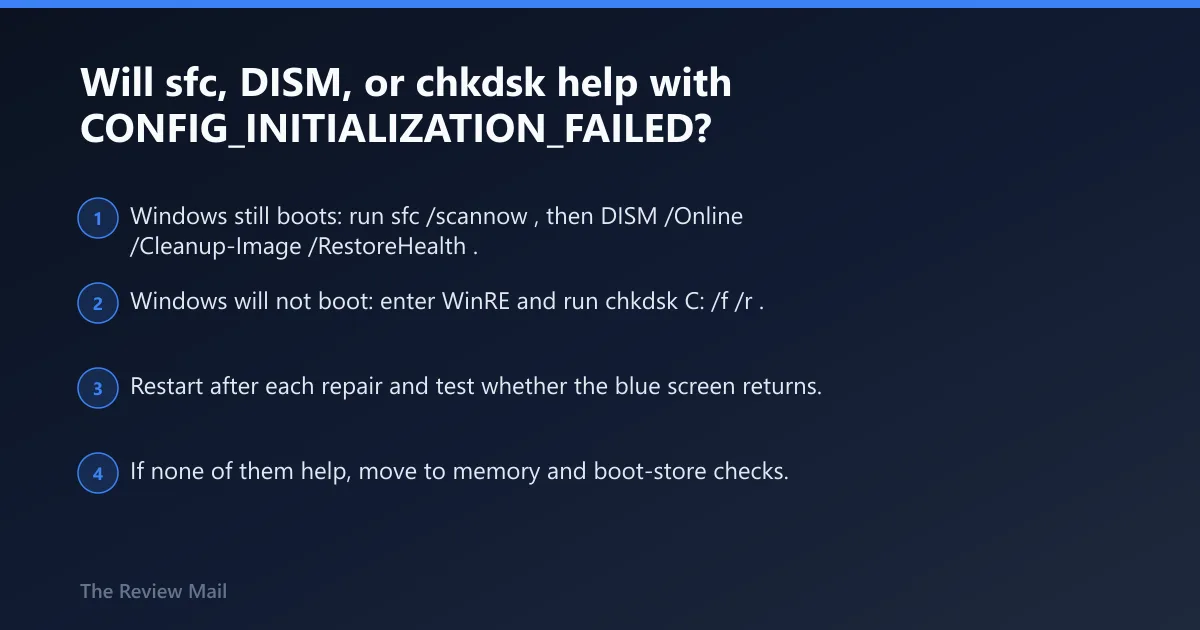
Yes, but they help different layers. SFC repairs protected system files, DISM repairs the Windows image and component store, and chkdsk checks the disk and file system. Use SFC and DISM when Windows still boots; use chkdsk when the machine is stuck in WinRE or shows storage symptoms. (Microsoft Learn) (learnmandu.com) (Microsoft Learn)
Use the right tool in the right order
- Windows still boots: run
sfc /scannow, thenDISM /Online /Cleanup-Image /RestoreHealth. - Windows will not boot: enter WinRE and run
chkdskC: /f /r. - Restart after each repair and test whether the blue screen returns.
- If none of them help, move to memory and boot-store checks.
What success looks like
If SFC or DISM finds corruption and repairs it, Windows may boot normally after a restart. If chkdsk reports bad sectors or repeated file system errors, treat the drive as suspect and copy data off it before more repair attempts. Repeated repair failures usually mean the fault is lower-level than a system file.
Could bad RAM or boot-store damage be the cause?
Yes. Unstable RAM can corrupt startup data before Windows finishes loading, and boot-store damage can block the handoff into the operating system. These are less common than registry or disk problems, but they matter when the machine still fails after file and disk repairs.
Test memory
- Open Start, type mdsched.exe, and open Windows Memory Diagnostic.
- Choose Restart now and check for problems.
- Review the result after restart.
- If errors appear, test each RAM stick separately or replace the faulty module.
Fix the boot-store only after the earlier checks
Use bootrec /fixmbr, bootrec /fixboot, and bootrec /rebuildbcd when WinRE still shows boot failure after disk and memory checks. If the system has recently had hardware changes, re-seat the drive and memory before repeating the repair chain.
Triage decision table for 0x00000067
| Symptom | Most likely cause | First safe test | Next escalation step |
|---|---|---|---|
| Boot loop at the logo, no desktop | Registry or startup configuration failure | WinRE > Command Prompt, then chkdsk C: /f /r | bootrec /fixmbr, /fixboot, /rebuildbcd |
| Desktop loads, then crashes after a recent change | Corrupted registry or bad update | sfc /scannow and DISM /Online /Cleanup-Image /RestoreHealth | System Restore from WinRE |
| Repeated restarts with disk noise or slow reads | Disk or partition damage | chkdsk C: /f /r | Back up data, then inspect the drive health and controller |
| Crash after memory upgrade or random startup failures | Unstable RAM | mdsched.exe | Test one module at a time, or replace the failing stick |
| WinRE only, boot files seem missing | Boot-store damage | bootrec /fixmbr | bootrec /fixboot then /rebuildbcd |
Still not working?
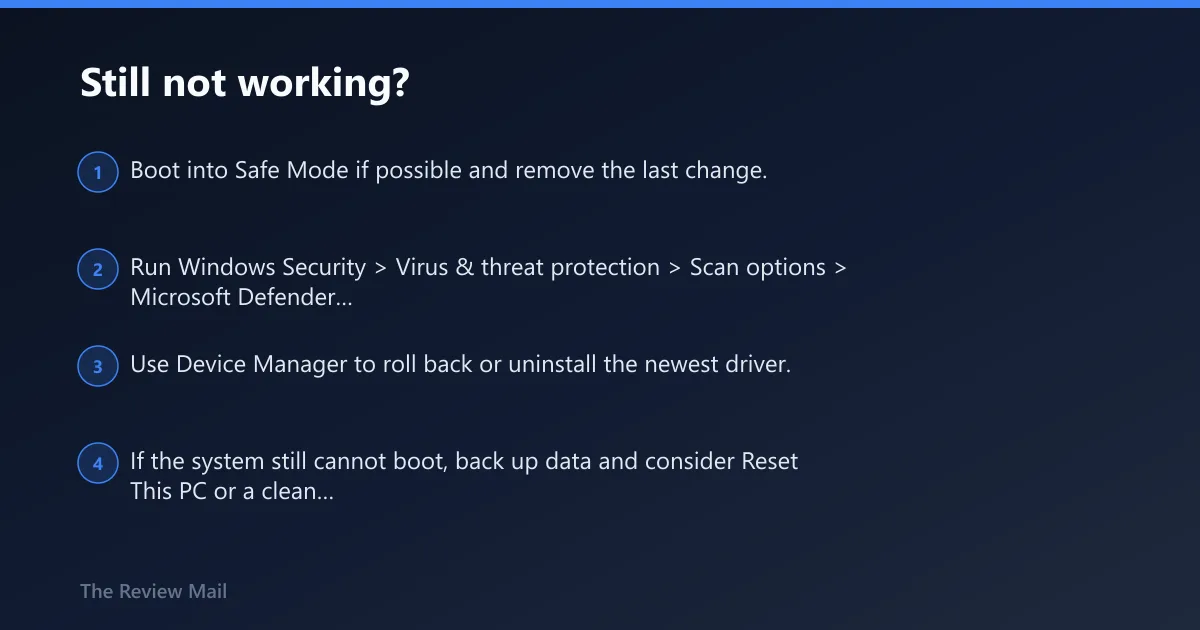
If the core checks fail, run a malware scan with Windows Security, including Full scan and Microsoft Defender Offline scan when Windows still opens. Update or reinstall recent drivers only after the startup, disk, and memory checks are clean. A clean installation belongs at the end of the ladder, not the beginning.
Next escalation ladder
- Boot into Safe Mode if possible and remove the last change.
- Run Windows Security > Virus & threat protection > Scan options > Microsoft Defender Offline scan.
- Use Device Manager to roll back or uninstall the newest driver.
- If the system still cannot boot, back up data and consider Reset This PC or a clean install.
Prevention: Keep regular backups, avoid registry cleaners, and install BIOS, storage, and chipset updates one at a time so the last change is easy to undo.
Frequently asked questions
Why does CONFIG_INITIALIZATION_FAILED happen during startup?
It can happen when Windows cannot allocate the pool needed to contain the registry files, or when something corrupts the early boot path. A recent registry change, damaged disk, or unstable memory is the first set of things to check in that order.
What should I run first if Windows keeps blue-screening with 0x67?
If Windows still opens, run sfc /scannow first, then DISM /Online /Cleanup-Image /RestoreHealth. If it does not open, go straight to WinRE and run chkdsk C: /f /r before trying boot repair commands.
Do I need to reinstall Windows for stop code 0x00000067?
Not first. Try registry rollback, sfc /scannow, DISM /Online /Cleanup-Image /RestoreHealth, chkdsk C: /f /r, mdsched.exe, and bootrec repair before considering a reinstall. If those fail and the data is backed up, a clean install becomes the last practical option.