0x000000d9: What It Means and How to Fix It on Windows
STOP code 0x000000D9 is LOCKED_PAGES_TRACKER_CORRUPTION, with a value of 0x000000D9. This indicates that the internal locked-page tracking structures have been corrupted and means Windows has detected a locked-page tracking failure. Use the crash dump, Event Viewer, and the device or module named in the output to guide the next step instead of guessing.
This guide is part of our Windows BSOD stop codes: full list and fixes series.
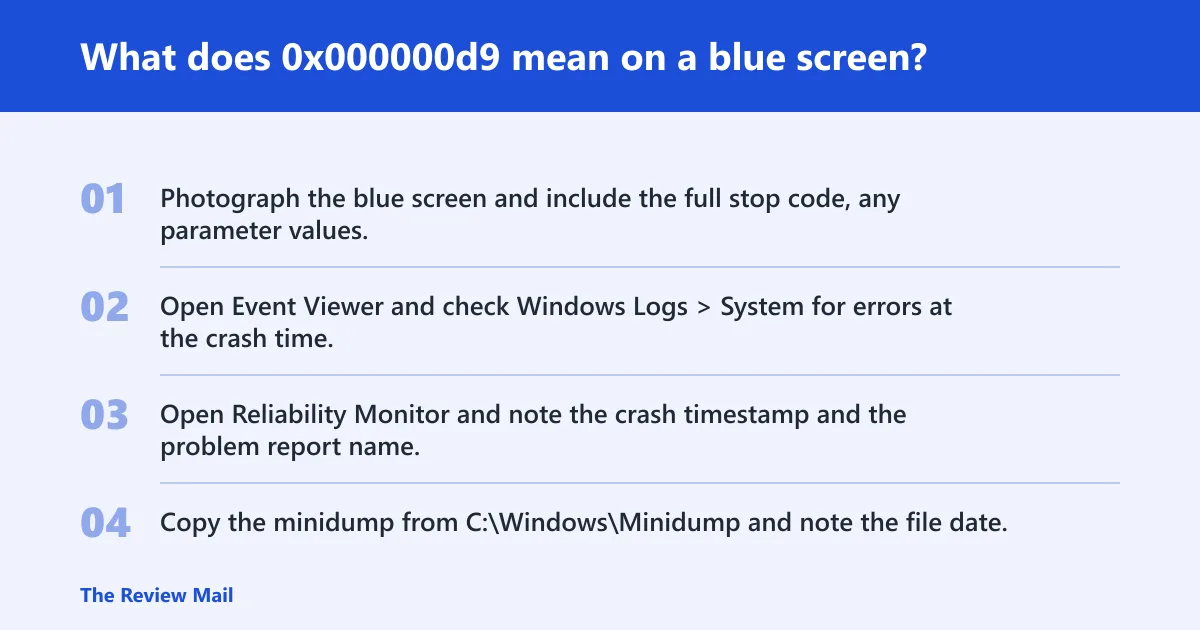
What does 0x000000d9 mean on a blue screen?
The bug check name is LOCKED_PAGES_TRACKER_CORRUPTION. Microsoft says parameter 1 indicates the type of violation, so the parameter values matter when you inspect the dump and the blue-screen photo.
What to capture before you change anything
- Photograph the blue screen and include the full stop code, any parameter values, and any driver name shown.
- Open Event Viewer and check Windows Logs > System for errors at the crash time.
- Open Reliability Monitor and note the crash timestamp and the problem report name.
- Copy the minidump from
C:\Windows\Minidumpand note the file date.
Suppose the screen shows a module name and the dump timestamp matches the reboot time. That is far more useful than a generic crash note.
What should I do first to separate the evidence?

Start with the dump and the stop parameters, then use them to identify the component named in the output. Microsoft says WinDbg’s !analyze extension can show bug check information, specific bug check codes, and added parameter context; kernel-mode dumps can contain more memory-state detail at failure, though reading them requires memory-register and assembly knowledge (per Microsoft support,-). (Microsoft Learn)
0x000000d9 triage worksheet
| What to collect | Where to find it | What it can confirm |
|---|---|---|
| Stop code and parameter values | Blue screen photo | Which violation type occurred |
| Crash time and recurring pattern | Event Viewer, Reliability Monitor | Whether the same device or update keeps appearing |
| Minidump or kernel dump | C:\Windows\Minidump or configured dump path | Last loaded module, stack, and driver path |
| WinDbg output | !analyze -v | Bug check code, parameters, named module |
Use the parameter values first. Parameter 1 can indicate the violation type and may be one of the quickest clues in this bug check family.
Decision table: what to do with the evidence
| Evidence | Next action | Goal |
|---|---|---|
| Recent driver install and a named module in the dump | Rollback, update, or uninstall that driver | Match the repair to the component named by the dump |
| File-system errors in Windows reports | Run a repair scan and reboot when prompted | Fix the reported file-system issue |
| Crash changes when peripherals are removed | Run the system with nonessential USB devices, docks, external storage, and add-in cards disconnected | Isolate the attached device path |
Is 0x000000d9 usually a driver problem?
The dump file has to confirm the component before you change anything. If the dump points to a device class, use the matching vendor package. If the vendor has a newer stable package, install it only after the dump points to that device class.
Driver fix path
- Open Device Manager and review recently installed or updated devices.
- Right-click the suspect device, choose Properties > Driver, then use Roll Back Driver if available.
- If rollback is unavailable, choose Uninstall device, restart, and let Windows reload the built-in driver.
- If the dump points to that device class, install the vendor’s newer stable package.
When to update versus roll back
Roll back when the BSOD started right after a driver change. Update when the dump points to the driver class and the vendor provides a newer stable package for that device.
Could storage or controller issues be triggering it?
If Windows reports file-system problems, use a repair scan and reboot when prompted. Check Device Manager > IDE ATA/ATAPI controllers or Storage controllers for the installed driver version if you need to compare what Windows has loaded with the device shown in the dump.
Storage fix path
- Open an elevated Command Prompt and run
chkdskC: /scan. - If Windows reports file-system problems, schedule a repair scan and reboot when prompted.
- Check Device Manager > IDE ATA/ATAPI controllers or Storage controllers to see what driver is installed.
- Use the dump output to decide whether a device update is relevant before changing anything.
Disk corruption or BIOS settings?
If the system reports file-system problems, address those first with a repair scan. If a BIOS setting changed before the crashes began, restore that setting before trying broader repairs.
Can faulty RAM or other hardware cause 0x000000d9 BSOD?
Hardware isolation is part of the troubleshooting process. Start by disconnecting nonessential devices, then test one memory module at a time if the system has multiple sticks.
Hardware fix path
- Run Windows Memory Diagnostic from the Start menu, or use memtest86 for a longer pass.
- Shut down and remove nonessential USB devices, docks, external storage, and add-in cards.
- Test with one memory module at a time if the system has multiple sticks.
- If errors follow one stick or slot, treat that as component isolation evidence, not a software problem.
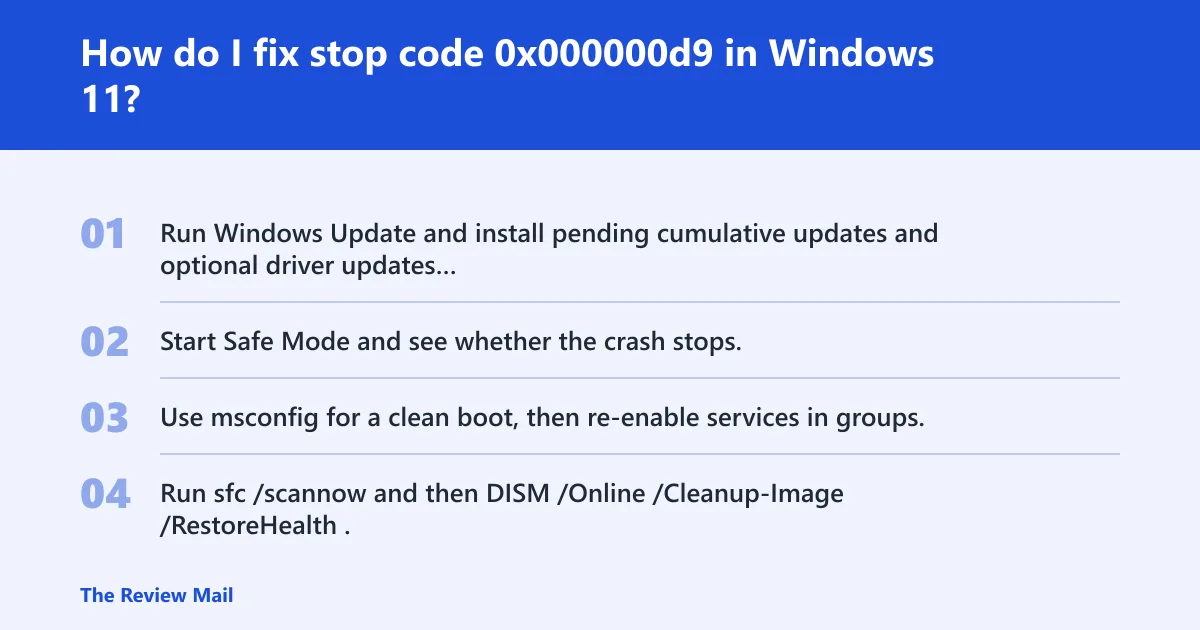
How do I fix stop code 0x000000d9 in Windows 11?
Use Windows 11’s normal repair path first: collect the dump, verify the named module or device class, then apply the matching repair. If the machine still crashes after the obvious repair, move to Safe Mode or a clean boot so you can narrow the trigger without loading the same startup stack.
If that didn’t work, try this next
- Run Windows Update and install pending cumulative updates and optional driver updates only after you have evidence from the dump or device class.
- Start Safe Mode and see whether the crash stops.
- Use msconfig for a clean boot, then re-enable services in groups.
- Run
sfc /scannowand thenDISM /Online /Cleanup-Image /RestoreHealth.
When repeated crashes point higher up the stack
If the same stop returns after a clean boot, keep using the dump, parameters, and recent change history to narrow the trigger. If system files fail repair, consider Reset This PC after backing up data.
How do I check the minidump for 0x000000d9?
Open the minidump in WinDbg and run !analyze -v. Microsoft says the extension can show bug check information, the specific bug check code, and parameter data, while kernel-mode dump analysis may also need processor memory-register and assembly knowledge (per Microsoft support,-).
WinDbg triage steps
- Install WinDbg, then open the latest file in
C:\Windows\Minidump. - Run !analyze -v.
- Record the bug check code, parameter values, and any module named in the output.
- Check whether the named module matches a recent driver or device change.
What should I do if 0x000000d9 keeps happening after reboot?
When the crash repeats after reboot, treat it as a persistent trigger. The next step is to isolate startup code, verify recent changes, and decide whether Windows repair or vendor support is the faster path.
Escalation ladder
- Boot into Safe Mode and check whether the stop still occurs.
- Use a clean boot with msconfig, then add services back in small groups.
- Review Reliability Monitor for a repeated driver, firmware, or update name.
- If system files fail repair, consider Reset This PC after backing up data.
Should I update or roll back a driver for 0x000000d9? Roll back after a fresh failure tied to a recent driver change. Update only when the dump or event data points to that driver class, or when the vendor release addresses the device shown in the output.
Frequently asked questions
Is 0x000000d9 a driver problem or a hardware problem?
Either can be involved, but the dump decides which path comes first. Use the parameter values and the named module to guide the next step.
Can faulty RAM cause a 0x000000d9 BSOD?
If memory diagnostics report errors, test one memory module at a time. If errors follow one stick or slot, treat that as component isolation evidence.
Is 0x000000d9 related to disk corruption or BIOS settings?
Check for file-system problems with chkdsk C: /scan. If a BIOS setting changed before the crashes began, restore that setting before trying broader repairs.
Why does 0x000000d9 happen on an ASUS PC?
The same evidence rules apply on any PC: dump file, parameters, device or module name, and recent change history. Use the ASUS support page for the exact model if you need model-specific driver or firmware downloads.
0x000000d9 locked pages tracker corruption?
That is the bug-check name tied to this code. Use the dump and parameter values to determine what changed.
Why does 0x000000d9 keep coming back?
Because the triggering component or condition is still present. Compare the newest dump with the previous one and look for the same module, device class, or parameter pattern.