IRQ Interrupt Request: What It Means in Windows
“IRQ Z ang interrupt request” is best read as an interrupt request term: hardware devices use IRQs to signal the CPU that a device needs attention, and in Windows BSODs it usually matters only when a driver or device is failing, not when the text is just part of a crash name. Ignoring the difference can send you chasing the wrong part, replacing hardware that is fine or missing the driver that actually caused the stop error. This guide explains the hardware meaning, how Windows uses IRQ-related wording in blue screens, and when it is a real fault signal. For the underlying mechanics, Microsoft’s Windows Internals documentation and the Windows Driver Kit describe how interrupts, interrupt service routines, and driver stacks fit together; Intel’s APIC documentation and ACPI summaries explain how modern systems route them.
What irq means here
In this context, IRQ means interrupt request. It is the hardware signal that asks the CPU to stop briefly and service a device, then return to normal work. That matters in Windows because keyboard input, network traffic, and timer ticks all depend on interrupt handling, even though most of that work stays invisible unless something breaks. In modern PC architecture, this interrupt routing is handled through platform firmware and chipset logic rather than a single simple “wire to the CPU” model, which is why Microsoft and Intel both treat interrupts as part of a layered platform path rather than a standalone device fault.
Why “z ang” is probably noise
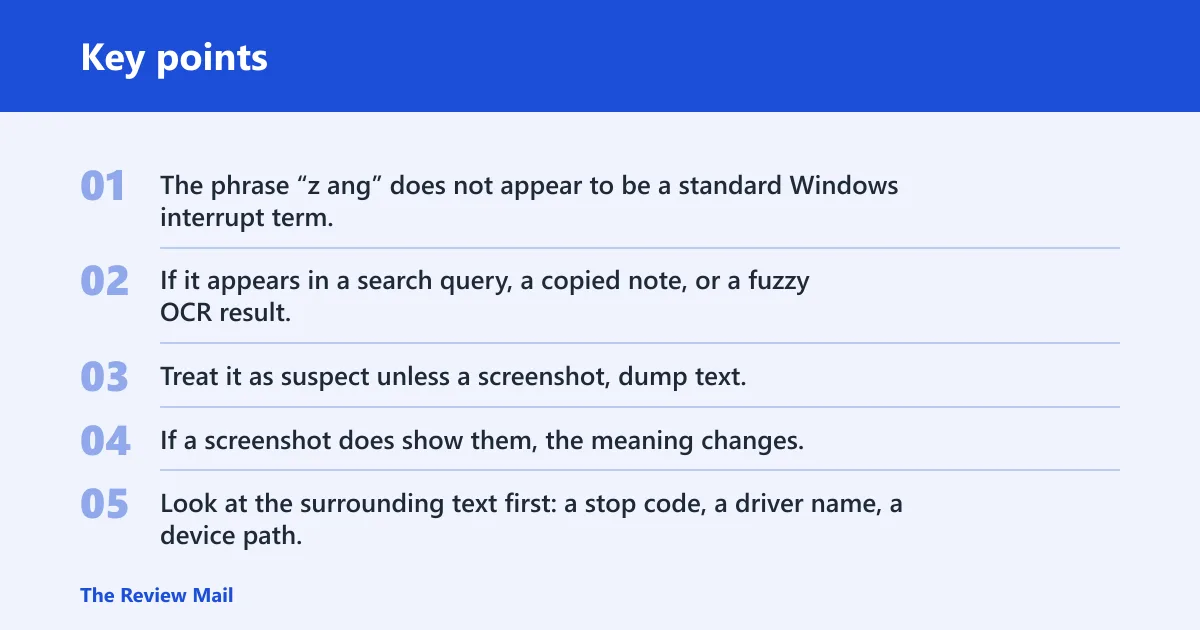
The phrase “z ang” does not appear to be a standard Windows interrupt term. If it appears in a search query, a copied note, or a fuzzy OCR result, it is more likely a typo, stray text, or noisy keyword variation than a real error code. Treat it as suspect unless a screenshot, dump text, or event entry shows those exact characters.
If a screenshot does show them, the meaning changes. Look at the surrounding text first: a stop code, a driver name, a device path, or an Event Viewer entry can turn a meaningless fragment into a useful clue. Without that context, the safer reading is that the phrase is not a canonical Windows error string.
IRQ basics for Windows
An interrupt request is a mechanism hardware devices use to get the processor’s attention. The CPU stops its current work, services the request, then returns to what it was doing. In Windows, that attention path is usually routed by system firmware and chipset logic, so the visible failure is often a driver issue or hardware fault, not “IRQ” by itself. Microsoft’s interrupt architecture documentation and Windows Internals materials describe this as a coordinated CPU, kernel, and driver process rather than a direct one-to-one device alarm.
Common device sources include the system timer, keyboard, and network card. The timer keeps scheduling moving. The keyboard sends input events. Network hardware uses interrupts to report packet work. Those are ordinary background tasks until a device, driver, or firmware problem turns the interrupt path into a crash trigger.
Isr vs irq
IRQ is the request. ISR is the code that runs after the request is accepted. In Windows troubleshooting terms, that difference matters because the interrupt itself is not the failure; the interrupt service routine or its driver may be where the fault shows up. People often use the two terms loosely, but they point to different parts of the same flow. Microsoft’s kernel documentation distinguishes the interrupt request from the deferred or immediate handling work that follows.
What an interrupt service routine does
The CPU starts executing an interrupt handler routine after an IRQ. That routine handles the device event, clears or acknowledges the condition, and then returns control to the interrupted work. If the handler is buggy, delayed, or pointed at bad hardware, the fault may appear as a driver crash, a system hang, or a blue screen.
Picture a wireless adapter that reports activity through an interrupt, but its driver is unstable after a firmware update. The IRQ is just the signal path. The failing code is the handler chain beneath it. In a Windows dump, the visible stop code may name a driver, a memory corruption pattern, or a device timeout rather than “IRQ” as a direct cause.
Interrupt terms table
This table maps the interrupt words you are most likely to see while diagnosing a Windows crash. The last column matters most for BSOD work: some terms are background mechanics, while others can point toward a hardware fault or firmware problem.
| Term | Role | Can it be masked? | Typical Windows relevance | Likely direct BSOD cause? |
|---|---|---|---|---|
| IRQ | Hardware signal that asks the CPU to stop briefly and service a device | Can be maskable or non-maskable, depending on the interrupt type | Shows up in device routing, driver behavior, and hardware attention paths | Usually no; it is more often the path where a driver or device failure appears |
| ISR | Code that runs after the interrupt is accepted | No, because it is code, not a signal | Can matter when a driver’s handler is faulty or badly timed | Yes, indirectly, if the handler or driver misbehaves |
| NMI | Non-maskable interrupt for critical system errors | No; it cannot be disabled or ignored by the processor | Used for serious hardware failure reporting, including memory parity errors | Yes, more plausibly than a routine IRQ because it points to critical faults |
| Interrupt handler | Routine that services the interrupt and returns the CPU to previous work | No, because it is the response routine | Relevant when a driver, firmware component, or device path fails during servicing | Sometimes, especially if the handler belongs to the device named in the crash |
IRQ numbers and shared lines
An IRQ number is a kernel identifier for a hardware interrupt source. It labels the source inside the system rather than the device itself, and several devices may be connected to the same pin and share an IRQ. That is why an IRQ number is not the same thing as “the interrupt” and not a reliable stand-alone blame label.
What IRQ numbers look like in practice
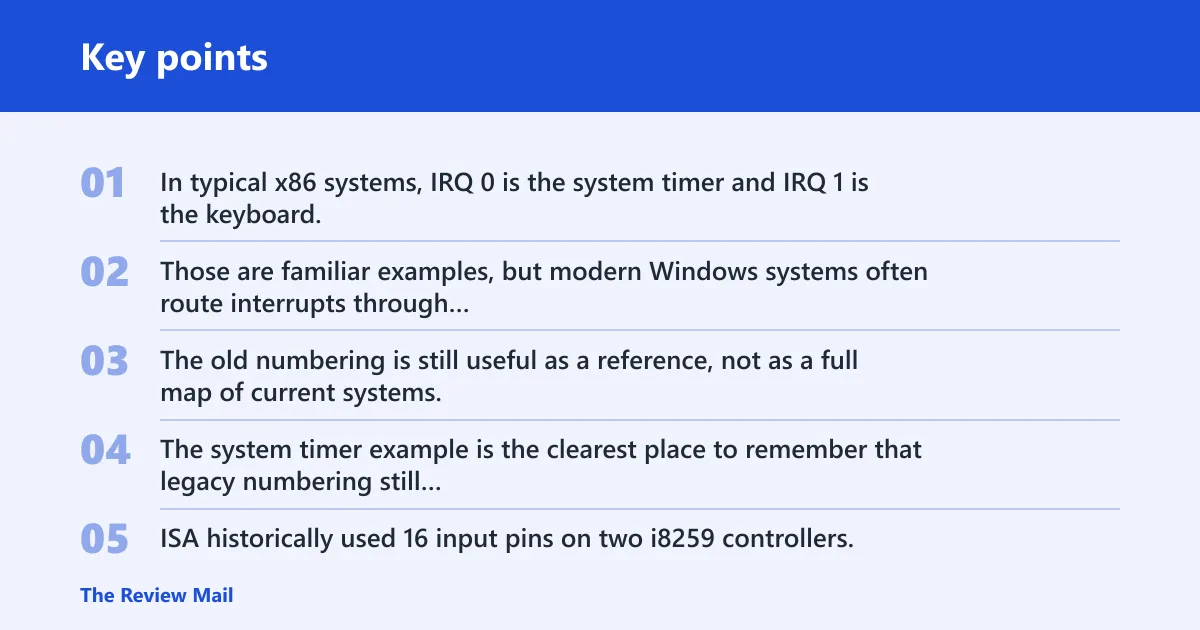
In typical x86 systems, IRQ 0 is the system timer and IRQ 1 is the keyboard. IRQ 12 is the PS/2 mouse. Those are familiar examples, but modern Windows systems often route interrupts through ACPI, APIC, and MSI paths rather than the older ISA picture many guides still describe. The old numbering is still useful as a reference, not as a full map of current systems. The system timer example is the clearest place to remember that legacy numbering still appears in Windows discussions even when the delivery mechanism is modernized.
ISA historically used 16 input pins on two i8259 controllers. That model helps explain why older diagrams talk about fixed IRQ lines. Modern platforms can assign additional meaning to IRQ numbers, and multiple devices can end up sharing a line or being routed through a different interrupt mechanism entirely. That is normal, not automatically broken. Intel’s APIC documentation and ACPI summaries are the right references here: APIC expands interrupt delivery beyond legacy PIC wiring, while ACPI tables describe the firmware-described hardware Windows enumerates at boot.
How shared IRQs work
Shared IRQs are common in modern systems. Multiple devices can sit on the same interrupt source, and the operating system or driver stack sorts out which device asked for service. The presence of sharing does not mean a conflict by itself. It only becomes suspicious when a driver cannot handle shared routing cleanly or a device keeps generating bad interrupts.
Suppose two PCI devices share an interrupt source and one of their drivers starts crashing after a firmware update. The shared line is still just infrastructure. The crash usually comes from the driver, the firmware, or the device state, not from sharing alone. That is the distinction that matters during BSOD triage.
Legacy PIC/ISA vs APIC/MSI/MSI-X in modern Windows
Older troubleshooting guides often describe “IRQ conflicts” as if every device still used a fixed ISA line through the 8259 PIC. That model is useful historically, but it is incomplete for modern Windows. Legacy PIC/ISA describes the older fixed-IRQ world with a small number of lines and manual resource assumptions. MSI and MSI-X go further by letting devices signal interrupts with in-band messages rather than a shared physical line.
For Windows troubleshooting, that means a “conflict” is usually not the old-style one-to-one IRQ collision people remember from ISA expansion cards. The real issue is more often one of these: a bad driver request, a firmware routing problem, a device that misbehaves under MSI/MSI-X, or a chipset/BIOS setting that changes interrupt delivery. So if a blue screen or Device Manager message mentions interrupts, do not assume “fixed IRQ 5 conflict” logic unless you are actually on legacy hardware or a compatibility path.
Can irq cause a bsod?
An IRQ can be involved in a BSOD, but it is rarely the full explanation. More often, the interrupt path is where a driver fault, firmware issue, or hardware error becomes visible. If a blue screen names a driver, device class, or memory corruption pattern, treat IRQ wording as context, not as the root cause.
What blue screen wording usually means
On a Windows blue screen, “IRQ” language by itself is usually background terminology. If the screen or dump references an NMI, that is generally more serious: non-maskable interrupts are typically not disabled or ignored by the processor and are used for critical system errors, including hardware failures and memory parity errors.
That is why a direct “IRQ caused the BSOD” reading is often too simple. The interrupt is the delivery path. The crash can come from the device, the driver, the chipset route, or firmware behavior that breaks during interrupt servicing.
Windows clues that point away from IRQ alone
Check whether the stop code names a specific driver, whether the system logs show hardware errors, and whether the crash repeats after a device swap or driver rollback. If the problem changes when you disable one adapter, update firmware, or move a card to a different slot, the interrupt path may be involved, but the fault is still likely downstream from the IRQ term itself.
A common first-timer mistake is to see “IRQ” in a forum post and jump straight to motherboard replacement. A better reading is narrower: treat it as a routing or handler clue first, then look for the exact device, driver version, or firmware revision that sits behind it.
How to check interrupt-related clues in Windows
Start with the places Windows already exposes interrupt and device-routing information. Device Manager can help, but it is not the only place to check; System Information, Event Viewer, and dump-analysis tools are also commonly used. Resource details are often found under a device’s Resources tab, and broader interrupt-related information can also appear in System Information. Those views are better than guessing from a stop code alone.
Useful checks in Windows
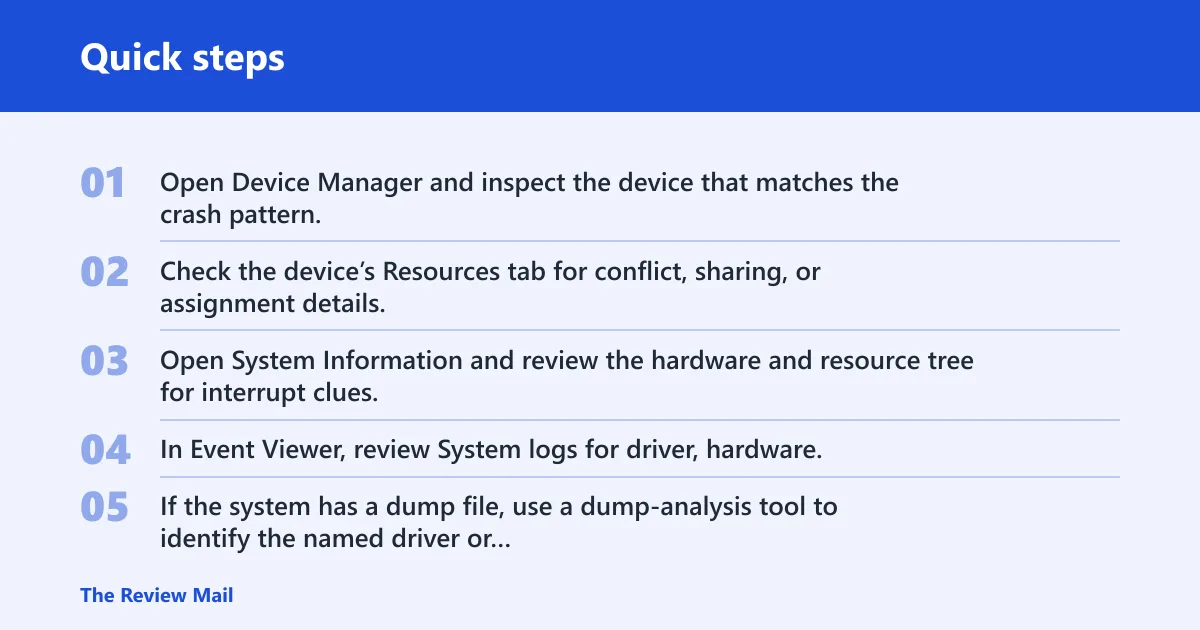
- Open Device Manager and inspect the device that matches the crash pattern.
- Check the device’s Resources tab for conflict, sharing, or assignment details.
- Open System Information and review the hardware and resource tree for interrupt clues.
- In Event Viewer, review System logs for driver, hardware, or kernel entries near the crash time.
- If the system has a dump file, use a dump-analysis tool to identify the named driver or failing module before changing BIOS settings.
What to note before changing settings
Write down the exact stop code, the named driver, the device type, and whether the failure happens at boot, sleep, wake, or heavy load. Those details separate a driver path from a hardware one. If the crash began after a BIOS update, driver update, or new add-in card, treat that change as the first suspect.
Modern Windows systems often use ACPI, APIC, and MSI routing, so older advice about fixed IRQ conflicts can be misleading. That does not make interrupt terminology useless. It just means the useful question is not “which IRQ number exists?” but “which device, driver, or firmware layer is breaking the interrupt path?” Microsoft’s hardware troubleshooting guidance and Intel/ACPI platform documentation are the best place to anchor that distinction.
Interrupt troubleshooting matrix
Use this plain-text map to separate the symptom from the likely layer and the Windows place to check next. It is intentionally simple so you can move from a blue-screen clue to the right diagnostic path without overreading “IRQ” as a standalone cause.
| Symptom | Likely layer | Where to check in Windows |
|---|---|---|
| Stop code names a specific device driver | ISR / driver | Event Viewer, Device Manager, dump file analysis |
| Crash happens only when a device is active | IRQ path or driver | Device Manager, Resources tab, driver version details |
| Crash started after BIOS or firmware update | Firmware / platform routing | System Information, BIOS/UEFI settings, Event Viewer |
| System shows hardware error or parity-related message | Hardware | Event Viewer, dump analysis, hardware diagnostics from vendor tools |
| Problem follows one add-in card or external device | Hardware or driver | Device Manager, driver rollback, port/slot change, system logs |
| Interrupt-related wording appears but no device is named | IRQ path or general kernel handling | Dump analysis, System Information, crash timing and repeatability |
Frequently asked questions
What is irq interrupt request?
IRQ means interrupt request. It is the hardware signal a device uses to get the CPU’s attention, temporarily suspend normal instruction execution, and ask for service. In Windows troubleshooting, the term matters because it points to a device communication path, not to a stop code by itself.
Isr vs irq: iRQ is the signal
IRQ is the signal. ISR is the code that runs after the signal is accepted. In practical Windows terms, the IRQ asks for attention and the ISR does the work. That is why a crash may be blamed on a driver or handler even though the interrupt itself is only the trigger.
What does irq mean on a blue screen?
On a blue screen, IRQ language usually means the crash touched a hardware interrupt path or a driver handling that path. It does not automatically mean the interrupt line is bad. More often, the driver, firmware, or device behind the interrupt is the real problem, and the stop code gives the stronger clue.
Can irq cause bsod in windows?
Not directly in most cases. An IRQ can be involved when a device, driver, or firmware error appears during interrupt handling, but the BSOD usually comes from the failing component, not the request signal itself. If NMI appears, treat it as a more serious hardware-error clue than ordinary IRQ wording.
What is the difference between irq and interrupt?
In this topic, an interrupt is the broad event that diverts the CPU from normal work, while IRQ is the hardware request used to cause that diversion. Windows users often blur the terms, but the distinction helps: the interrupt is the event, and the IRQ is one common way hardware asks for service.
What devices use irq lines
Common examples include the system timer, keyboard, mouse, and network adapter. In typical x86 numbering, IRQ 0 is the system timer, IRQ 1 is the keyboard, and IRQ 12 is the PS/2 mouse. Many other devices can use interrupts too, often through shared routing on modern systems.
What is a non-maskable interrupt?
A non-maskable interrupt, or NMI, is an interrupt the processor cannot ignore or disable in normal operation. In PC systems it is associated with critical conditions such as serious hardware faults or parity-type errors. In Windows crash triage, NMI is more urgent than ordinary IRQ language because it usually signals a hard failure path rather than a routine device request.
What is an IRQ number?
An IRQ number is the system’s identifier for a hardware interrupt source. It is a routing label, not the device name itself. On legacy x86 systems, the number often matched a familiar fixed line, but on modern Windows systems it may reflect APIC or firmware-based routing rather than an old ISA pin assignment.
How do shared IRQs work?
Shared IRQs let multiple devices use the same interrupt source. Windows and the device drivers determine which device needs service when the interrupt fires. Sharing is normal on modern PCs and does not mean something is broken unless a driver cannot handle the shared path or a device repeatedly misbehaves.
Why do interrupts matter in a pc?
Interrupts matter because they let the CPU respond quickly to hardware events without constantly polling every device. That is how input, storage, networking, timers, and power-related events stay responsive. In Windows, interrupts are one of the core mechanisms that keep the system fast and coordinated, so when an interrupt path breaks, the symptoms can range from lag to driver failure to a BSOD.
What is the difference between legacy pic isa and apic msi msix?
Legacy PIC/ISA uses fixed interrupt lines and older controller logic. APIC adds more flexible interrupt routing across CPUs and devices. MSI and MSI-X let devices generate interrupts by message instead of by a dedicated shared line, which reduces many old-style conflict issues. That is why fixed-IRQ troubleshooting advice can be misleading on modern Windows PCs.
Sources
Microsoft Learn: Windows Driver Kit and Windows kernel interrupt architecture documentation; Microsoft Windows Internals references on interrupt handling and driver flow. Intel 64 and IA-32 Architectures Software Developer’s Manual, APIC chapters. Advanced Configuration and Power Interface (ACPI) specification summaries and firmware-routing overviews. PC architecture references covering legacy ISA interrupt mappings, 8259 PIC behavior, and common IRQ numbering such as IRQ 0 for the system timer.