What Is Windows 16? The Real Meaning
“Windows 16” is not a current Microsoft operating system. People usually mean Windows 10, a 16-bit Windows version from the 1990s, or the old Windows 95 “Windows 16-bit/32-bit” compatibility terms. Misreading it can send you to the wrong download, the wrong troubleshooting steps, or the wrong product page. This guide separates the term into the meanings people actually intend and shows how to tell them apart.
What people mean by Windows 16
The short answer is simple: there is no mainstream current Microsoft product officially called Windows 16. If you found the phrase in search results, it is usually a mix-up with Windows 1607, Windows Server 16, Microsoft Office 16, or 16-bit Windows history. The next step depends on which one you actually need.
Windows version meanings
| Search phrase | What the reader probably means | Whether it is a real Microsoft product/version | Correct next step |
|---|---|---|---|
| Windows 16 | A supposed Windows release, or a confused search for a Windows version number | No mainstream current consumer release is documented under that name | Check whether you meant Windows 11, Windows 10 1607, Windows Server 16, or Win16 history |
| Windows 1607 | Windows 10, version 1607 | Yes, it is a real Windows 10 version label | Look for Windows 10 documentation, update history, or installation media guidance |
| Windows Server 16 | Windows Server 2016 | Yes, this is a real server product name | Use Windows Server 2016 documentation and support pages |
| Microsoft Office 16 | Office 2016-era Microsoft Office branding | Yes, Office uses its own version naming | Open Office help or product support, not Windows help |
| Windows 16 bit | 16-bit Windows, also called Win16 | Yes, as a historical software model | Read about Windows 3.x-era applications and DLLs |
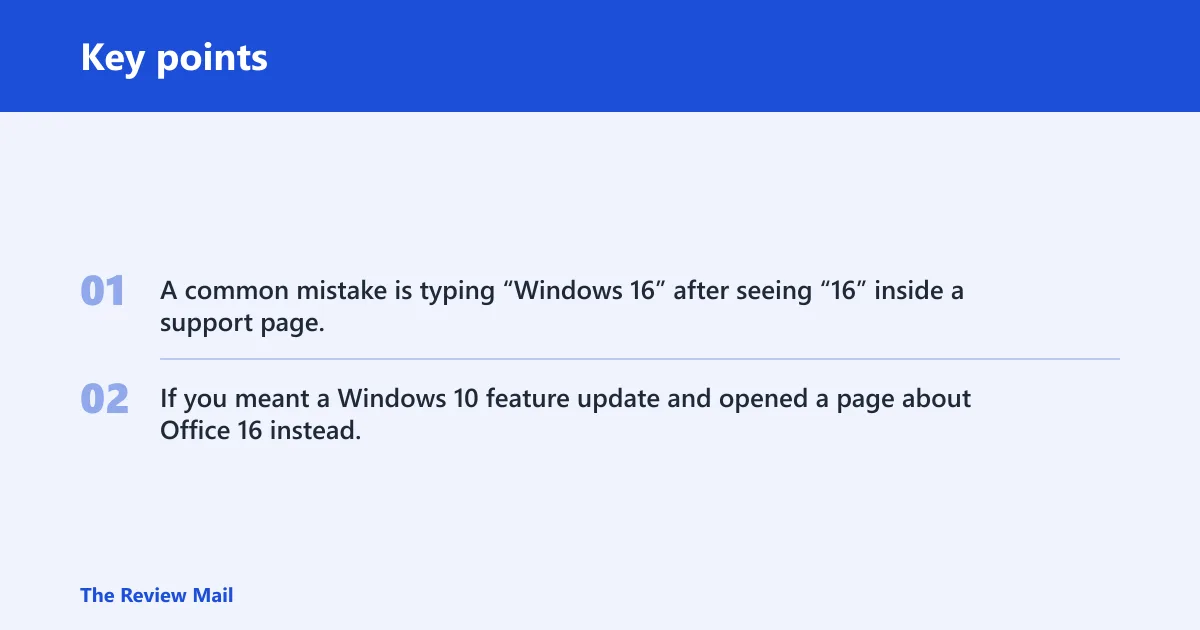
A common mistake is typing “Windows 16” after seeing “16” inside a support page, then landing on the wrong product family. If you meant a Windows 10 feature update and opened a page about Office 16 instead, the product names are both real, but the fix path is different.
What is Windows 16 bit?
“Windows 16-bit” refers to Win16, the older Windows 3.x era software model. It is tied to Windows 3.x applications and DLLs, not to a modern consumer Windows release. If you are seeing this phrase in developer notes or old compatibility discussions, it points to historical software behavior, not a current operating system.
Why Win16 shows up in searches
Win16 often appears because older documentation still talks about far functions, segmented memory, and memory models used by 16-bit programs. Digital Mars describes Win16 as Windows 3.x applications and DLLs. It also notes that Windows 3.0 and later remove any advantage to the Medium memory model, which places the topic in legacy development, not modern Windows.
What to do with that result
- If you need to run old software, look for compatibility options tied to the specific app, not a new Windows release.
- If you are reading source code or build notes, treat Win16 as legacy Windows 3.x material.
- If you are trying to download Windows today, ignore Win16 and move to Windows 11 or Windows 10 guidance.
Did Microsoft ever make Windows 16?
Microsoft did make Windows products with numbered versions, but not a current consumer release officially called Windows 16. What people often see instead are version labels, product families, or legacy compatibility terms. The confusion usually comes from the number 16 appearing in Windows 1607, Office 16, or Win16, each of which means something different.
Why the naming gets mixed up
Microsoft naming is not one system. Windows versions can use release labels like 1607 or 26H2, server products use year-based names like 2016, and Office has its own version numbering. That is why “Windows 16” can point to three different things without being an actual product name.
What the current consumer line
Windows 11 is Microsoft’s current consumer Windows line. Feature updates arrive through Settings > Windows Update, and Microsoft says to turn on Get the latest updates as soon as they’re available if you want newer features sooner. Those updates may still be subject to controlled feature rollouts or safeguard holds.
If a laptop shows “Windows 11” in Settings but a web search result says “Windows 16,” trust the product name in Settings, not the search snippet. If the device already runs Windows 11, the relevant question is usually which feature version is installed, not whether a new product called Windows 16 exists.
How do you get the latest Windows version?
If you want the newest consumer Windows release on a supported device, start in Settings > Windows Update. Microsoft says to turn on Get the latest updates as soon as they’re available, which is the normal path for feature updates on Windows 11. If the update is not offered yet, a safeguard hold may be delaying it.
Use Windows Update first
Windows Update is the standard delivery path for feature updates. For Windows 11, Microsoft notes controlled feature rollouts, so one PC may see an update before another even when both are eligible. That is normal and does not mean the update is missing.
When Media Creation Tool fits better
Microsoft’s Media Creation Tool downloads installation media for Windows 11 and Windows 10. It can create USB install media or an ISO file, and Microsoft says a blank USB flash drive needs at least 8 GB of space. An ISO file is useful for virtual machines or DVD burning. (Microsoft Support)
When reinstalling is the goal
If the issue is a damaged install rather than an update delay, installation media can be the better route. Microsoft still documents Windows 10 and Windows 11 media creation guidance, and Windows 10 media is often referenced even though support ended on October 14, 2025. That guidance helps with repair installs and clean installs on the right edition.
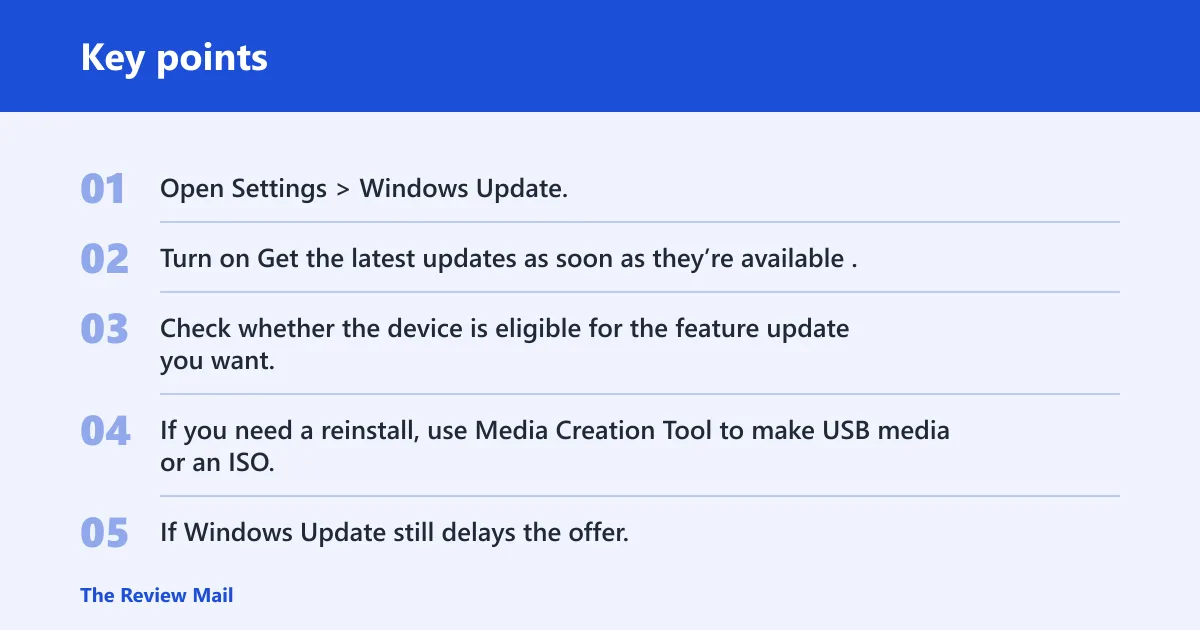
- Open Settings > Windows Update.
- Turn on Get the latest updates as soon as they’re available.
- Check whether the device is eligible for the feature update you want.
- If you need a reinstall, use Media Creation Tool to make USB media or an ISO.
- If Windows Update still delays the offer, look for a safeguard hold before forcing changes.
Windows 11 versus Windows 10
Windows 11 is the current consumer line, and Windows 10 is still part of Microsoft’s installation media guidance even though support ended on October 14, 2025. If you are deciding what to install or upgrade, the first question is whether your device should stay on Windows 11 or whether you need Windows 10 media for a specific repair or deployment task.
Windows 11 in practical terms
Windows 11 is the product line to follow if you want current consumer updates. Microsoft’s update naming can look like code, but version labels such as 26H2 are just release names. For eligible devices, version 26H2 is a 2026 release name and can arrive as a small enablement package on Windows 11 versions 25H2 and 24H2. It resets the support lifecycle for that release.
Windows 10 in practical terms
Windows 10 remains relevant in Microsoft’s installation media guidance, and Media Creation Tool can still create Windows 10 media. That matters if you are repairing a system, rebuilding a lab machine, or handling older deployment paperwork. It does not mean Windows 10 is the current consumer line.
How to read the version numbers
Release names, build labels, and product names are not the same thing. Windows 11 is the product family. 26H2 is a feature update name. Windows 10 1607 is an older Windows 10 version. Windows Server 16 is a server product name, not a consumer Windows release. Office 16 is a separate product line again.
What is Windows 16 release date?
There is no documented consumer release date for a mainstream Microsoft product officially called Windows 16. If you are looking for a date, the safer conclusion is that the term itself is probably the wrong one. Use the version number or product family you actually saw on the device, in the installer, or in the support note.
Decision path if you saw “16”
If the “16” came from Windows Update, look at the installed Windows version. If it came from a repair guide, check whether the page means Windows 10 1607. If it came from server paperwork, it may mean Windows Server 2016. If it came from old software notes, it may be Win16.
Frequently asked questions
What is Windows 16?
Windows 16 is usually a mistaken search phrase, not a real current Microsoft consumer release. The next step is to identify which product family your device, document, or search result actually names.
Is there a Windows 16 release date?
No mainstream consumer Windows 16 release date is documented. If a result mentions a date, it is probably talking about another product name or version label.
Is Windows 1607 the same as Windows 16?
No. Windows 1607 is a real Windows 10 version label, while “Windows 16” is a vague search phrase with no mainstream consumer release behind it. If you saw 1607 in a support note or installer page, the correct path is Windows 10 documentation, not a search for a Windows 16 product.